Oh goddd 
Well, you have to set priorities.
LOL this is true. It’s what the baby Jesus would have wanted. 
Christmas is peaceful. No one disturbs you. I expect a fully functional, absolutely blimmin’ noodled openbox desktop on the 27th 
This is also true, I just hope OpenBox won’t be too disturbing to start with.
In case you need IT support on new icon, I can help a bit from the side 
hehehe Oh don’t worry my friend Dirn, I pencilled you in already.
If you have no expectations, disappointment is all the easier
LOL how did you know about my life.
Catch you all later, thanks for all the help, you lot are absolutely tip-top. 
Loads ISO and prepares to journey into the abyss
Have fun. I’m excited to see what you come up with
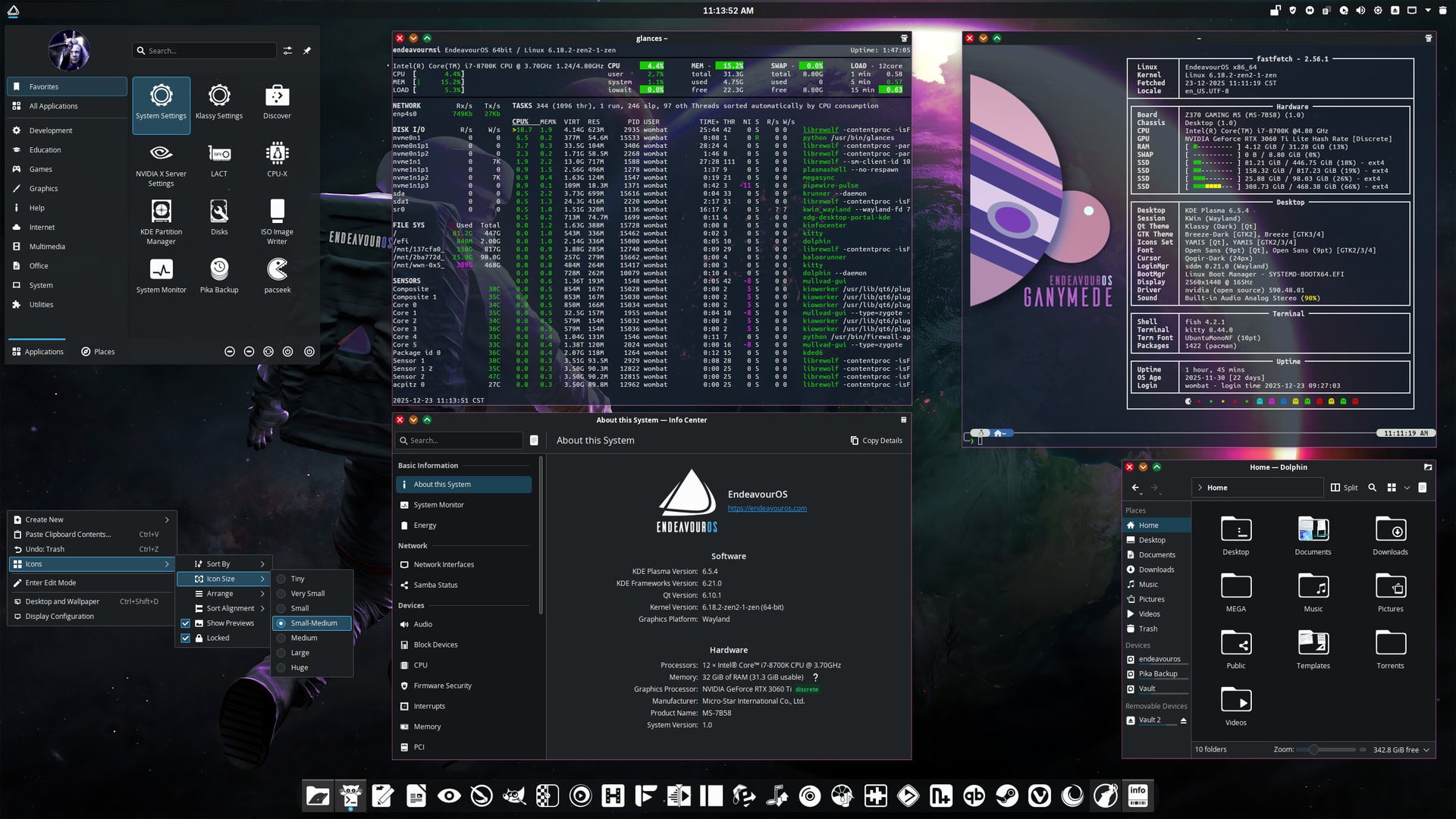
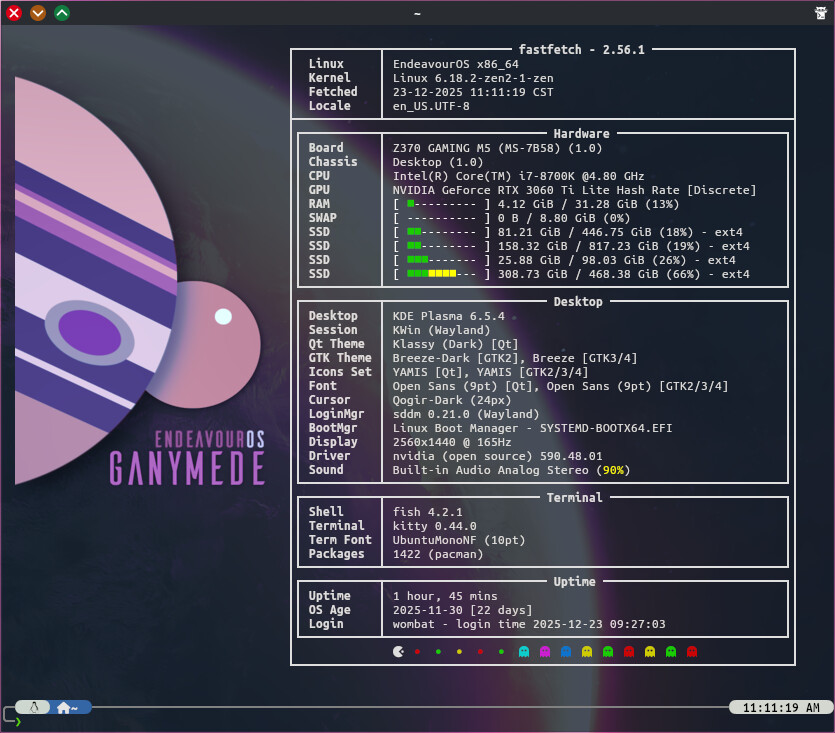
Said in the voice of the narrator on Big Brother…
Day one in the OpenBox house, Noodly is the first to arrive. He looks uneasy.
The look of someone who just got back from a surfing holiday in a warzone.
What’s this? he’s gone straight to the kitchen for an armful of unhealthy snacks and now appears to be hiding under a duvet.
Noodly to the diary room please, Noodly to the diary room!
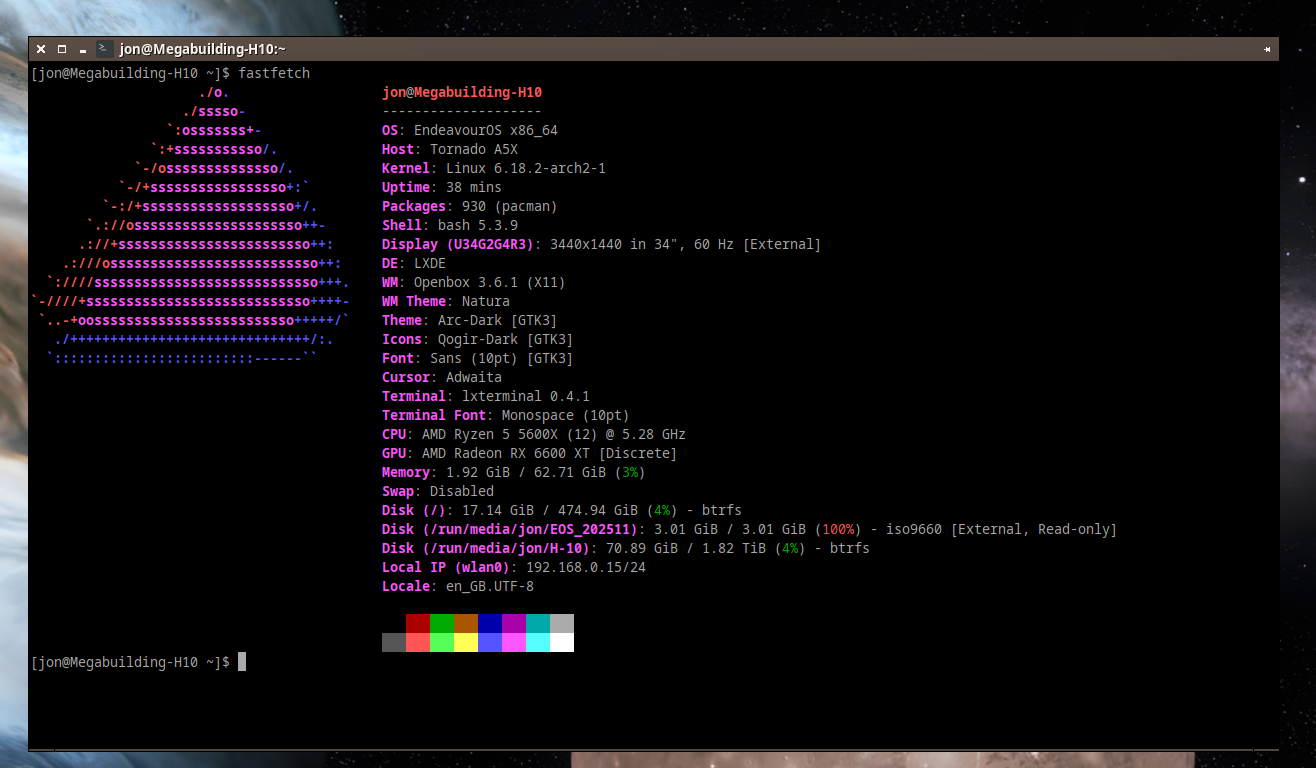
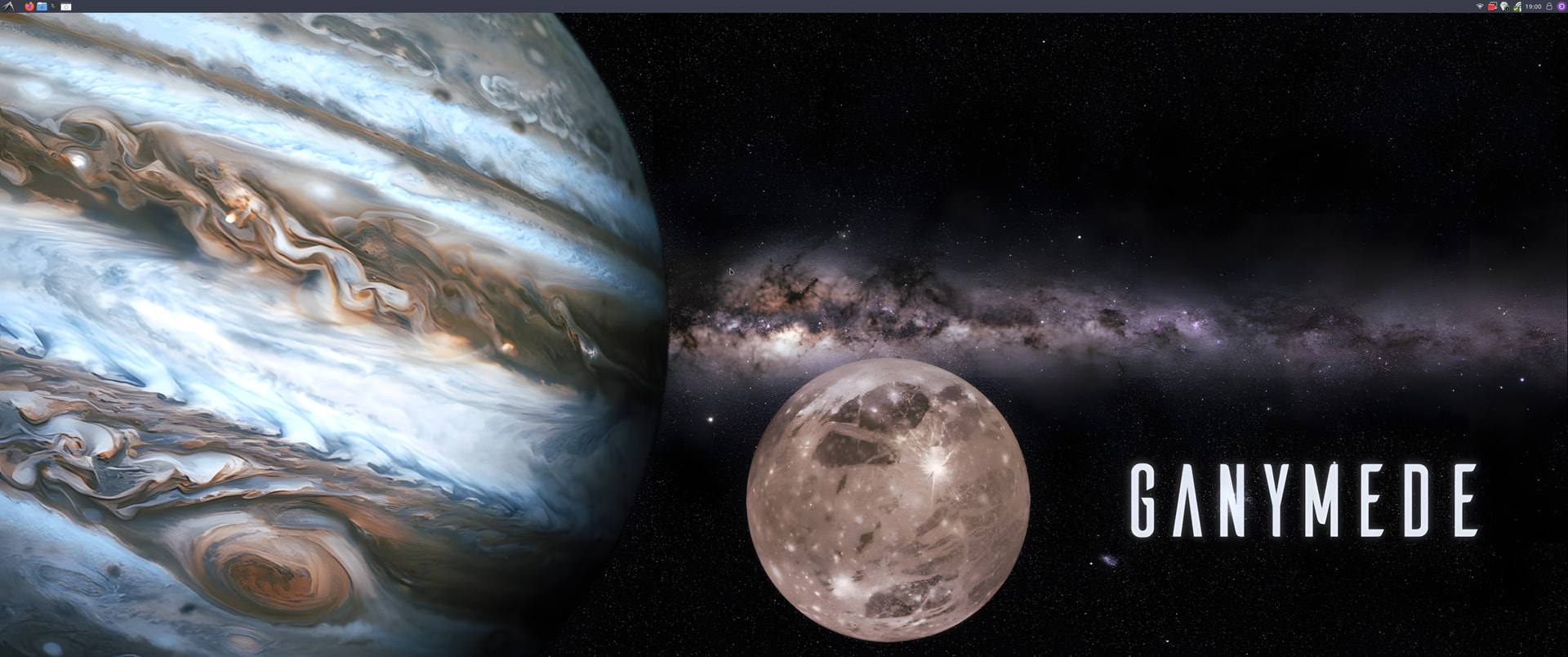
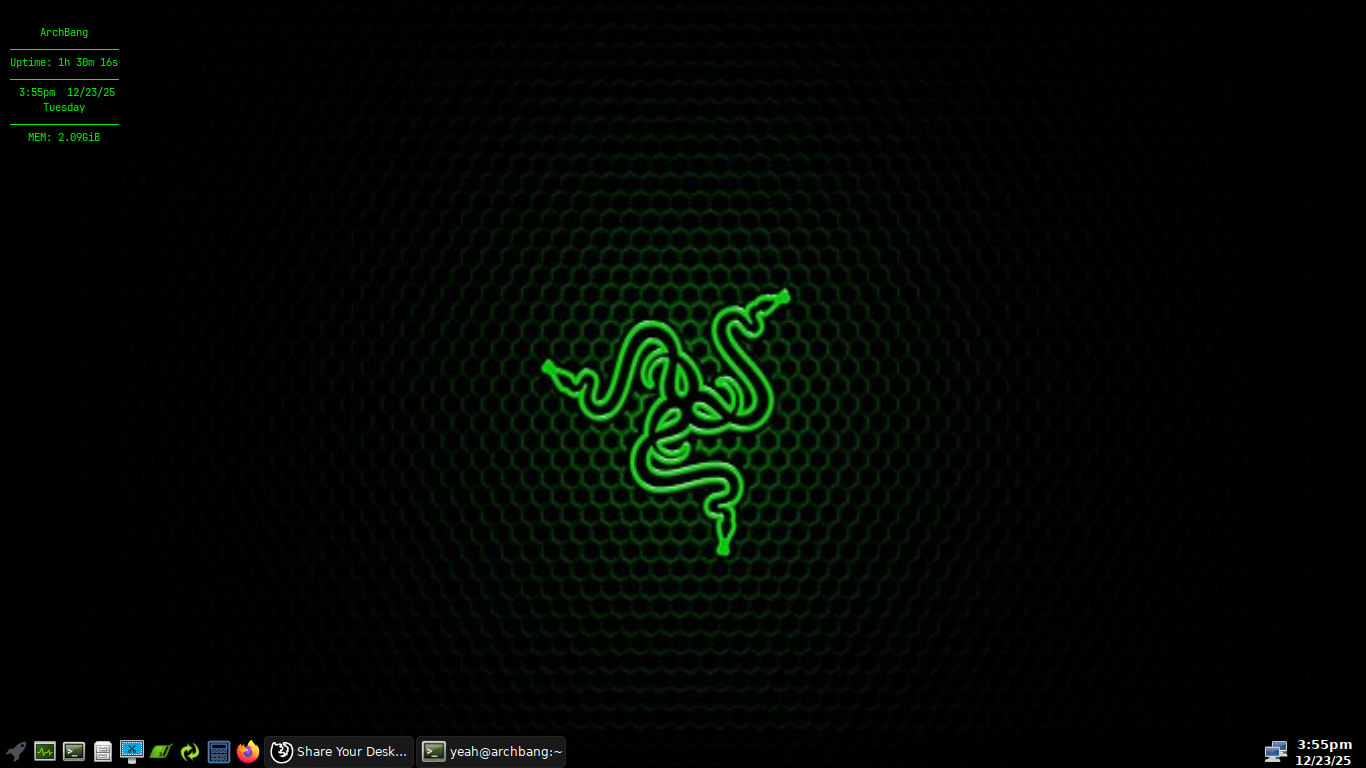
Openbox is cool, I often add it alongside whatever desktop I am using, it can be setup similar to what I do with KDE, main reason I am not using it at them moment is just me being a bit lazy
I can hear the opening theme of star trek inside my brain 

Well, let’s see how to make your family/friends looking for you.
Inside ~/.config you will find the openbox related configs, in standalone openbox the folder is openbox. With lxde look for lxde-openbox, lxde… something like that.
Files inside:
*rc.xml → all the settings about theme, button order, keybindings etc. You don’t have to edit manually, but you can.
*menu.xml → all about right click menu in desktop.
Themes: You can do whatever want with the gtk themes (change the colors as you like in an editor).
Openbox themes: In your screenshot “Natura” theme.
You can make what ever you want by editing only a file. Colors, borders, buttons (you can make your own in gimp, pixel 1 brush, square, save as xbm)… the file is the themerc. (See for Specs)
Make a folder inside your themes folder with the name you want to call the theme. Inside make a folder with the name openbox-3 (you can use an existing theme folder with the gtk theme if you want to add an openbox theme with the same name. Inside openbox-3 put your buttons and the themerc. Do with the values whatever you want.
Download this (oh yeah, here comes the virus exe ) it’s a simple openbox theme, change my nordic-like color with the black of your arc theme (replace all). Test it. Play with it. Make your own. See you next year 
To add to this make a vm and just experiment