Wow, thanks so much Fog. I’ve bookmarked your post so I can go all out with OpenBox in the future. I had no idea it was this customisable.
I have to say I really like it so I’m going to set it up as daily driver on my second pc.
I’ll keep KDE on my gaming rig (this pc) as it runs like a dream.
I actually live in Los Angeles now so I hear you. I want to see one so badly!! We’re currently getting crushed with rain. I’m at like 7" in 2 days already, so while it’s been warm, it’s not been overly dry.
That bar is realy nice  … it look better ower my waybar with river .. want share config ?
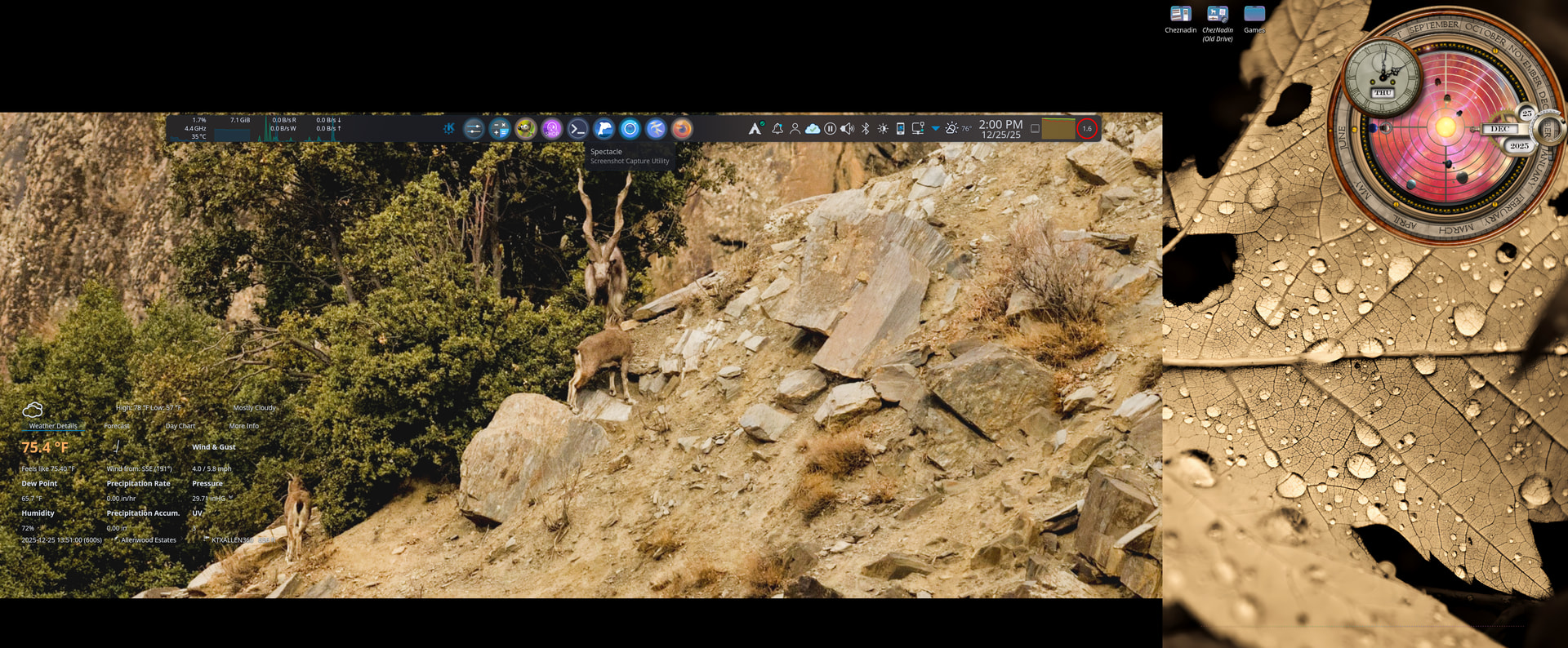
I changed back to a dark theme because I got bored.

A bit less transparency than the light theme as it shows more.
Plasma theme is Breeze Dark because it nicely blurs the widgets
Colours are also Breeze Dark because I find my old favourite Pitch Black a bit to dark coming from a light therme.
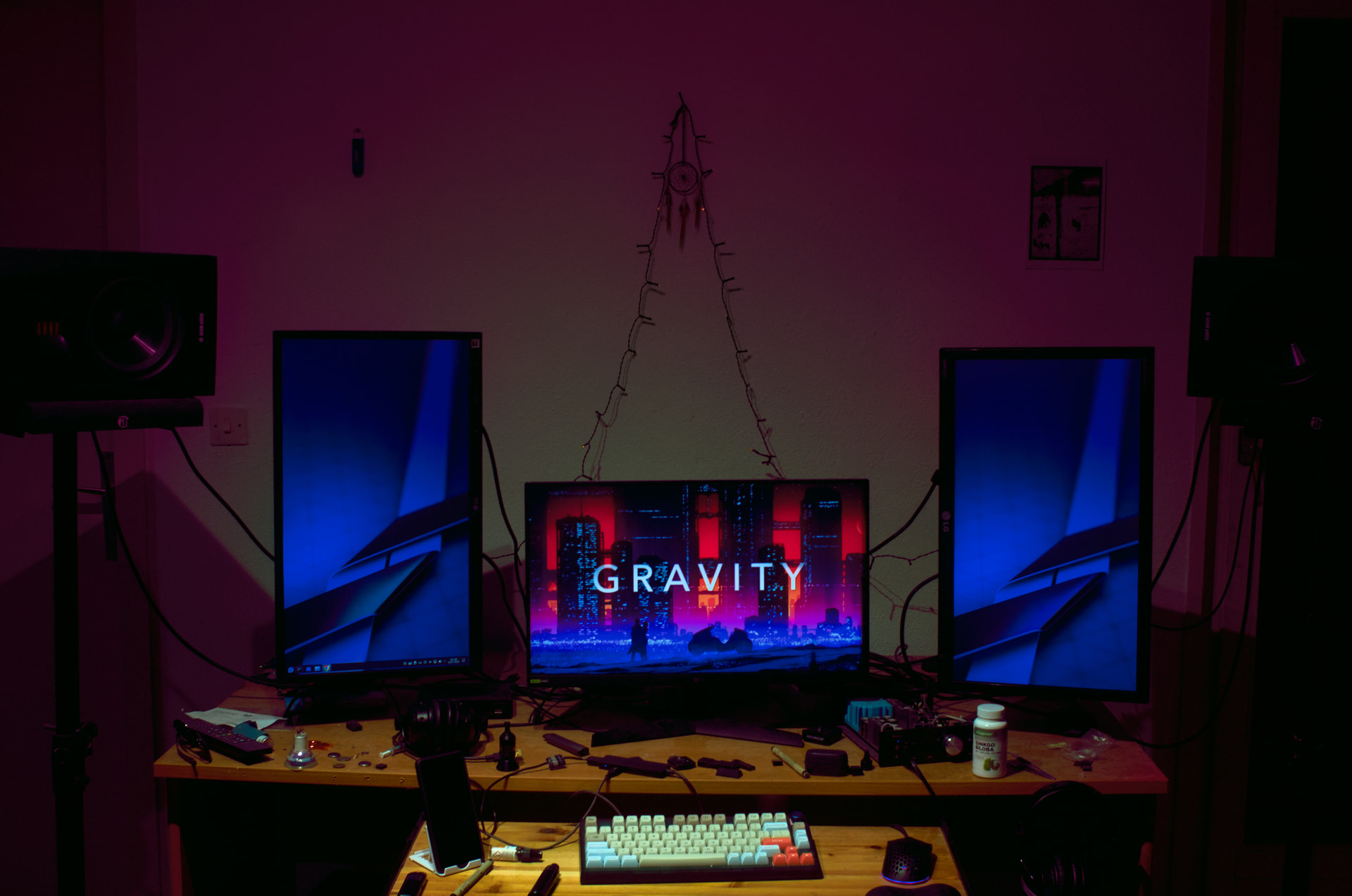
I have drilled the desktop wood for three monitor setup. The desktop was modified in accordance to posture disabilities. For sound rendering better horizontal mode it helps me focusing because of the tweeters doing their job “outside the room”.
You can see my biohack supplement also for vision. Which I do not recommend to everyone.
It’s an overall view. I’m using KDE with a tilling script.
you have a spot from the ceiling that shines on the keyboard area? is this nice to have? or does itz put shadows under your fingers?
Setup looks awesome somhow like an Altar 
“His name was Robert Paulsen”
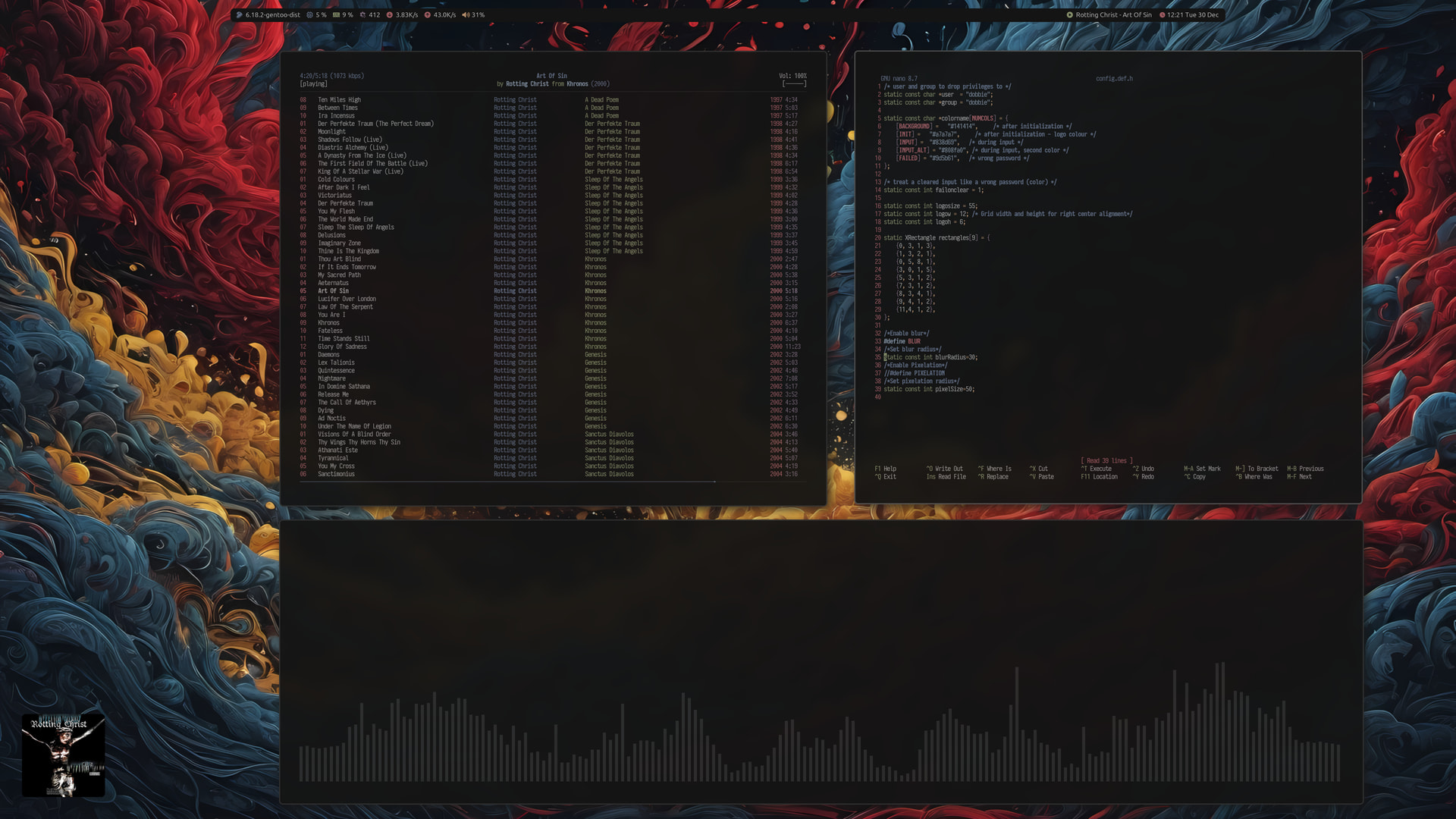
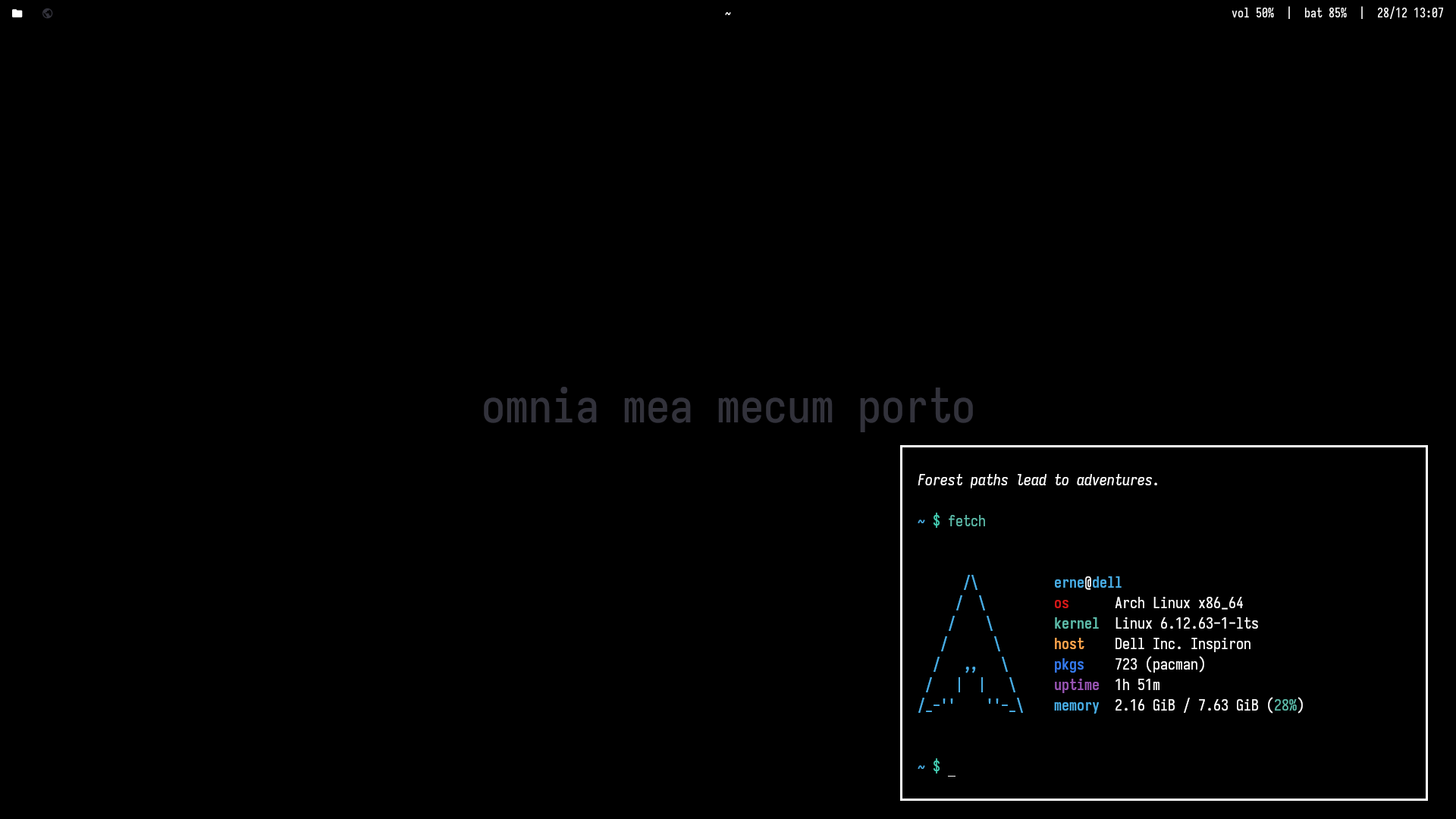
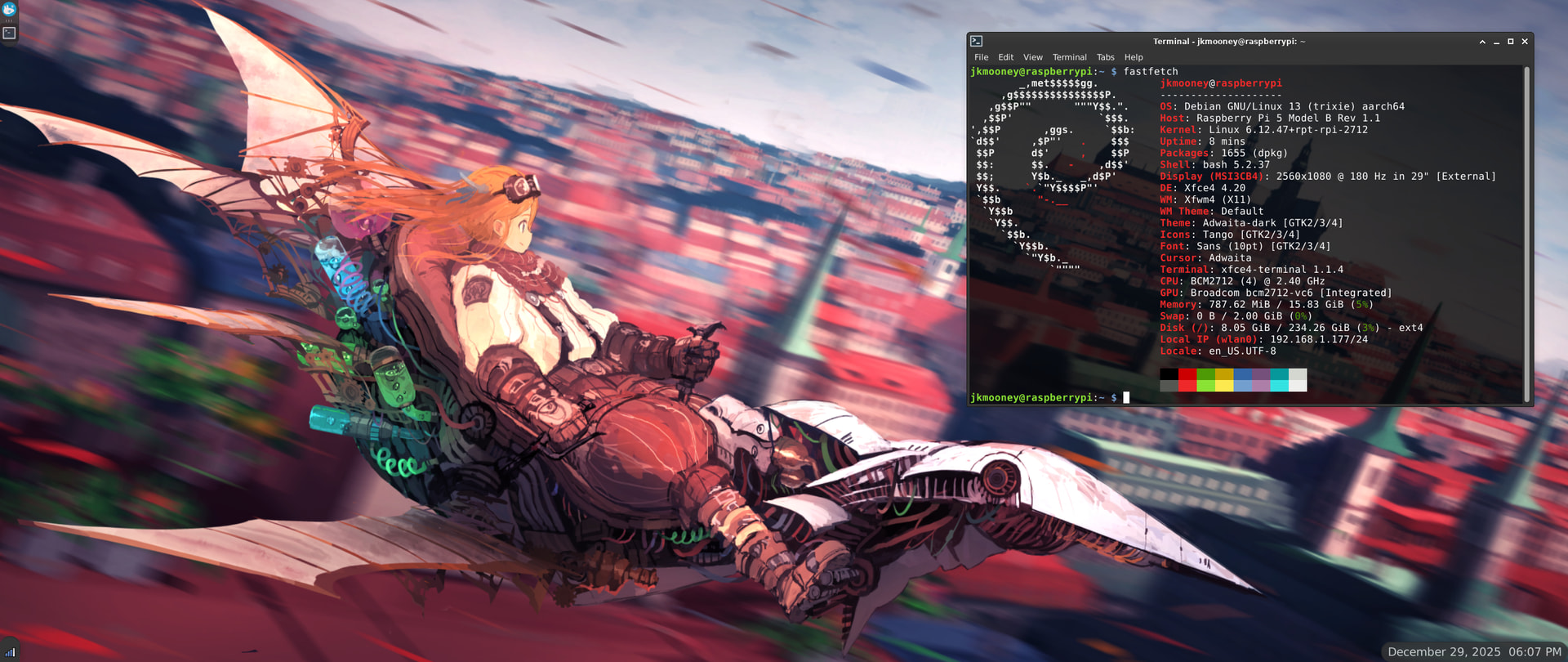
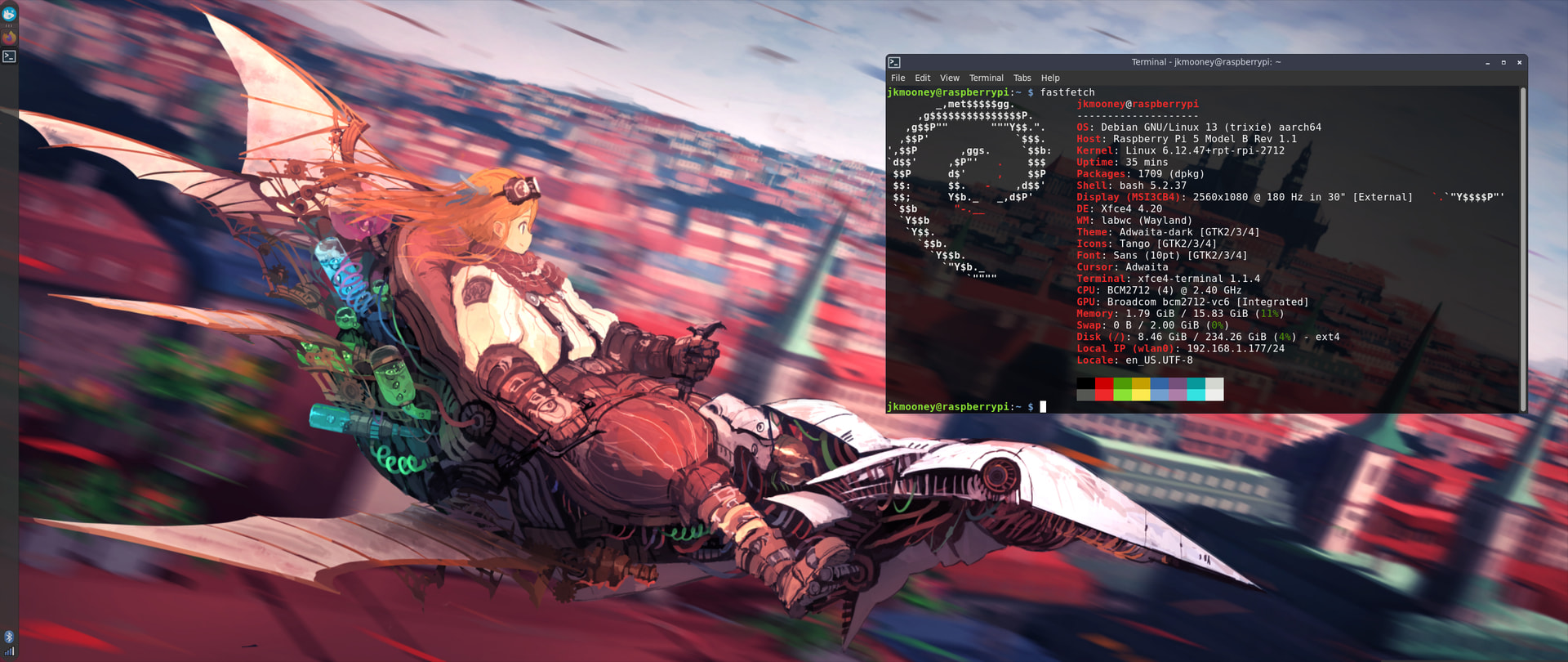
Getting a handle on configuring it with the labwc backend for Wayland. Had to go to a single vertical panel as labwc does not seem to let me stack them on top of each other. Drop-down mode for XFCE terminal also doesn’t work. Still, got XFCE running on Wayland  (and yes, the xfce screenshot tool is working on Wayland as well).
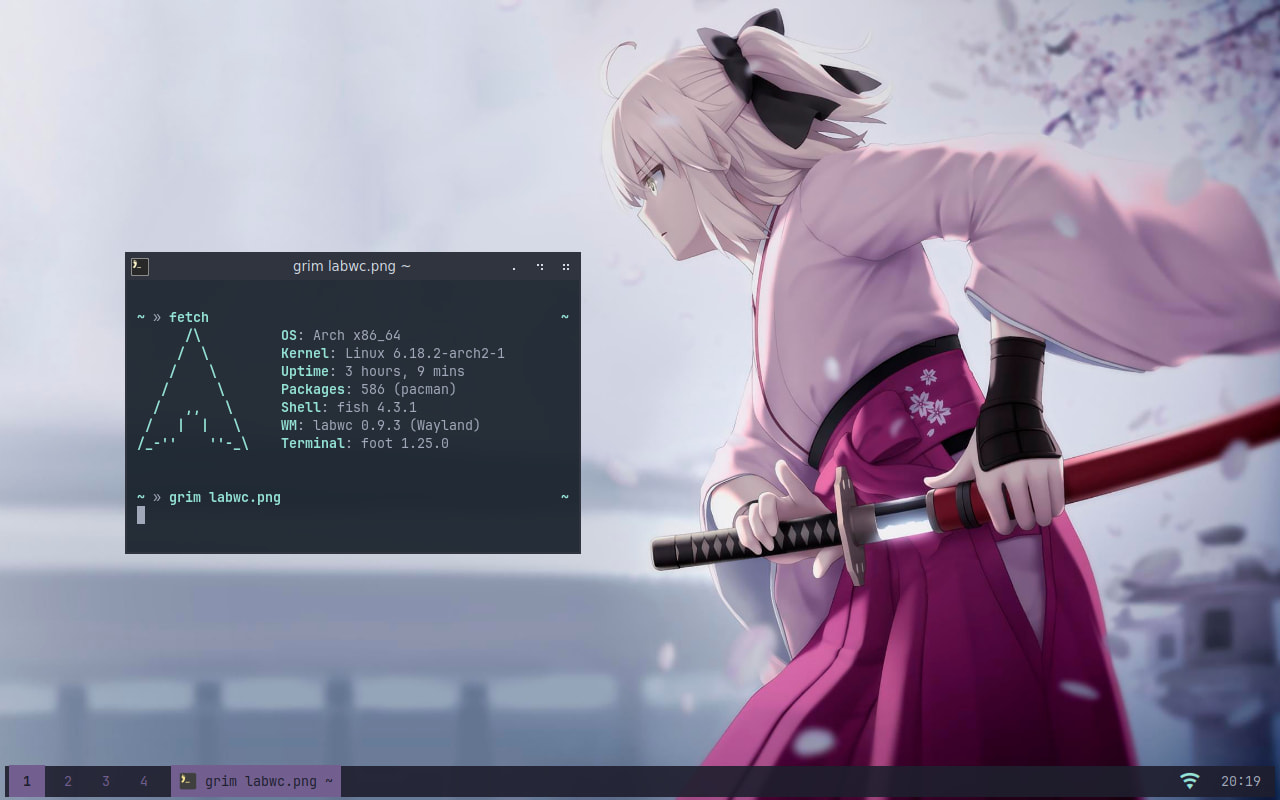
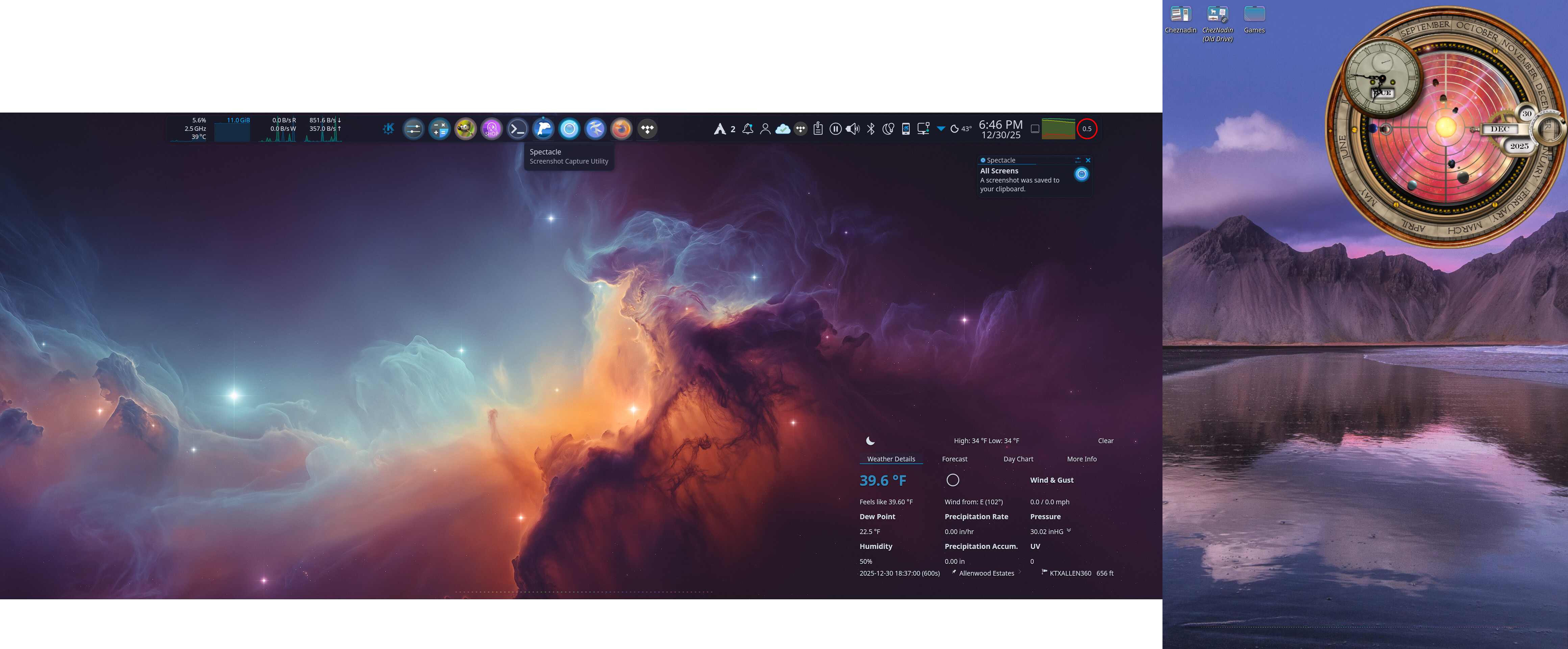
purple used modestly like this also works for me