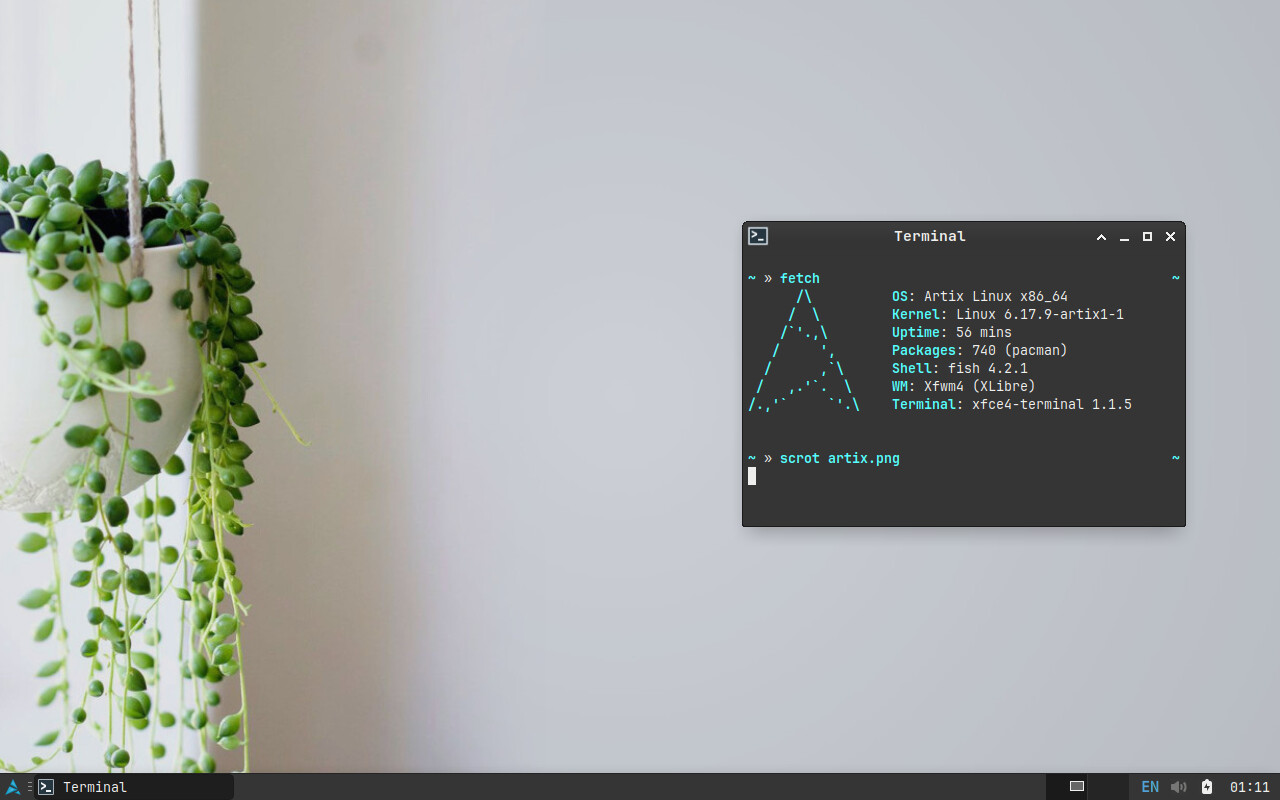
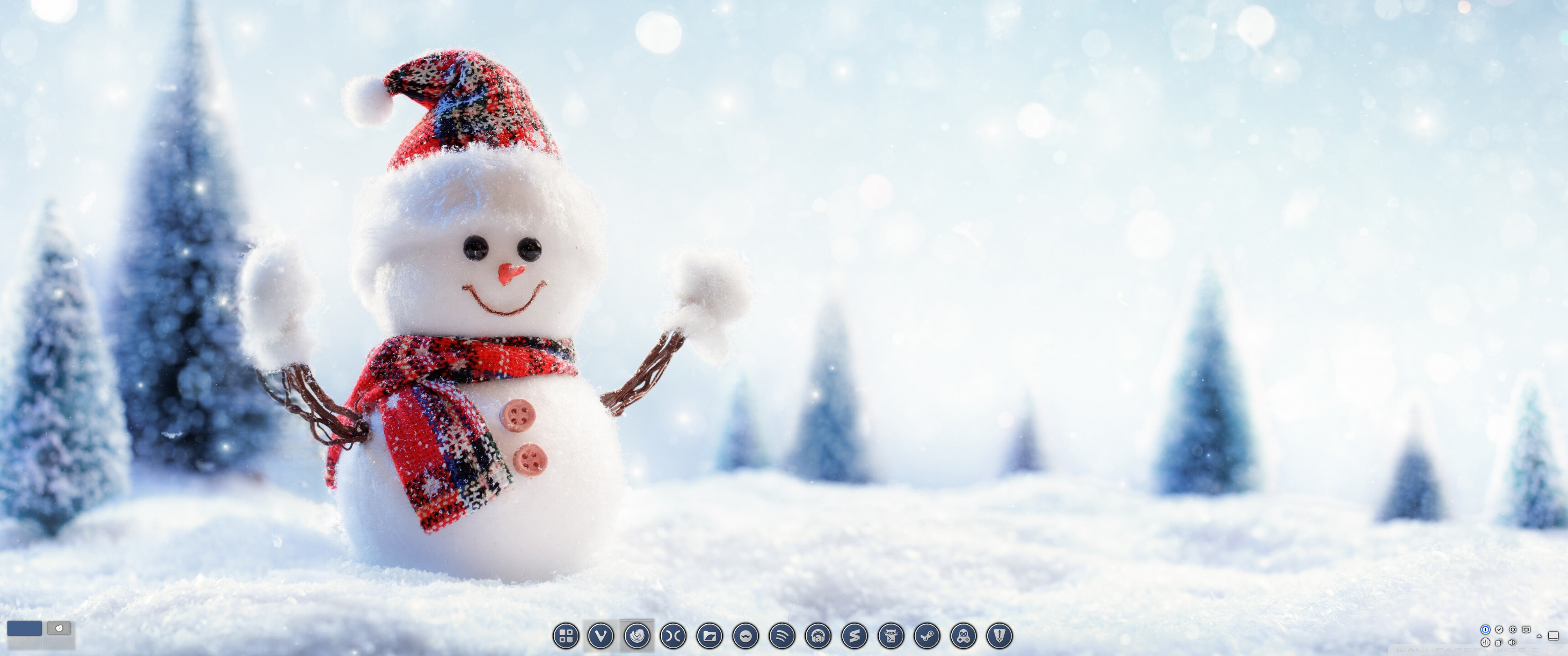
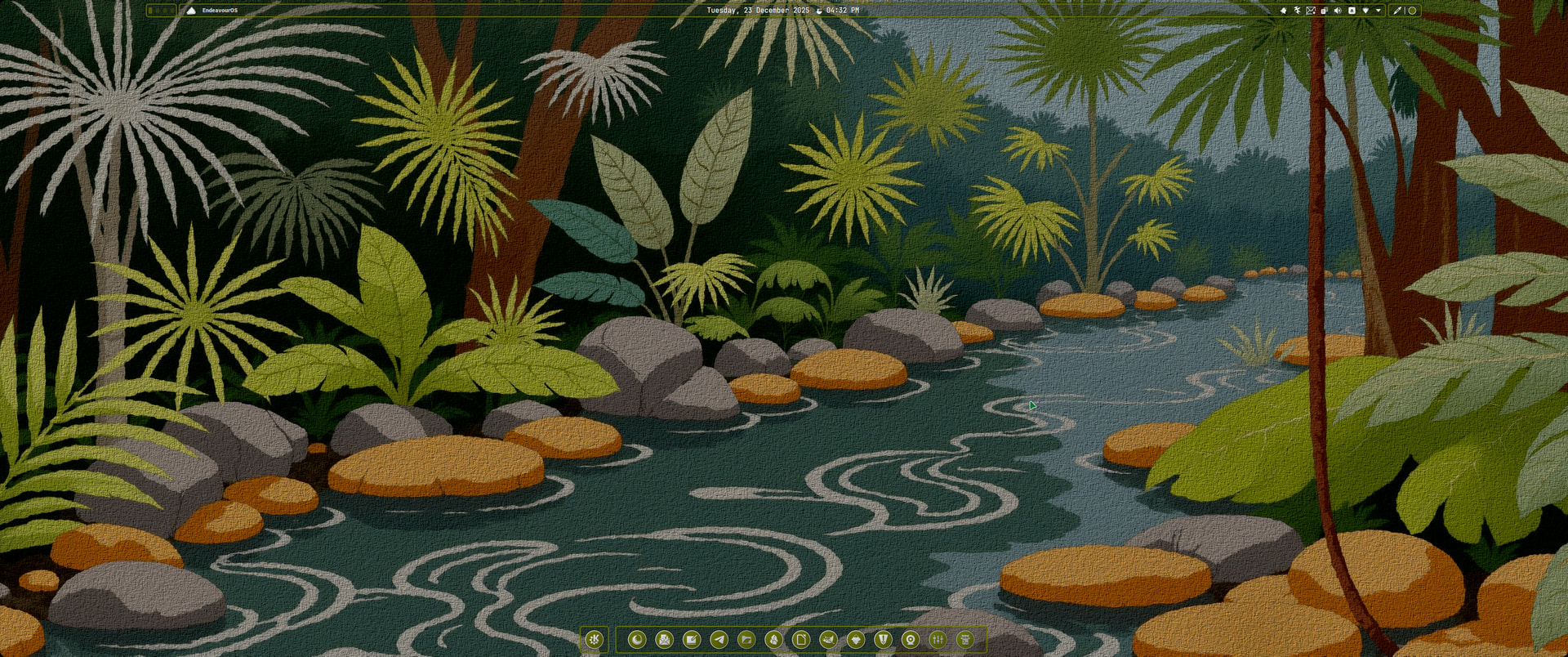
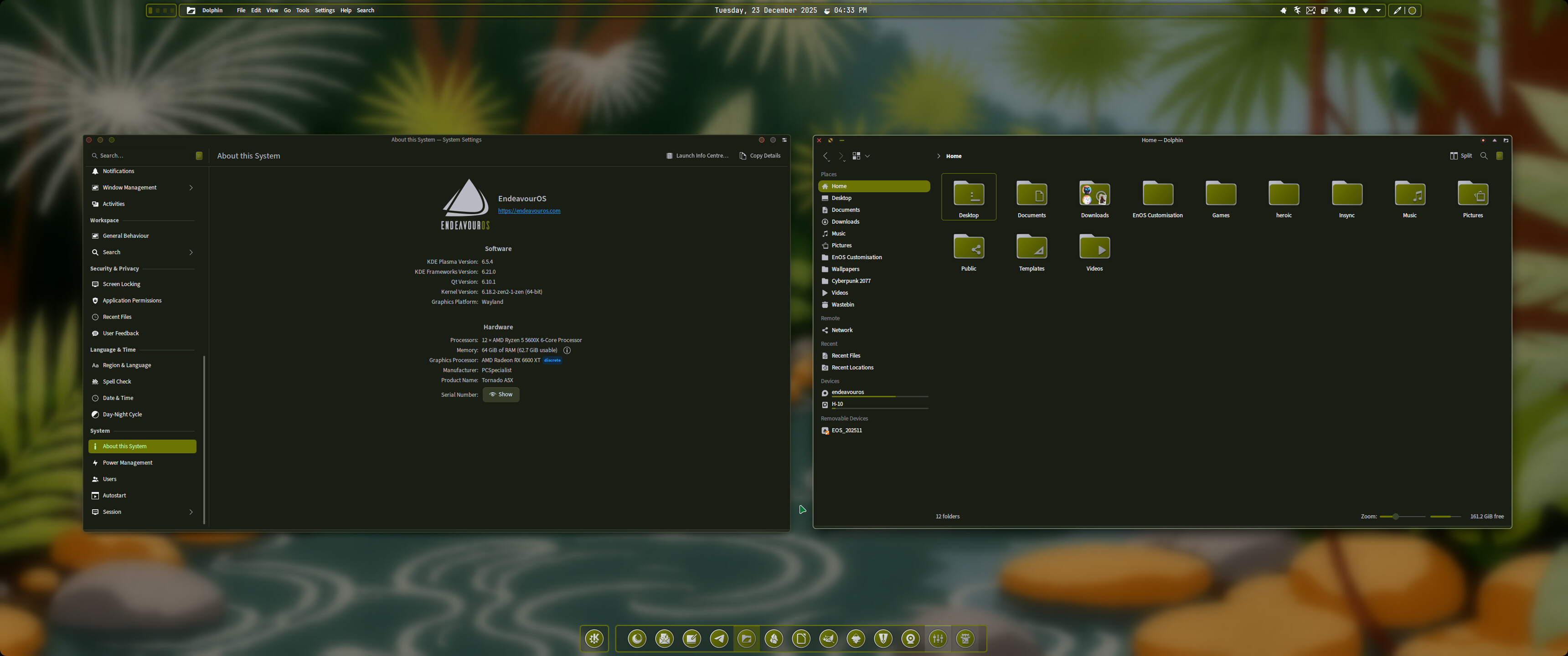
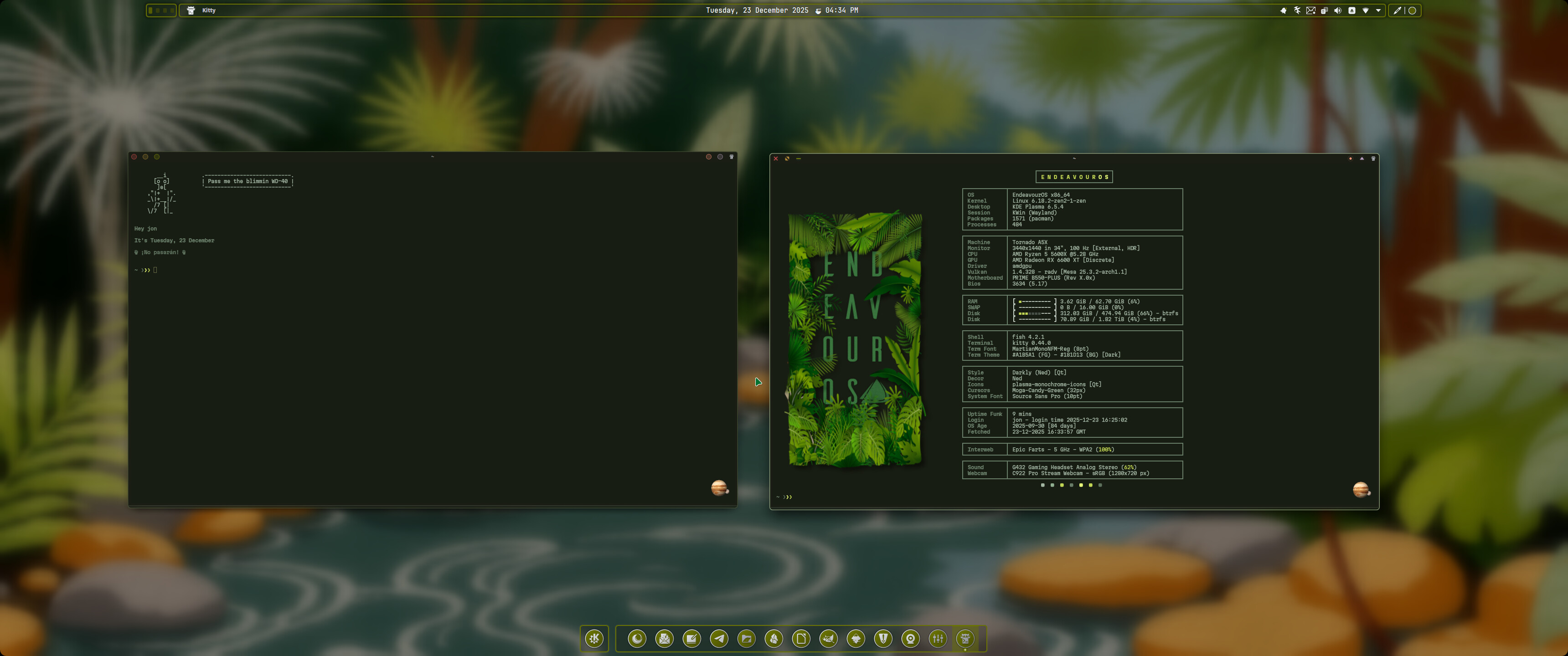
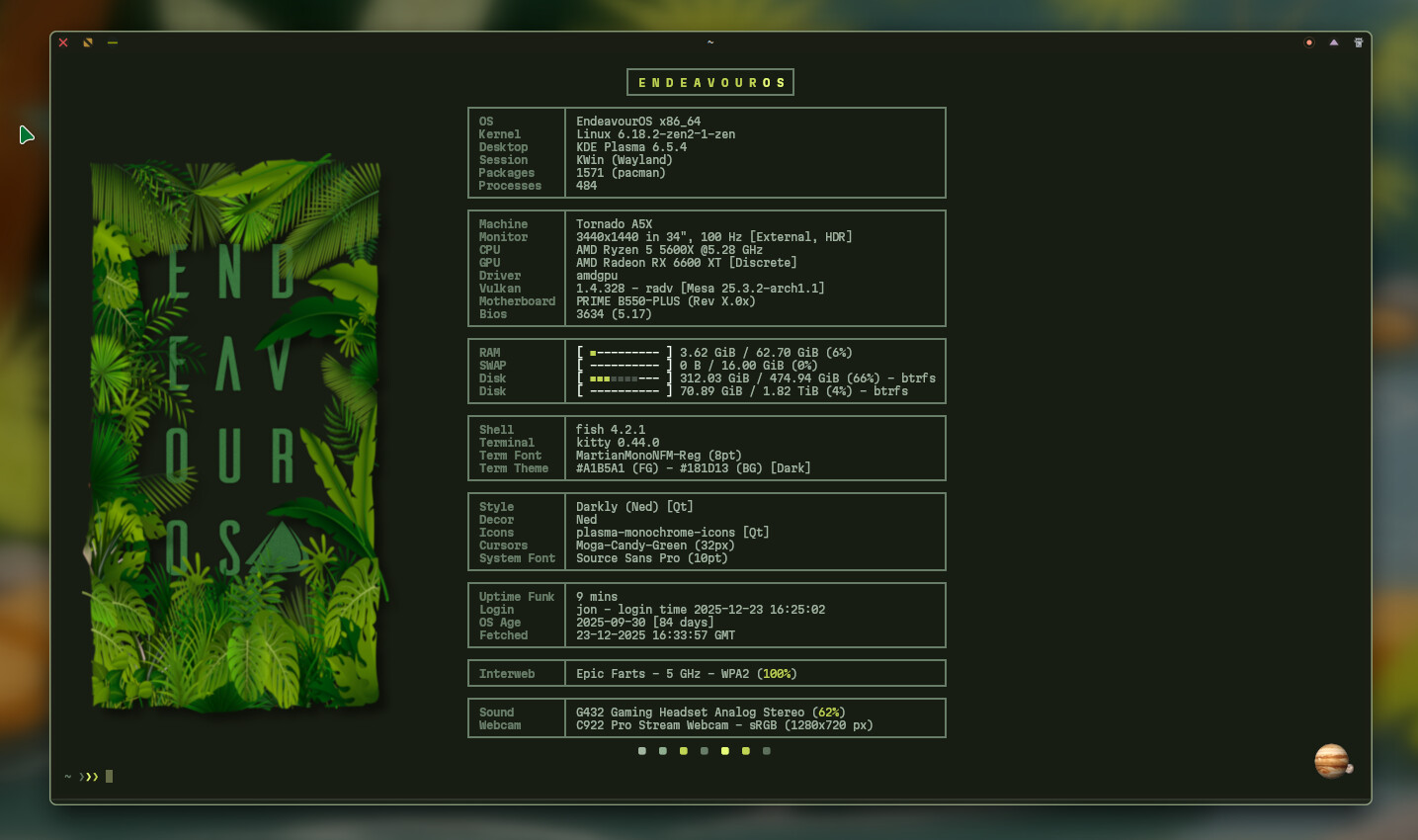
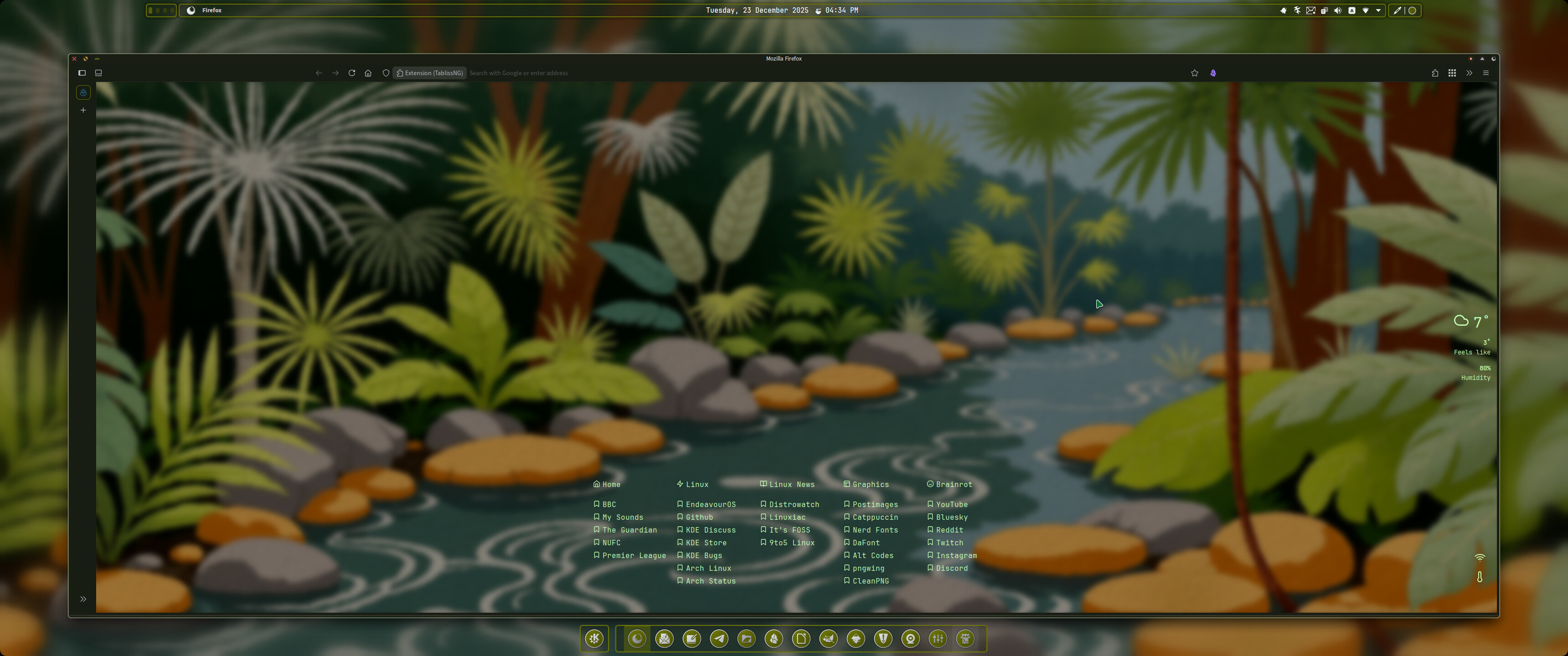
Everybody: Hey look we’ve customised our desktops.
Fog: Hold my beer. 


Edit…
I think it’s time I tried openbox, it’ll be a first. It looks blimmin’ great.
Everybody: Hey look we’ve customised our desktops.
Fog: Hold my beer.
Edit…
I think it’s time I tried openbox, it’ll be a first. It looks blimmin’ great.
Hi Fog, so can I ask, is openbox customizable in a similar way to KDE? Or is it more like a window manager where I’ll have to edit config files and suchlike?
you’ll need to edit configs. add a bar (looks like @fog has polybar in that shot) can create your own menu’s your own keyboard shortcuts.
If you install openbox by itself its just a black screen. You need to add a few things to get it workable. lxapperance for doing your theming.
Hmm, that actually sound interesting, I think I fancy giving it a go. How’s your experience been with it mate?
There are some utilities so you can apply themes etc especially if you install Lxde (default wm openbox), but its “power” is/was the easy way to edit the config files. It’s only for x11, for wayland there is labwc.
Openbox is only a stacking window manager, if you want to use it as standalone you must install the apps you want for the usual tasks, something to apply the wallpaper etc.
I start using it because it was so minimal and the initial creator was a woman (Dana Jansens)
I love Openbox. I’ve been using it for the better part of 10 years now. I was attracted to the “Build It Yourself” approach instead of here’s the silver platter full of crap. But I’ve always like the more minimal.
Thanks Fog, I think it’s time I rolled my sleeves up and did some research before leaping in.
So if I choose OpenBox as my Endeavour install does it add Lxde or is this something I’ll need to do?
Also, will the fact it is X11 change the way I need to do things? I’ve been Wayland for a long time now.
Edit: I think what I mean is do I get a chance to choose labwc or lxde at point of install from the EnOS ISO?
It really does sound interesting. Time to research before I go ahead though.
I know right, ohh deeeaaaaar here we goooo 
Actually if you want just openbox then you would choose no desktop in the installer and then have to use the script from here
Or you could install LXQT and it will install openbox as the default wm
Ahhh now I see, that is much clearer, thanks Fog.
Edit: sorry FROG! hehehe
If you want an easier start maybe it is better to start with lxqt because it’s an environment ready for use, with panel, wallpaper, utilities for themes etc. You can do all the work for the configs manual and learn while it’s more functional by default.
You will have the option to choose lxqt at installation.
Edit: fog frog… it’s close, I know 
That sounds cool and a much easier way to get started. Would I be able to switch to wayland later?
Openbox works only with x11. If your pc is capable for wayland you can use an environment -like KDE- that works with wayland. Choose the option/session you want at login.
(I don’t like to mix environments but it’s possible, easier if you have separate users)
No that’s cool, I’ll go with the flow and stick with X11. Thanks Fog. 
It’s a never-ending story. Just like with plasma. You’ve really taken on a big project.