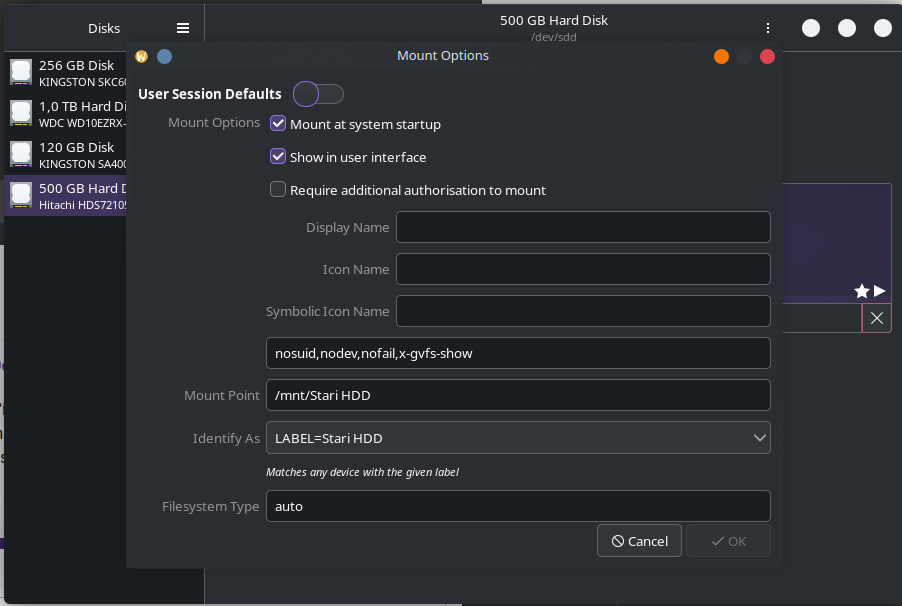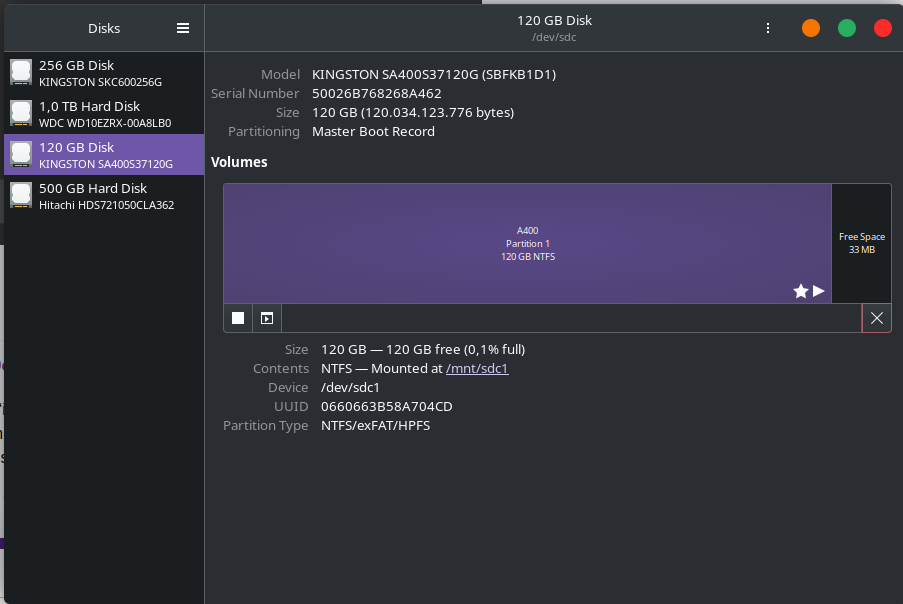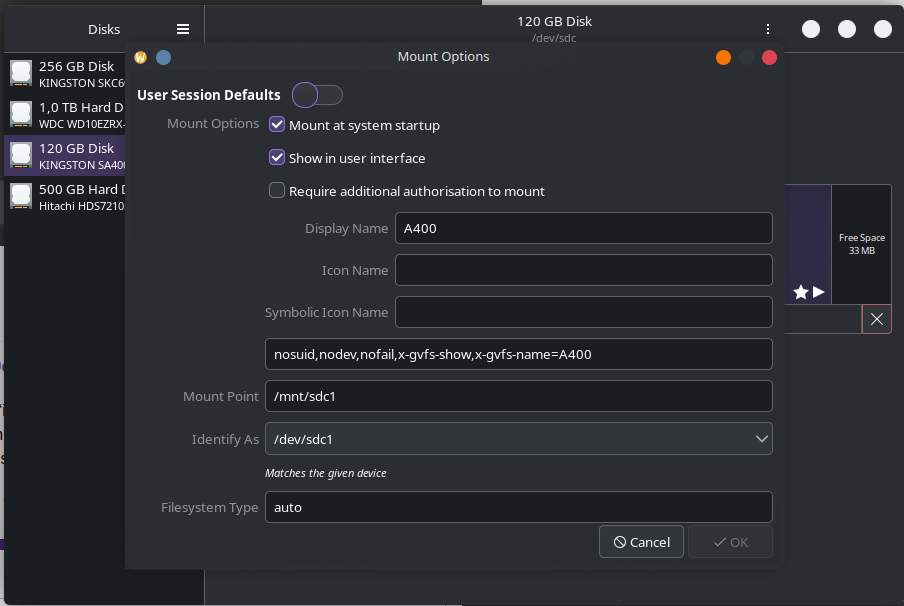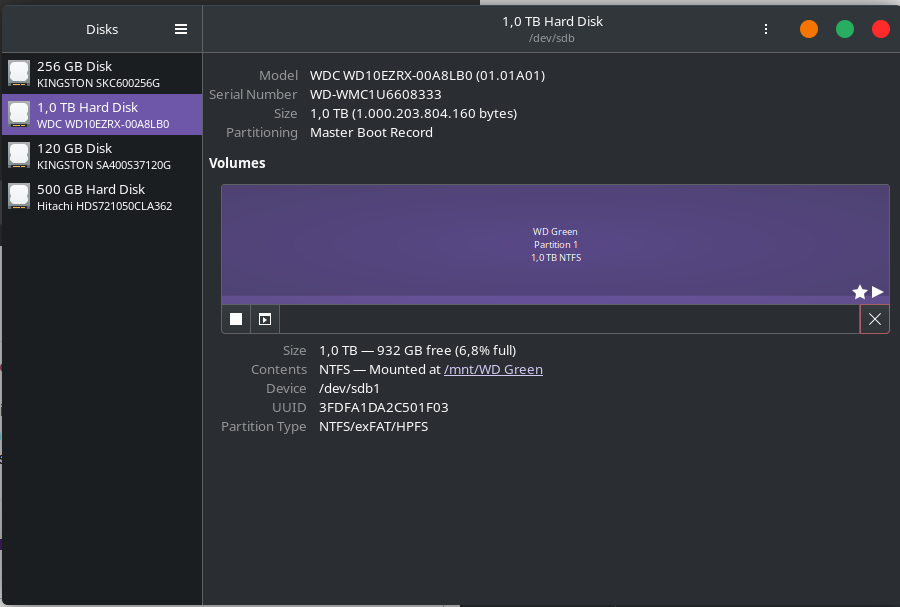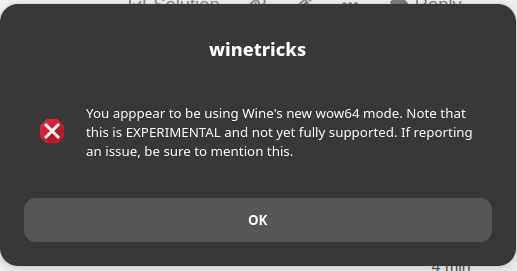
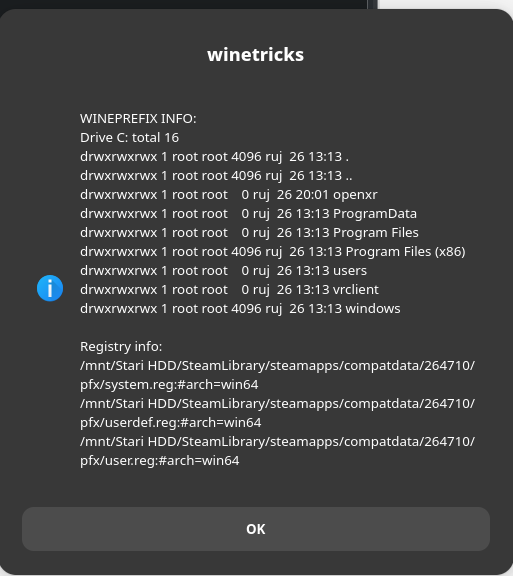
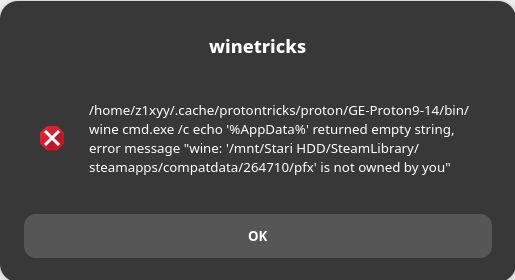
The ‘is not owned by you’ error message suggests your drives aren’t mounted with the correct permissions (which may also be the cause of the flatpak version of steam not being able to access them).
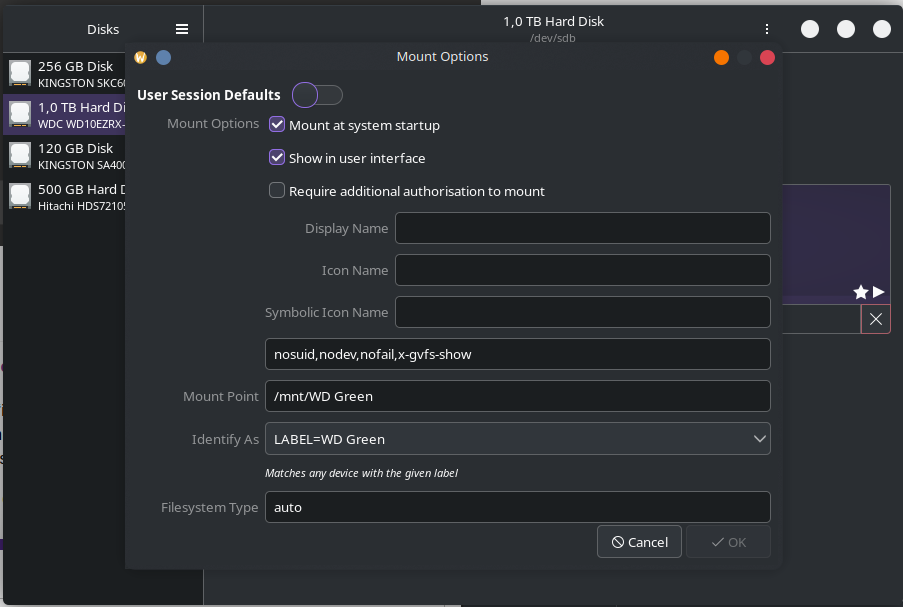
How did you mount the additional drives?
Those are NTFS drives - are you dual booting with Windows? If not, I’d recommend reformatting the drives to a suitable Linux filesystem instead - you would need to backup anything you don’t want to lose first, of course.
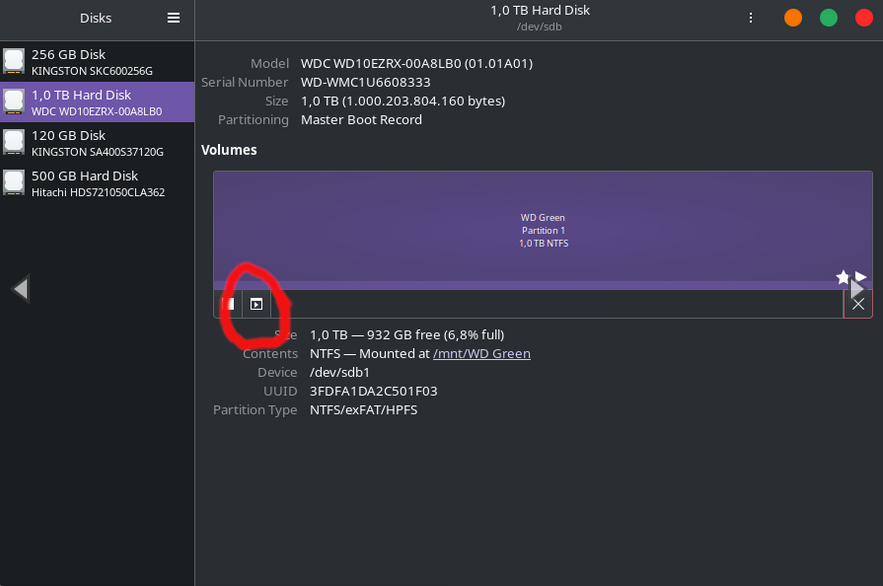
If they were formatted as Linux file systems then the fix would be very easy using GNOME Disk Utility - just selecting the disk which has your steam library on it and click on the button circled below:
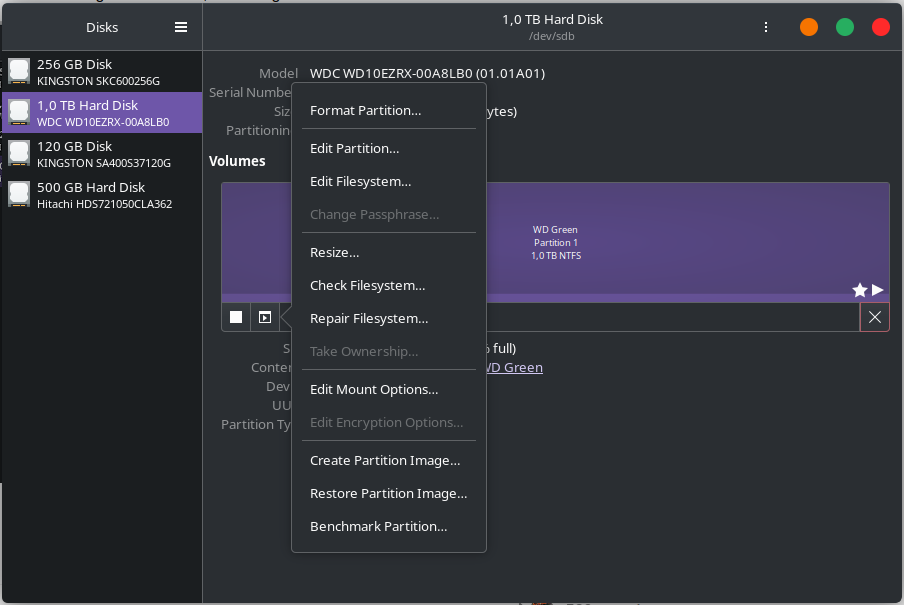
Then from the menu choosing “Take Ownership”.
However, I don’t believe this fix will work for NTFS drives as to my knowledge NTFS doesn’t support permissions in the same way.
If you are still using Windows and/or don’t want to reformat the drives (although if you’re not using Windows, I really can’t imagine why unless these are external drives you may also want to use with a different Windows machine), can you post the contents of /etc/fstab so we can see how the utility has mounted the drives?
i got permission denied on /etc/fstab
I’m no expert at all. But if only one of those is your PC drive and the rest are external, disconnect the external drives.
they are not external, all plugged in PC
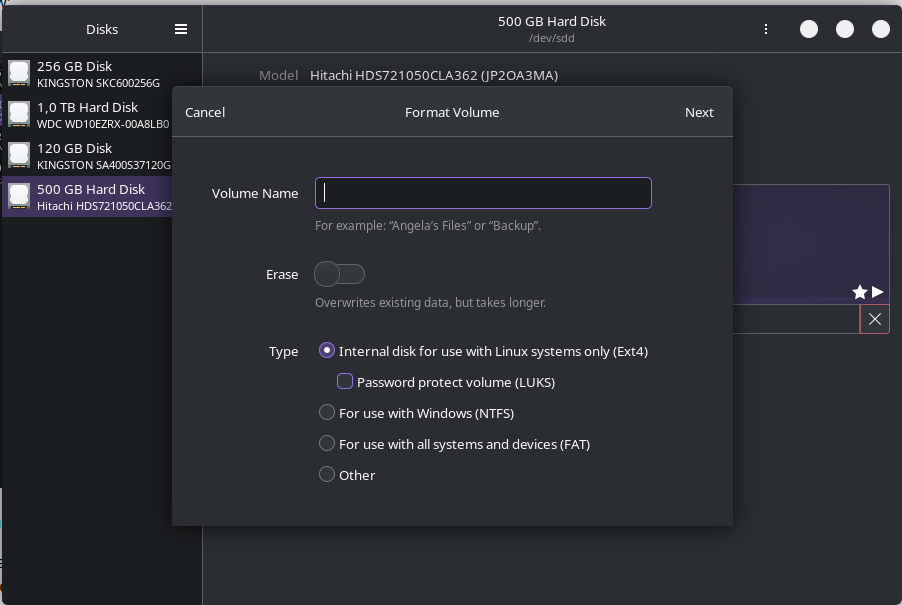
Yes, the default format option to ext4 should be fine - be aware though, formatting the drive will  erase everything that is currently on the drive
Only do that if you have already saved everything that you don’t want to lose to a different drive or are confident that you can re-download it, such as your steam library. I can’t be held responsible if you push the buttons and then find that you’ve lost anything irreplaceable  .
.
i know, got saved everything what I need, i will see now, i’m downloading 3 small games on 2 HDD and one SSD to see if everything working
hopefully when will be fixed all this, i will download all games what i wanna play, but for now just for the test
It’s late where I am so I will be logging off shortly, best of luck 
i will send update when games will be downloaded, it gonna take approximately 10 more minutes
Thank you guys a lot. Now games are working.
You’re very welcome, enjoy 
This topic was automatically closed 2 days after the last reply. New replies are no longer allowed.