just did an XFCE4 install and tried all the things.
- using labwc wayland: result is okay it is usable but there seems to be zero improvement on the things that are not working since the wayland session is implemented. the keymap issue is unsolved, and half of the settings are not fully working or completely not open at all.
- tried to use dkms version of the modules for Nvidia on x11 session is causing the exact same sluggish artifact thing as the nvidia modules package.
- removing Nvidia completely and using kernel nouveau drivers and modules, is working but is incomplete for even for my 3060 still and has artifacts and sluggish behavior too not that strong as with nvidia but still not usable.
- The thing that does workout nice was to switch to NVK nouveau package (vulkan) !
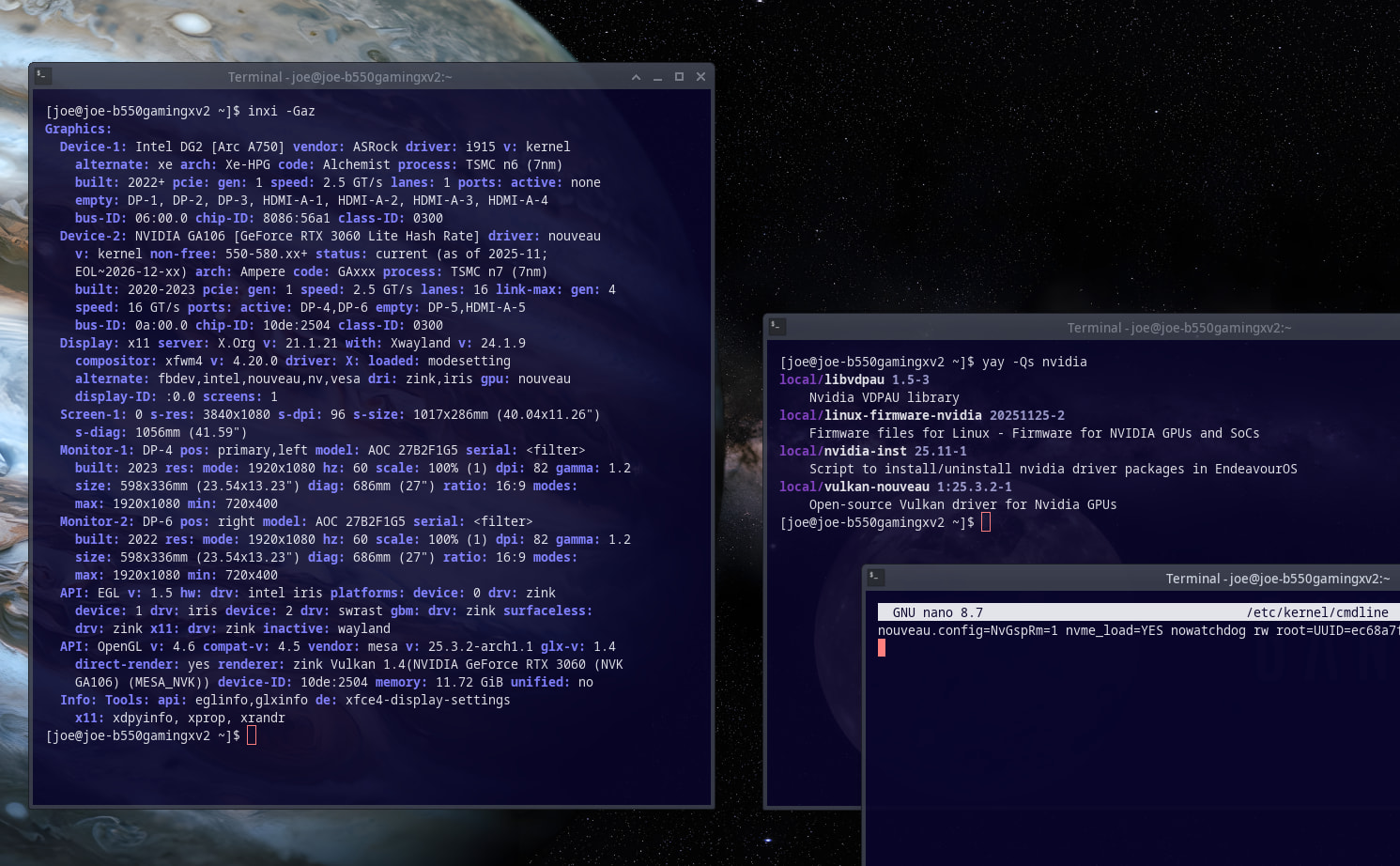
uninstall everything nvidia:
nvidia
nvidia-dkms
nvidia-open
nvidia-open-dkms
nvidia-lts
nvidia-beta
nvidia-utils
egl-wayland
and install vulkan-nouvau:
sudo pacman -Syu vulkan-nouveau
and add nouveau.config=NvGspRm=1 as a kernel parameter for dracut into /etc/kernel/cmdline and run sudo reinstall-kernels
in case using Grub into /etc/default/grub and they’re adding the option on the CMD line too, followed by sudo grub-mkconfig -o /boot/grub/grub.cfg
This is indeed not supported for older GPU too only for Kepler and newer NVIDIA cards.