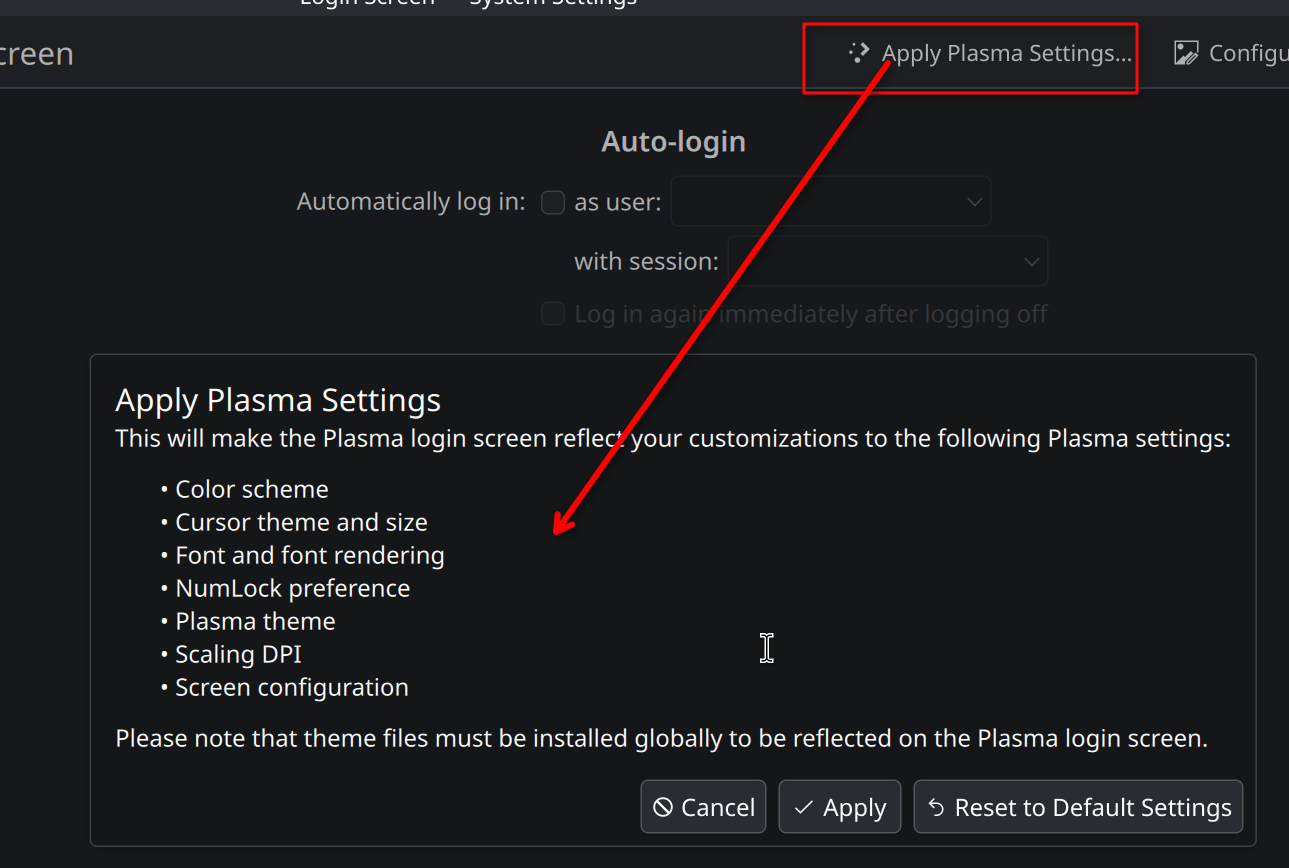
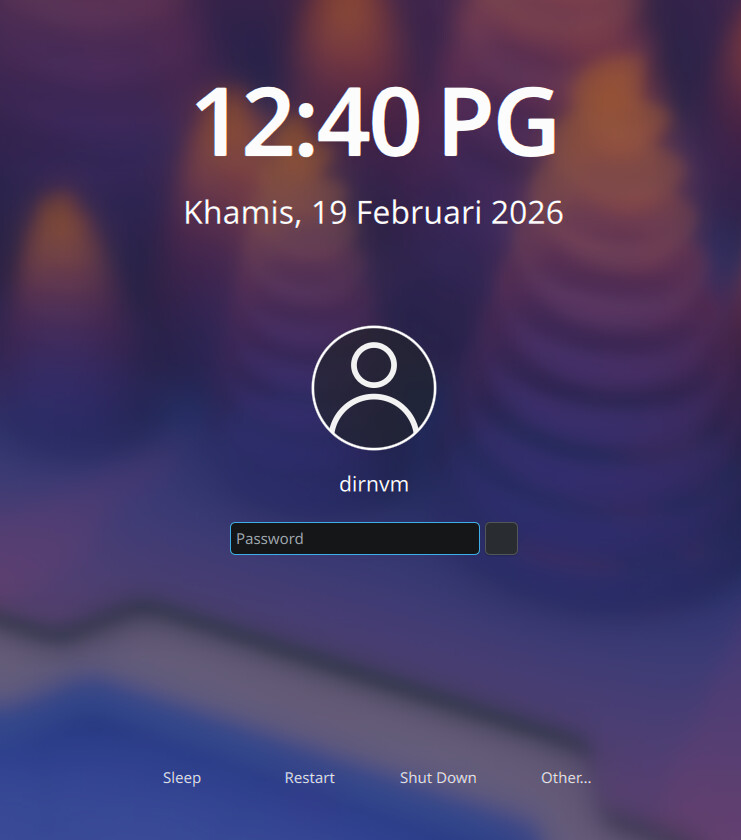
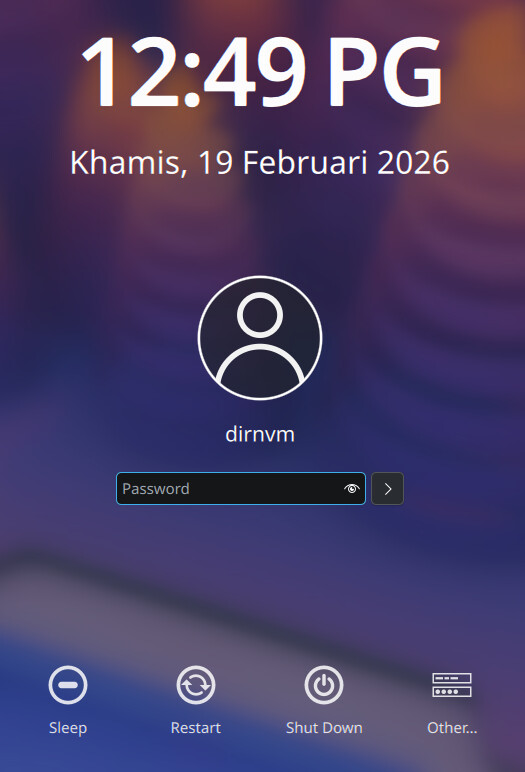
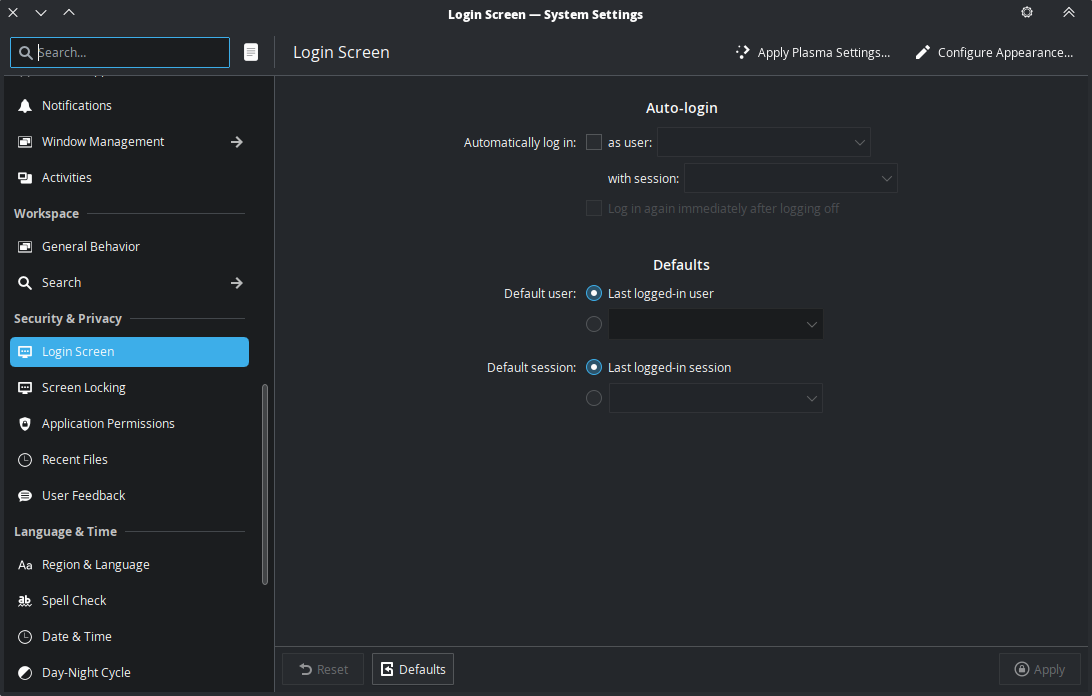
Looks like Fedora are moving away from SDDM in the next version. Plasma 6.6.0.
It’ll be interesting to see what Arch does.
Looks like Fedora are moving away from SDDM in the next version. Plasma 6.6.0.
It’ll be interesting to see what Arch does.
I know it’s early, but with a name like Plasma Login Manager, it’s most likely only going to be for KDE. Why not make a single LM that works for all DEs, like ly does?
It’s in kde-unstable for a while now (overall worked fine here). Arch maintainers have an eye on it. If or when KDE upstream labels it an official release we probably don’t have to wait long.
At the end of the day it’s a login screen, it wont turn our world upside down if it comes somewhat earlier or later. Probably a bigger deal on a non-rolling distro.
Because it’s hard if you want to provide advanced features. Whatever a particular DE does provide (keyboard layouts, virtual keyboard, voice assistant, theming, …) suddenly has to work independent from that DE.
Agreed. If Fedora’s new project fixes anything, I hope it’s the constant theming problems with SDDM.
Because they already did that with SDDM.
And it sucks, barely anyone works on it. The last release was almost 2 years ago and it had a whooping ~22 commits in 2025.
It’s time to take it behind the barn.
EXACTLY this.
As far as I’m aware, PLM is locked to the Breeze theme currently, I don’t know much about the theming capabilities, but I’d assume that there will be some ability to use QML.
This was the last I read about it, but it was a while ago, so I’m not up to speed on what is implemented yet. But still worth reading just for the background:
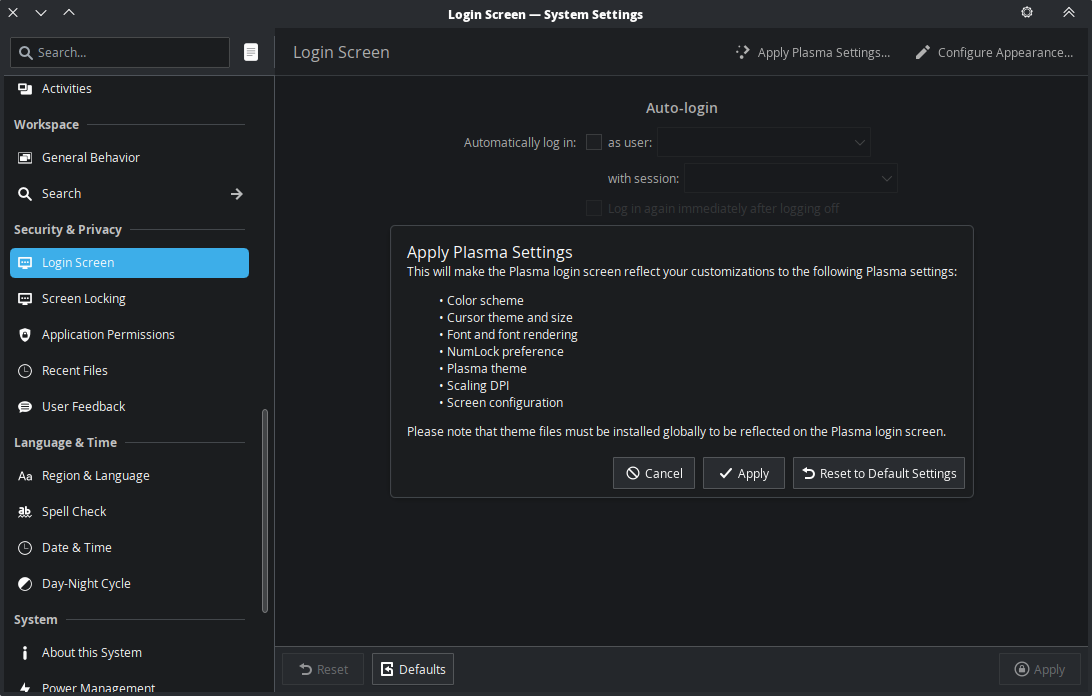
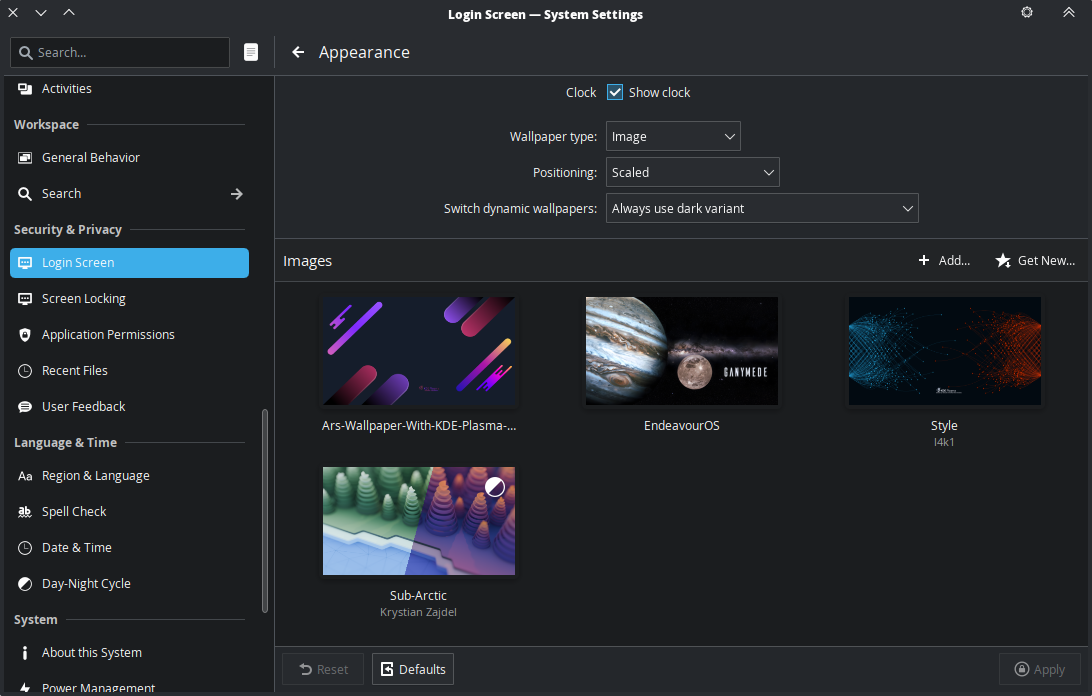
For customisation we intend to expose the same familiar settings that exist in Plasma and bring the design more in-line with the existing screenlocker where we also dropped arbitrary QML years ago. We’ll make the wallpaper configurable with any existing wallpaper plugins, and expose the existing plasma theme and colour settings. Syncing will be a case of copying files, not re-inventing things.
You are right @joekamprad , the icon becomes blank.
I’m going to try by copying the icons from ~/.local/share/icons into /usr/share/icons.
Edit:
Yup it works when copied into /usr/share/icons
You can also get it to work by installing the icon package using your package manager, if it’s available, instead of the KDE icon management GUI. I use papirus, so pacman -S papirus-icon-theme did the trick.
P.S. I’m having trouble getting Picture of the Day to work on the login screen. It just shows up as blank.
Hi mate, did you copy the whole YAMIS folder to there? Just checking as I just switched to PLM and want to see your icons on my login screen.
Yes, I copied the whole YAMIS folder
BTW it already helping a lot for EndeavourOS Development, what everyone here tinkered and linked and giving feedback on PLD! We can make good use of such infos for the future implementation for the installer.
For now we will stay with sddm, but we will change one day in the near future.
Thanks man. 
You’re welcome 
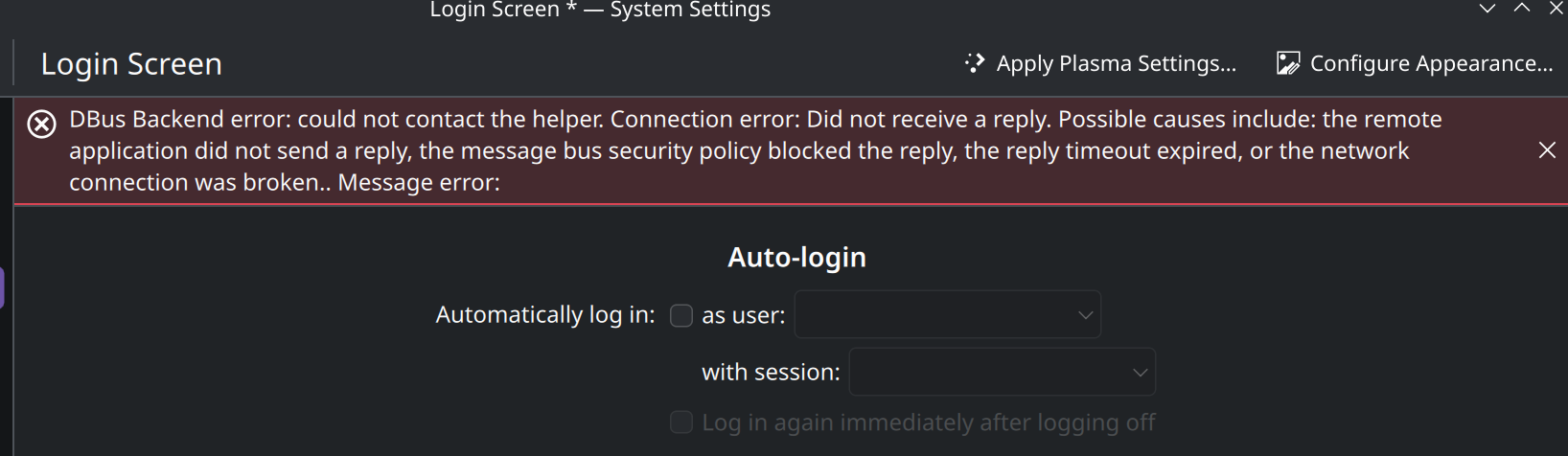
Settings don’t seem to be working. Aside from the theme, that’s fine. Looks like permission issue as it doesn’t ask for elevation and throws an error that settings cannot be saved because it cannot be loaded.