little fun for you @pebcak
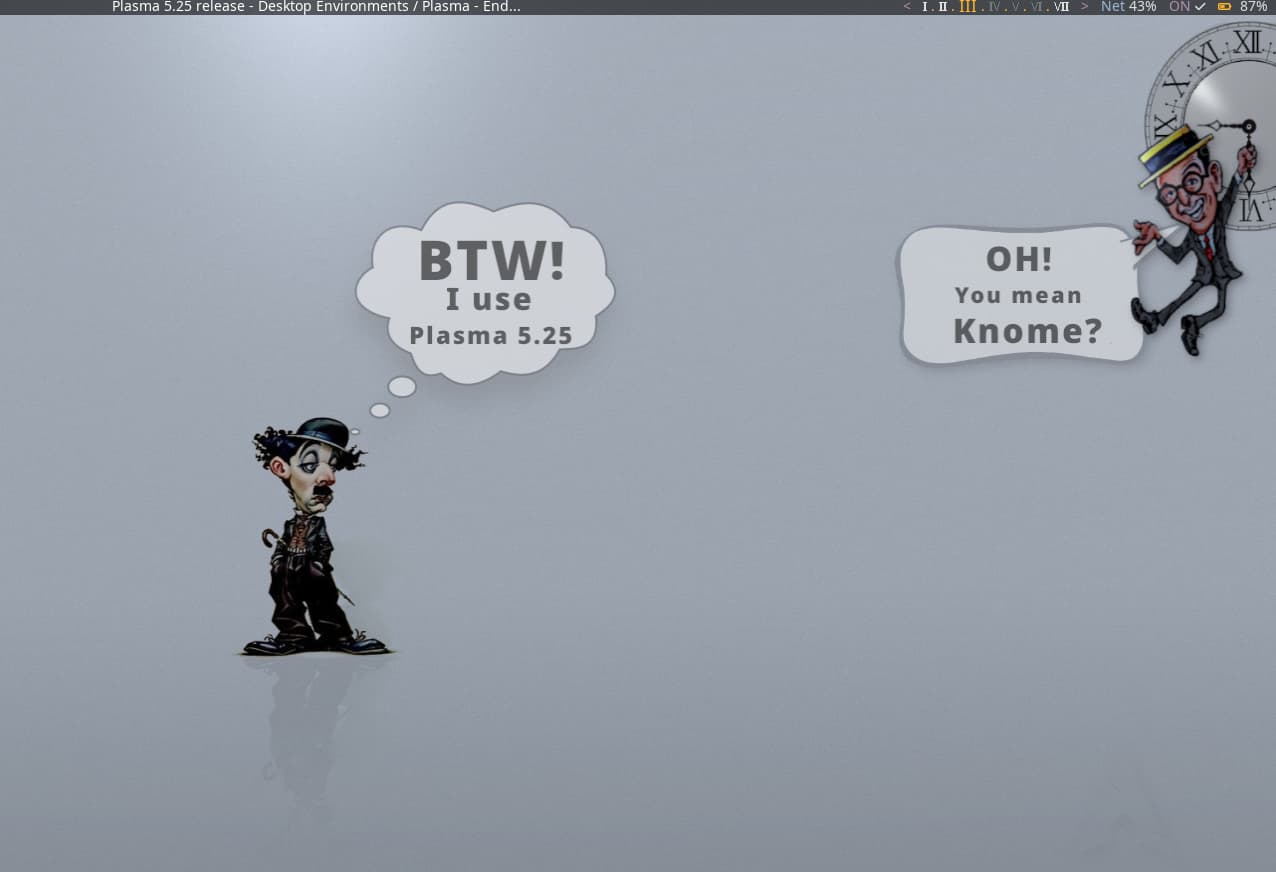
That’s brilliant! 
Love your art and sense of humor!
@pebcak
Just wondered on plasma 5.25 if you have the same issue with kate. When you go to close, it kind of hangs and is unresponsive. So that is an issue i see but I’ve also seen it before.
Edit: Also notice a bit more ram being used.
On this Arch-Plasma (see screenshots posted above for neofetch):
Freshboot
Uptime: 0-5 min
Ram : 695-715 MB
No, not on my end.
Memory is running high on me. I reverted back and it’s still more than double what you are reporting.
[ricklinux@rick-ms7c37 ~]$ free
               total        used        free      shared  buff/cache   available
Mem:        32788380     2413820    23349684       56352     7024876    29884288
Swap:         524284           0      524284
[ricklinux@rick-ms7c37 ~]$
Can you see in htop what might be taking up that much RAM?
Did this start happening after the upgrade?
Not sure when it started but looks like baloo is running and i never had this before.
Edit: It’s 90% complete so i will wait and then turn it off.
That might be it?
Try disabling it and keep an eye on the RAM usage.
Also: sudo ps_mem
Baloo is using 4 GB
Edit unless I’m reading this wrong.
123.7 MiB +  23.7 MiB = 147.5 MiB       plasmashell
573.2 MiB + 124.3 MiB = 697.4 MiB       firefox (9)
  4.2 GiB +  41.6 MiB =   4.2 GiB       baloo_file_extractor
---------------------------------
                          5.8 GiB
=================================
@pebcak
Recently there was a new UEFI firmware update. I just made some changes and it’s back down to 1400+ which i can live with. I have 32 GB memory but the reality is that doesn’t stop the system from acting up and hanging. Software and hardware issues do that. So i have no issue with it using more memory unless the system is not working how i feel it should. Systems should work with the snap of a finger in terms of responsiveness. There should be no lag, no hanging…
Edit: When that happens it’s time to get out the 
@pebcak
Not sure why your is showing such low ram on KDE. Normally im in around the 1500 mb or less or higher. I can’t go by just booting it up and checking. System has to running for a good time and then checking it periodically because ram use changes. Baloo is currently running now. I’m not having any issues with kate lagging and i did revert back to Kde 5.24. Ram is back down to somewhat normal what i always see. Some may think that’s high but like i said i don’t equate memory usage as the bigger issue. The issue is when the hardware or software is causing the system to lag, hang or act up. Then i have a problem. 
[ricklinux@rick-ms7c37 ~]$ free
               total        used        free      shared  buff/cache   available
Mem:        32788380     1694976    27948428       29328     3144976    30599724
Swap:         524284           0      524284
[ricklinux@rick-ms7c37 ~]$
Can’t you just disable baloo for now?
Reboot and launch htop and nothing else and watch the RAM usage for some minutes.
Not sure why. Different configurations? Mine started as a Vanilla Arch and minimal Plasma install.
It’s back to what i consider normal although it is using twice the ram you are showing. That doesn’t bother me as i said. It was creeping almost twice what i have now which was not right. If the computer works fine and is responsive to the snap of a finger i have no issue. When stuff doesn’t respond and applications lag or become unresponsive then there is a problem for me because ALL new hardware if it is not low end should perform very well. The ram is still higher than i would like so I’m going to do a fresh more vanilla install also maybe.
Edit: What is the best way to disable baloo? The check boxes? Paused? or the unindexed on /home? Seems i tried that and it added another home folder back in. 
Edit2: My ram reportage is always also with Firefox open. When Firefox is running it uses significantly more ram.
Edit3: Average with Htop is 1.54 GB with firefox running. If closed it drops to 976 MB to over 1000 MB or more.
That explains the whole thing 

Just for once, reboot and only run htop to see how much the RAM usage is without anything else running.
Remember, not a regular KDE user here
But you could have a look at balooctl command line.
Okay i disabled it that way. well see if it’s better but I don’t think that will make it drop that much.
It seems to be hovering around 996 MB without firefox.
Edit: Just hoping it wasn’t KDE 5.25 that was the issue.
This might be one of those YMMV things. All depending on the particular configuration.
I would think that is still at the high end of the spectrum.
It is quite a bit higher than my lovely bloated GNOME ca. 675 MB
Maybe i need to try Gnome? 
No, don’t!
You don’t like it. We all know that! 