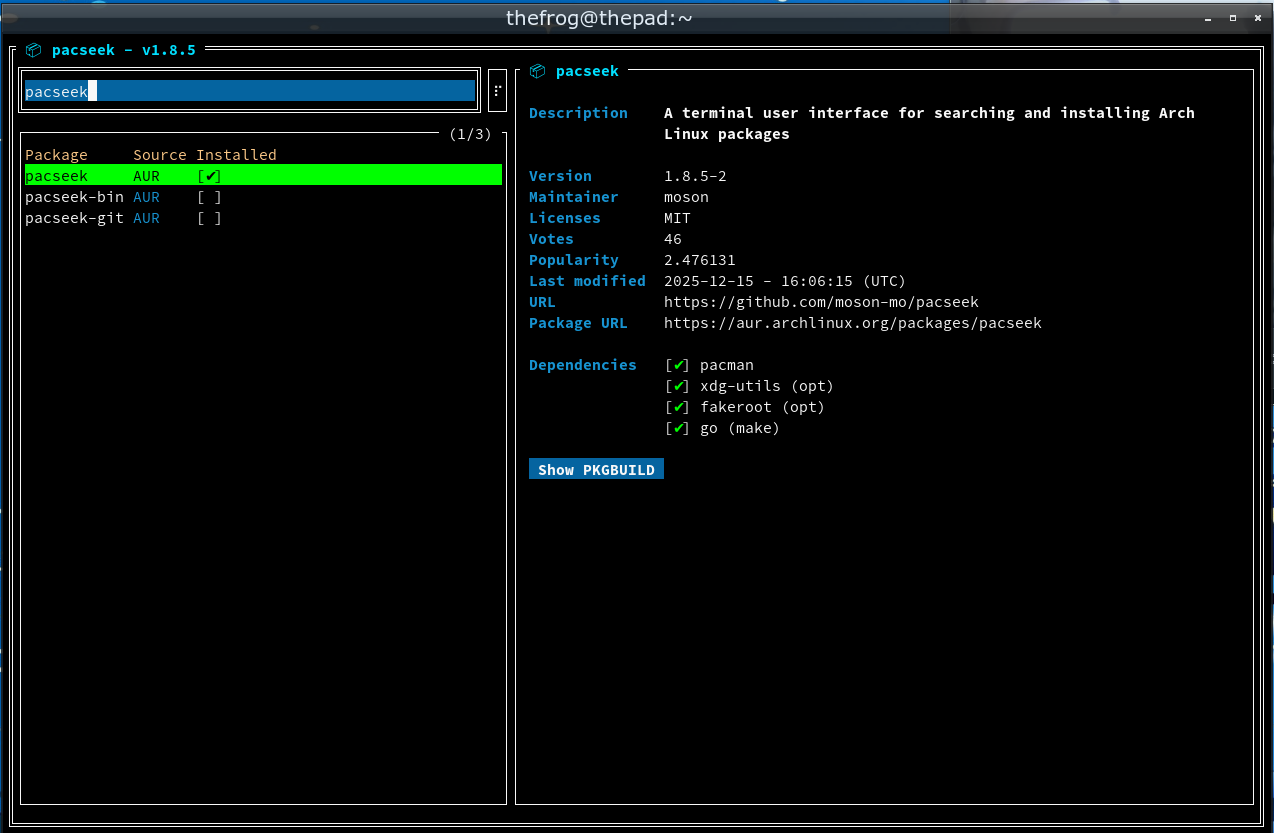
Since updating my system a couple of days ago using “pacseek -u”, pacseek itself fails with the error-
pacseek: error while loading shared libraries: libalpm.so.15: cannot open shared object file: No such file or directory
I’ve found an issue related to libalpm on the forum [ Pacman 7.0.0.r3.g7736133-1 update ] which seems closely related, but that’s from back in September with an earlier version (libalpm.so.14).
Other pacman related utilities seem to be working ok, I ran a forced update using pacman -Syyu. This seems to work, but pacseek is still looking for libalpm.so.15 when the version currently installed is v16.
Is it safe to just symlink /usr/lib/libalpm.so.15 to /usr/lib/libalpm.so.16.0.1 to satisfy the dependency, or is that likely to cause problems in future? Is a clean re-install of pacseek required?
If pacseek is coming from AUR, you need to rebuild it. If it is coming from a repo, it either needs to be rebuilt in that repo or you should double-check and make sure you aren’t connected to an out of date mirror.
It seems the AUR version of pacseek needs to be updated, a fresh install of pacseek still hits the same problem.
Out of interest I tried the symlink hack and that just highlighted a new problem with what looks like permissions errors (“switching to sandbox user ‘alpm’ failed”). I think I have seen comments on the forum about this new problem, so I need to do some more digging as i’m guess even when the pacseek repo in AUR is updated this permissions issue will still occur.