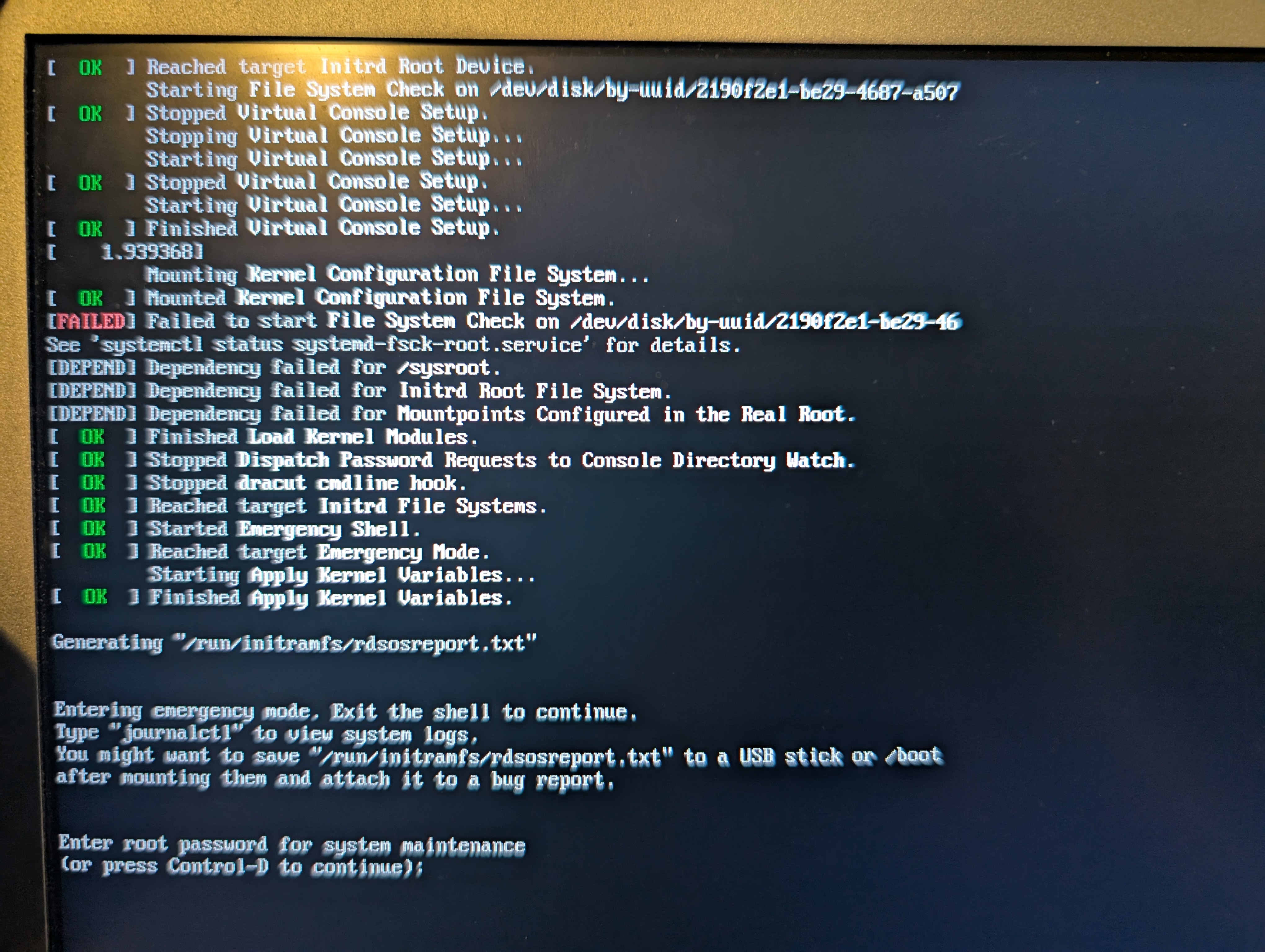
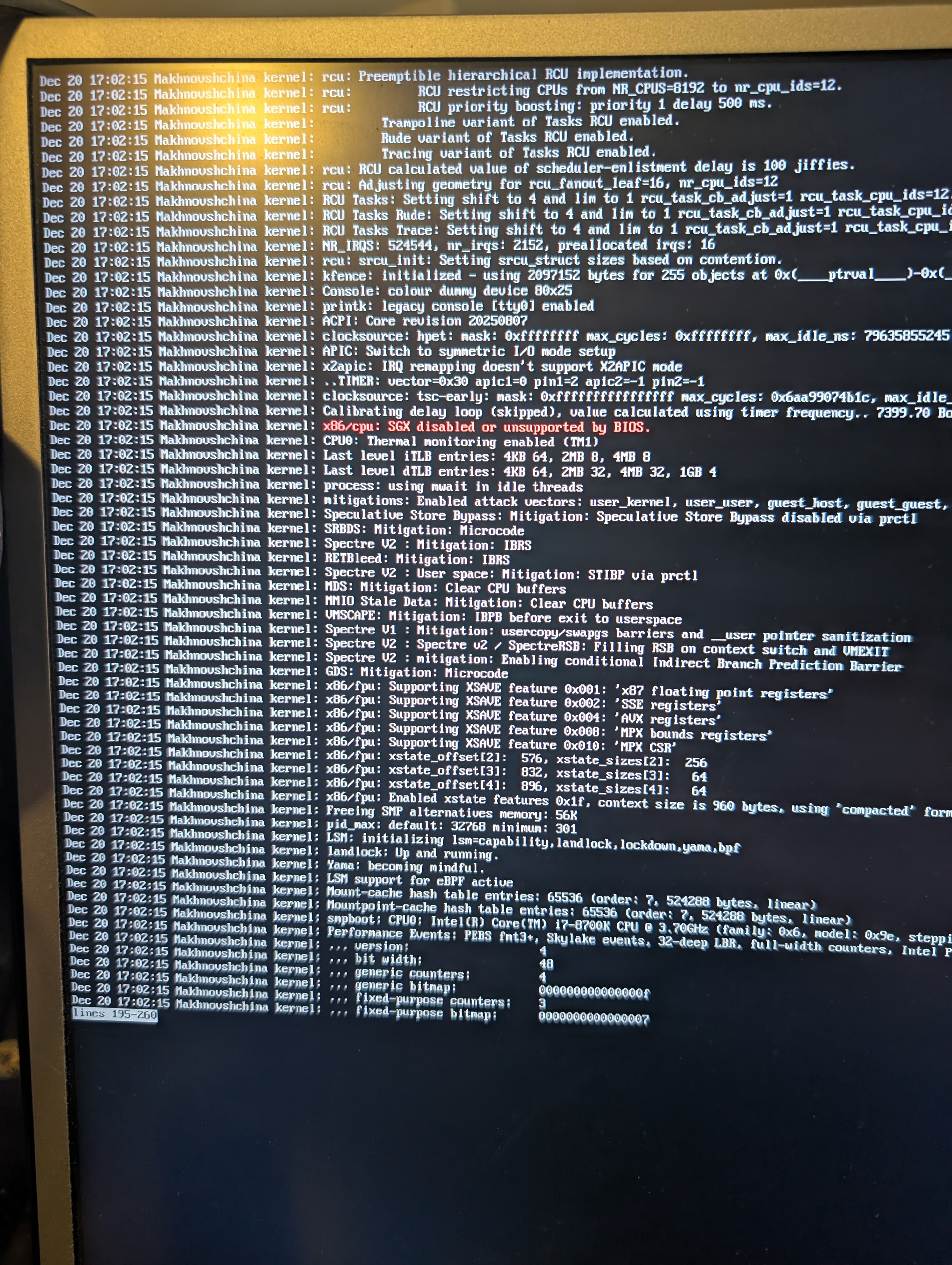
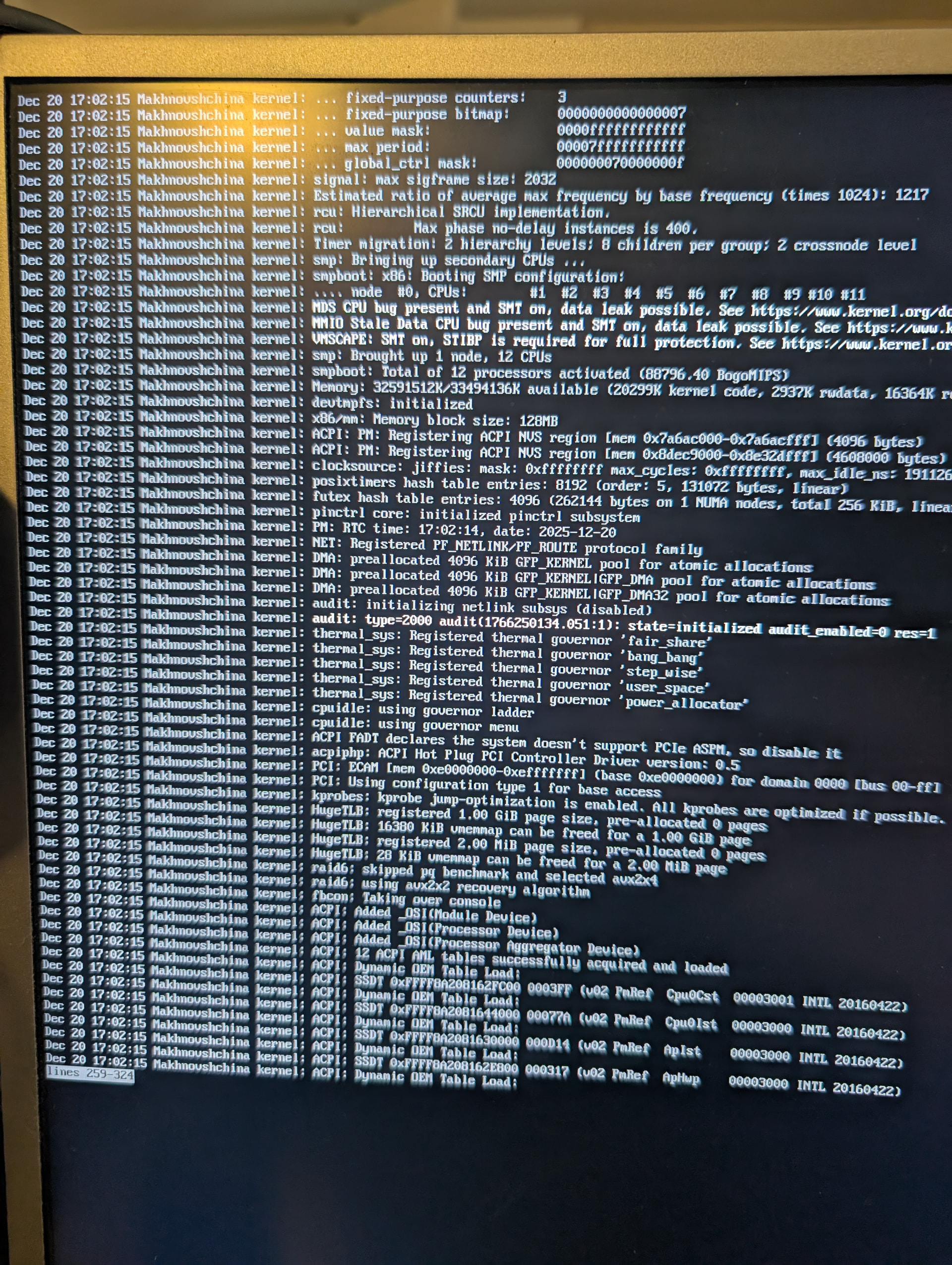
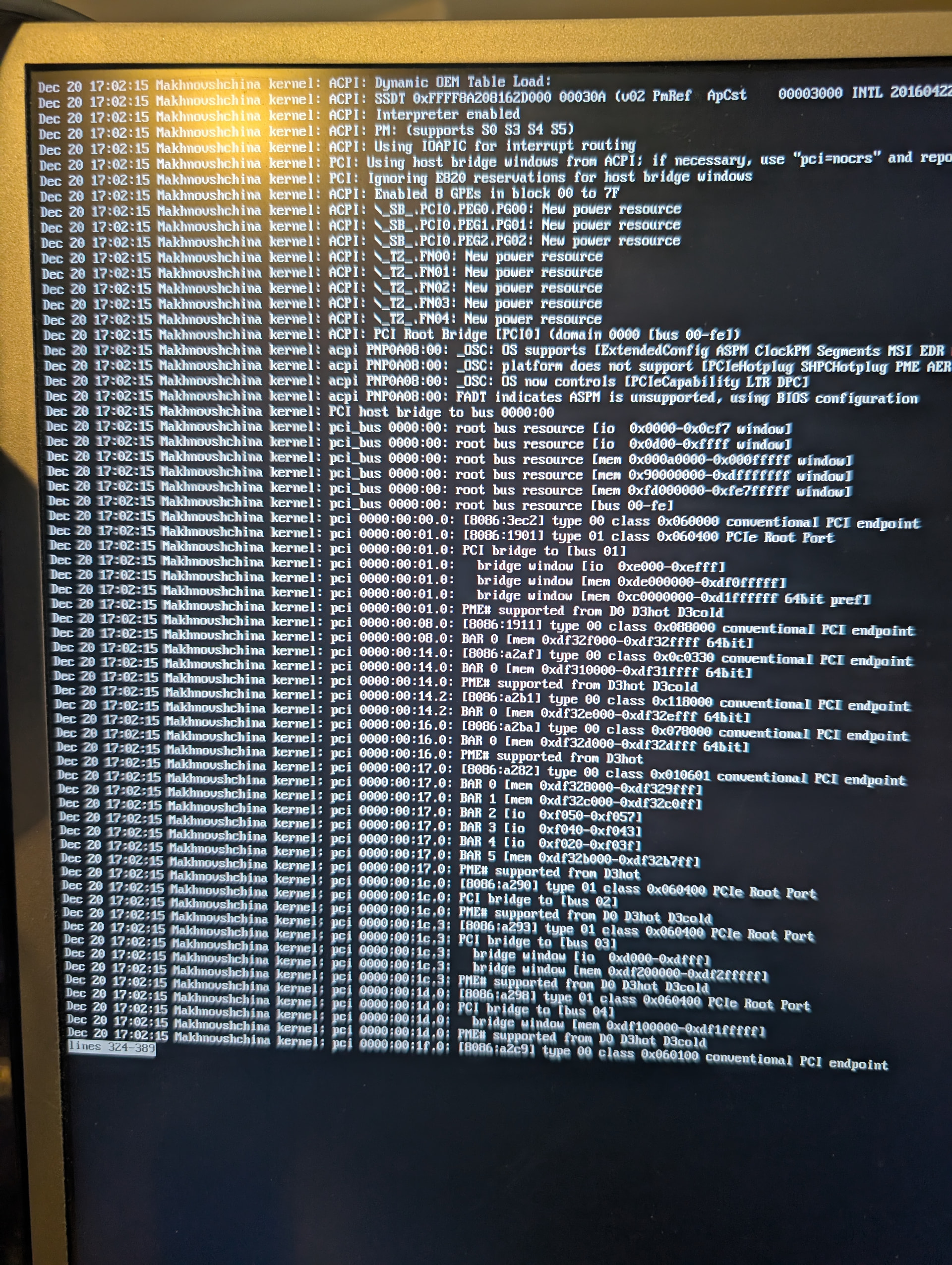
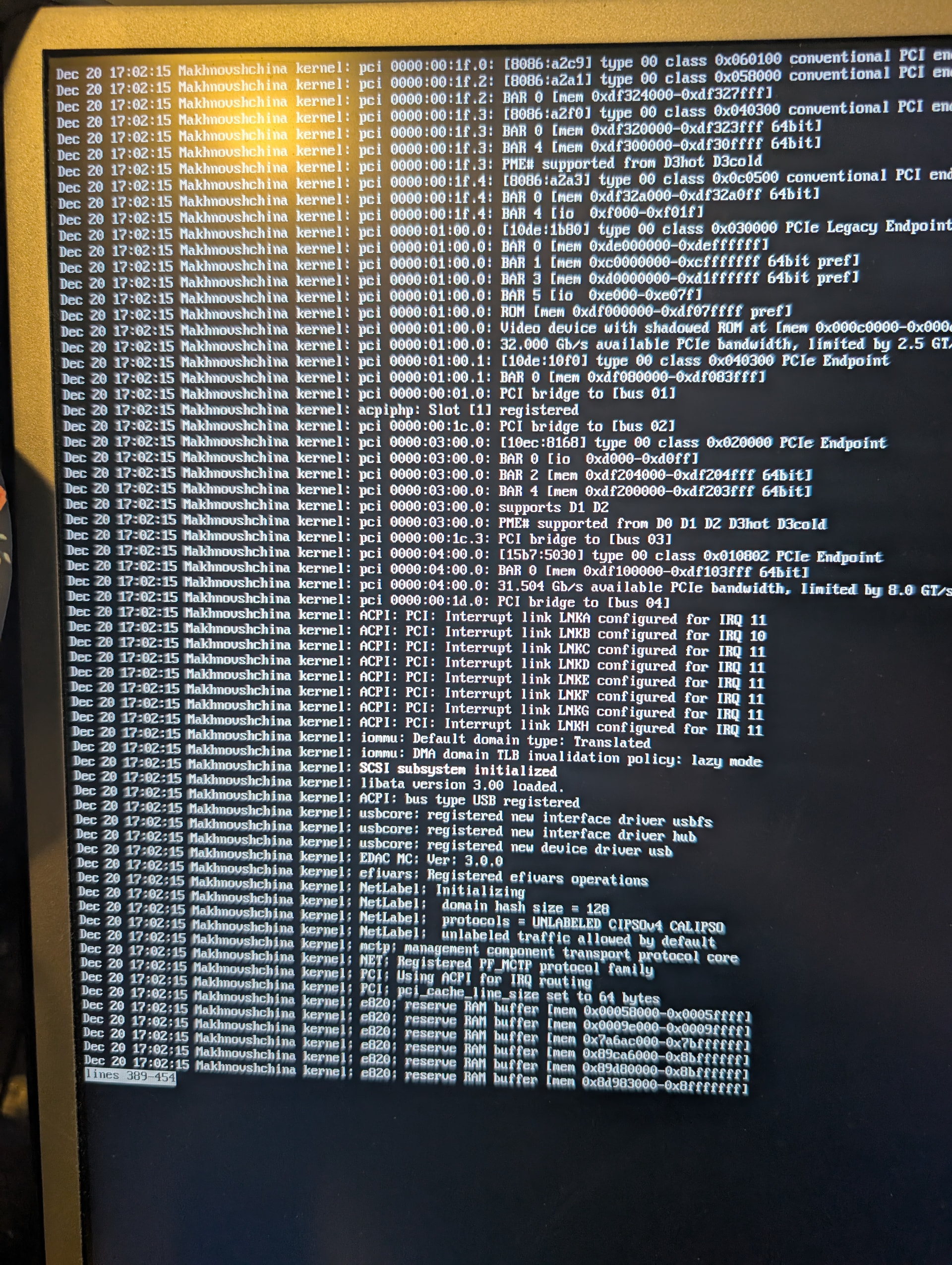
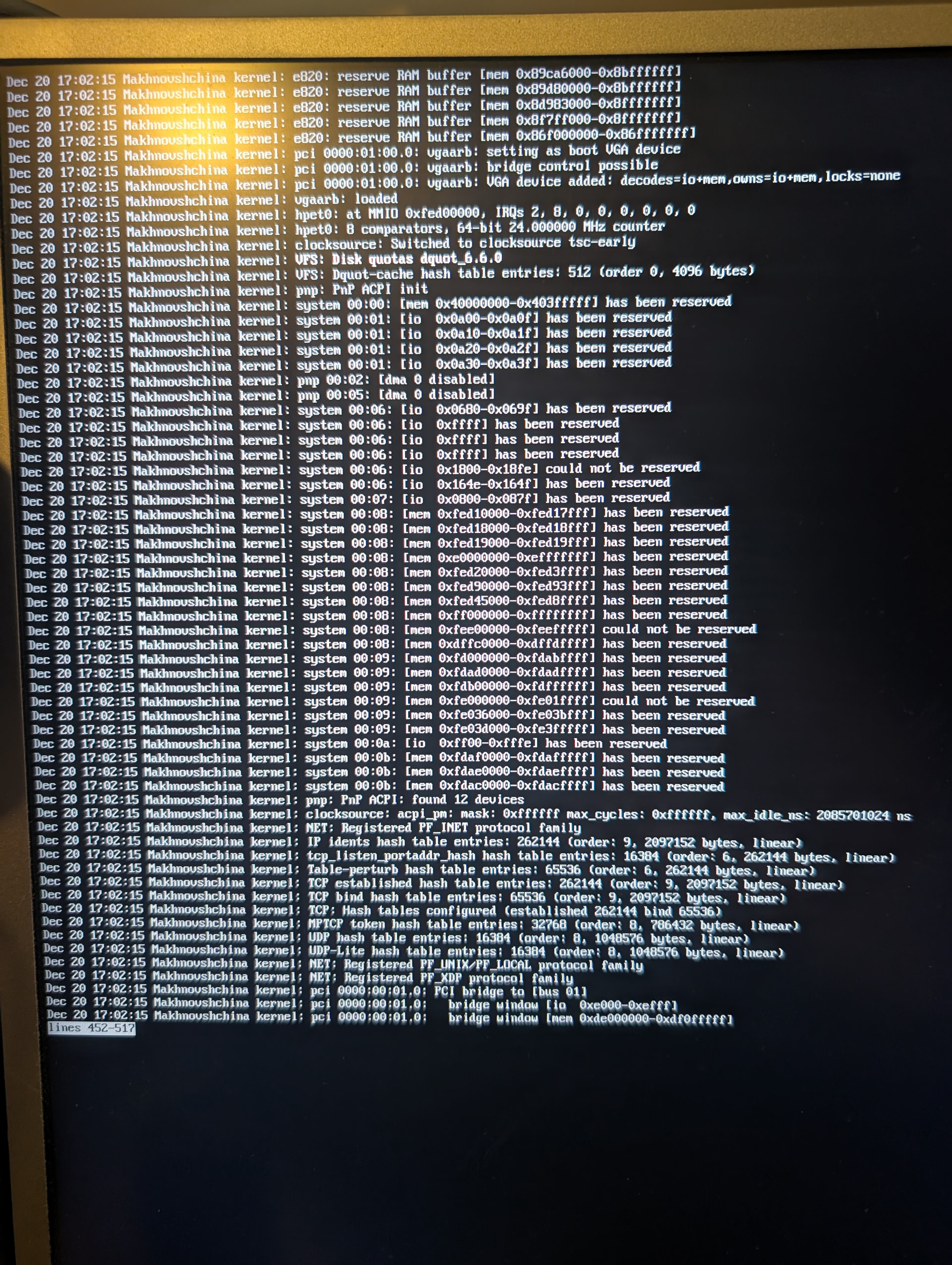
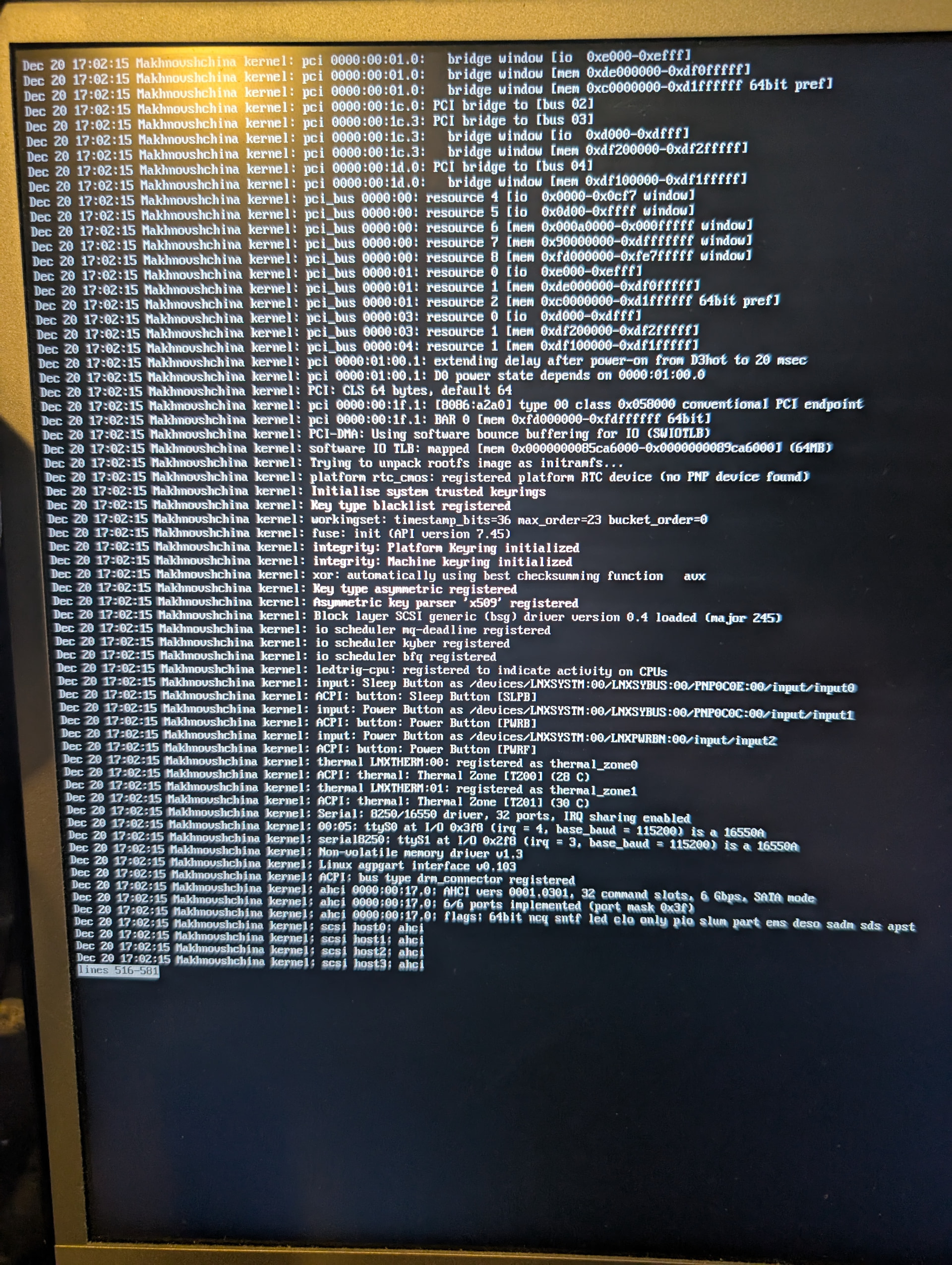
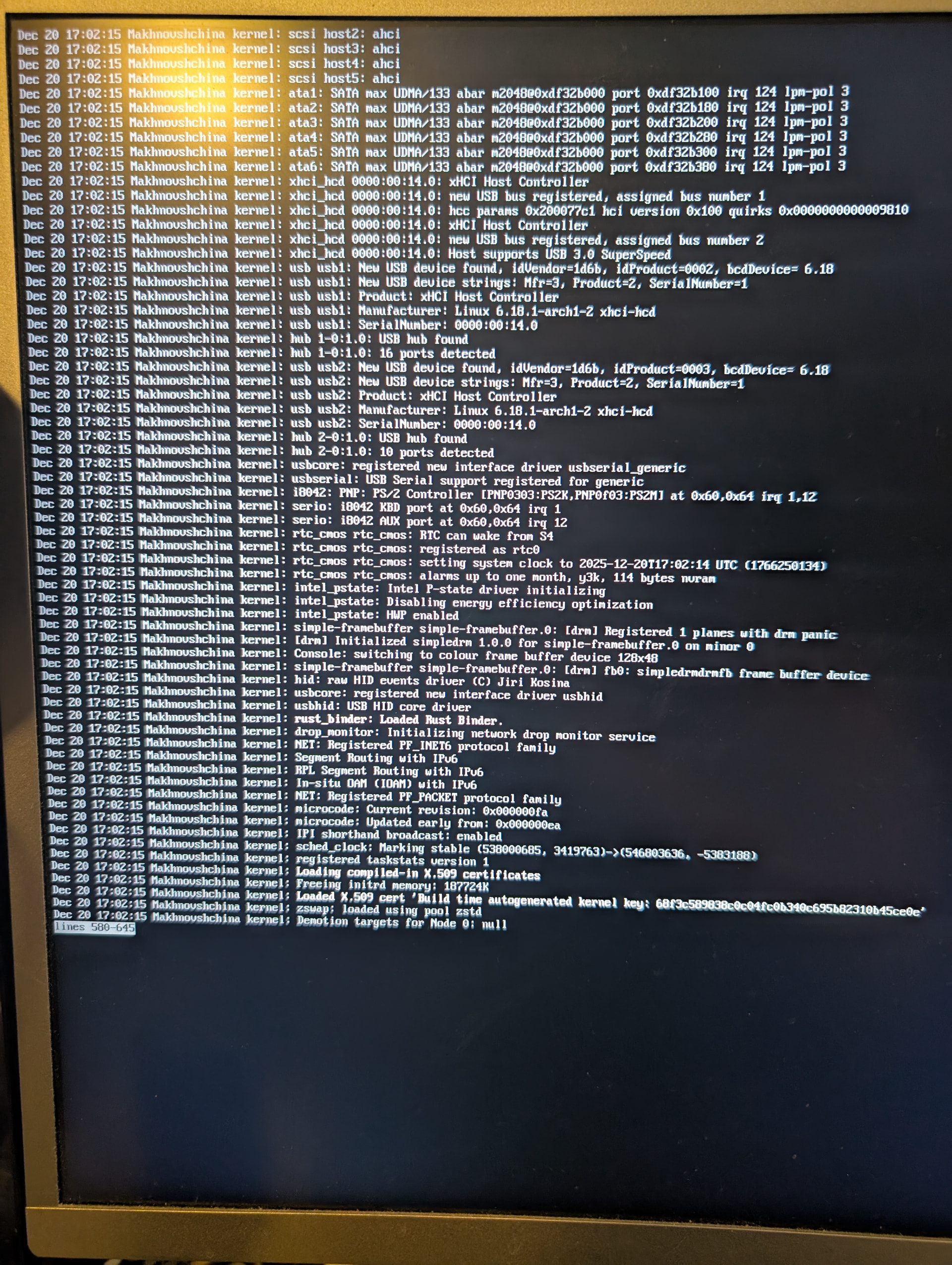
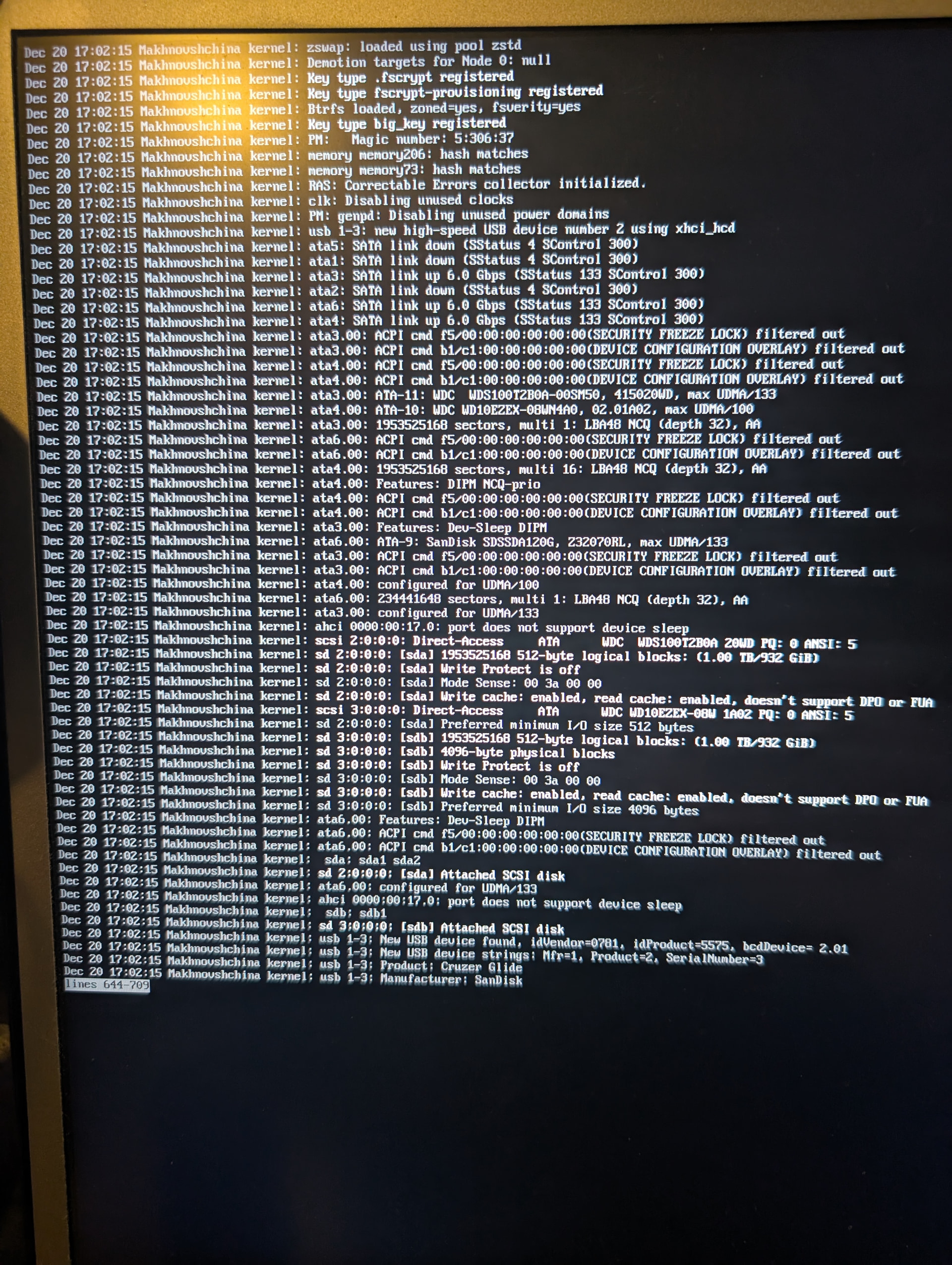
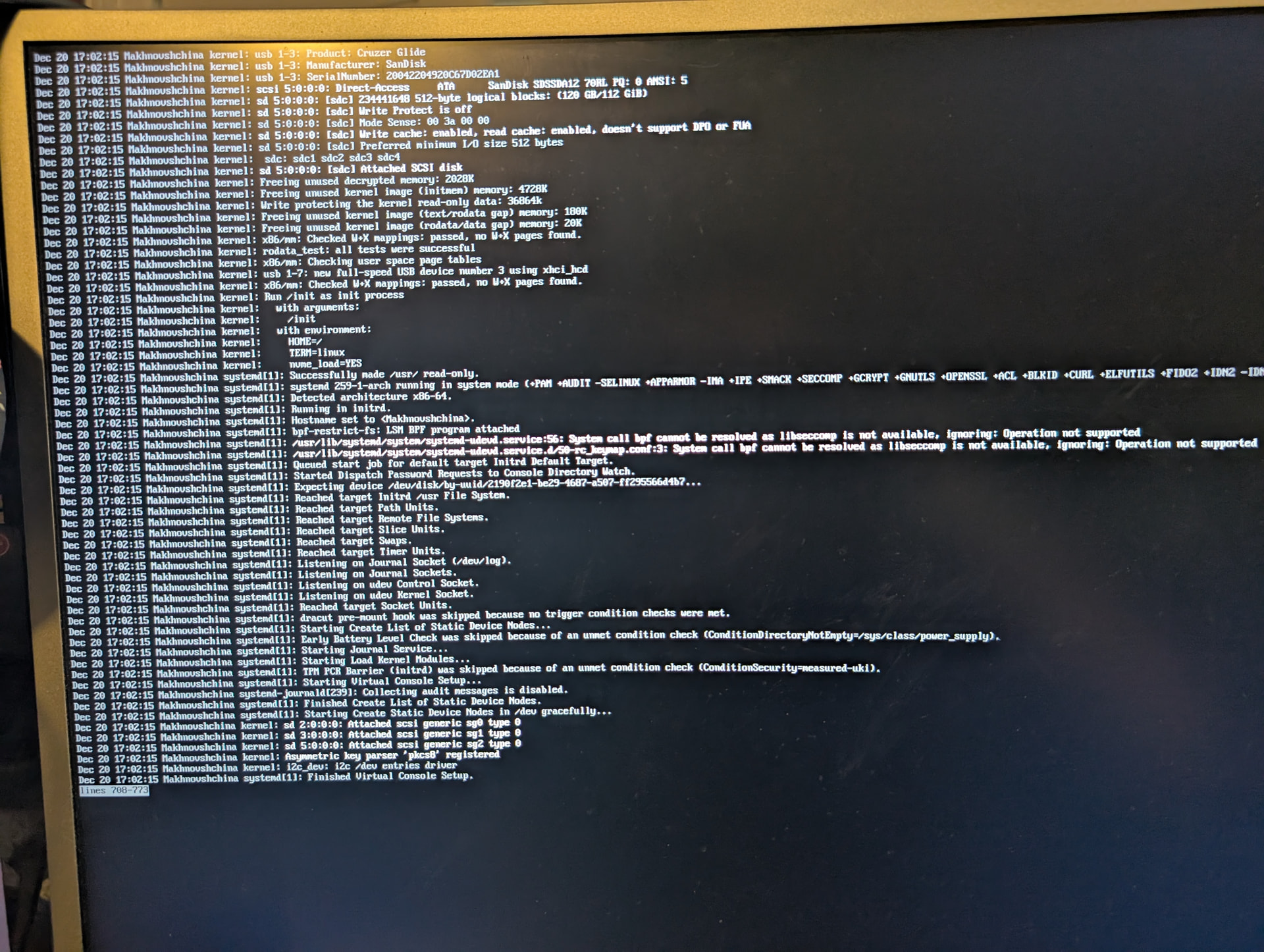
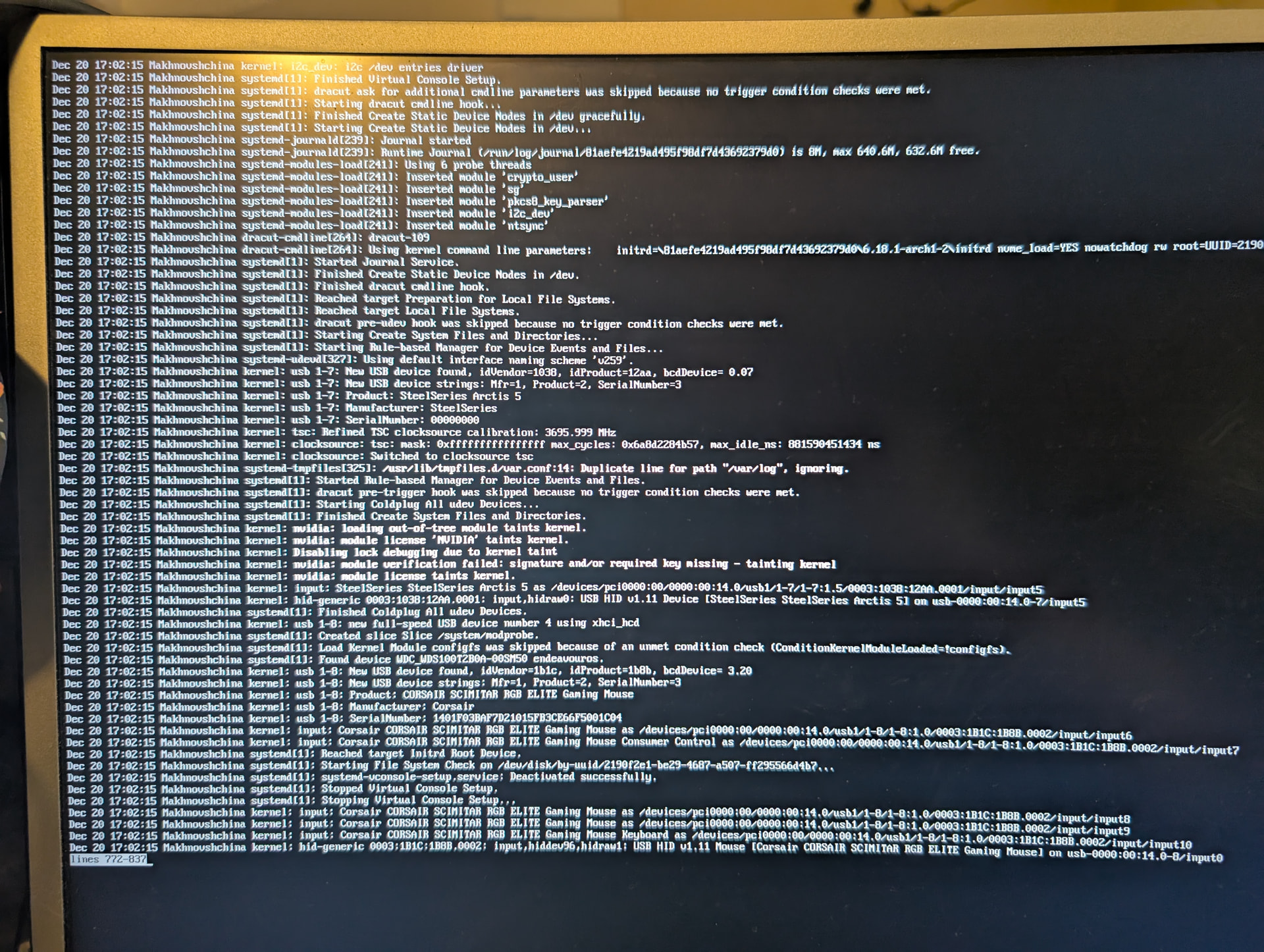
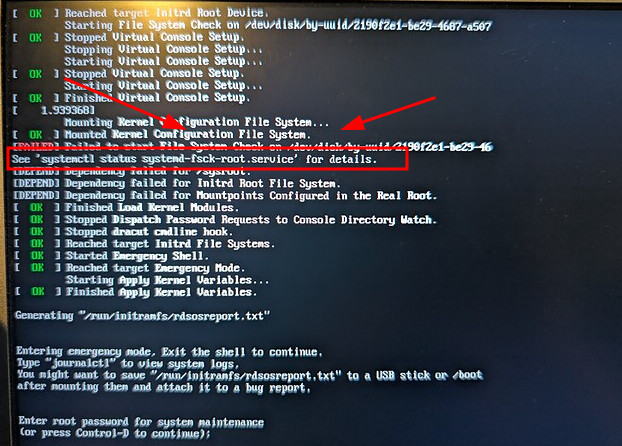
Tried booting into memtester86 with a Ventoy flashdrive, ran into an error with it not recognizing the ISO so rebooted to go try setting up the flashdrive another way, and suddenly my system won’t boot.
Would try booting into a Live USB and going from there, but systemctl reboot --firmware-setup returns “Failed to connect to system scope via via local transport: No such file or directory” and when I reboot systemmd pops up without a BIOS screen ever showing and my keyboard doesn’t want to work on the systemmd screen.
Any help appreciated, lately Linux/hardware issues have been doing an astounding job putting an itch in my mouth that only a shotgun can scratch.
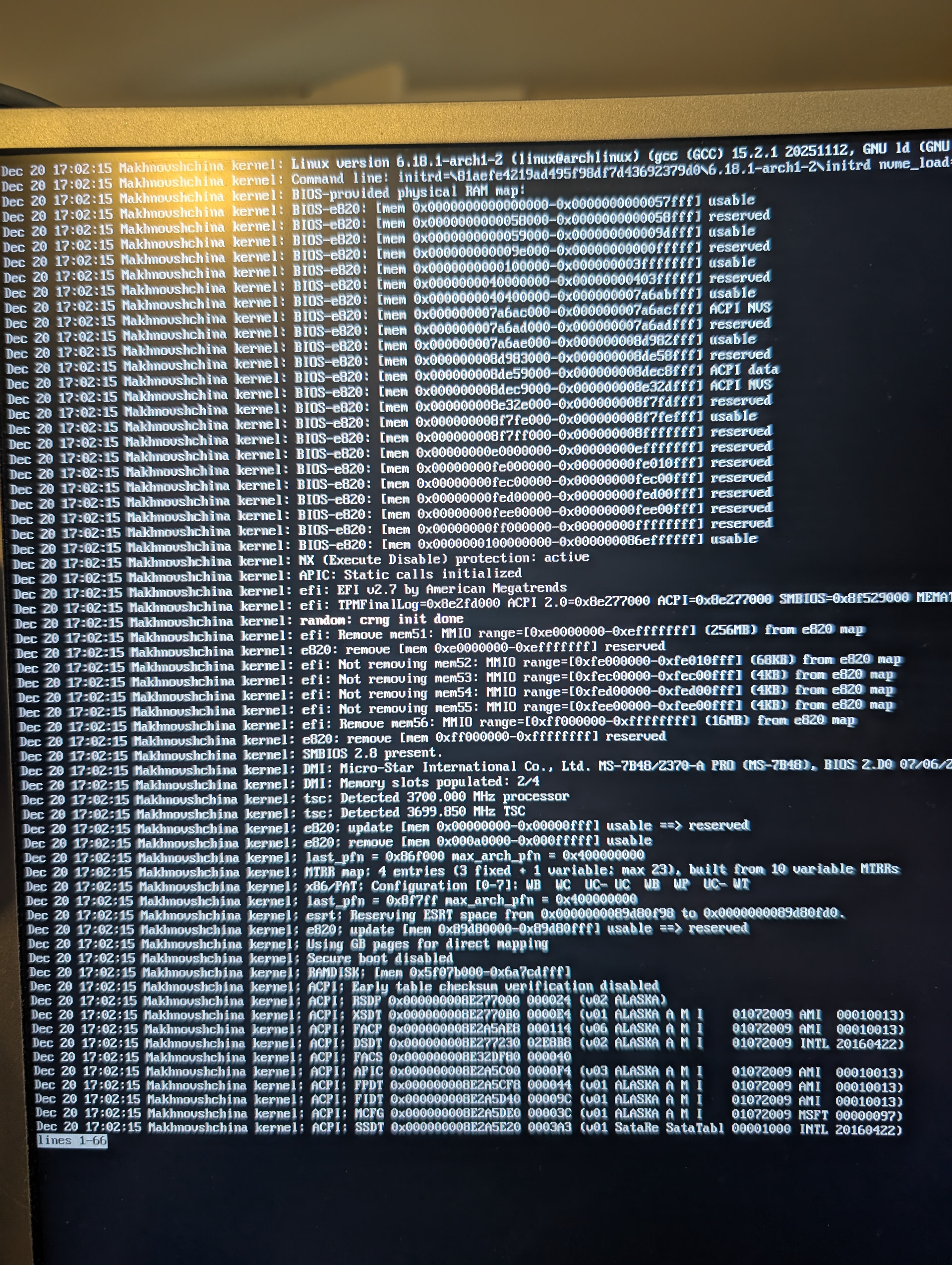
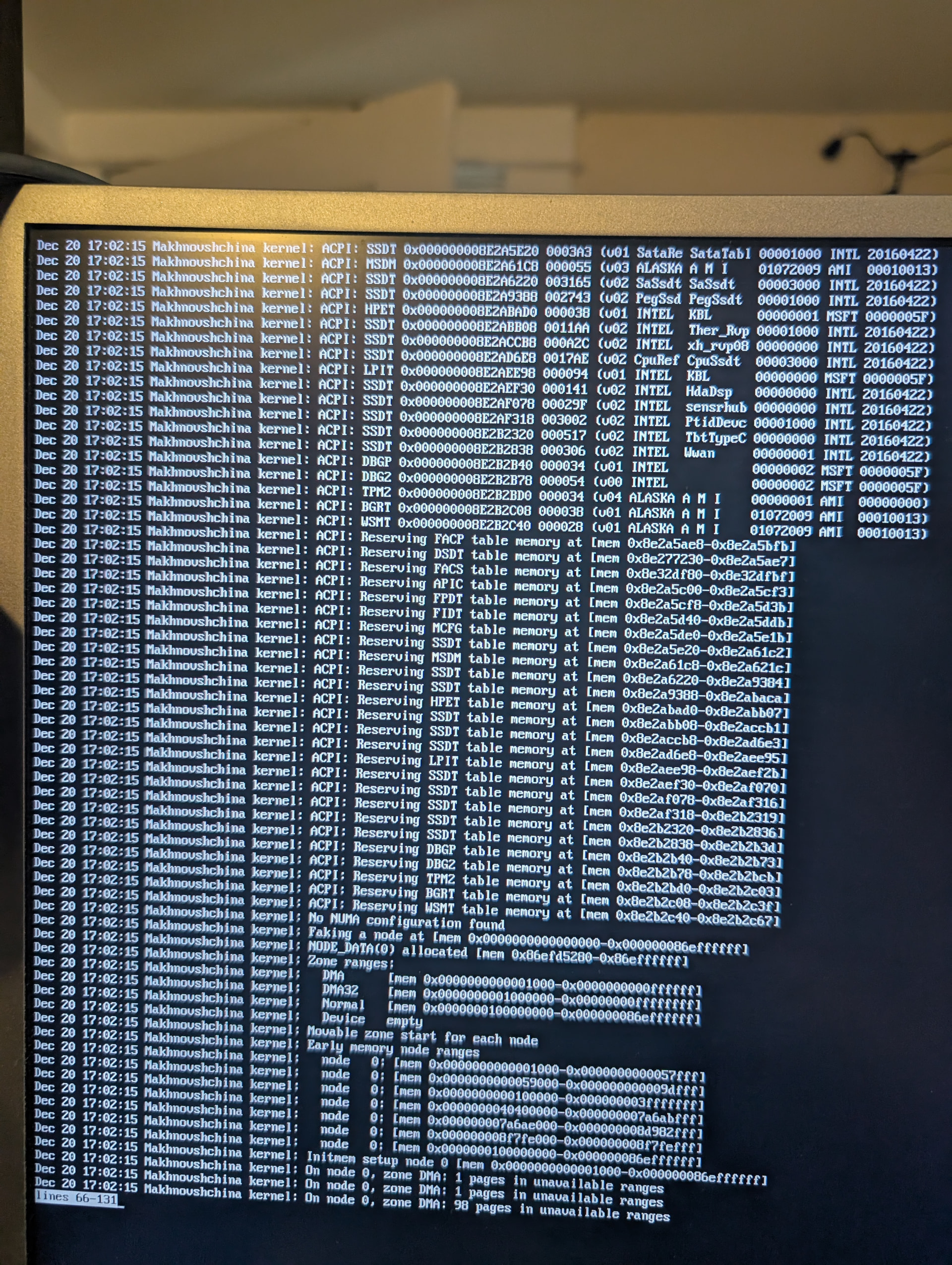
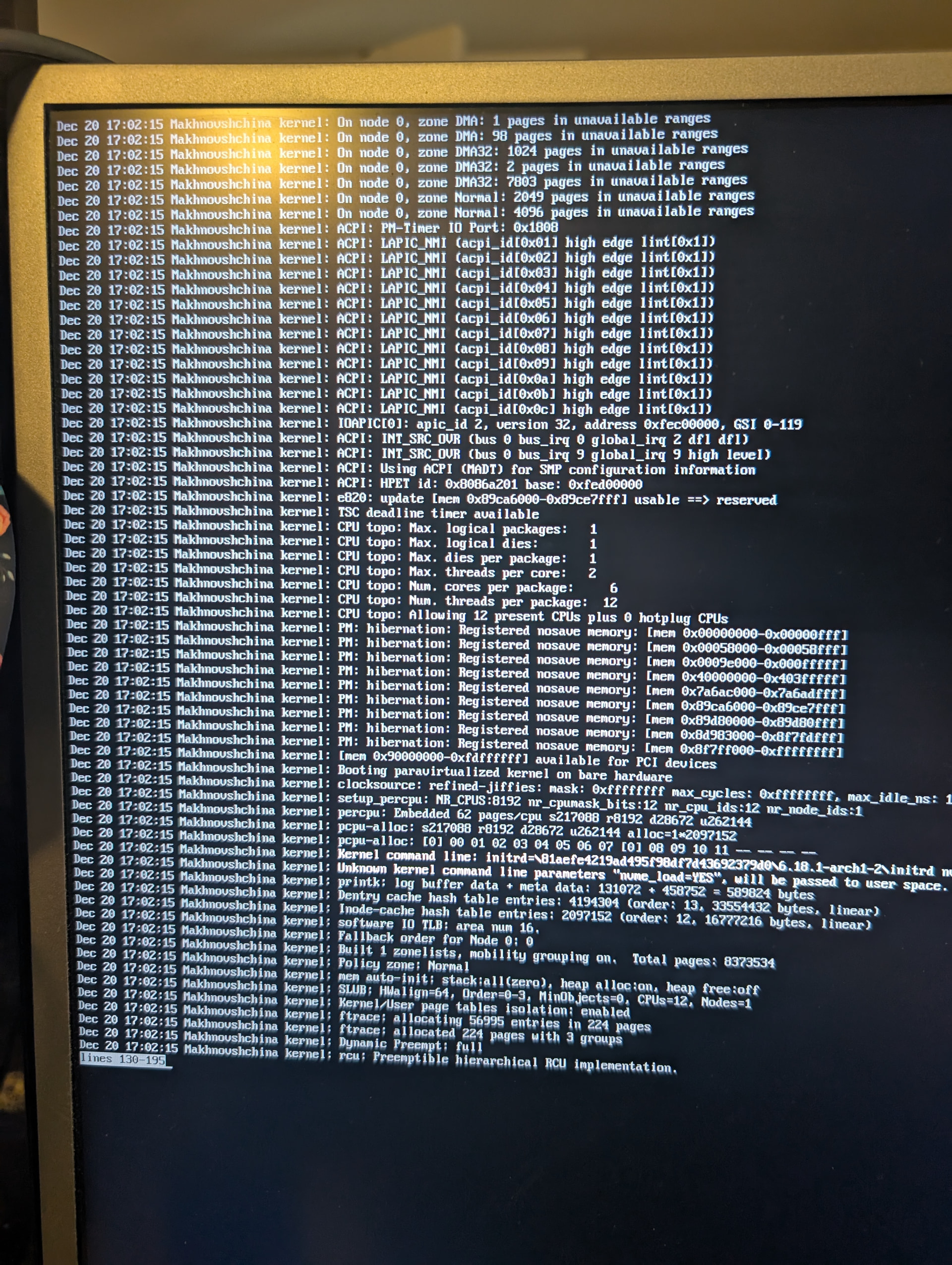
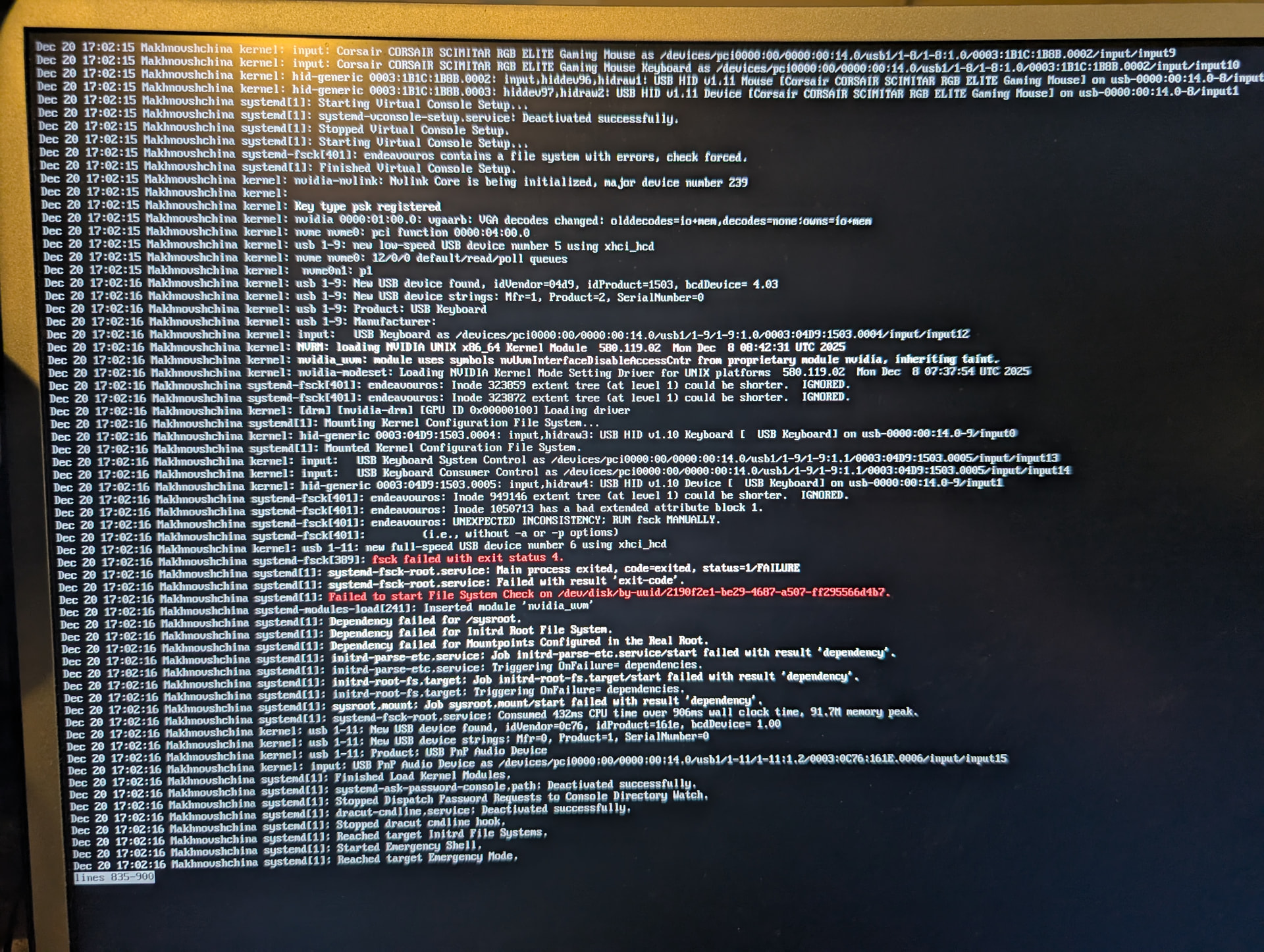
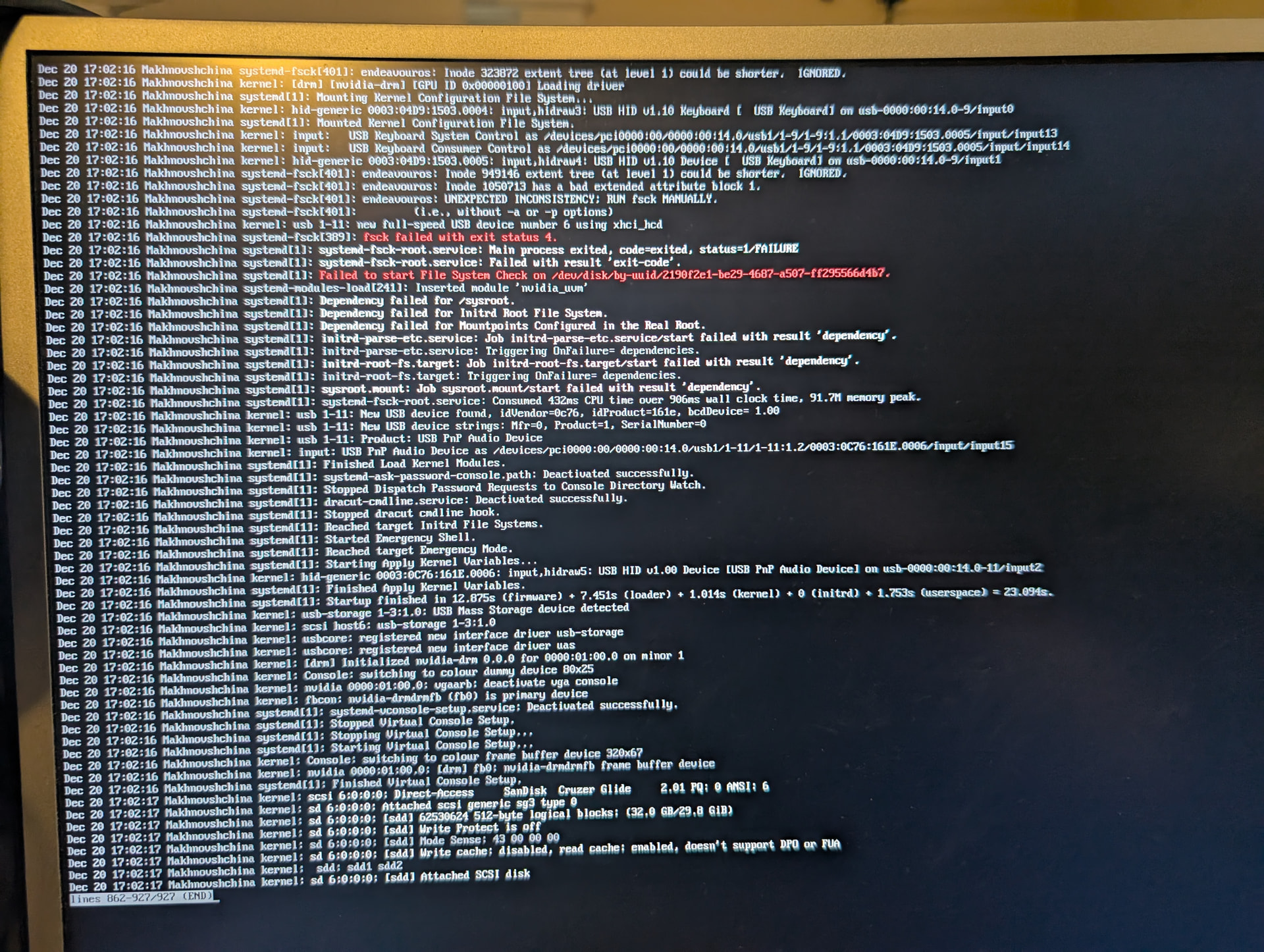
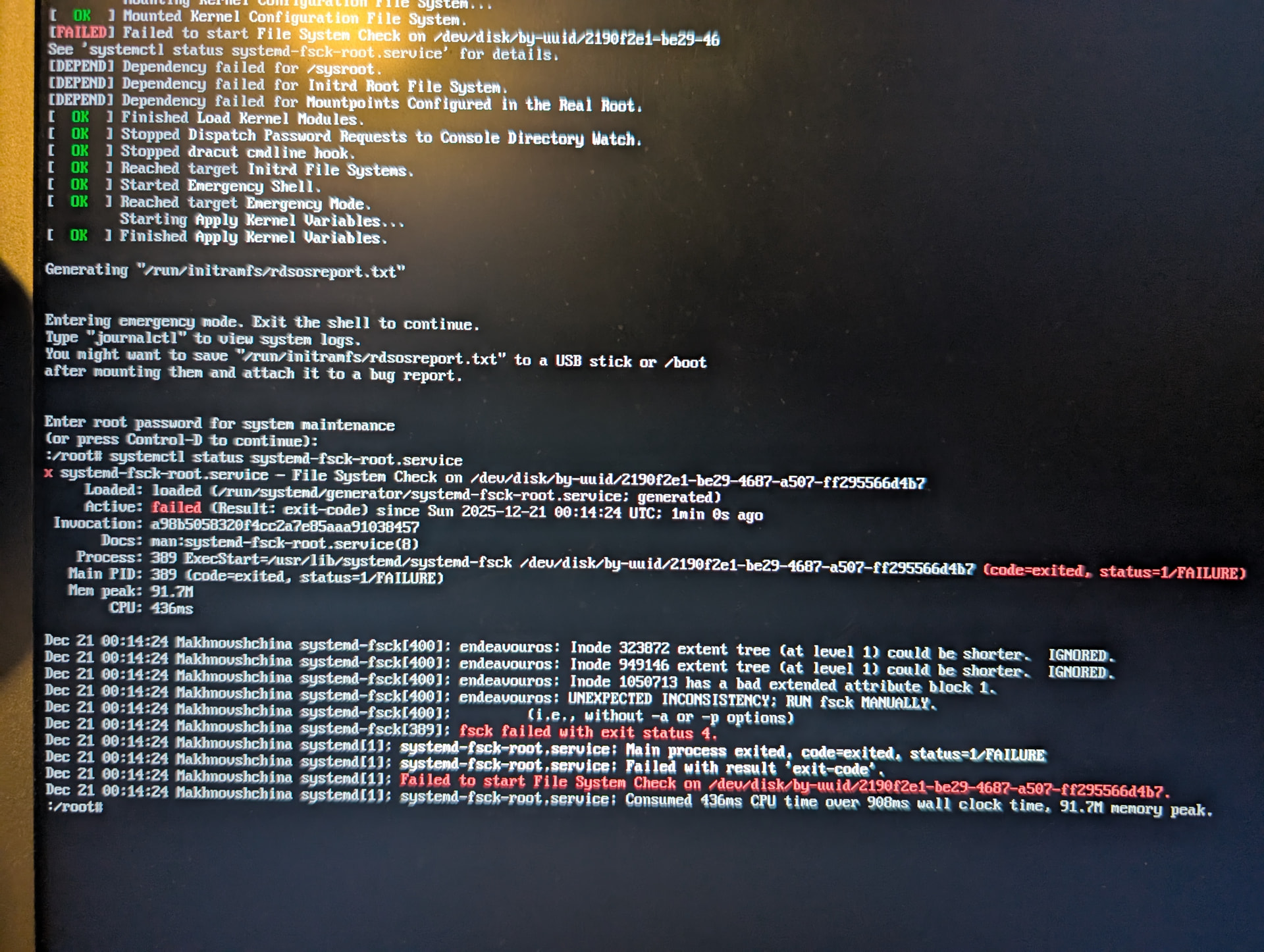
Well then how about please being specific then? I entered maintenance mode and entered journalctl which is the only command I see there on my screen in the initial screenshot.
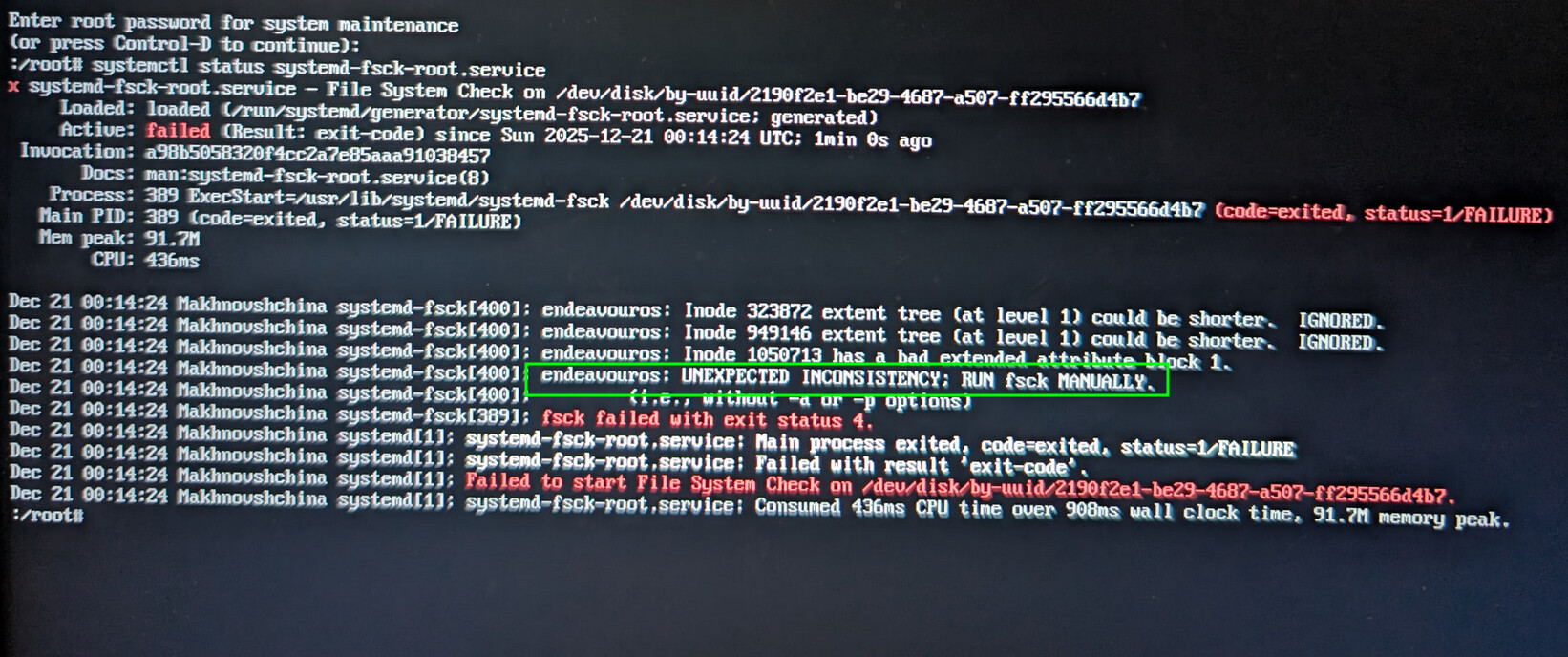
The boot time fsck checks might end up saying "UNEXPECTED INCONSISTENCY; RUN fsck MANUALLY."
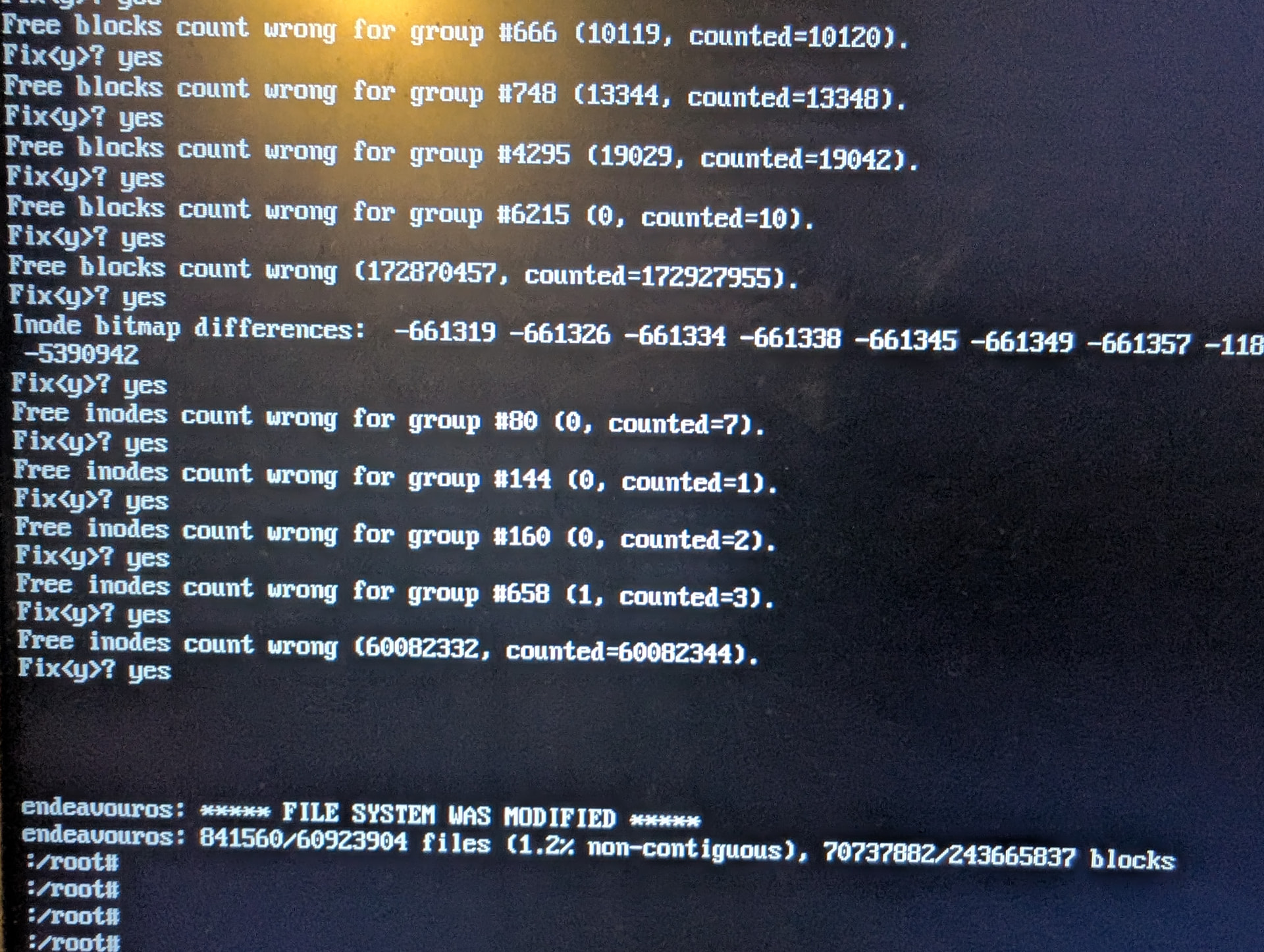
This happens when you need to apply some changes to fix the file system which are not considered completely safe, and thus require fsck to be run manually.
In this case would the file system be the the /dev/disc/by-uuid/[lots of letters and numbers here] since I don’t see the usual dev/[very simple partition label I’d usually expect]?
Yeah. Although, you can use any of the identifiers.
There are a bunch of identifiers that all point to the same device. In other words, if you know your root filesystem is /dev/sda2, you could use that identifier instead.
If that doesn’t work, try creating a new user and see if logging in with the new user is good. If logging in with the new user fixes it, it means your config got corrupted.