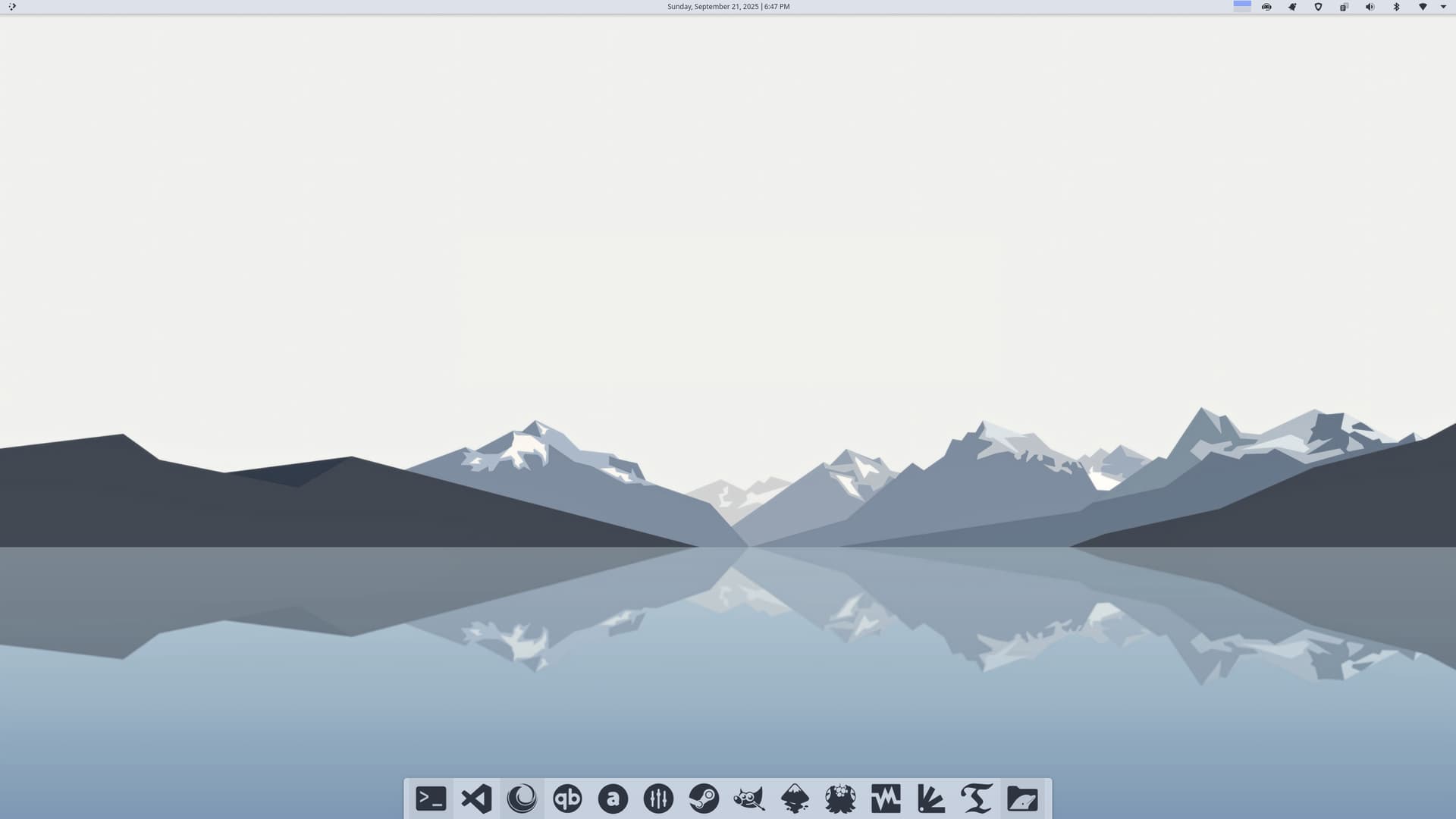
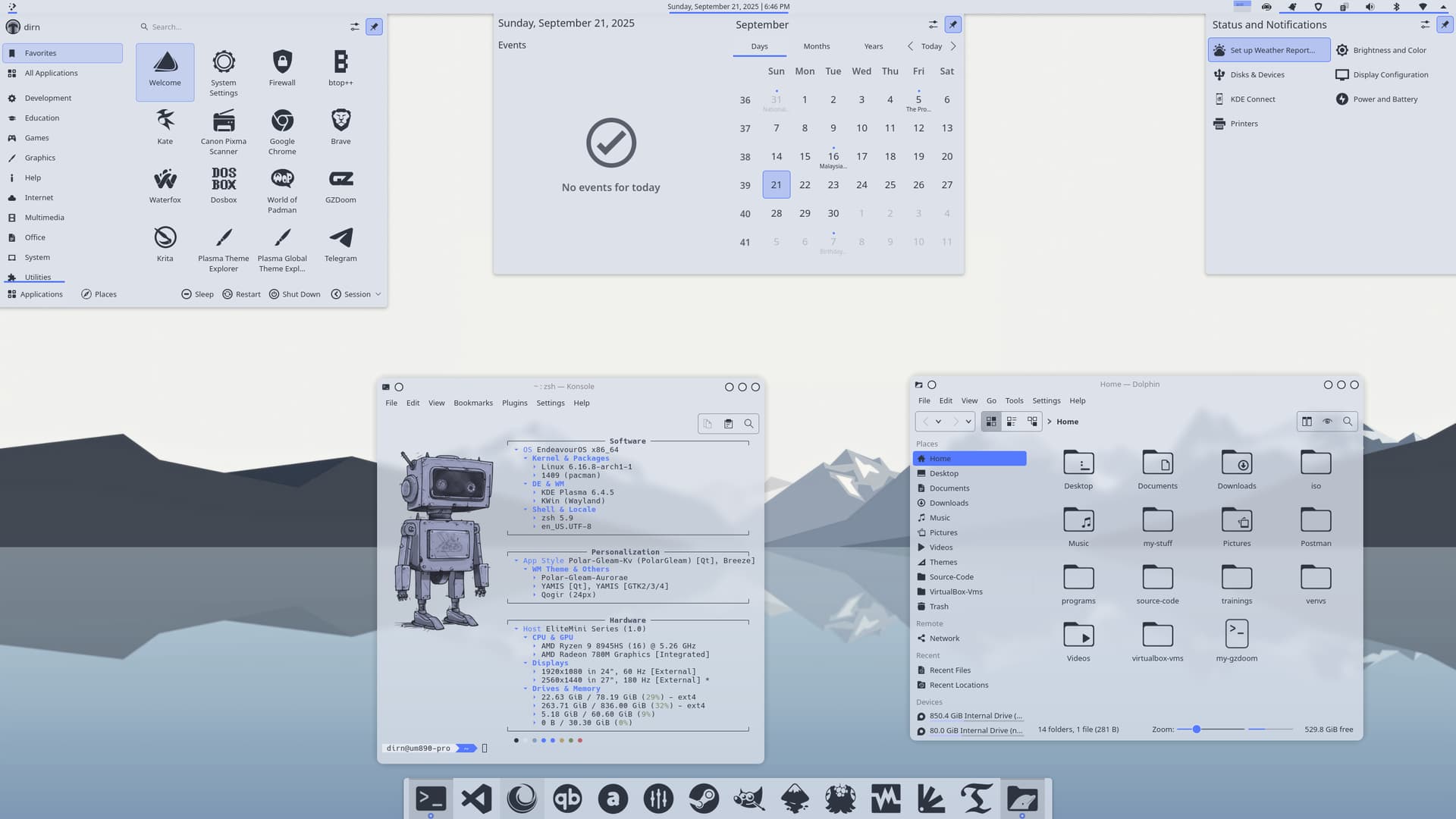
I’m happy to share Polar Gleam, my very first Plasma 6 theme on Pling!
This theme is a mix of different themes I’ve been playing around with and customizing. I wanted something light, clean and easy on the eyes. The colors mostly follow the Snow Storm palette from the Nord theme, giving it a soft and cool look. The only difference is the selected menu background, where I used my favorite blue, #557aff, to add a bit of extra pop.
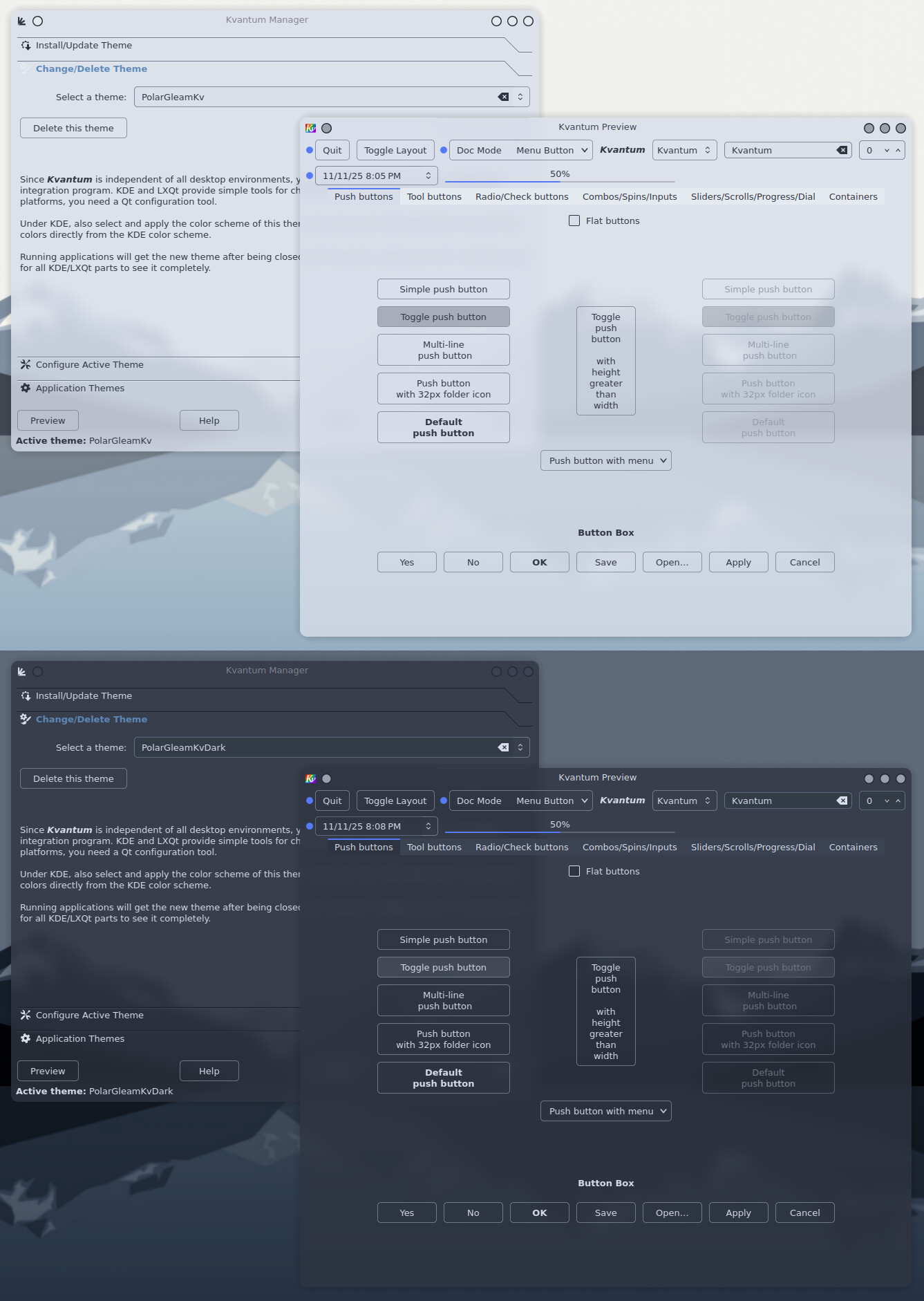
Even though it’s a light theme, the Plasma style is system color scheme friendly, so it can still match nicely with dark Plasma setups or Kvantum themes. The transparency is set at 20 percent, which I think is just enough without being too much.
Big thanks to @UncleSpellbinder for letting me include his awesome wallpaper in the theme. It really helps complete the look!
Hope you enjoy using it as much as I enjoyed putting it together!
Same. I find myself thinking that a lot. Whether theming, Arch-specific trouble-shooting, or just learning something new in general. The EndeavourOS Forum has proven itself to be a valuable and welcoming community many times over.
Woah! this is one gorgeous looking theme, thank you for sharing it.
With your creativity and eye for design I’m not surprised it’s so good, you’ve got the vavavoom!
Also, I just blimmin’ finished going all-out Catppuccin and now you do this to me, grrr LOL
I knew you would make a theme at some point!
Told ya
Will try it out soon
(hope the dark mode is dark enough for my liking, the only fear I have)
Edit: so far I really like the window decoration thing.
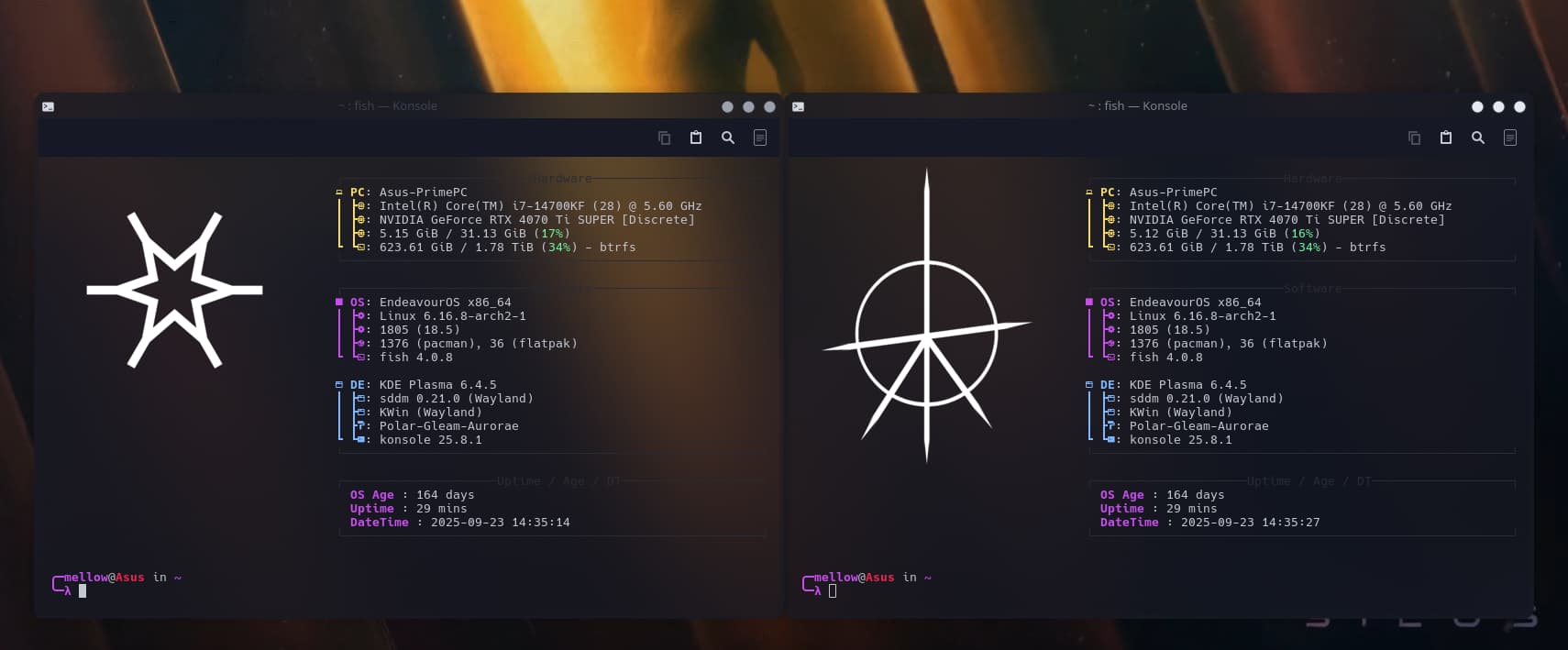
The only thing is that its weird that the active window is darker than the inactive window. wich makes it look like the active windows is inactive and the other way around.
for excample here the left window is active the buttons and text in the window decoration are more greyish, on the right they are way more white (probably not that obvious on the screenshot)
maybe you can switch that around so that the active window uses the lighter config and the inactive the one that is dimmer?
Also I tried the Global Theme and Kvantum and the console theme but either I am dumb, stupid or something like that, I was unable to get it to respect dark mode, but since I only tried like 5 minutes due to lack of time its likely just me, will try again later very likely.
(the screenshot is from the sweet console theme with your window deco, for any1 wondering it works very good with each other)








 thank you for sharing it.