means a 5.10 kernel?
try with phoronix-benchmark-suite
Well, I’m stuck on trying to get a working uboot, if that is the problem.
I’m going to set this aside and work on my Income Taxes. I hate doing them but at least I will get something accomplished. 
Pudge
I wonder if it’s this (oldish) issue: https://forum.odroid.com/viewtopic.php?f=209&t=39989
Hopefully I can spend some more time soon on the basics, I’ve just updated my “zenhanced” linux-odroid kernel to 5.11. 
I did a base install with kernel 4.9.216. I edited boot.init as per
initrd_loadaddr needs to be bumped up a bit. I used 0x4080000 to work
It booted. Updated the base install. reboot. Installed 5.10.15 kernel and kernel headers from your repository. Rebooted. No joy.
Darn, back to the taxes.
Pudge
Saw this post that jonathon shared on odroid forum and registered  this is already nine days old but, here I share a working mainline boot.ini just in case:
@jgmdev
Welcome to the forum.
Any friend of Jonathon’s is a friend of ours.
I will definitely give this a try, thank you so much. 
If I insert this in /boot as boot.mainline.ini will this get recognized or do I need to rename it boot.ini?
I hope you enjoy the forum and stick around for a while.
Pudge
needs to be renamed to boot.ini
I had an eMMC that had the Archlinux Arm base install on it, ready to go.
I booted it up, installed your boot.ini, downloaded and installed the current mainline kernel from Jonathon’s repository. Rebooted and it came up. I fired up the install script, I am now in the process of installing a Budgie desktop as we speak.
Thank You very much for your time and hard work on getting this boot.ini working.
Pudge
Nice! By the way, I would like to contribute to endeavour arm since I have been a lone wolf doing stuff with archlinuxarm and endeavour os aligns with my ideal of using archlinux repos directly and just having a nice installer instead of duplicating all repos with different package versions like Manjaro does. Is there some irc style chat room where developers hang out? I joined the telegram but it was really crowded in my opinion to talk about development stuff. Would be nice to join forces with jonathon and the rest of the community to get things moving better
Here is the github site for EndeavourOS Arm, and in particular the image-installer script.
If you open install-image-V2.3.sh and look at lines 30 through 44 that is where the Odroid N2 / N2+ image is downloaded and installed.
I am hoping to install the Archlinux Arm base install and then with your permission, wget your boot.ini and overwrite the existing boot.ini. Then with Johnathon’s permission do the same with Johnathon’s mainline kernels he has on his repository. Then after the Archlinux Arm base install is finished, users can do a git clone and then utilize the install-script to install EndeavourOS with the users choice of 9 different DE’s or WMs, including a themed i3 and a themed Sway in on the way for Raspberry Pi 4b / 400. I am hoping those will install on the Odroid base install as is.
So two scripts, one to install the Archlinux base, a few CLI commands to prepare for installation, then the second script to install an EndeavourOS base install with sane base packages and your choice of a DE or WM.
Any help with improving the scripts from yourself and Johnathon would be greatly appreciated.
Pudge
EDIT:
The script has finished installing Budgie, and after a little configuration and theming I will post screen shots.
Jonathon leads me to here although I am not a user of ArchLinux. Glad to know new OS.
@tobetter
Welcome to the forum.
You will find this is one of the friendlier forums, and with guys like Jonathon around, also very helpful and informative.
If you have any questions about Archlinux, or Archlinux Arm feel free to ask.
Pudge
Odroid N2+ with 64 GB eMMC card. Using @jgmdev 's boot.ini and Johnathon 's mainline 5.11-1 zen kernel. Thanks to all of you.
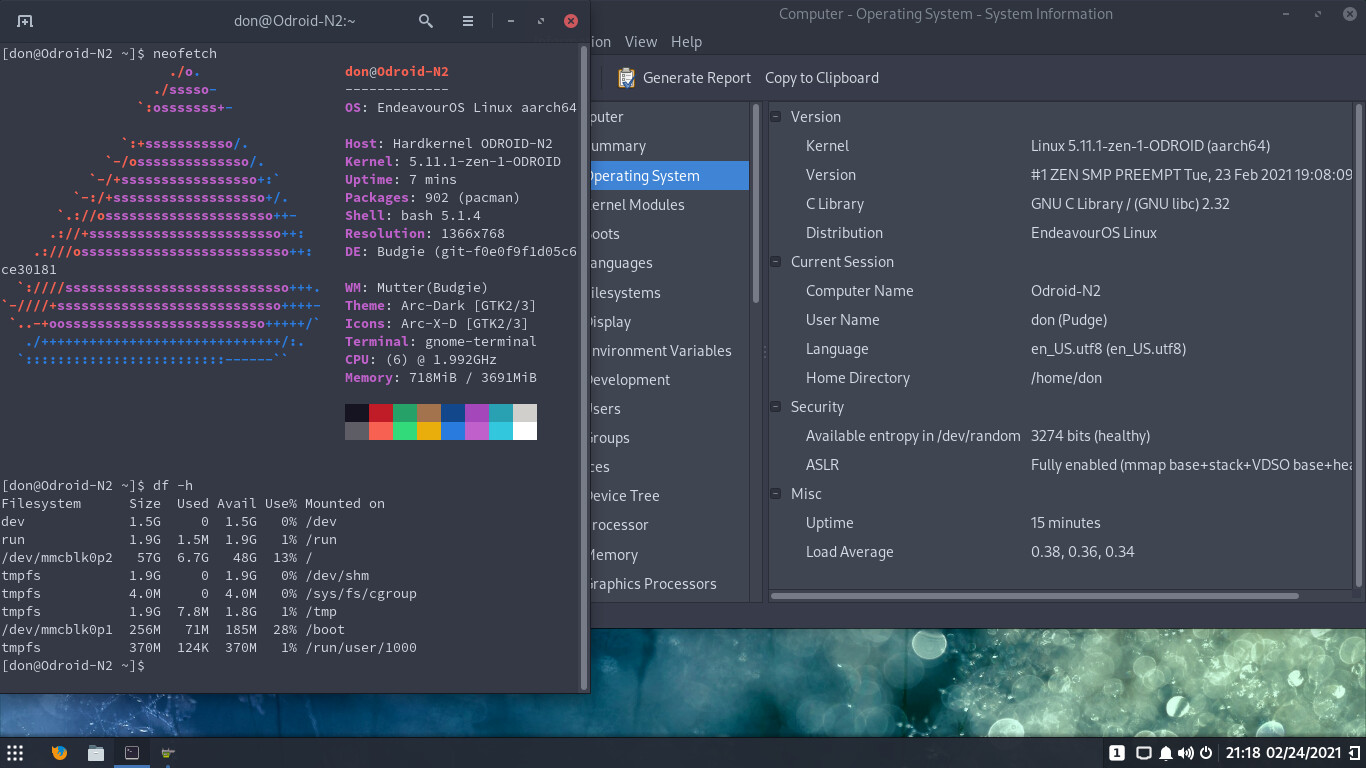
Here is the AppMenu widget available with budgie-extras
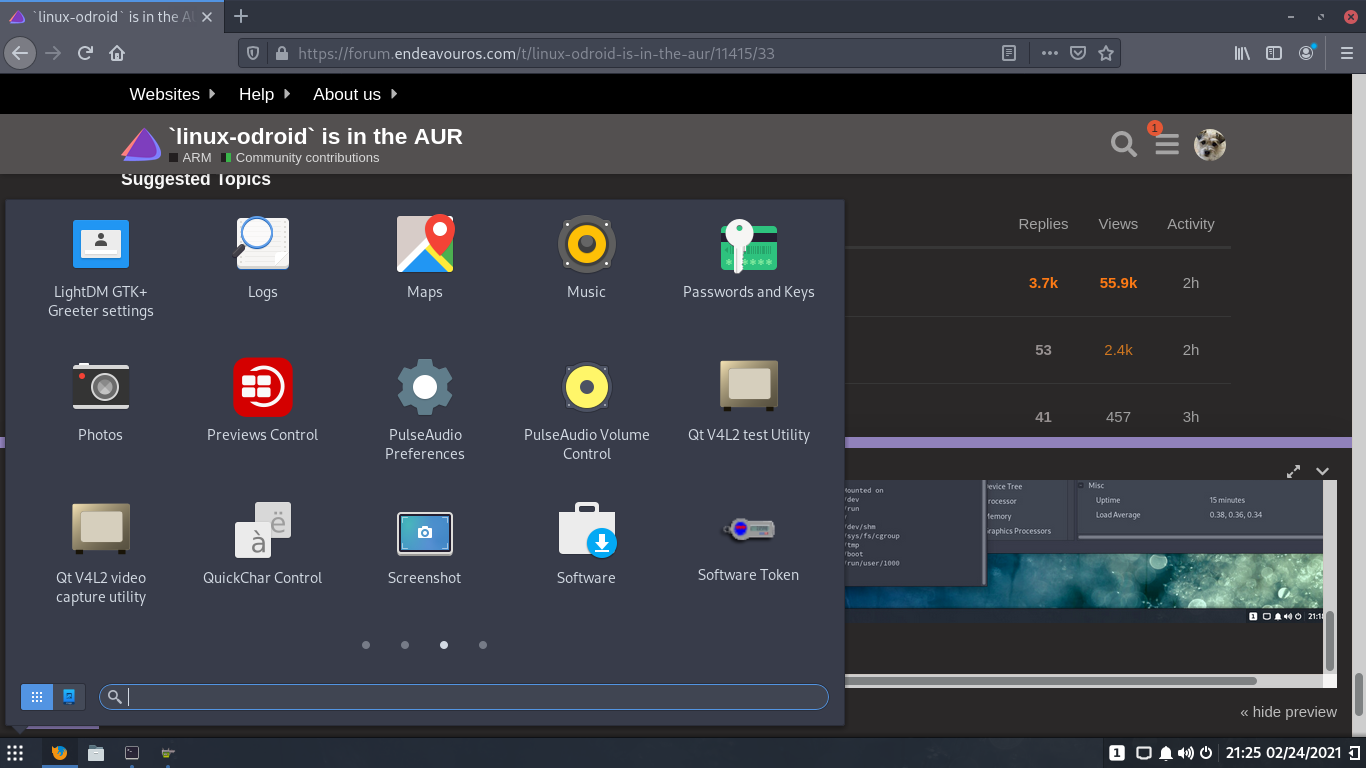
Now to use it as my daily driver and test it out.
Pudge

Speaking of which. I have been pondering how to proceed with this. Next step for me is to start a test version of the image-install script. In which I will install the new boot.ini. I believe and hope that the image with the new boot.ini will still boot with the old 4.9.something kernel.
If it does, I can further alter the Image-install script to include the pacman.conf with Jonathon’s
repository info and keys. I know he already listed this in a post to LizzieAS I believe, but I haven’t had time to find it yet. With this info in place, then during first boot of the Archlinux ARM base the first step is always to update the image. This would now install the new mainline zen kernel.
Of course this would be with everyone who is involved agreeing on how to proceed and give their consent to use their assets. I won’t proceed without everyone’s consent.
If we need to discuss consent and use of assets, we can start a PM with at least @jgmdev @tobetter @jonathon included and perhaps someone from the core group such as @joekamprad
Thanks
Pudge
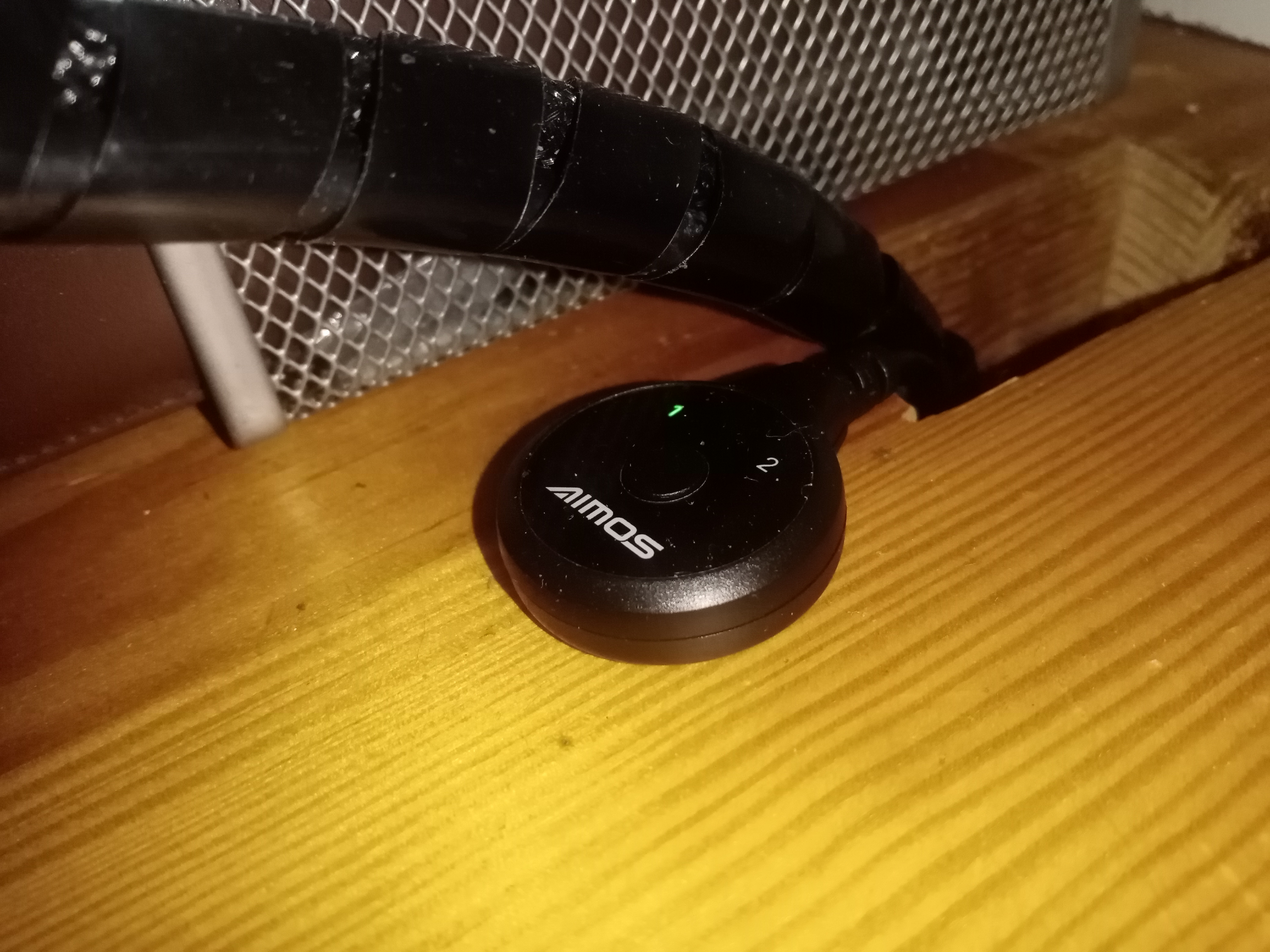
Nice hole on the thick-looking table! 
Or floor?
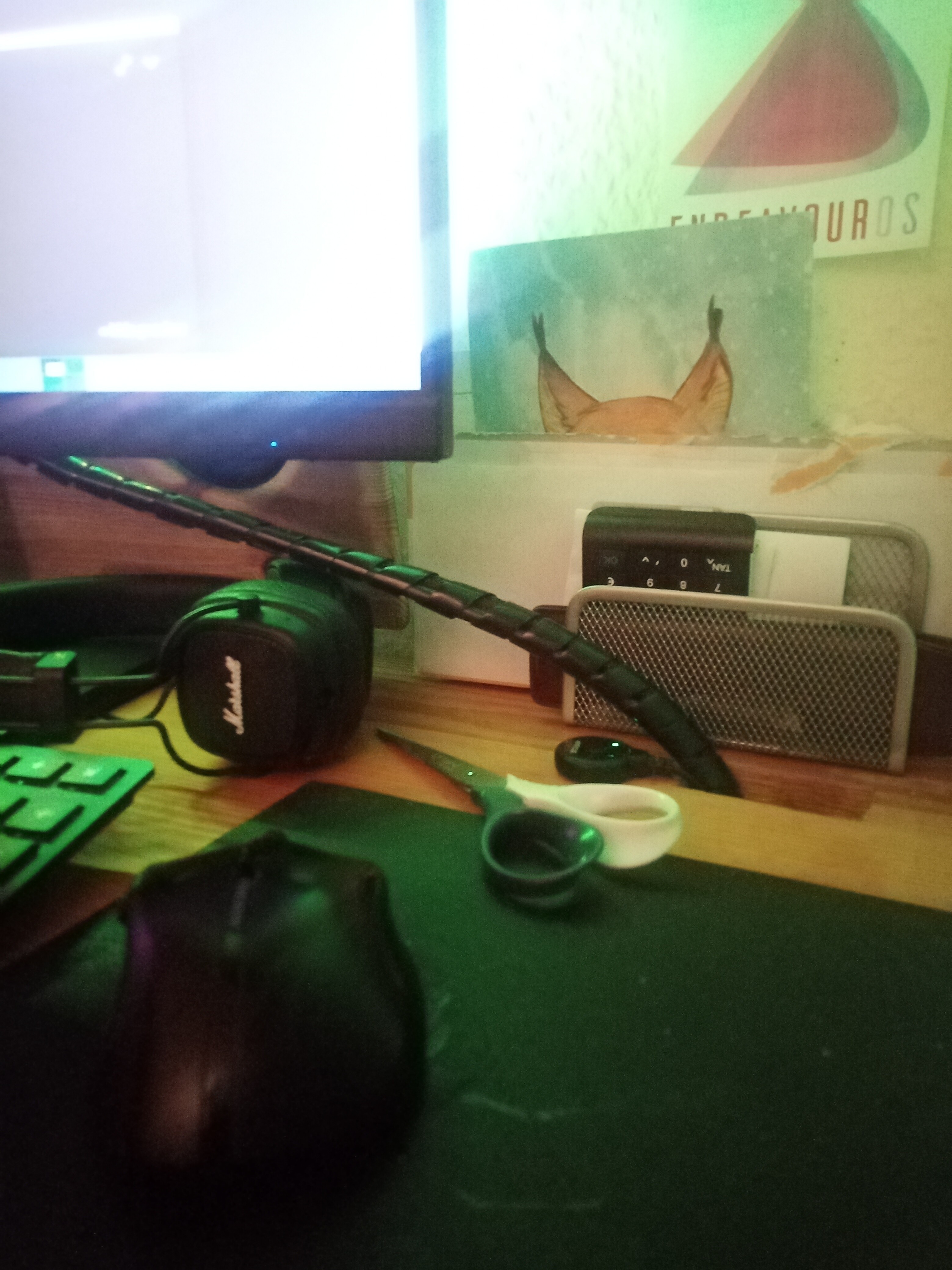
Table:
If you want and/or it’s easier, I’m quite happy for you to reuse/rebuild the packages and host them within the EnOS repositories, that would mean e.g. there’s one less step and potential source of issues.