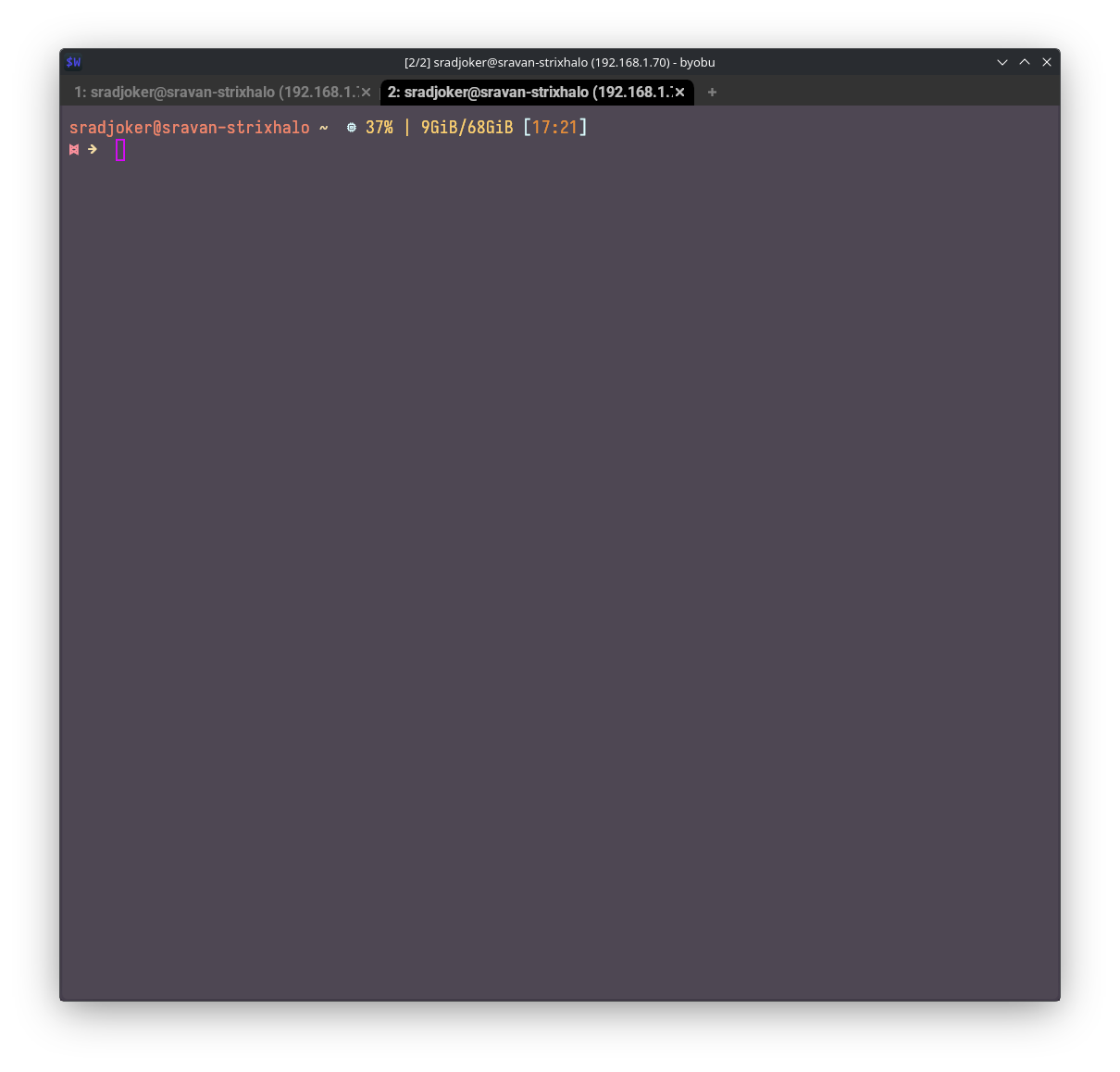
Terminal: Konsole
Shell: zsh + Oh-my-zsh
Shell prompt theme: Johnathan
All that I see missing from Konsole is GPU accerleration.
What terminal should I consider that matches Konsole, adds GPU acceleration, and some?
Terminal: Konsole
Shell: zsh + Oh-my-zsh
Shell prompt theme: Johnathan
All that I see missing from Konsole is GPU accerleration.
What terminal should I consider that matches Konsole, adds GPU acceleration, and some?
I’m pretty happy with kitty.
What is zshell? Do you mean zsh?
Oh-my-szhell probably means oh-my-zsh, right?
I am using ghostty. That is pretty cool.
I use Kitty and Fish shell. Love it.
I’ve used konsole for many years. Recently switched to kitty… and love it. Don’t know about acceleration.
If you are happy with Konsole, but need only GPU acceleration, kitty is probably the best fit.
May sound like a stupid question (and I am quite proliferate in asking stupid questions), but as I know no shame: What does GPU acceleration do as a benefit inside a terminal application? What am I missing?
Made me have to look this up as it got me curious but from what I gather it frees up the CPU and gives faster output. Here is just a brief description I found from Kitty.
https://petronellatech.com/blog/kitty-terminal-setup-guide-2026/
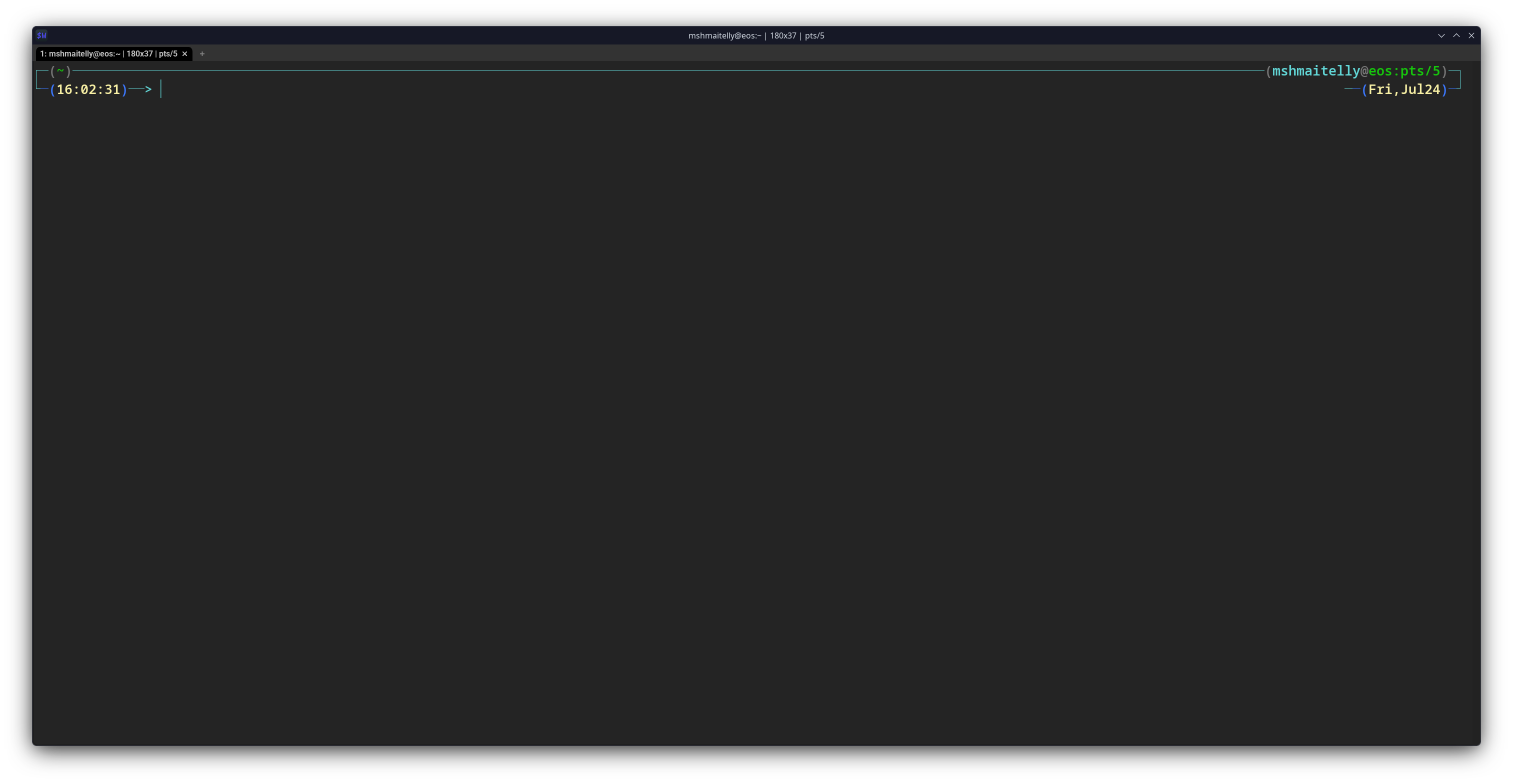
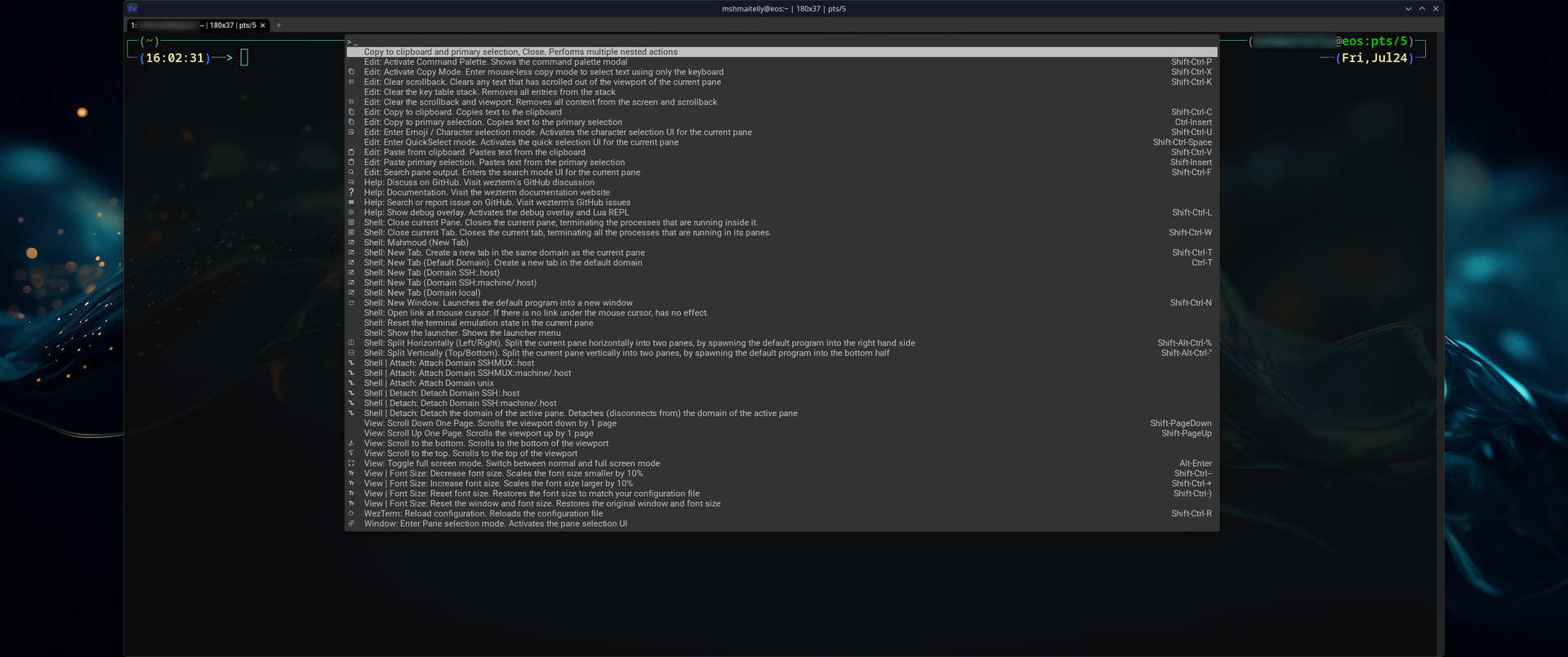
I use wezterm. It is GPU accelerated, has most of the features konsole has and is cross-platform.
I bet for 99.99 percent of users without a very particular use case: Nothing.
Wezterm config is below
~/.config/wezterm/wezterm.lua
local wezterm = require 'wezterm'
local act = wezterm.action

return {
  -- Set default terminal window dimensions (width x height in characters)
  initial_cols = 180,
  initial_rows = 37,

  -- Show the right-hand scrollbar
  enable_scroll_bar = true,

  -- (Optional) Adjust window padding so the scrollbar width matches a full character cell
  window_padding = {
    left = '0cell',
    right = '0cell',
    top = '0cell',
    bottom = '0cell',
  },

  -- Appearance mapped from your Konsole profile
  color_scheme = "Campbell (Gogh)",

  -- Cursor Shape and blink animation
  default_cursor_style = "BlinkingBar",
  cursor_blink_rate = 800,

  -- Mouse behavior
  hide_mouse_cursor_when_typing = true,

  -- Global color overrides
  colors = {
    cursor_bg = '#61D6D6',
    cursor_fg = '#0C0C0C',
    cursor_border = '#61D6D6',
    -- scrollbar_thumb = '#444444',
  },

    -- fonts
  font = wezterm.font("NotoSansM Nerd Font Mono"),
  font_size = 20.0,

  -- Window decorations
  enable_tab_bar = true,
  hide_tab_bar_if_only_one_tab = false,
  window_background_opacity = 0.90,

  -- Launch menu entry that mirrors your Konsole profile name
  launch_menu = {
    {
      label = "Mahmoud",
      args = { "/usr/bin/zsh", "-l" },
    },
  },

  -- Keybindings: tabs, splits, zoom, copy/paste, pane navigation
  keys = {
    -- Tabs
    { key = "t", mods = "CTRL|SHIFT", action = act.SpawnTab "DefaultDomain" },
    { key = "w", mods = "CTRL|SHIFT", action = act.CloseCurrentTab { confirm = true } },
    { key = "LeftArrow", mods = "CTRL|SHIFT", action = act.ActivateTabRelative(-1) },
    { key = "RightArrow", mods = "CTRL|SHIFT", action = act.ActivateTabRelative(1) },

    -- Splits (Konsole-like shortcuts)
    -- Side-by-side panes (Left & Right)
    { key = "|", mods = "CTRL|SHIFT", action = act.SplitHorizontal { domain = "CurrentPaneDomain" } },
    -- Stacked panes (Top & Bottom)
    { key = "-", mods = "CTRL|SHIFT", action = act.SplitVertical { domain = "CurrentPaneDomain" } },

    -- Pane navigation (vim-style with Ctrl+Shift)
    { key = "h", mods = "CTRL|SHIFT", action = act.ActivatePaneDirection "Left" },
    { key = "l", mods = "CTRL|SHIFT", action = act.ActivatePaneDirection "Right" },
    { key = "k", mods = "CTRL|SHIFT", action = act.ActivatePaneDirection "Up" },
    { key = "j", mods = "CTRL|SHIFT", action = act.ActivatePaneDirection "Down" },

    -- Zoom (font size)
    { key = "=", mods = "CTRL", action = act.IncreaseFontSize },
    { key = "+", mods = "CTRL|SHIFT", action = act.IncreaseFontSize },
    { key = "-", mods = "CTRL", action = act.DecreaseFontSize },
    { key = "0", mods = "CTRL", action = act.ResetFontSize },

    -- Copy / Paste like Konsole (Ctrl+Shift+C / Ctrl+Shift+V)
    { key = "c", mods = "CTRL|SHIFT", action = act.CopyTo "Clipboard" },
    { key = "v", mods = "CTRL|SHIFT", action = act.PasteFrom "Clipboard" },

    -- Search (Konsole Find)
    { key = "f", mods = "CTRL|SHIFT", action = act.Search "CurrentSelectionOrEmptyString" },

    -- Close current pane (asks for confirmation)
    { key = 'x', mods = 'CTRL|SHIFT', action = act.CloseCurrentPane { confirm = true } },

    -- Bind F1 to open the Command Palette
    { key = 'F1', mods = 'NONE', action = act.ActivateCommandPalette },

      },

  -- Mouse bindings
  mouse_bindings = {
    -- zoom-in zoom-out, increase/decreas the font size
    {
      event = { Down = { streak = 1, button = { WheelUp = 1 } } },
      mods = "CTRL",
      action = act.IncreaseFontSize,
    },
    {
      event = { Down = { streak = 1, button = { WheelDown = 1 } } },
      mods = "CTRL",
      action = act.DecreaseFontSize,
    },

    -- Middle click pastes primary selection (Konsole behavior)
    {
      event = { Down = { streak = 1, button = "Middle" } },
      mods = "",
      action = act.PasteFrom "PrimarySelection",
    },

    -- Ctrl + Left Click opens links cleanly without breaking text selection
    {
      event = { Up = { streak = 1, button = "Left" } },
      mods = "CTRL",
      action = act.OpenLinkAtMouseCursor,
    },
  },

  -- Hyperlink rules: keep defaults so common URLs are detected
  hyperlink_rules = wezterm.default_hyperlink_rules(),

  -- Misc sensible defaults
  audible_bell = "Disabled",
  visual_bell = { fade_in_duration_ms = 75, fade_out_duration_ms = 75, target = "CursorColor" },

  -- Scrollback
  scrollback_lines = 3500,
}Ghostty folks were doing some 3D mapping of the terminal, similarly to the 3D-cube virtual screen switcher
Rendering of fonts should be faster and sharper than just a matrix of dots.
I’m sure they did. And I’m sure they can show in a synthetic benchmark that pig A flies higher than pig B. But is there any actual, tangible real world impact for the user? Because drawing some characters on the screen is such a mundane task, that imho GPU acceleration shouldn’t be a consideration when choosing terminals.
It’s a micro optimization that shouldn’t concern most of the people. But I’m happy to be proven wrong.
I tested WazeTerm as a learning experience. Nothing is wrong with Konsole. It is the best term integrated with KDE Plasma
The problem with western is they haven’t done a new releases for years..
Seems active according to the GitHub page. Plenty of commits/updates from as recent as a week ago and throughout the past year.