The native panels are much better than on 5.27 tbh. While the Latte Dock was nice, I think it’s probably more sustainable to use plasma panels in the long run. I don’t really like outsourcing basic functionality to third party extensions (if for no other reason that than aren’t supported by the core dev team).
I also had to delete my panels and start over because of glitches as well. Nothing as drastic as yours mind you, but I didn’t complain much since I upgraded from the testing repo. I would have hoped there would have been less glitches by now…
Might be the case that your desktop theme has not been ported to Plasma 6 yet? Maybe try reverting to Breeze and disabling any third party plugins etc.
I am using an HDMI dummy plug that I flashed with the EDID from my LG C2. It worked really well on X11, but now that HDR is a possibility with Plasma 6 and Wayland, I have to test that portion out. HDR was flawless on a Windows 11 VM with the dummy plug. The only catch is that you need to use a DP to HDMI 2.1 converter, even with a dummy plug that is HDMI 2.1.
Thanks for this hint, but besides the fact that my desktop theme works fine and the problem affects only sddm themes, I will never use breeze again. My desktop is pitch black with panels set to autohide and I have no plans to change this.
J.
Nice update! Everything is back in place after tweaking a bit here and there.
I have noticed two bugs (X11 session):
Special shortcuts were merged in the same menu as other shortcuts. They still work, however, I cannot edit the action/command linked to it anymore (nor define new ones).
The decrease of the screen luminosity and its turning off for inactivity is not prevented by watching a movie.
My Cintiq 16 is working with no problems. Pressure sensitivity and mapping it to a single display makes more sense than in the previous settings applet.
My login screen complained about not being able to load my theme “Library import requires a version” but after applying plasma settings it didn’t have the selection option for wayland/x11. After resetting SDDM to defaults it is back to normal.
The Vorta icon is missing and just shows the W wayland icon.
Overall pretty smooth. The real test starts now. Will Balatro launch?
Something with the Plasma 6 upgrade broke Mailspring (-bin or otherwise). The application reports sync errors and then declares it cannot securely save the password and the only option is to quit.
Now that Plasma 6 is out and available, I’m considering a clean reinstall of EOS. I’m not sure how much of a stupid question this is, but if I do reinstall with Plasma 6, does it still come with X11 or do I need to go out of my way to install that if I somehow still need it?
I updated as soon as it came out, I saw that it was already version 6.0.1.
Themes and widgets broke, so I’m using everything default. The weather widget I was using broke, but on the project’s github, there was a new version of it.
Running on Wayland with Nvidia, I had to activate a flag in Brave “Preferred Ozone platform” for Wayland, otherwise everything would be blurry.
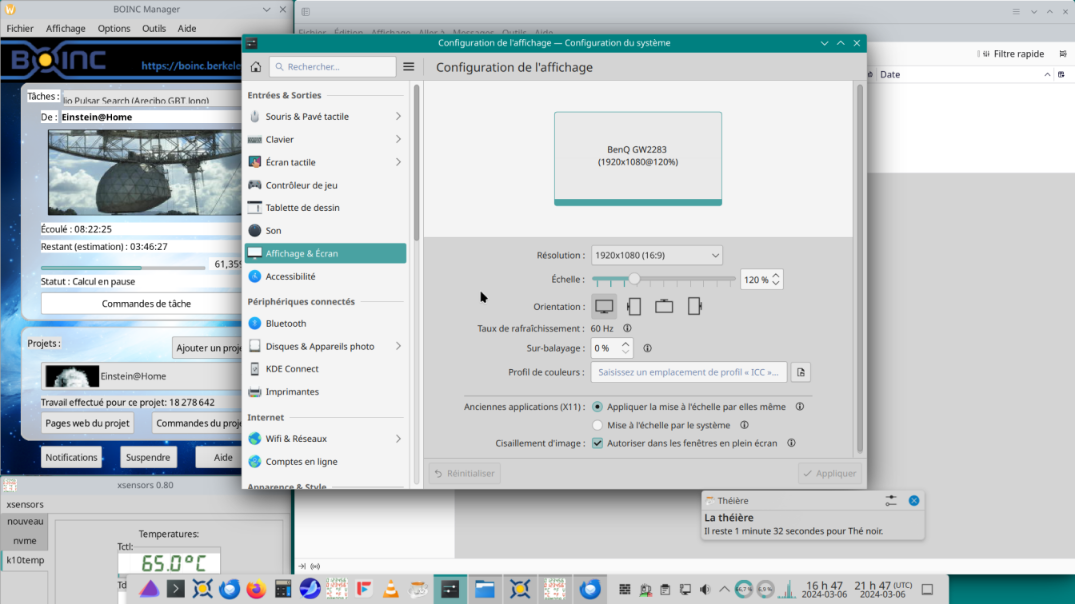
The interface was messed up initially, but that was because it was configured for X11 and the scale is generated differently in Wayland. I use 200%, because I use it on a 4K monitor, so everything was huge.
An interesting point is that there is now HDR to activate in the options, but I thought it was a little colorless. My monitor itself has HDR, but it doesn’t have enough nits to achieve the necessary brightness. Even on Windows, which I’ve already tested, it doesn’t look so good.
Memory usage remains bad, it is higher than in version 5.27, starting at 1.5 GB, when before it was around 1.1 GB. CPU usage is also a little higher, at least the usage indicator is between 3 and 4%, whereas before it barely reached 1%, in normal use.
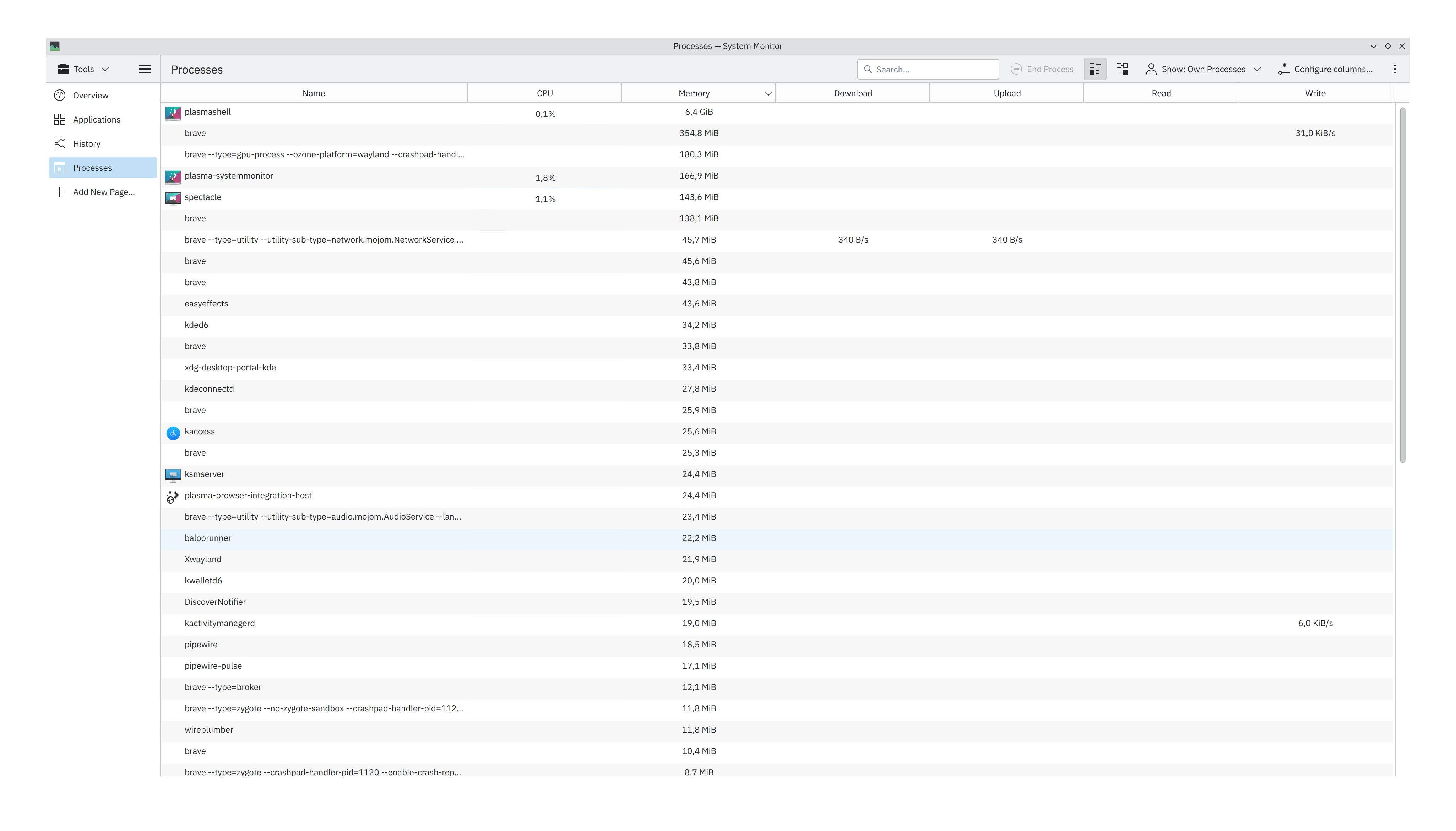
In fact, I have the memory leak again that was in the RC2 version. I’ll see if it’s the new widget I downloaded, but right now I only have Brave open on the forum and the system is consuming 8.3 GB!
I would like to know that too. I used the weather-widget-2 before, but after upgrading to plasma 6 it doesn’t work anymore. At the moment I use the default weather widget and it’s quite ok.