Also gone back to the system blur settings and using that in combination with dim inactive window , I am ok with that for the moment.
I’m sure I read somewhere that KDE are working on Blur for the Plasma 6.6 release.
Exciting times we live in…
I think I read something about that from Nicco. You’re right.
LOVING your colors. Is there by chance a tut on doing the image? Thanks
Just got the 6.5.4 update here and all looks good. Thanks
Well that’s not far away, Feb was it?
I’m using Kitty terminal with Dracula theme colors.
Flashbacks of changing settings back to how I want them again after a Windows update.
Thank you. That’s installed.
Have you adjusted the corner radius?
I think the fork version lack this feature.
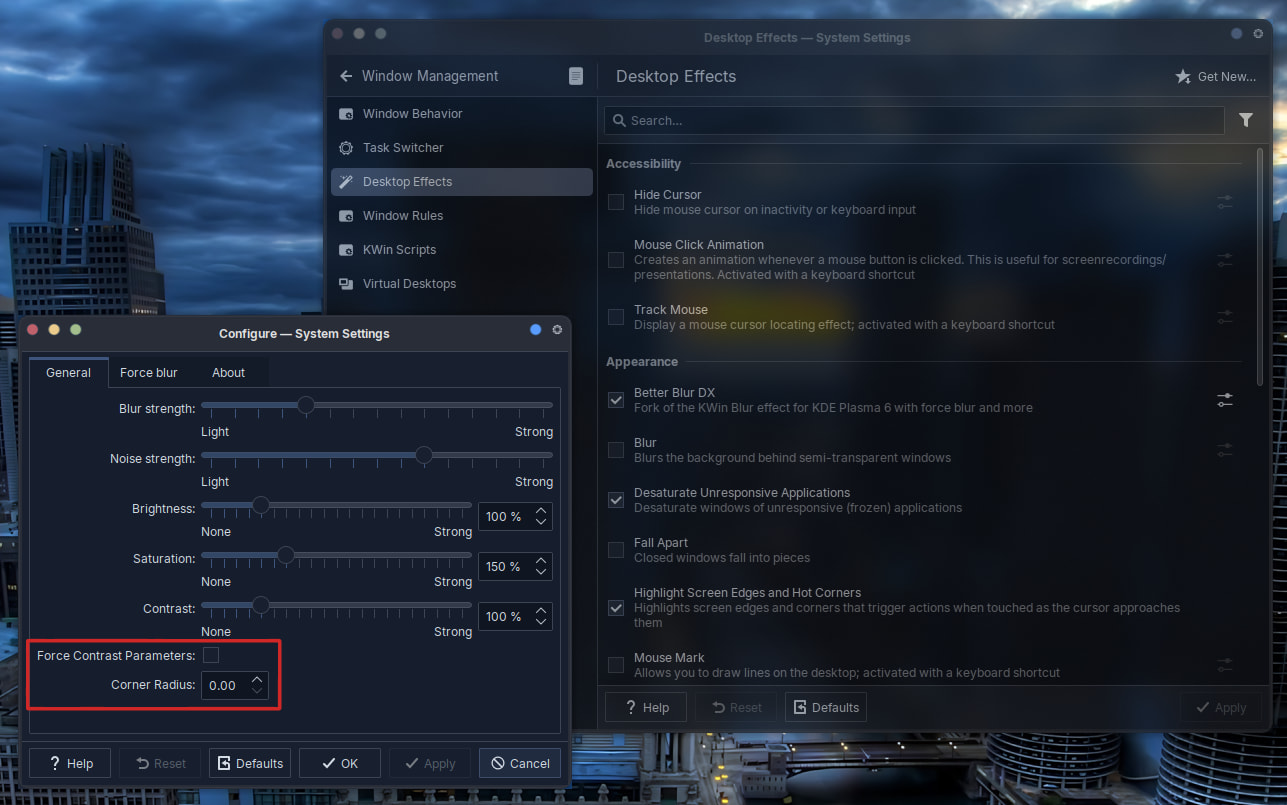
It’s hard to see when you use same base color as wallpaper. Try with some contrast color wallpaper.
I’m going to install and try this plugin. Btw @UncleSpellbinder , did you notice any leftover artifact when you do shift + left click into tiling?
Edit:
Noob question, if I install using the cmake build approach. How do I uninstall it?
Edit:
I figured how to uninstall. Thanks.
@UncleSpellbinder @MyNameIsRichard
The corner radius works.
before
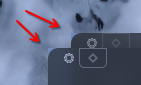
after
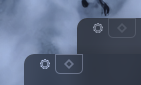
Nice. It fixed the leftover artifact when in tiling mode as well. By disabling blur to the drop region. Which is fine for me.
YES! It does work. Thanks!


In the directory you cloned to, there will be a build directory. Delete it. I do that as part of my build script. If you are interested it’s
cd ~/Projects/cpp/kwin-effects-better-blur-dx
git pull
mkdir build
cd build
cmake ../ -DCMAKE_INSTALL_PREFIX=/usr
make -j10
sudo make install
cd ..
rm -rf build
Change the path to where you put it.
I’d be interested to know how to do that, uninstall I mean. How did you do it?
Ahhh damn, I missed that check box, thanks mate. 
I’ve already uninstalled it and will wait for the official blur.
If anyone knows the correct method, please share it.
I got these steps from ChatGPT. Steps 2 and 3 are optional. I did them just to be safe, since this is my first time working with CMake.
How to uninstall kwin-effects-better-blur-dx
    1. Go to your build directory
        cd /path/to/build
    2. Preview what will be removed (recommended)
        cat install_manifest.txt
    3. Test a dry-run (no removals)
        xargs -I{} echo "Would remove: {}" < install_manifest.txt
    4. Safely remove the installed files
        xargs -I{} sudo rm -v "{}" < install_manifest.txt