Go into the build folder and run sudo make uninstall
That’s how I did it
Thanks @swh . This way is more simple to do 
My pleasure. Always 
Probably a stupid question… but where is the build folder?
Mine was here…
/home/jon/kwin-effects-better-blur-dx/build/
When I clcik “show hidden folders” in my home, I have nothing like that. 
Did you by any chance delete the install folder?
Nope. I just followed…
git clone https://github.com/xarblu/kwin-effects-better-blur-dx
cd kwin-effects-better-blur-dx
mkdir build
cd build
cmake .. -DCMAKE_INSTALL_PREFIX=/usr
make -j$(nproc)
sudo make install
Hmm, odd that there is no folder. Try a search and see if it pops up anywhere, maybe try wastebin too.
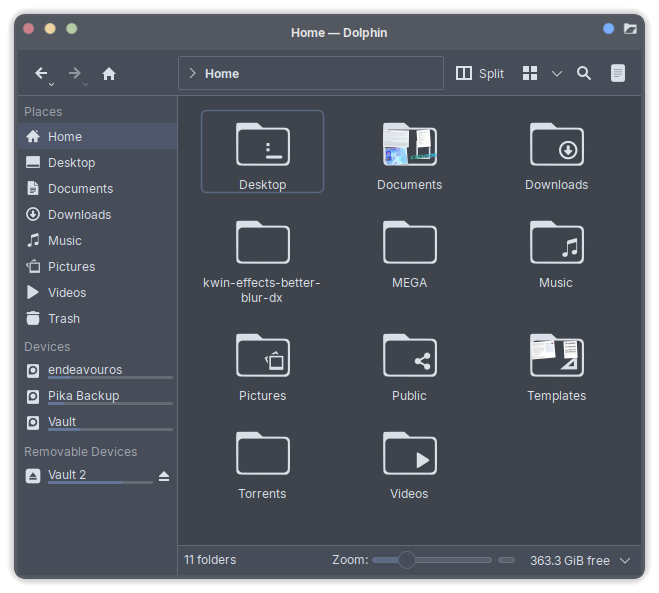
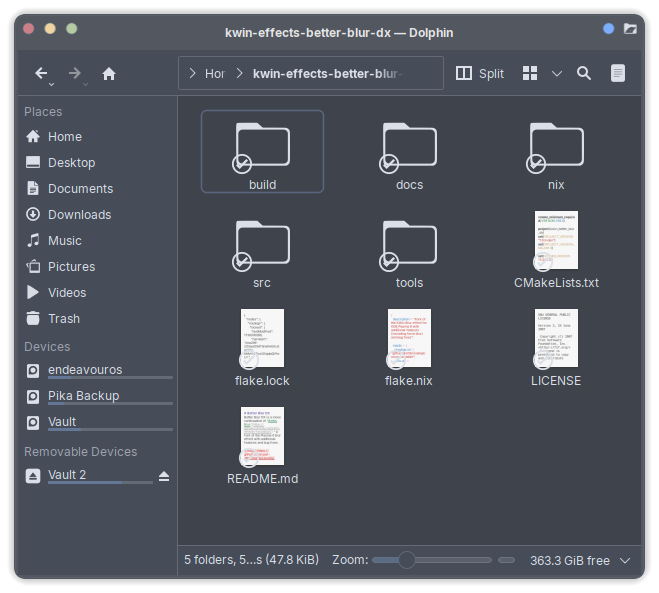
Easily done mate, I had to message dirn to ask. I couldn’t see it for looking. 
Sorry, I am late. But I see you found it 
I always use a folder in my Download or own Plasma Folder to run git scripts. Easy to find 
Thank you very much.
Also I think I will have to uninstall it though.
For some reason the rounded corners thing works only half. And by that I mean it. Top and bottom right corners become nice and round as it should be, but on the left side they don’t and I don’t know why  its weird
It does work on the left corner as well for me. Did you check window decoration blur option (sorry I forgot the actual option name)?
I even checked all of them and tested all individually too but no the left side is bugged for me, only the right works
Fellow Dracula Theme Enjoyer!
I’m experiencing this:
I think me too, I came back from eating supper and the display appeared to be dimming (and locked up).
@UncleSpellbinder And there’s your fresh new shiny bug Tada!
My screen is also dimmed but unresponsive. Machine is still active though judging by hdd light.
Yes, I just had that too. Looking at the bug report the developers are aware, so hopefully there will be a fix soon.