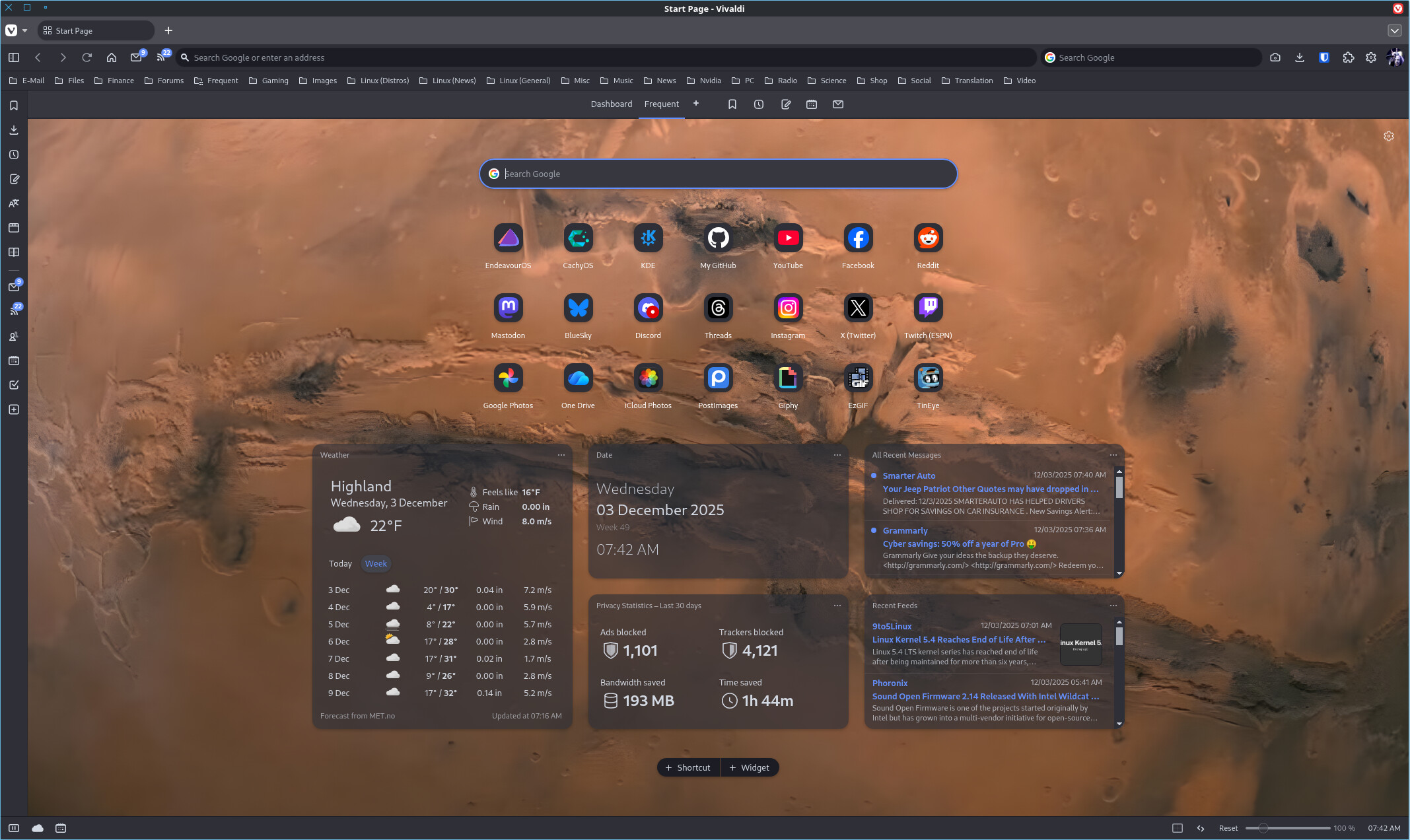
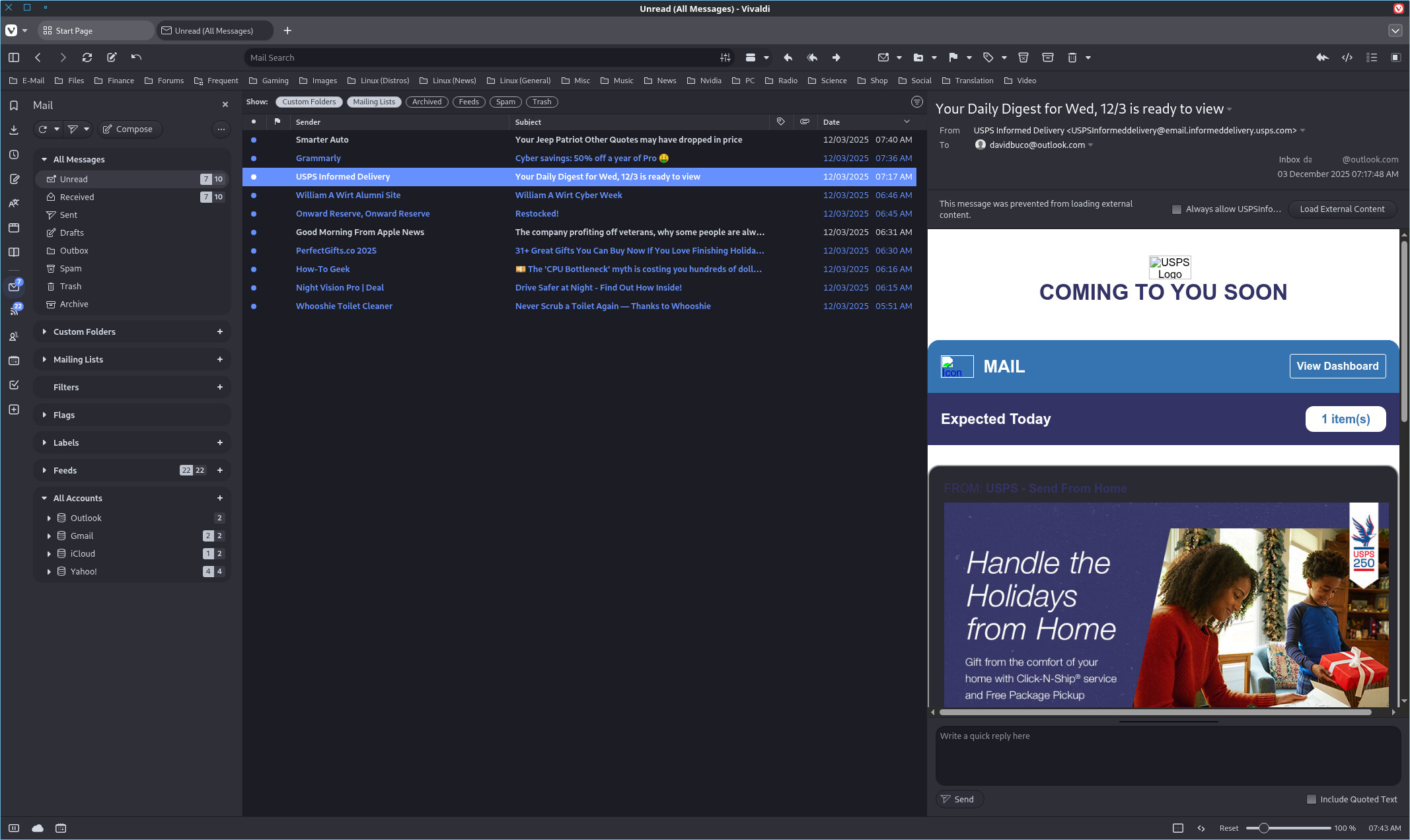
I’ve been using Vivaldi for a long time. On and off for years now. Lately I’ve been using it with all its functionality (browser, mail, and RSS feeds). And I couldn’t be happier.

A net increase of happiness in the world always makes me happy. In fact, I couldn’t be happier 

6 Likes
One thing I’ve noticed about it since I got it working is that it uses a lot less memory than Firefox, especially over time.

Gif is from The Full Monty film for bonus points 
I should install and try Vivaldi too. Only been using Firefox in EOS but have used vanilla Chromium in the past
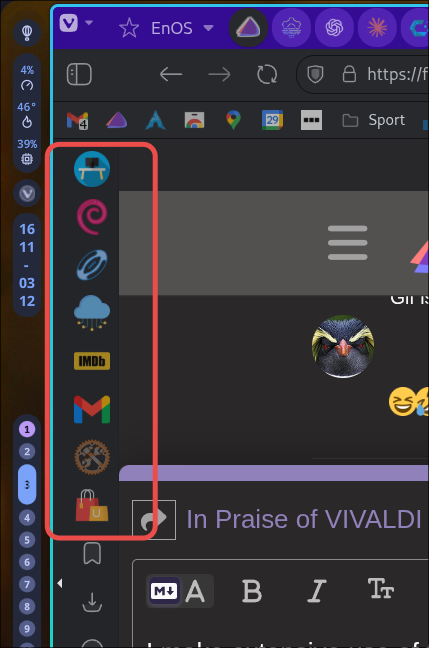
Yes, I have themed workspaces (social, linux, media, misc,tools) (used basically like bookmark groupings).
Has anyone found where to change the color of the mail reading pane? I’m on dark mode but the reading pane is reverse (black type on white background…ouch).
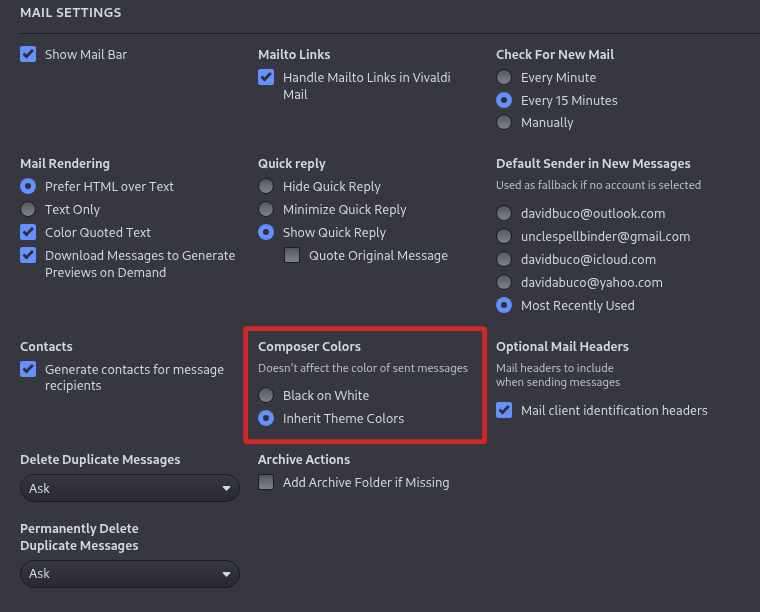
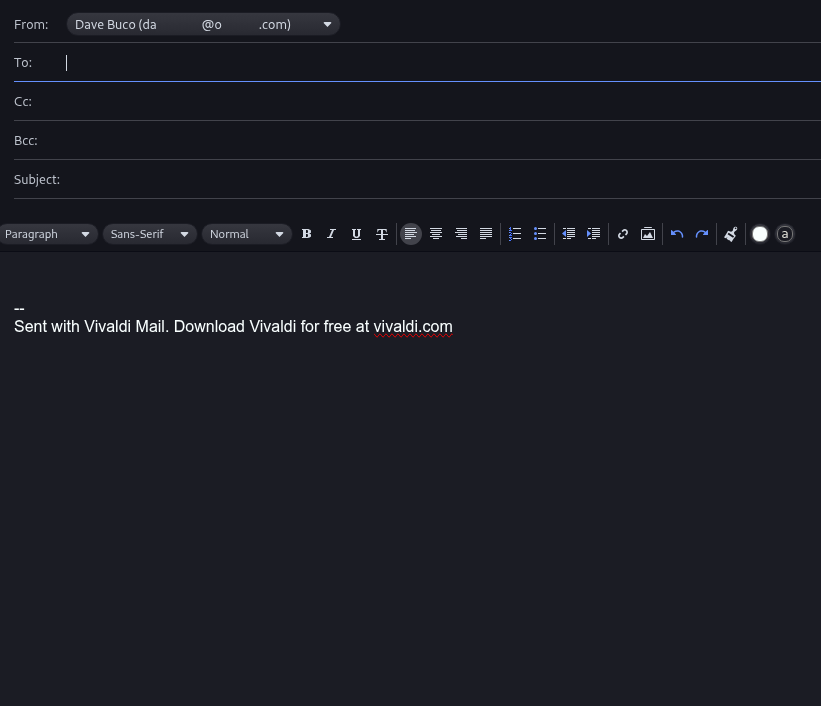
That’s the composer colors, not the reading pane (and doesn’t seem to share the setting..though that could easily make sense).
I think it has to do more with who sent the email. I went back on some saved mail, and all company emails are whatever colors they were sent. Some emails from friends are dark. Perhaps some emails are hard-coded with their own colors whereas others aren’t?
That occurred to me when I was trying to validate the change. Sadly I can’t easily tell sometime when a mail is rich text vs plain text.
I guess I can send myself some plain text 
@dbarronoss, seems to be a bug…
I’ve been using Vivaldi on EOS and Android for what seems like a very long time. Lots of features advanced beyond Firefox. I think Firefox keeps catching up, but meanwhile Vivaldi forges onward.
Each time I read a thread like this I’m tempted to give Vivaldi’s mail feature another try. And each time I am grossly disappointed (compared to either Thunderbird of Betterbird). Don’t know why I can’t get things sorted out the way I’d like. Will probably keep trying - since I never learn. 
I also try out Vivaldi from time to time. But I stick with Firefox … It works and looks the way I want it to.
I keep despairing about the Vivaldi dashboard. I can’t get it to work the way I want it to. How did you get the look of your dashboard, @UncleSpellbinder ? As I see you are not using the Dashboard. You are using an own tab called “Frequent”, right? How did you configure this tab? Looks good. I like it.
Also, I was using Vivaldi Mail in the past. Configured it and it worked. E-Mails were downloaded to my PC and all was fine. Then I needed to backup my Vivaldi config to reinstall my system. But it seemed that my backup was not fully working. Strange … 
@DenalB I just clicked “add”, made a new tab and named it “Frequent.” Deleted “Dashboard” since I wasn’t using it and set “Frequent” as default. But you can have multiple tabs.
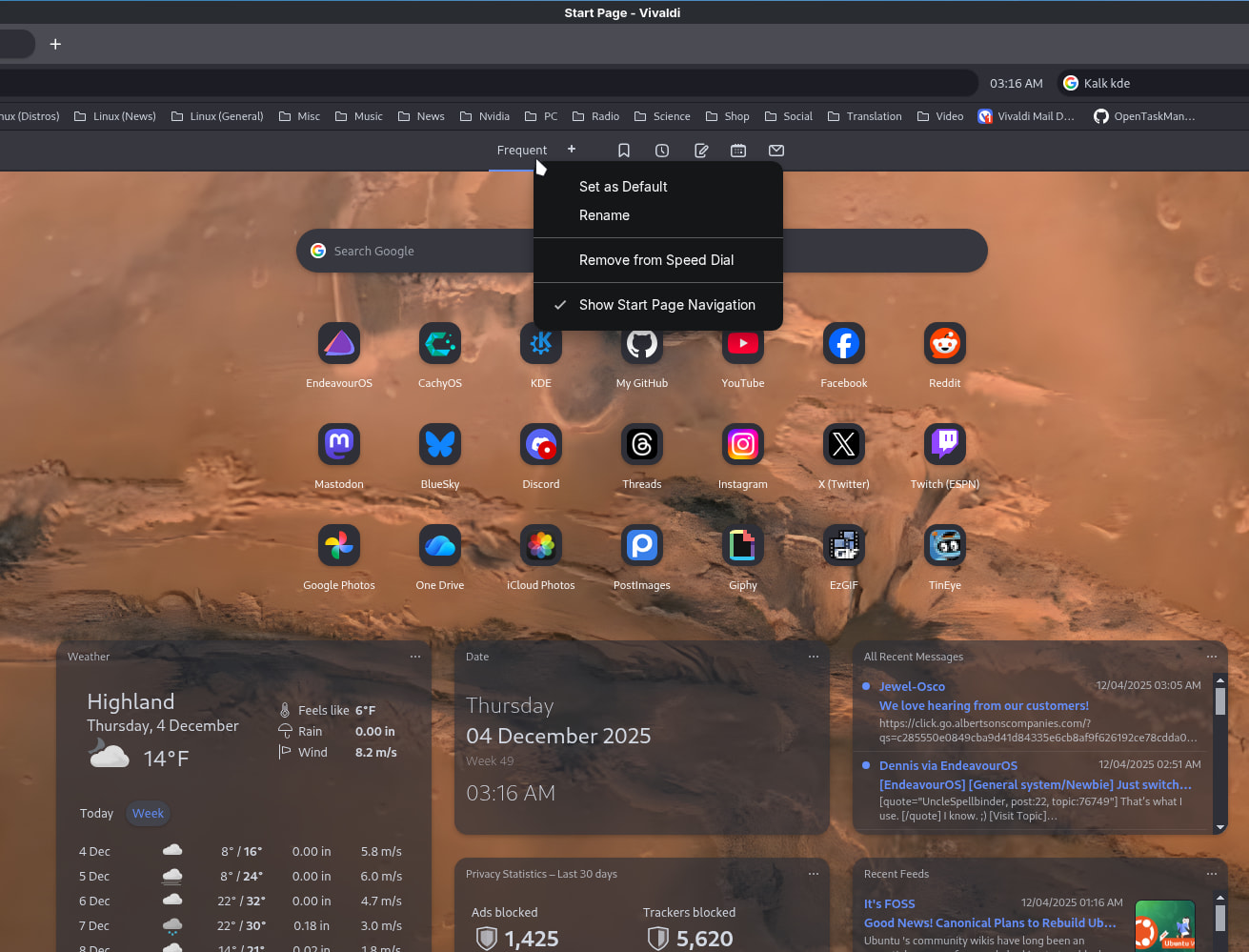
Great! I didn’t know that you can use widgets together with search bar and quick links in one tab.
Will try that after installing Vivaldi again. 
It is interesting how everyone’s need vary. I used to use Vivaldi pretty regularly and I recently finally gave up on it. Everything I need a browser to do, there are other browsers that can do it better.
I looked at using Vivaldi for mail but it lacks the features I need.
May I ask what it doesn’t do that you need? I wouldn’t mind using Vivaldi for mail but I can’t help thinking I might as well just use webmail (proton and fastmail) if I’m going to be browser bound.
I need support for sending from mail aliases.