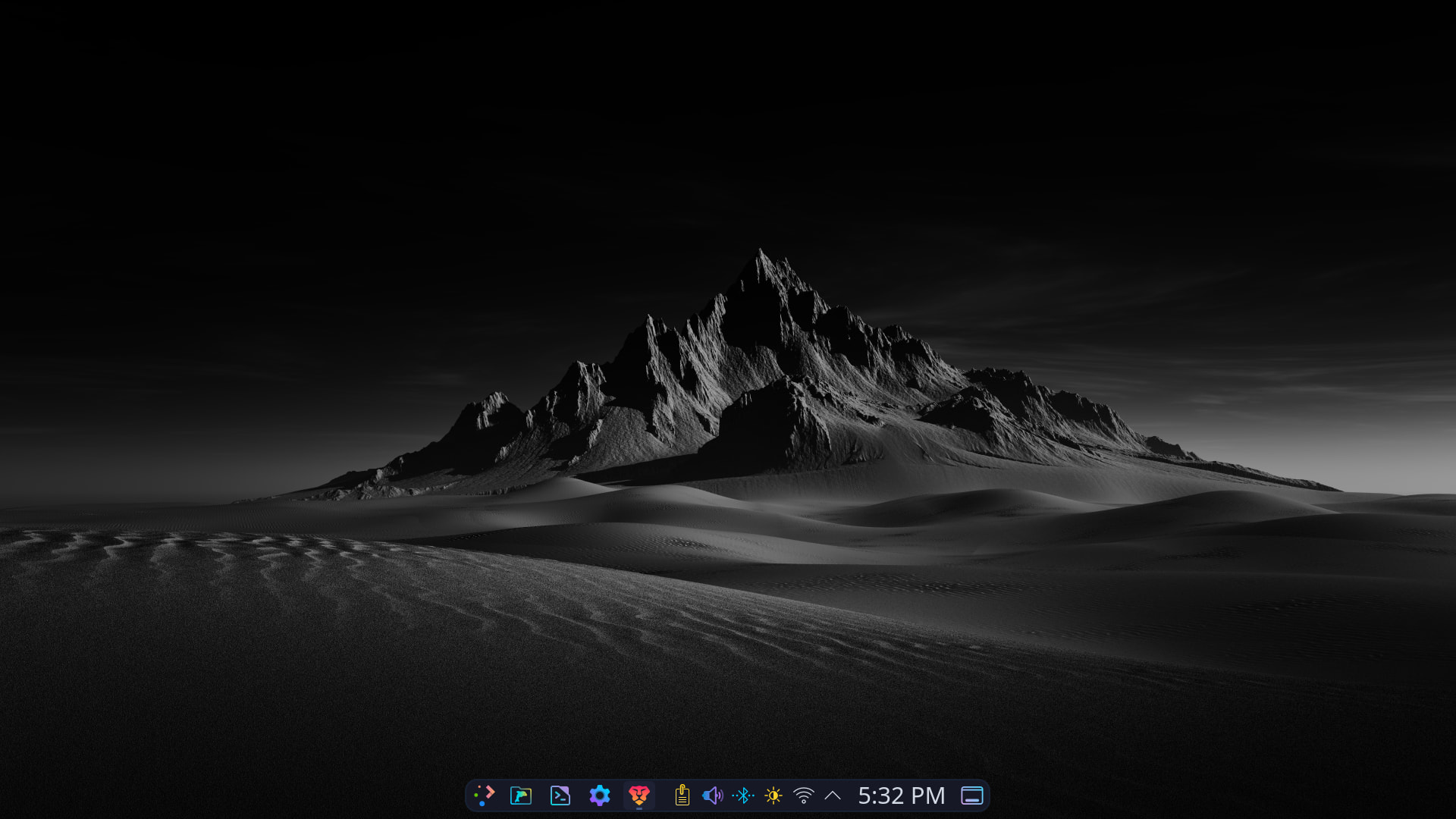
Continuing the discussion from Share Your Desktop [2026]:i,m attempting to add my desktop to the conversation and failing,i believe i,ve posted it to myself,i tried asking how to post a screenshot to the conversation but could not seem to find instructions,oh well,i tried,heres a recent screenshot,it changes daily,i just installed EndeavourOs KDE plasma editon on one laptop and had xfce edition on another,fell in love with kde plasma and ended up installing it on the other with xfce,its really wonderful,i had arcolinux installed for a few years until erik decided it was time to move on then switched to mabox and tried a few others out and tried out endeavour and felt at home.i,m 72 yrs old and have been learning linux for the last five with no experience with computers at all until i purchased my first with windows installed after i retired.i live in a very rural area where the fastest download speed via att is 12.5mbs so windows was a difficult pairing for me,to much bloat,so i simply asked a question to my search engine and found out about linux,the learning curve was steep but its truly fun.ok,my two cents.take care,perhaps someone can tell me how to upload shots to the conversation.thanks
5 Likes
Welcome to the community @coffeejohn 

If you’ve copied an image to the clipboard, adding it to the conversation should be as simple as opening a reply, clicking inside the reply and hitting paste. It’ll automatically upload and insert the image into your message.
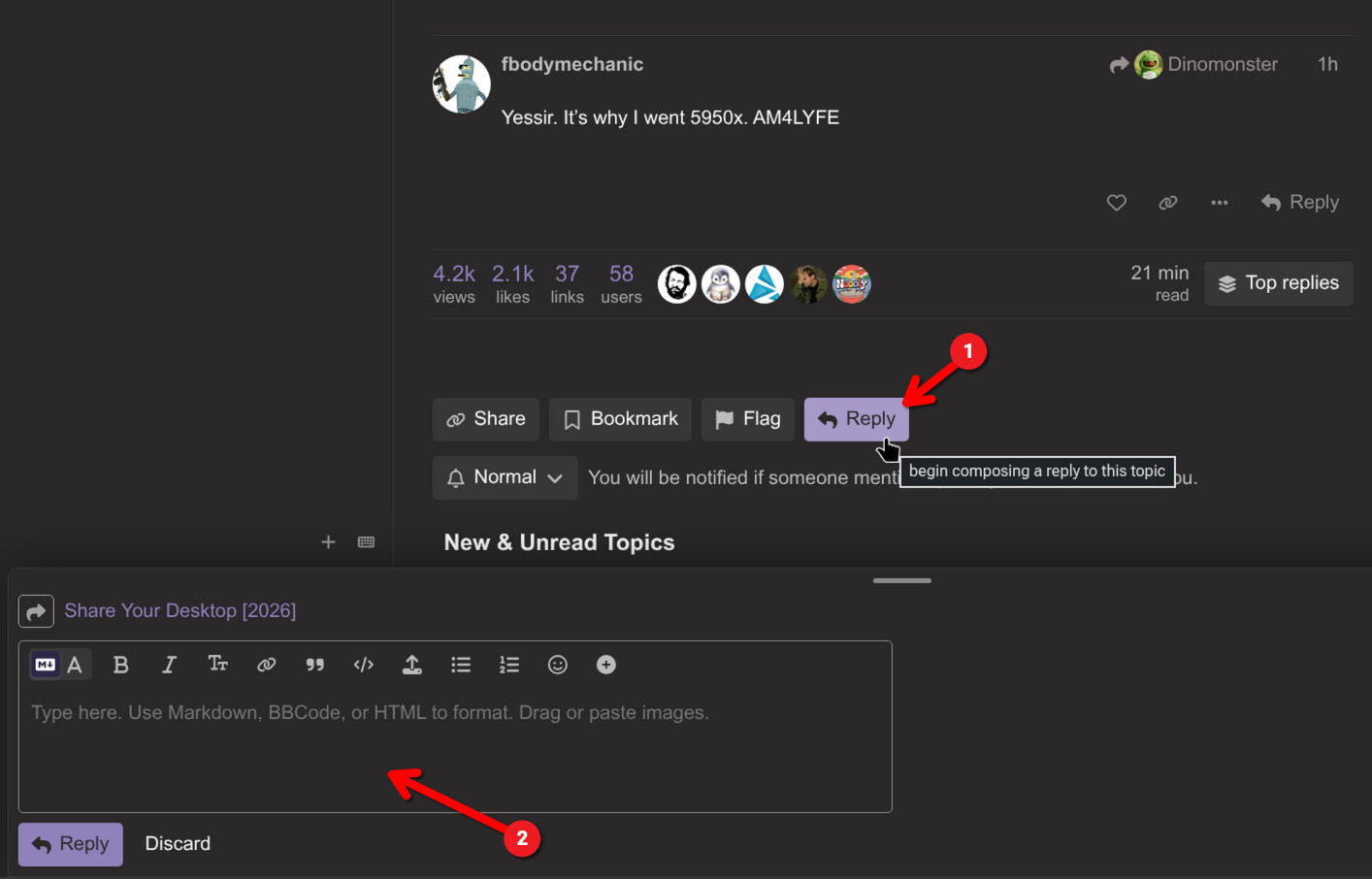
You’ve managed to do it here. However you did it here, should also work there?
4 Likes
thank you
Hi @coffeejohn and welcome to the  - Forum!
welcome coffeejohn ,you made a very good choise for start with endeavouros
greetz
thanks,i,m really enjoying it,i like xfce and various window managers i tried out with arcolinux but once i installed eos with kde plasma it opened up a whole new arena,its intuitive,well thanks again and take care.
thank you for the welcome
1 Like