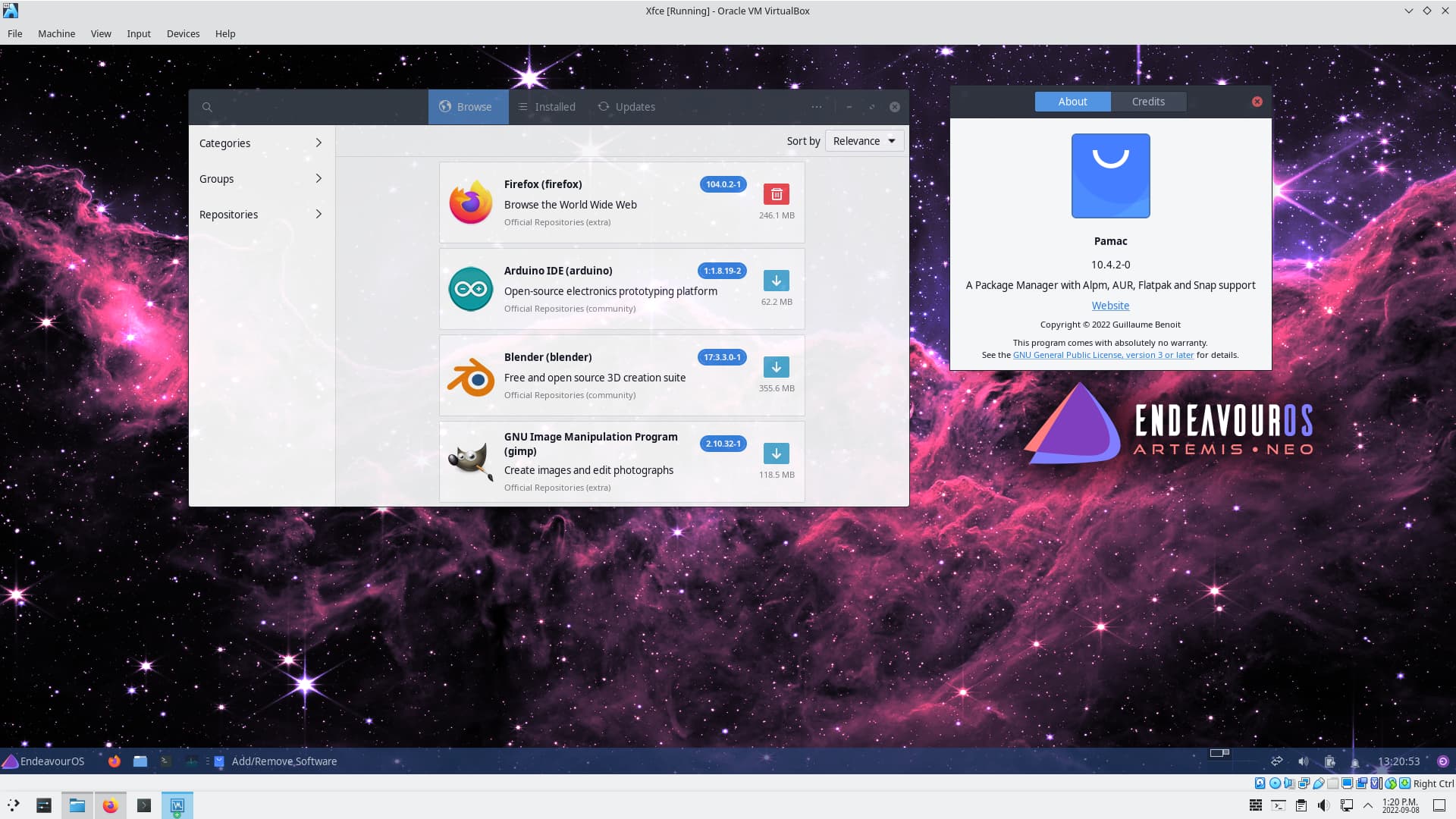
OK, so we need to see the full output from the session where are you getting the error. Pamac may only show the error by default, but there should be a way to see the full output. That is what we need.
The issue is resolved now. I think the problem lies in mirror settings.
So after I installed eos, I went to welcome settings, updated the mirrors for my region (India), and did the update and found nothing to update till now.
I just went again and changed the mirrors to worldwide and tried the pamac to install same application and it installed. Also now on doing a yay -syu I am getting a big update.
True on that advice about knowing what mirrors work for you. I long time ago gave up trying to find the fastest mirror - opting for reliable mirror that hosts dozens of other projects. I can’t recall when I last ranked mirrors or used reflector, it’s been over a year.
One other concern I have with users using pamac related to the recent grub issue. During -Syu’s, if a new grub package comes down to your system, you’ll see messages in the terminal to run grub-install and grub-mkconfig with parameters for your system’s config.
I don’t know where pamac will raise those or if it even will.
Pretty sure it doesn’t have any way to handle it automatically. It might show it in the text output window, if you open it up, but the user would have to know there’s something in there to look for.