OK, so this has been an annoyance for too long and now I’m getting around to trying to fix it. I need some assistance from the pros please.
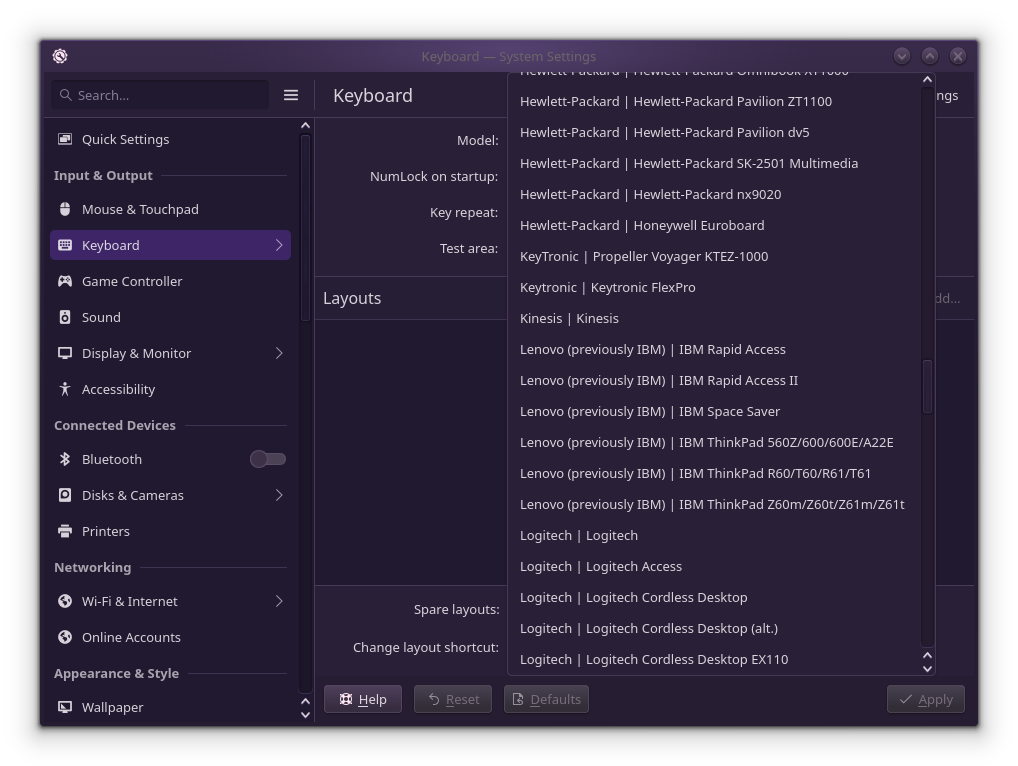
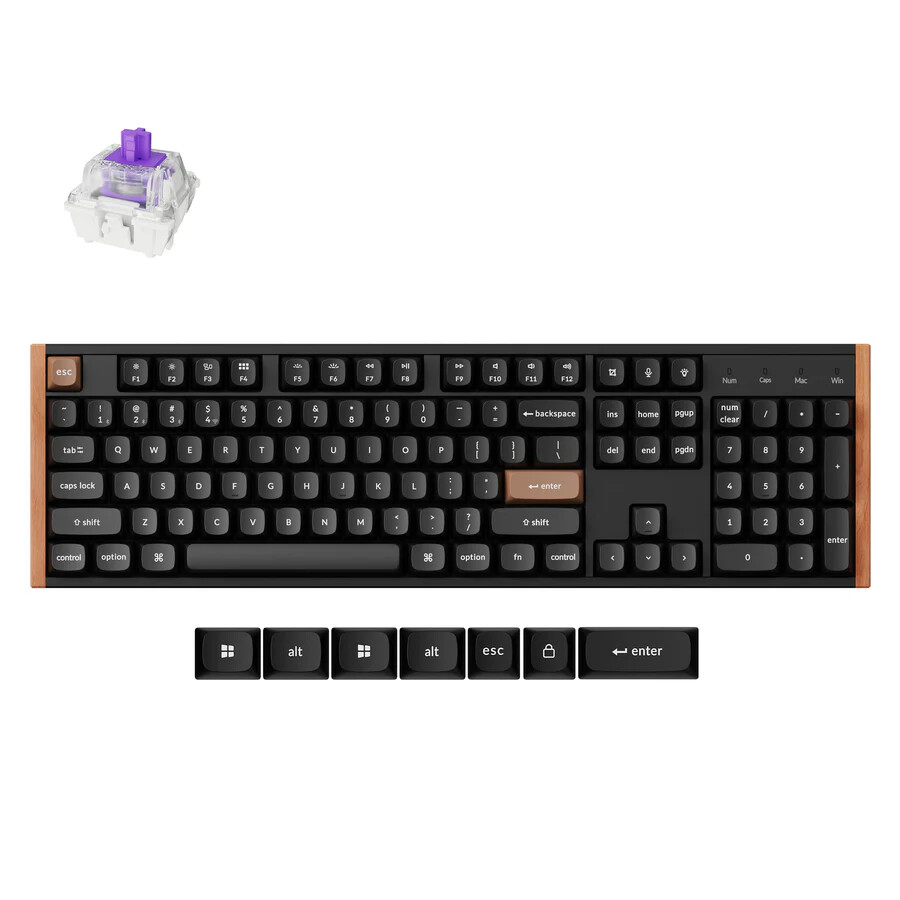
I use a US (ANSI) Keychron K10-HE keyboard (very nice!) but the hardware model is not listed in the ‘Settings->Input & Output->Keyboard’. I’ve been using the “generic 105-key” but the key layout doesn’t match (pipe & backslash flipped, numpad ‘enter’, etc.).
Bus 001 Device 006: ID 3434:0ea0 Keychron Keychron K10 HE
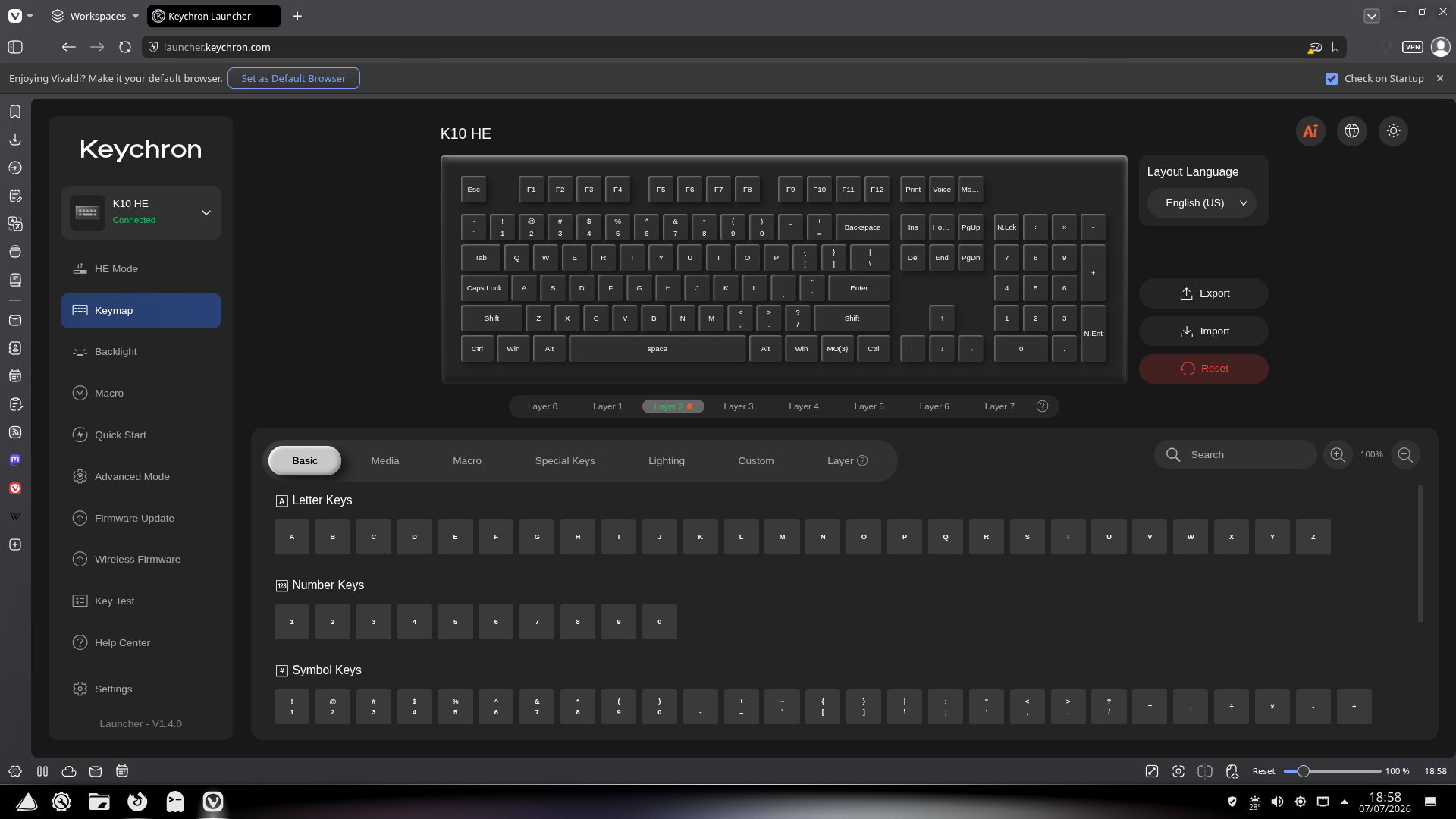
I’m not talking about adding the UDEV described here. Or changing language layouts described here. I’m talking about adding the keyboard hardware to the dropdown menu in the KDE/Plasma settings so the individual keys are mapped properly. I have the Keychron K10-HE keymap JSON file downloaded from here, but I don’t know where to put it (or even if it’s needed).
This shouldn’t be this difficult to fix…but it is.
Have you tried Generic 104-key PC ? At least that is the one which is working for me on my Keychron K5 Max (ISO-DE), at least that is the setting which is currently in use here, according to the KDE settings.
Additionally, I initially had Apple NoDeadKeys as a keyboard layout in the back of my head, because the chinese keyboard manufacturers stick to this layout. And I’m using mine in the MacOS / iOS mode, not the Win mode. Have been a long time MacOSX user and therefore I’m quite used to the keyboard layouts on Apple hardware.
It didn’t matter. All the keys worked fine except for the ‘pipe-backslash’ (| \) key (which was upside down) and the numpad ‘enter’ (which doesn’t work unless the num-lock is on). Even the special functions work (volume, brightness, media, etc.)
Allright here you go. But please note that you are on your own. Read the Keyboard Input first and then the second Wiki link. Create a backup and the latest EOS live USB stick.