I’ve shown it here already : Share Your Desktop - #2899 by Krimkerre
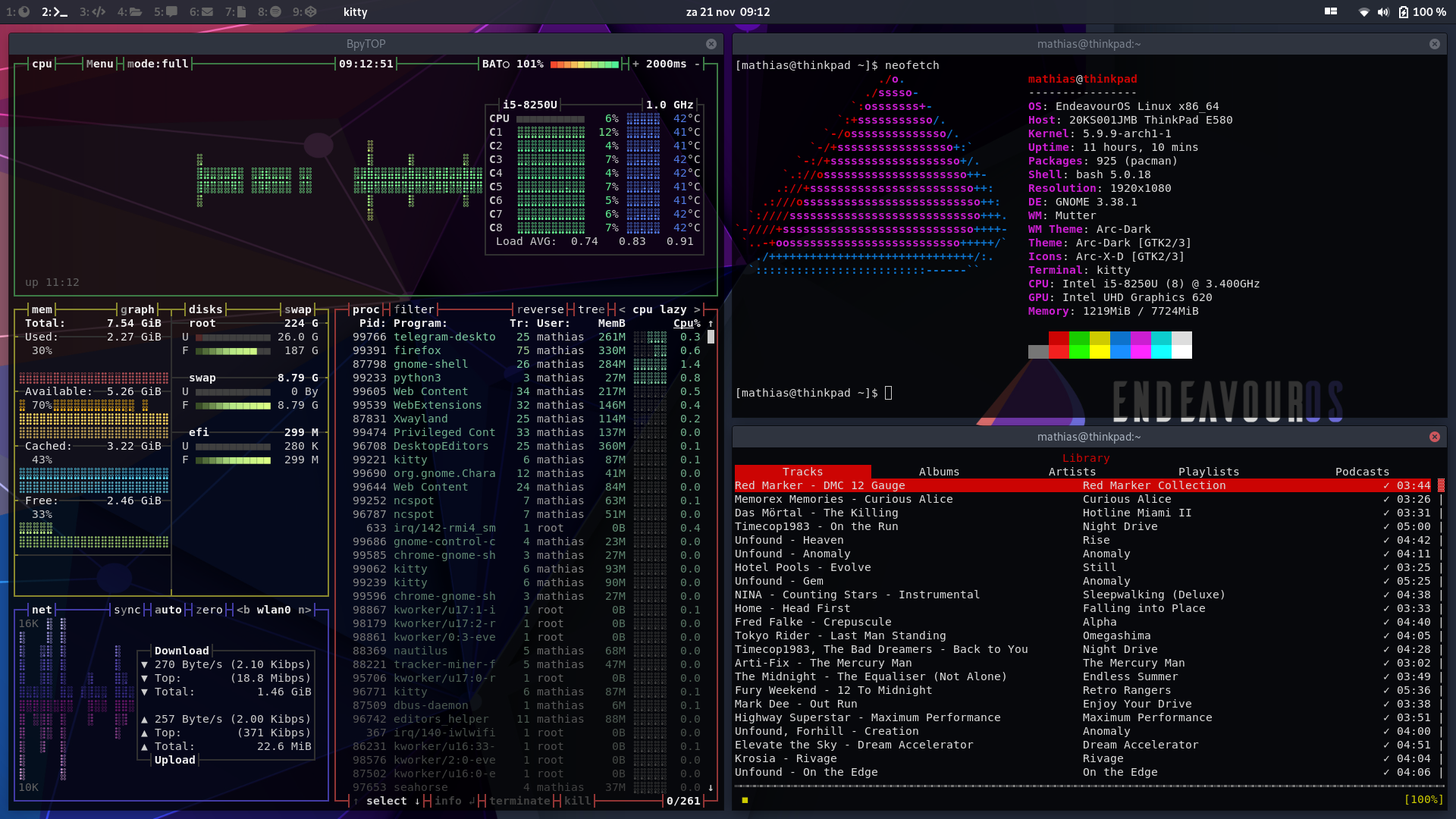
I use the following plugins:
Dash to dock
Pop!Shell
Hide Activities Button
Tray Icons: Reloaded
Workspace Buttons
If you want to have names for your workspaces like I do, you have to do some extra tweaking:
First of all disable dynamic workspaces in the Gnome Tweaks menu
Then use dconf editor to change the values under:
/org/gnome/desktop/wm/preferences/workspace-names
using following format:
['Workspace 1', 'Workspace 2', 'Etc.']
You can use FontAwesome Icons in there, as I did with mine.
Or you can just disable ‘workspace names’ in the extension’s settings, and just leave dynamic workspaces on, so you’ll just have numbered workspaces, that increase automatically
Both work great