The brand-new Floorp 12.0.14 landed AUR, based on FF 140.0.5. As you can see, it’s not based on Firefox ESR anymore, but it follows the release of the “main” Firefox.
Together with this, there’s been a bunch of changes & a clear distinction between FF & Floorp settings. Personally, I played it safe, so as not to find myself in nasty surprises after the upgrade from the old, ESR version. So:
-
Make a backup of what’s important to you (I didn’t, as I keep everything synced & besides, there’s nothing important to me saved there) .
-
Delete the old Floorp version:
yay -Rns floorp-bin -
Install Floorp:
yay-S floorp-bin
& you’re good to go.
On KDE Plasma Wayland I was met with a bug. Whenever I opened the browser, it created a new group and displayed the generic Wayland logo instead .
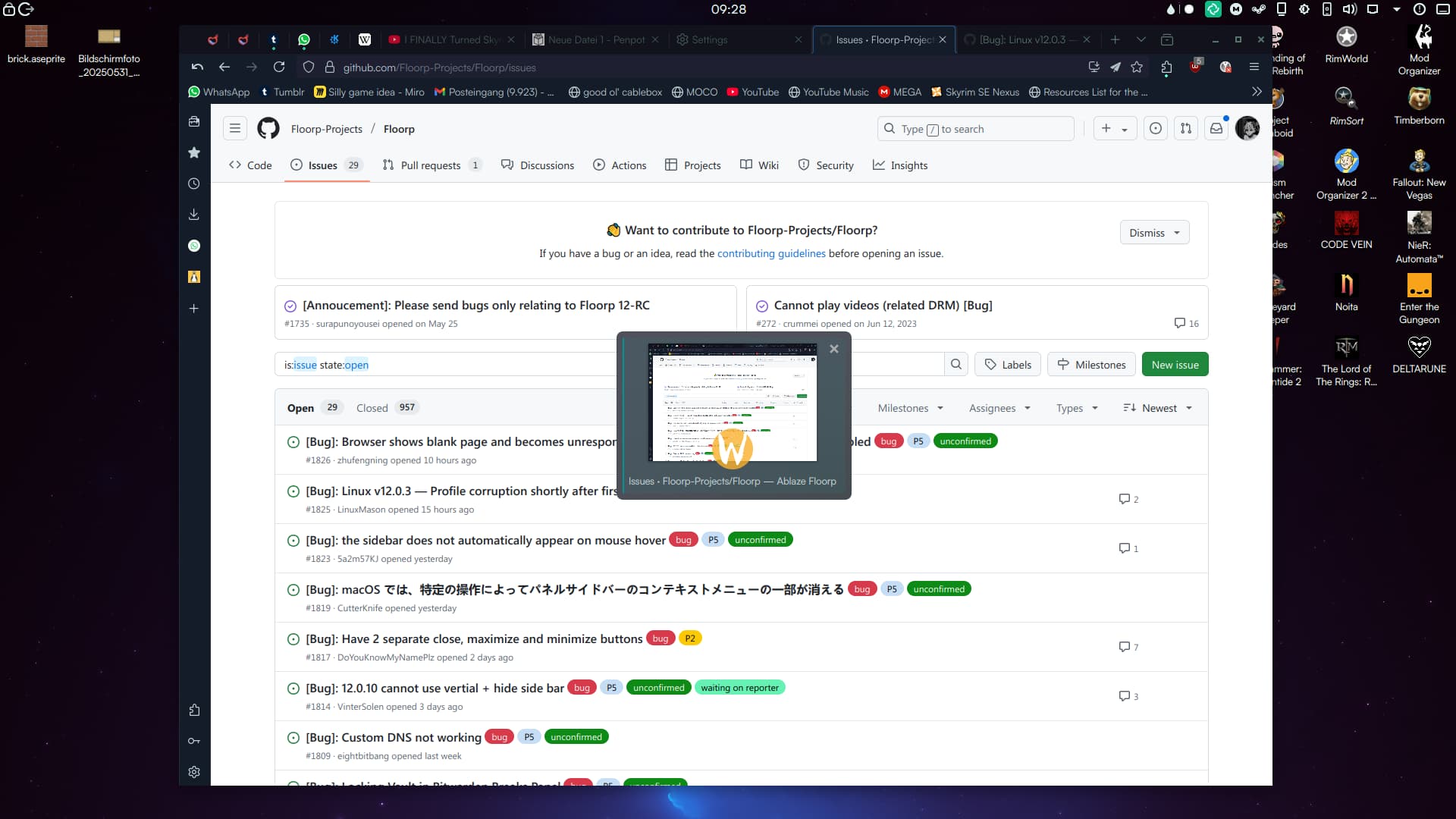
A (temporary) fix came from a github answer, & here it is:
"Temporary fix: (tested using AUR version in Arch)
With Floorp running, add new kwin rule with Alt+F3 → More Actions → Configure special Application Settings → Add Property → Desktop file name → There fill the desktop file name without the extension eg. floorp and save.
Relaunch Floorp and you’re back to the single Floorp icon without the Wayland icon".
Cheers

