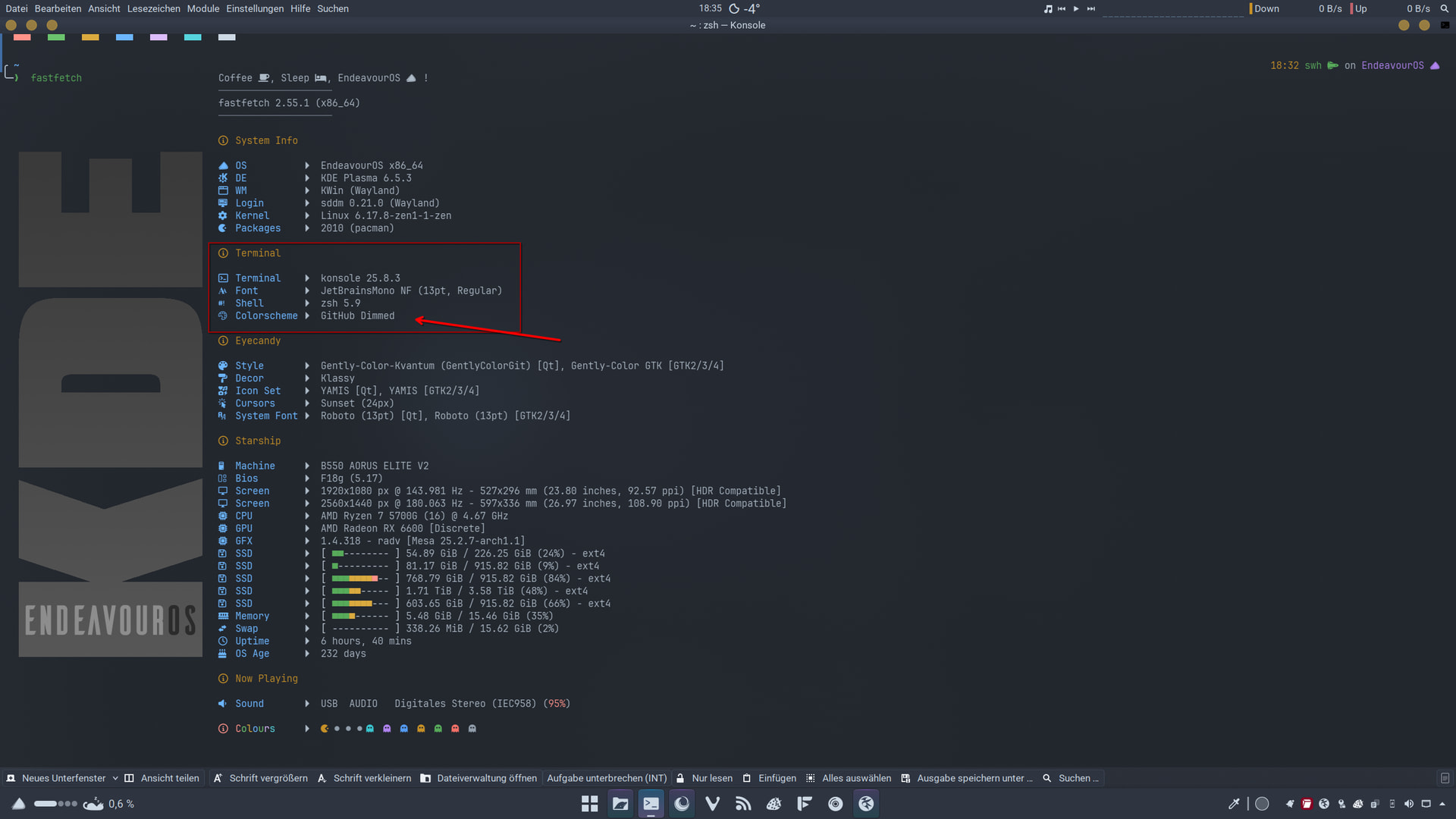
As I mentioned before, start small. First, set your logo, save the jsonc, start your terminal, and see how it looks. Then, add the individual modules according to your preferences. For fastfetch, however, use a NerdFont font such as JetBrains NerdFont to display everything correctly. You can set the font in your profile in konsole. To begin with, I would choose a simpler JSON file to understand. Just because of the individual modules that you then add one by one.

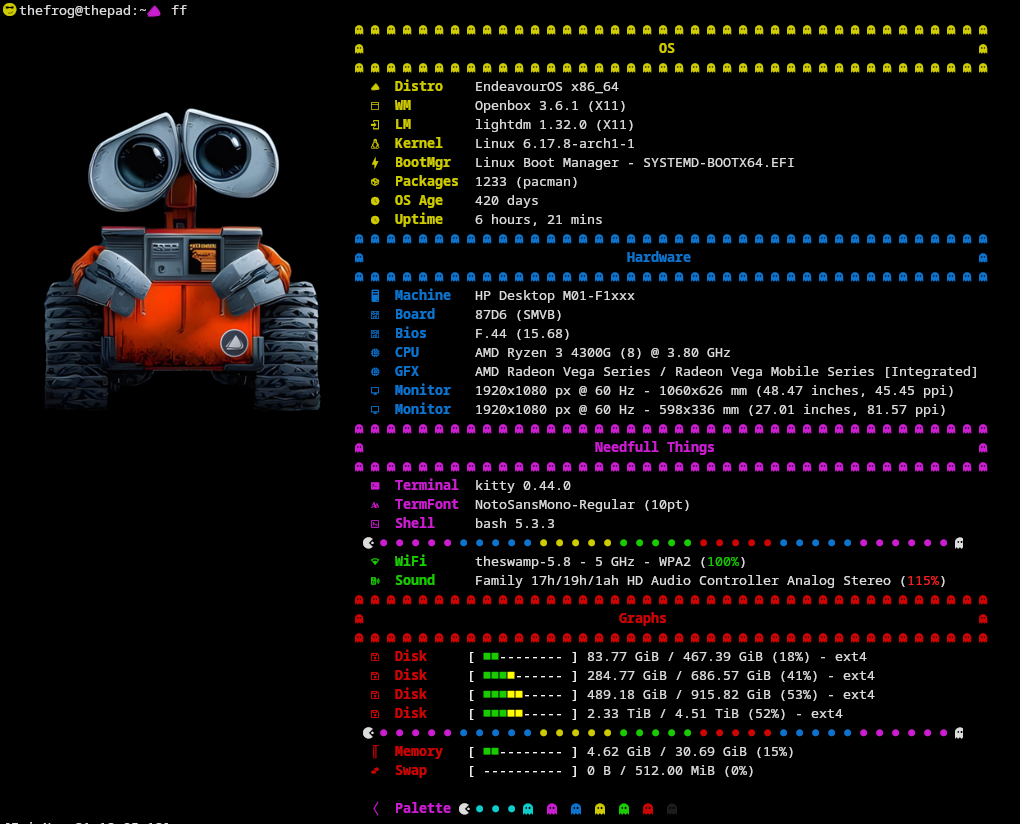
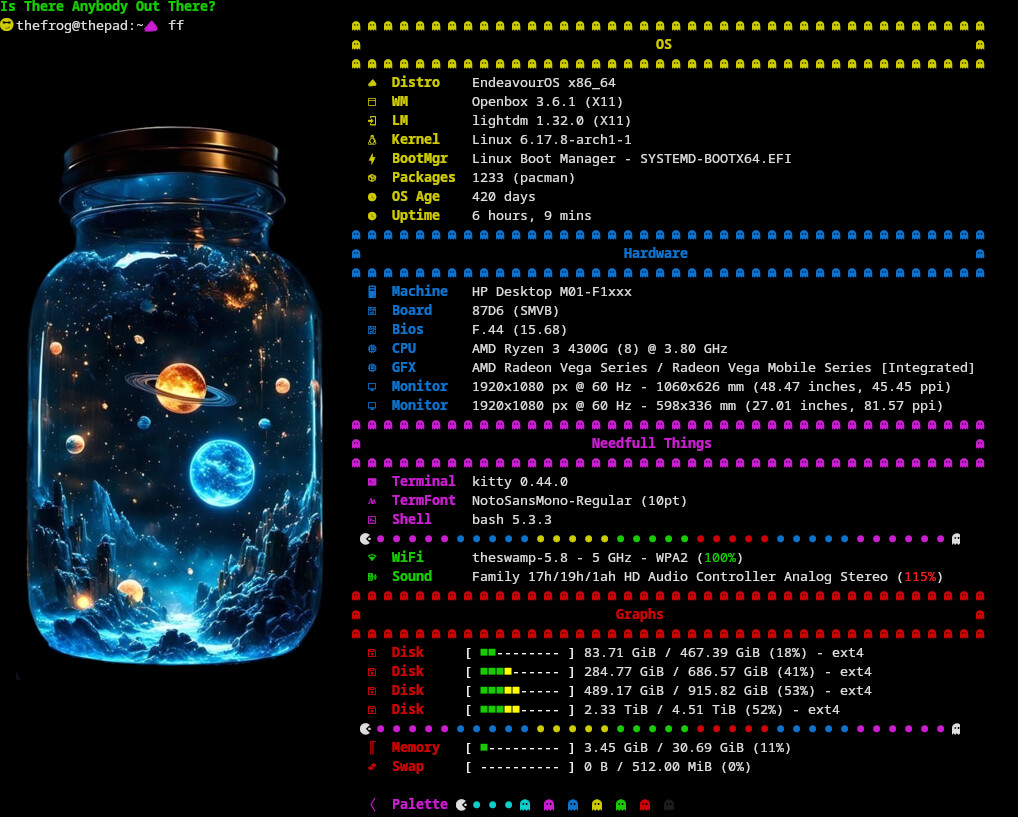
The third is fire. Better than Whiskey in the jar or for my genX 
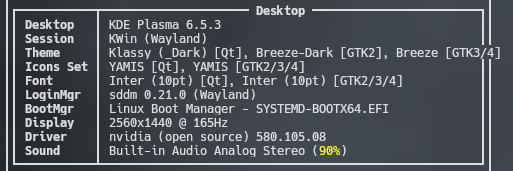
        {
            "type": "theme",
            "key": "│{#white}│ Theme      │{$4}│{#keys}│{$2}",
            "format": "{1}"
        },
Try adding
"format": "{1}"
You can also try 2 or 3 instead of 1, to see how you like it.
Perfect! Thanks, @fog!
How do you get the sound and the pacman emoji? I don’t have them in Hack Nerd.
I’m curious as well.
Thanks @fog, it applies for multi screen display as well 

        {
            "type": "display",
            "key": "│{#blue}│ Display   │{$4}│{#keys}│{$2}",
            // "compactType": "original-with-refresh-rate",
            "format": "{1}x{2} @ {3}Hz"
        },
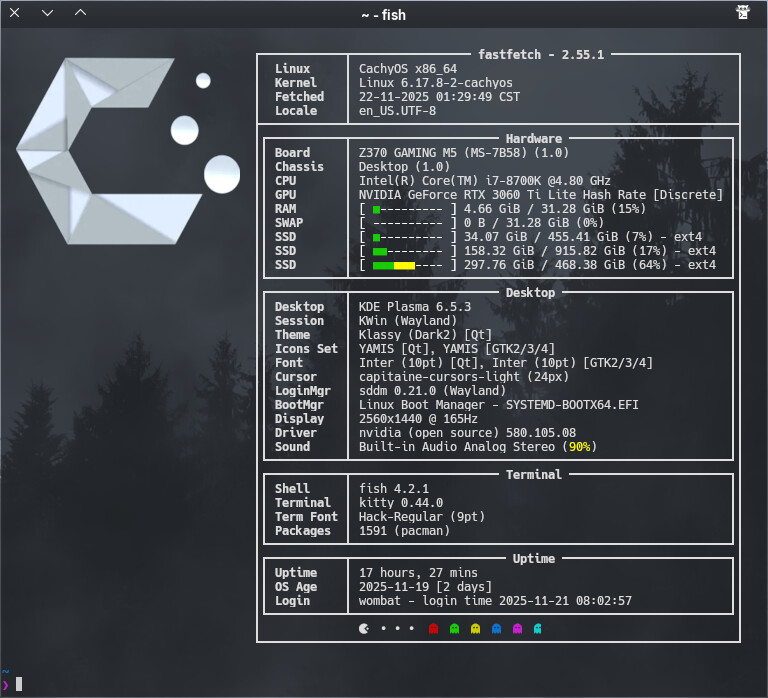
@UncleSpellbinder thanks to your question to @fog . I made some updates. Here’s my latest Frankenstein! I’ve split Theme into two rows.
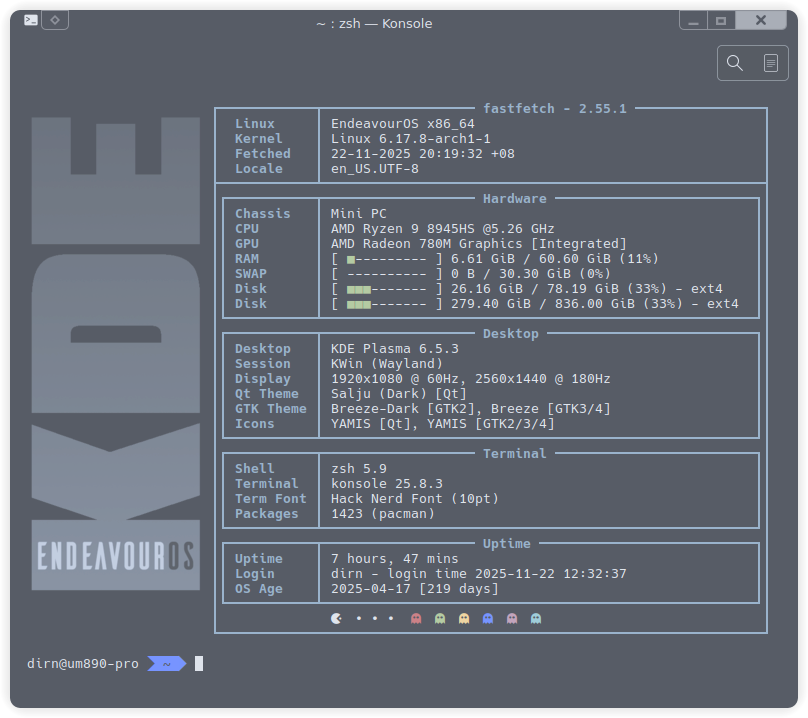
edit: undo delete 
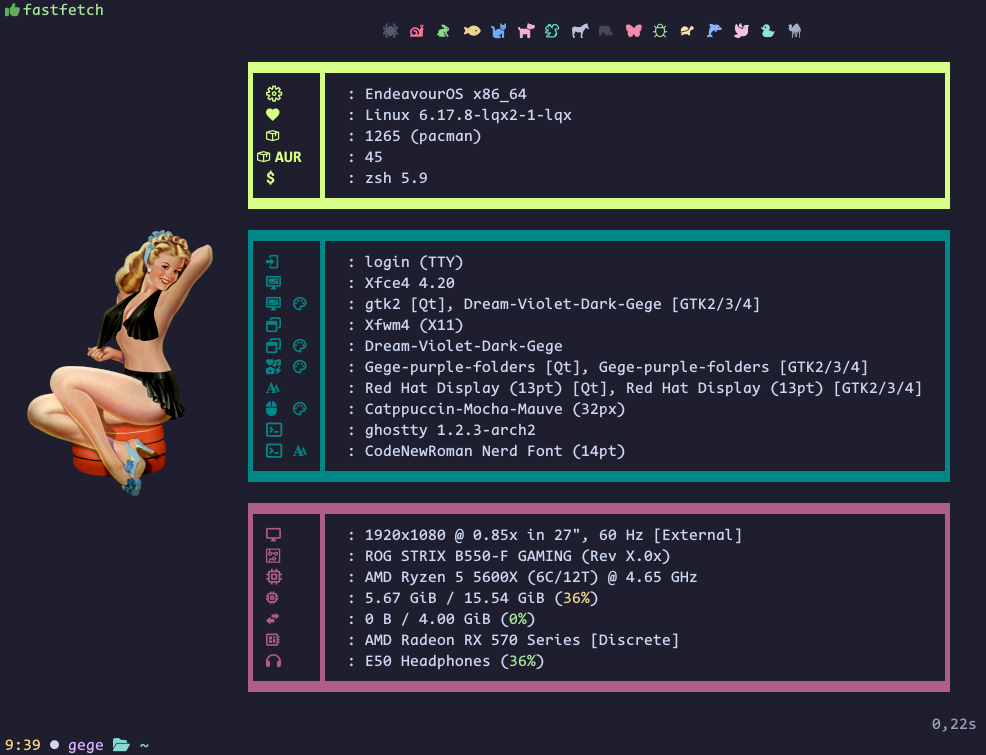
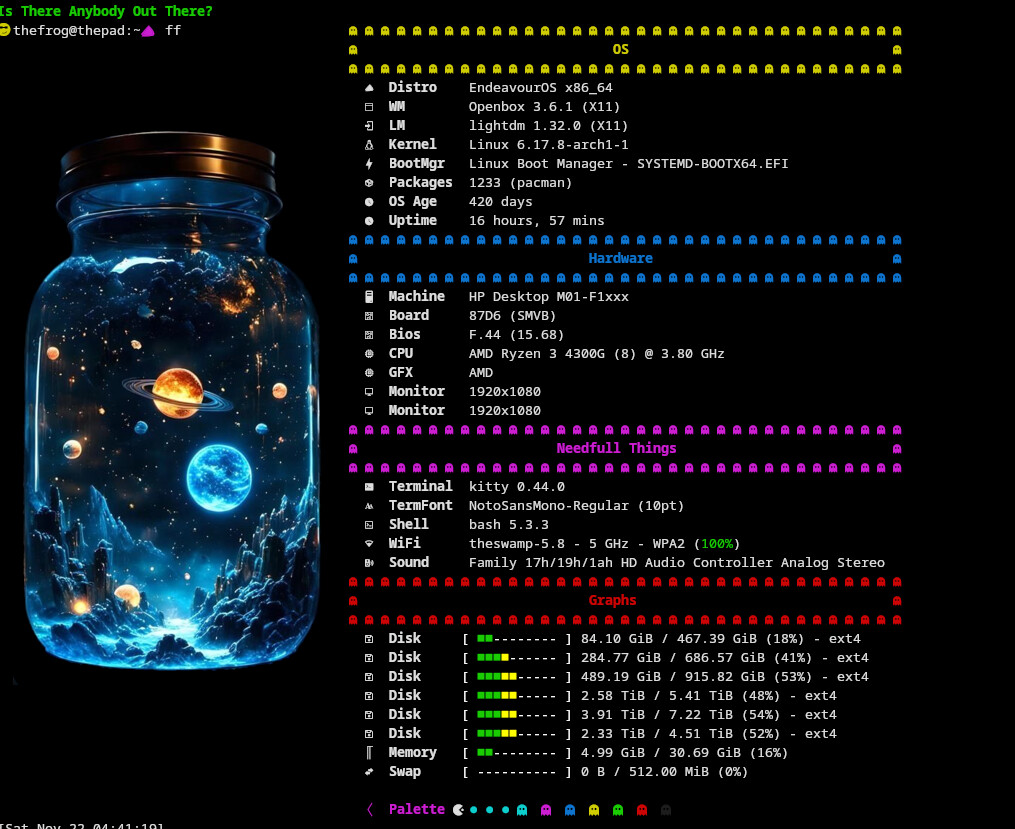
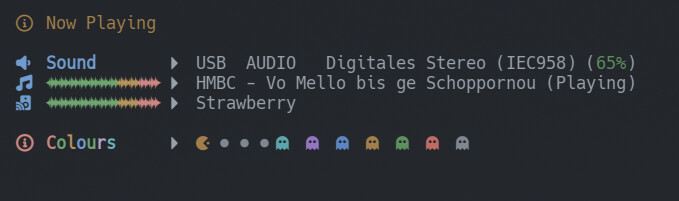
Thanks. So something else is off then. That’s the issue with older installations. Tweaking something here and there, months later things don’t work and you don’t know why…
The strange thing is that most other emojis work. Hmmm…
Did you copy that part from my config? Maybe you forgot a bracket or something.
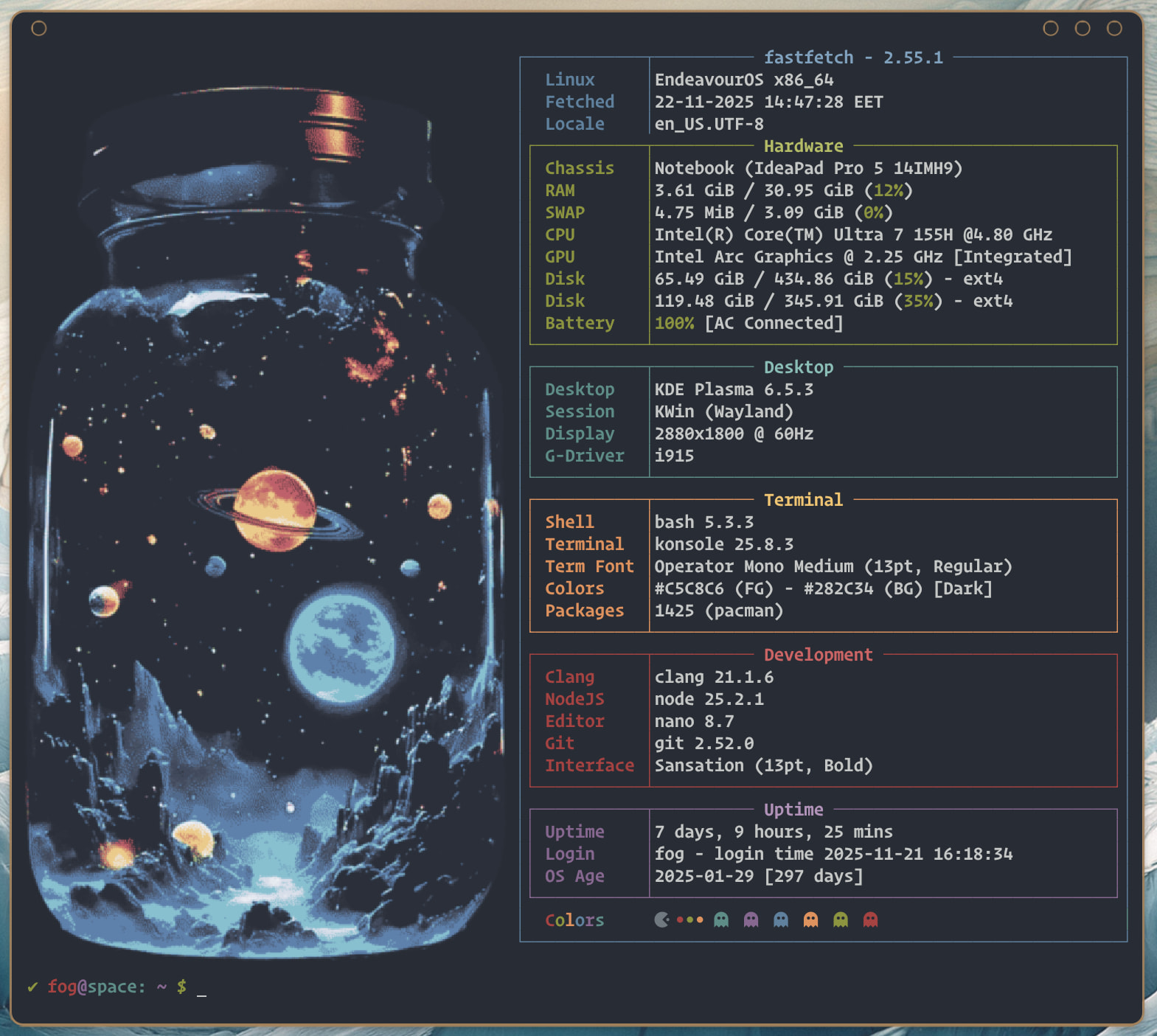
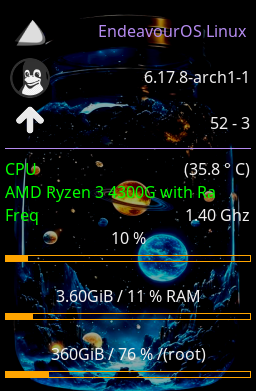
This thread is 
Thanks everyone for sharing your tips, tricks and configs. Peace and love to all of you. 

Still fiddling around. 

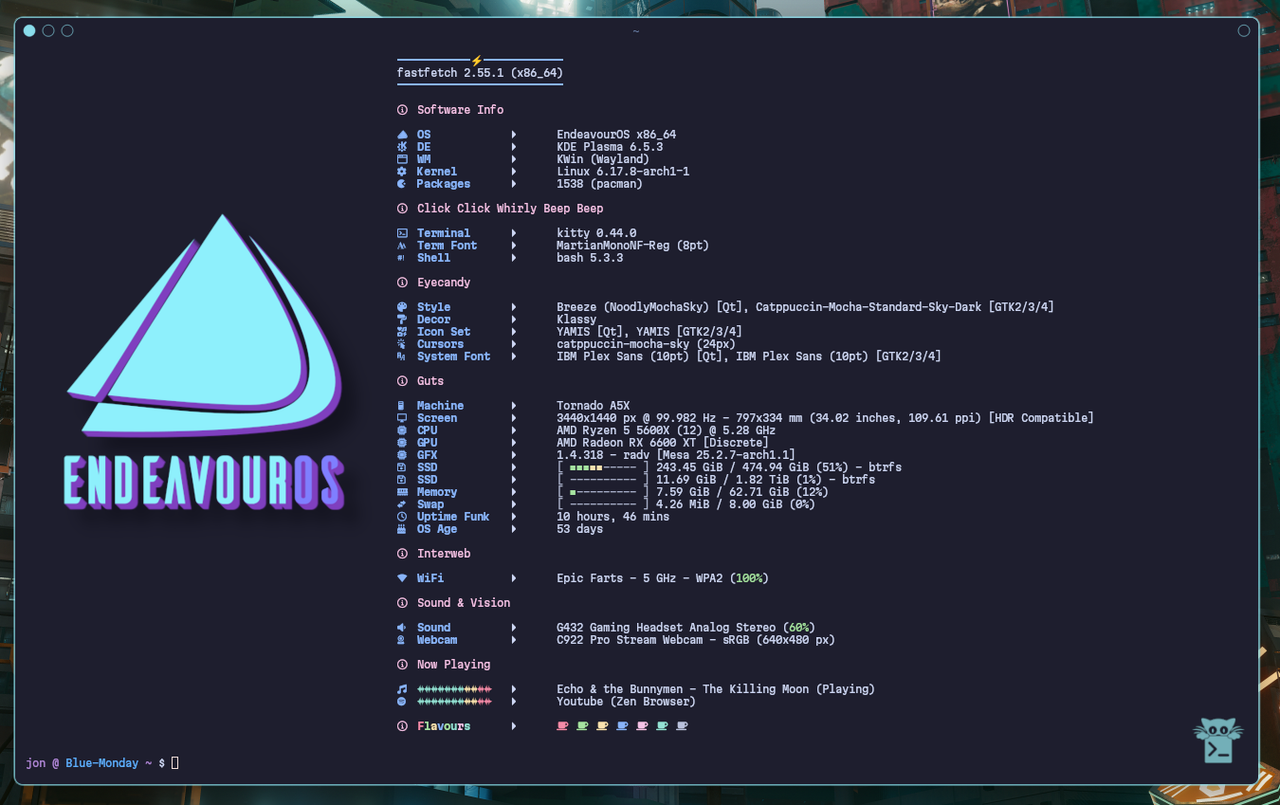
Config
//
//
// ░█▀▀░█▀█░█▀▄░█▀▀░█▀█░█░█░█▀█░█░█░█▀▄░░░█▀█░█▀▀
// ░█▀▀░█░█░█░█░█▀▀░█▀█░▀▄▀░█░█░█░█░█▀▄░░░█░█░▀▀█
// ░▀▀▀░▀░▀░▀▀░░▀▀▀░▀░▀░░▀░░▀▀▀░▀▀▀░▀░▀░░░▀▀▀░▀▀▀
// ░░░░░░░█▀▀░█▀█░█▀▀░▀█▀░█▀▀░█▀▀░▀█▀░█▀▀░█░█
// ░░░░░░░█▀▀░█▀█░▀▀█░░█░░█▀▀░█▀▀░░█░░█░░░█▀█
// ░░░░░░░▀░░░▀░▀░▀▀▀░░▀░░▀░░░▀▀▀░░▀░░▀▀▀░▀░▀
//
// Inspired by many and cobbled together by Noodly
{
"$schema": "https://github.com/fastfetch-cli/fastfetch/raw/dev/doc/json_schema.json",
"logo": {
"type": "auto",
"source": "/home/jon/Pictures/EnOS Fastfetch Logos/EnOS Noodly Sky.png",
"height": 34,
"padding": {
"top": 10,
"left": 2,
"right": 2
}
},
"display": {
"separator": " "
},
"modules": [
"break",
{
"type": "custom",
"format": "\u001b[34m───────────⚡────────────\u001b[0m"
},
{
"type": "version",
"key": " "
},
{
"type": "custom",
"format": "\u001b[34m─────────────────────────\u001b[0m"
},
"break",
{
"type": "custom",
"format": "\u001b[m{#35} Software Info\u001b[0m"
},
"break",
{
"type": "os",
"key": " OS ",
"keyColor": "34",
},
{
"type": "de",
"key": " DE ",
"keyColor": "34",
},
{
"type": "wm",
"key": " WM ",
"keyColor": "34",
},
{
"type": "kernel",
"key": " Kernel ",
"keyColor": "34",
},
{
"type": "packages",
"key": " Packages ",
"keyColor": "34",
},
"break",
{
"type": "custom",
"format": "\u001b[m{#35} Click Click Whirly Beep Beep\u001b[0m"
},
"break",
{
"type": "terminal",
"key": " Terminal ",
"keyColor": "34",
},
{
"type": "terminalfont",
"key": " Term Font ",
"keyColor": "34",
},
{
"type": "shell",
"key": " Shell ",
"keyColor": "34",
},
"break",
{
"type": "custom",
"format": "\u001b[m{#35} Eyecandy\u001b[0m"
},
"break",
{
"type": "theme",
"key": " Style ",
"keyColor": "34",
},
{
"type": "wmtheme",
"key": " Decor ",
"keyColor": "34",
},
{
"type": "icons",
"key": " Icon Set ",
"keyColor": "34",
},
{
"type": "cursor",
"key": " Cursors ",
"keyColor": "34",
},
{
"type": "font",
"key": " System Font",
"keyColor": "34",
},
"break",
{
"type": "custom",
"format": "\u001b[m{#35} Guts\u001b[0m"
},
"break",
{
"type": "host",
"key": " Machine ",
"keyColor": "34",
},
{
"type": "monitor",
"key": " Screen ",
"keyColor": "34",
},
{
"type": "cpu",
"key": " CPU ",
"keyColor": "34",
},
{
"type": "gpu",
"key": " GPU ",
"keyColor": "34",
},
{
"type": "vulkan",
"key": " GFX ",
"keyColor": "34",
},
{
"type": "disk",
"keyColor": "34",
"key": " SSD ",
"percent": {
"type": 3, // 3 = show number + bar + percentage
"green": 30, // Below 30% usage is green
"yellow": 70 // 30-70% is yellow, >70% is red
},
"bar": {
"width": 20, // Number of characters for the bar
"charElapsed": "■", // Used bar character
"charTotal": "-", // Unused bar character
"borderLeft": "[",
"borderRight": "]"
}
},
{
"type": "memory",
"key": " Memory ",
"keyColor": "34",
"percent": {
"type": 3, // 3 = show number + bar + percentage
"green": 30, // <30% is green
"yellow": 70 // 30-70% is yellow, >70% is red
},
"bar": {
"width": 20, // number of characters in the bar
"charElapsed": "■", // used part of the bar
"charTotal": "-", // unused part of the bar
"borderLeft": "[",
"borderRight": "]"
}
},
{
"type": "swap",
"key": " Swap ",
"keyColor": "34",
"percent": {
"type": 3,
"green": 30,
"yellow": 70
},
"bar": {
"width": 20,
"charElapsed": "■",
"charTotal": "-",
"borderLeft": "[",
"borderRight": "]"
}
},
{
"type": "uptime",
"key": " Uptime Funk",
"keyColor": "34",
},
{
"type": "command",
"key": " OS Age ",
"keyColor": "34",
"text": "birth_install=$(stat -c %W /); current=$(date +%s); time_progression=$((current - birth_install)); days_difference=$((time_progression / 86400)); echo $days_difference days"
},
"break",
{
"type": "custom",
"format": "\u001b[m{#35} Interweb\u001b[0m"
},
"break",
{
"type": "wifi",
"key": " WiFi ",
"keyColor": "34",
},
{
"type": "bluetooth",
"key": " Bluetooth ",
"keyColor": "34",
},
"break",
{
"type": "custom",
"format": "\u001b[m{#35} Sound & Vision\u001b[0m"
},
"break",
{
"type": "sound",
"key": " Sound ",
"keyColor": "34",
},
{
"type": "camera",
"key": " Webcam ",
"keyColor": "34",
},
"break",
{
"type": "custom",
"format": "\u001b[m{#35} Now Playing\u001b[0m"
},
"break",
{
"type": "media",
"key": " {#36}{#36}{#36}{#36}{#36}{#36}{#36}{#33}{#33}{#31}{#31}",
"keyColor": "34",
},
{
"type": "player",
"key": " {#36}{#36}{#36}{#36}{#36}{#36}{#36}{#33}{#33}{#31}{#31}",
"keyColor": "34",
},
"break",
{
"type": "custom",
"key": "{#35} {#31}F{#32}l{#33}a{#34}v{#32}o{#36}u{#35}r{#36}s ",
"format":"{#31} {#32} {#33} {#34} {#35} {#36} {#37} "
},
"break",
"break",
]
}
Noodling around, but didn’t find a way to automatically set the used colorscheme for Konsole. Did it manually for the moment. Any thoughts?
{
"type": "custom",
"format": "\u001b[m{#33} Terminal\u001b[0m"
},
"break",
{
"type": "terminal",
"key": " Terminal ",
"keyColor": "34",
},
{
"type": "terminalfont",
"key": " Font ",
"keyColor": "34",
},
{
"type": "shell",
"key": " Shell ",
"keyColor": "34",
},
{
"type": "custom",
"key": " Colorscheme",
"keyColor": "34",
"format": "GitHub Dimmed"
},