It has been about 5 years since my last post on my Ezarcher Linux project. I am hoping one post every five years is not spamming the forum.
Ezarcher Linux is my Arch Linux based respin project, offering 6 ISOs with six desktop environments (Cinnamon, Gnome, KDE Plasma, LXQT, Mate, and Xfce). The live system requires login in the live session, the password is “live” for all ISOs. Calamares is provided as the GUI installer and is available under the System menu as “Install System.” One can always run a terminal and install Arch with the archinstall script provided by Arch Linux, or do a manual install from the comfort of a live desktop session. I try to stick as close to Arch Linux as possible, meaning no outside repositories and only two AUR packages: Trizen for AUR software management and downgrade for that time when no other solution will work. You can find the project at: https://sourceforge.net/projects/ezarch/
Thank you for any interest and feedback. Have a happy and healthy 2026!
No problem! I watched a video by Erik DuBois (from Arcolinux fame) do a video on Ezarcher and he went through changing the user password by Alt-F2 in a terminal login with the root account just because he did not read the:
User password: live --- Login With This Password
Root password: toor
It was that video that led me to add the "--- Login With This Password" part.
PS - The Cinnamon iso is stock theme, so Cinnamon looks like crap until you go in and change the theme, icons, and background. Just a warning.
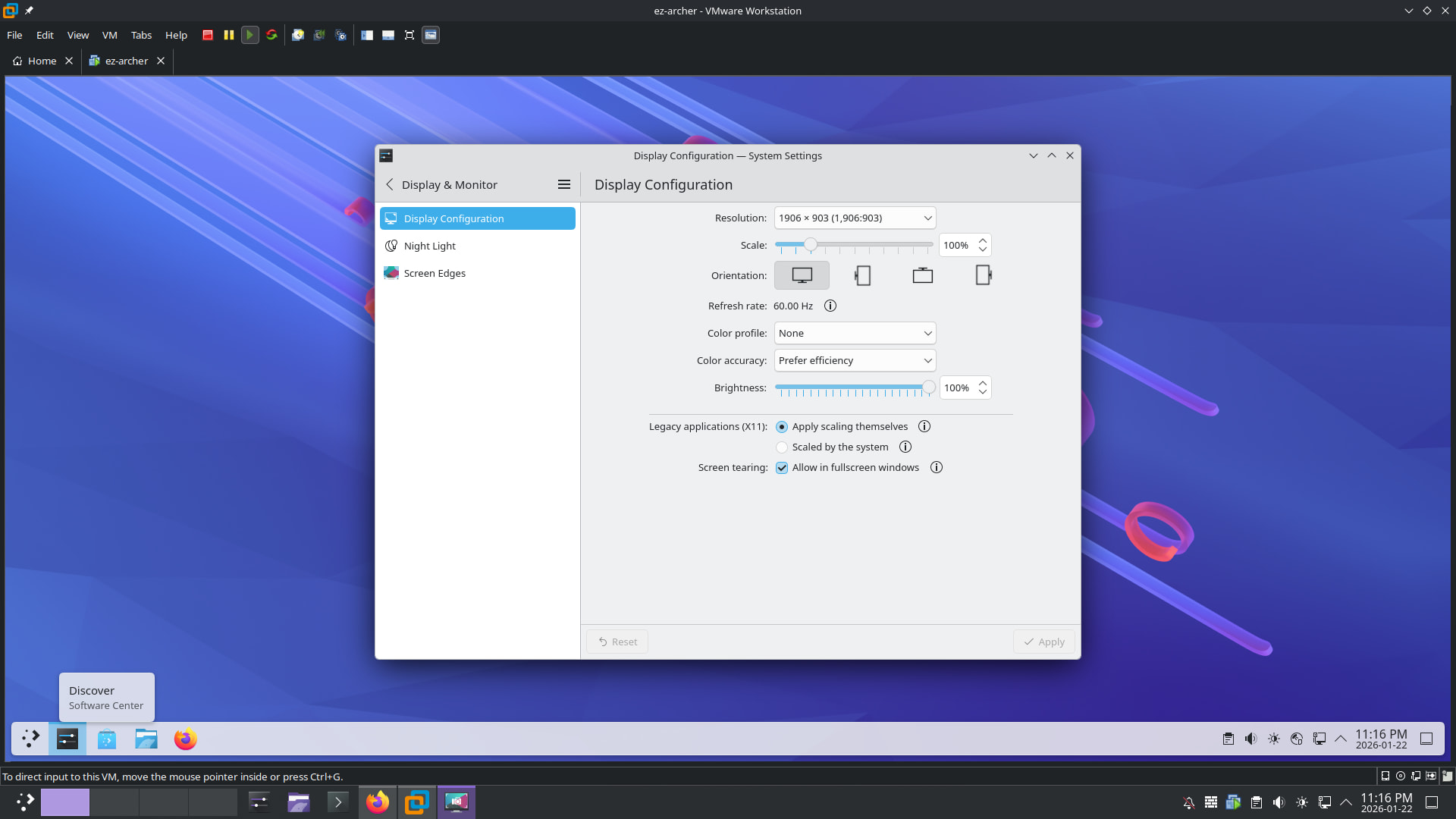
I got it installed but I’m having trouble getting it to have the correct resolution on vmware. I added open-vm-tools but it didn’t make any difference. I do have that also on the host.
Yes, this works although i have to go into display configuration and it now has the proper size that i can set for my monitor 1920 x 1080. Which in the vmware window is slightly smaller. 1906 x 903
@eznix
Installer works fine on Calamares. Having to get used to Trizen. But this is how i like things to work on vmware. I always want the window to fill the screen properly as i do not use vmware in full screen mode.
Trizen can be used to install yay or paru if you prefer. The command syntax is similar to pacman: trizen -Syu will update all packages, both pacman and AUR.
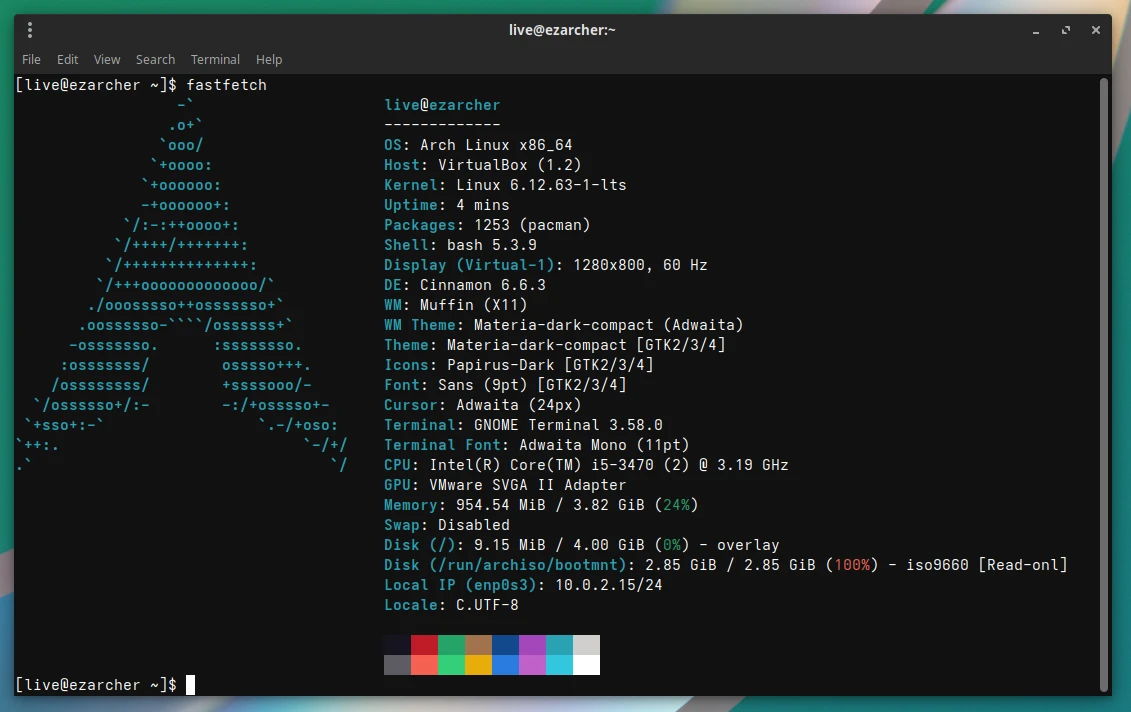
Is this just an Arch installer that gives you the full desktop experience, ready to use out of the box? I ask because the Fastfetch image below (from your SourceForge) shows the OS as Arch Linux with the Arch logo.
I think fastfetch pulls the OS from the /usr/lib/os-release file, so it’s inconsequential. The image also comes from a config file, I believe, so also quite inconsequential. I chose not to bother branding these files, so they show Arch Linux, I did not see a point for my own uses. Just because EndeavourOS chooses to brand these elements does not make it any less Arch.