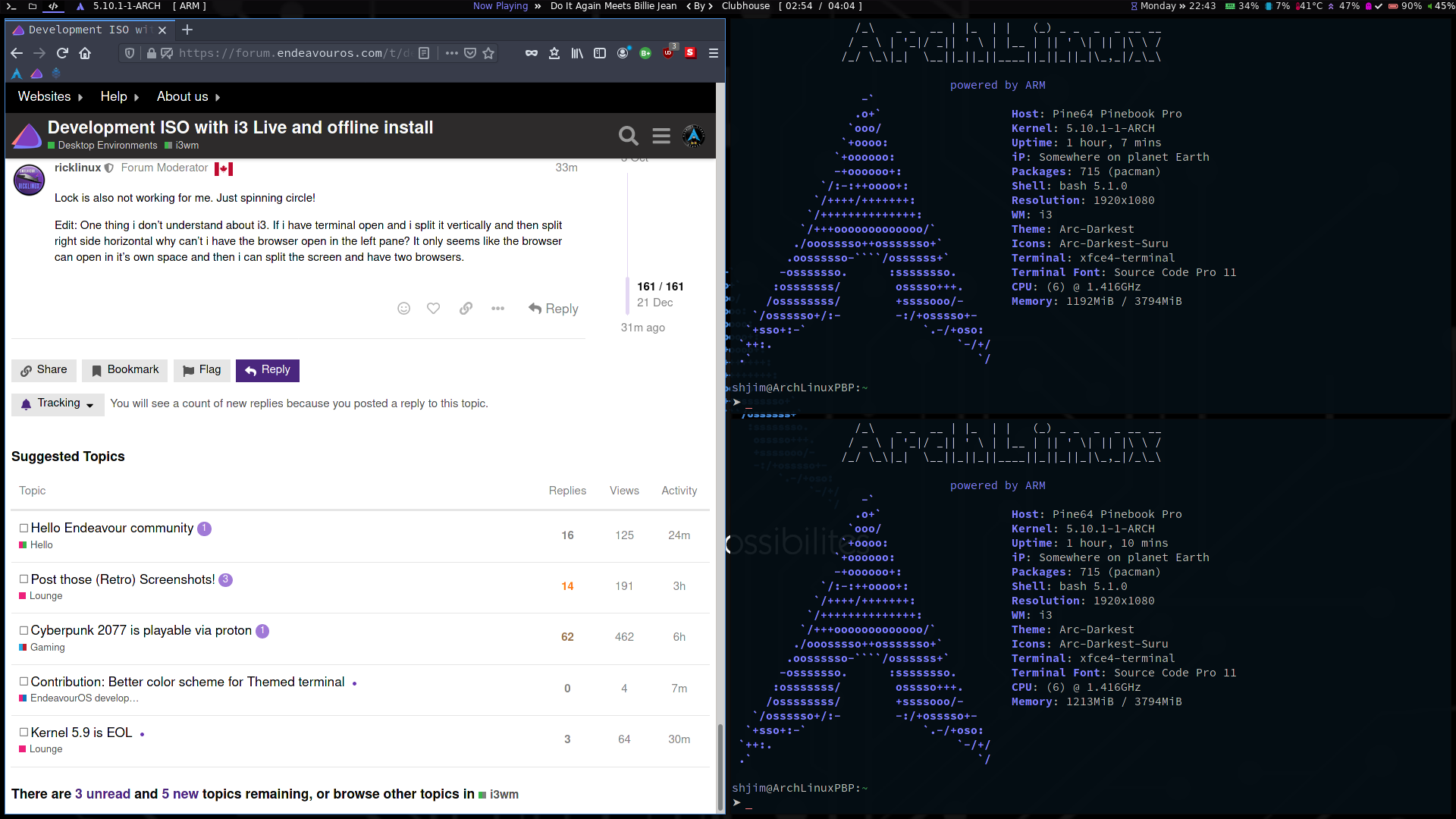
Lock is also not working for me. Just spinning circle!
Edit: One thing i don’t understand about i3. If i have terminal open and i split it vertically and then split right side horizontal why can’t i have the browser open in the left pane? It only seems like the browser can open in it’s own space and then i can split the screen and have two browsers.
Yes i can’t figure out how to do that. 
eos set firefox in ws 2 ( if remember right ) terminal in ws 1 … so they open in those ws…
I set a terminal free … so it open on any window i like …
I don’t know how to do that yet? I haven’t tried changing any configs.
find in config and add " # " like below and save I have copy of eos i3 config so i can help people sometime
# autostart start applications + bind program to workspace:
#assign [class="Xfce4-terminal"] $ws1
for_window [class=Xfce4-terminal] focus
assign [class="(?i)firefox"] $ws2
for_window [class=(?i)firefox] focus
assign [class="Thunar"] $ws3
for_window [class=Thunar] focus
assign [class="Thunderbird"] $ws4
for_window [class=Thunderbird] focus
assign [class="TelegramDesktop"] $ws5
for_window [class=TelegramDesktop] focus
edit Think this old config . idea the same
just make backup before you change things … then you go back if you mess up
Okay… i am reinstalling the latest ISO. Lock screen isn’t working though.
Edit: What is the easiest way to make a back up of that file?
not use rofi … i set lock "MOD+Shift+l "
Edit
Maybe move these last posts … not really Development more help and this for Development
@ricklinux
you could use gui or something like
cp /home/rick/.config/i3/config /home/rick/.config/i3/configbkup
replace rick with user name
or " cp ~/.config/i3/config ~/.config/i3/configbkup "