@ricklinux I got looking at your pic again, isn’t that Mate lol?
Live ISO looks awesome!
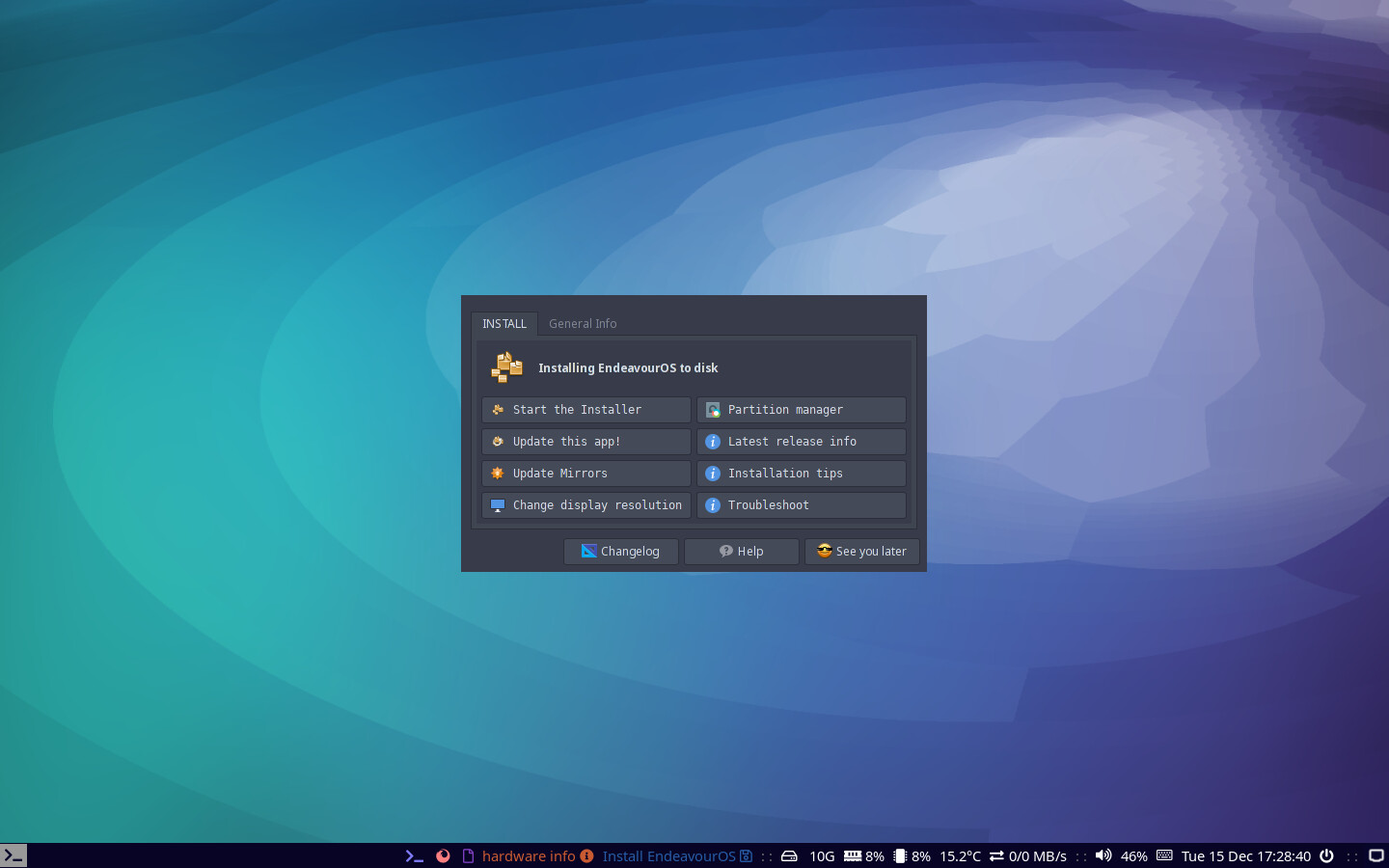
I installed Mate from the i3 ISO using online install.
Very nice! The bar/font now looks larger.
Thanks for sharing @anon53396576
I just wish i knew how to use i3 better. I just don’t understand the functionality of it?
oh oh i thought you installed i3 in a VM, i miss read. 
I like the idea of i3. I like the concept. Just don’t understand how to use it functionally. It’s odd for me and I’m so used to desktops and my main go to is kde, xfce and cinnamon. I want to get into i3 more so that maybe i could progress?
I hear you, that’s why I use it in a live iso at the moment. I’m using KDE as my daily driver and my only issue with i3 is messing with the i3 config file and setting it up how i like it. So for me at the moment an i3 out of the box that’s pretty setup out of the box is huge for me.
yes fonts are putting to a default sice to fit all resolutions, can be changed easy from the config and lxapperance settings tool
I just realize that also offline install is proceeding cleaner script and with it fetching official i3 setup from github, as it detects i3 i need to find a way to skip that on offline install 
Lol now ya tell me offline install just completed .
if you put of network connection it would work…
Me too. i3 setup out of the box because i know nothing of the configs. Haven’t even looked at it. I also need to understand it’s functionality. How to use it? The workflow? When you don’t know it’s cumbersome and odd and weird. Opening windows is the easy part. How to use it that makes sense is what is hard to grasp. We aren’t all programmers so it has to have an appeal to the masses. It will if it’s laid out right and the functionality makes sense. There are so many window managers so I’m just trying to wrap my head around one! i3 it is for now!
Is the new config on your github so i can just swap it out? I see we have new ROFI theming 
Well couple of notes anyway.
@manuel updating mirrors via welcome app works as expected. Fast as well!.
@joekamprad When you start the install it tiles the terminal and the installer windows. Some of the information is cut off on installer window to the right edge. If you know the key bindings to change it is no problem. Maybe we can make the terminal window float or resize it? It could just be this low resolution monitor i am using atm.
Offline install swap to file all looks to be correct.
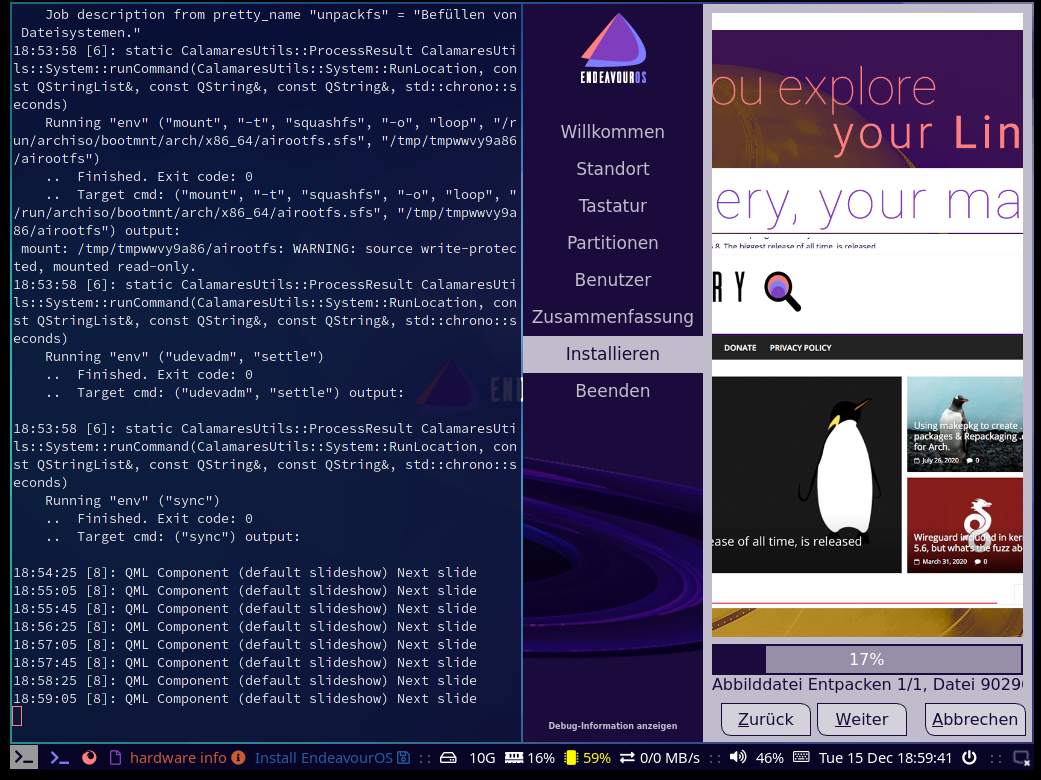
this is what you mean?
i could set clamares to floating i think it was like that before if i remember right
Yes indeed sir!
do you have an github account?
I do not unfortunately…i should probably make one… 
Please do! 
Is there a keyboard layout cheat sheet? 
ha ha i do exactly understand that one … but would be a huge paper better would be a script