I’m on my first EOS birthday on these days! But that’s not the news.
Lately, I bought a tower PC with an Nvidia GPU from eBay, wiped the entire disk and installed EOS on it. It’s the first tower PC I’ve ever had, so I thought I wouldn’t chage my handgun this time. My previous laptop didn’t have a dedicated GPU, so I never had to struggle with Nvidia drivers.
I installed the package for Nvidia legacy drivers (nvidia-580xx-utils), as the graphic card (Nvidia GTX 1060 3GB) was not working with the latest ones, and everything seemed to work properly (at least from the GPU’s perspective). Eventually, during normal tasks (like watching a YouTube video on Brave), it happened to have some lags, disconnecting Bluetooth headphones, freezing video, and generally being less responsive than it should have been. 8GB DDR4 RAM wasn’t overcharged, so I started checking the CPU (Intel i5-9400F), and I noticed that it jumped regularly at 100% usage. When this happens, the computer obviously slows down. This doesn’t only happen when I’m actively using Brave, but also when I’m playing a non-expensive game, making it freeze for half-a-second. It’s becoming frustrating, because I bought that used PC mostly to play games with, and generally I would like a computer with these decent specifications to be at least fluid.
From the task manager I can’t really understand what program is causing the CPU overcharge: does anyone has any idea on what to do to lighten up processor usage?
If you are using Plasma, then baloo is definitely a suspect. You can see if it’s the cause by running balooctl6 disable and seeing if the problem goes away. This will affect file search though. If it’s not the cause, reenable it by running balooctl6 enable
I’ve looked at it at first, but I couldn’t find Baloo in the Task Manager. Plus, It’s not always-always at 100% as it was with my laptop before disabling Baloo: when I leave it IDLE, CPU remains at more or less 20%, which is 19% more usage of my laptop when I leave it without touching it. It really looks like basic tasks are taking more CPU usage than they should.
Nevertheless, I’ll check for Baloo as soon as I come home tonight.
Update: I disabled Baloo, which was in fact running, but this didn’t solved the problem.
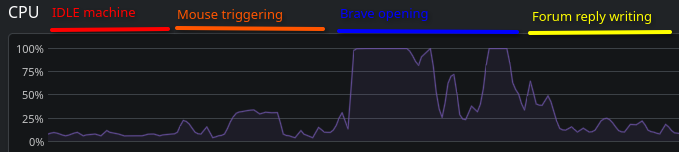
In the graphic down here, you can see the CPU during some normal operations: in the first part, the computer was IDLE, nothing opened, nothing running in background but the task manager itself. The first peak was the moment when I started moving the mouse around, simply pointing everywhere. Then, when I commanded the opening of Brave, you can see the CPU jumped 100% for some seconds, which is very annoying because it freezes the computer for some time. While I’m typing these lines, it stays calm at 20%.
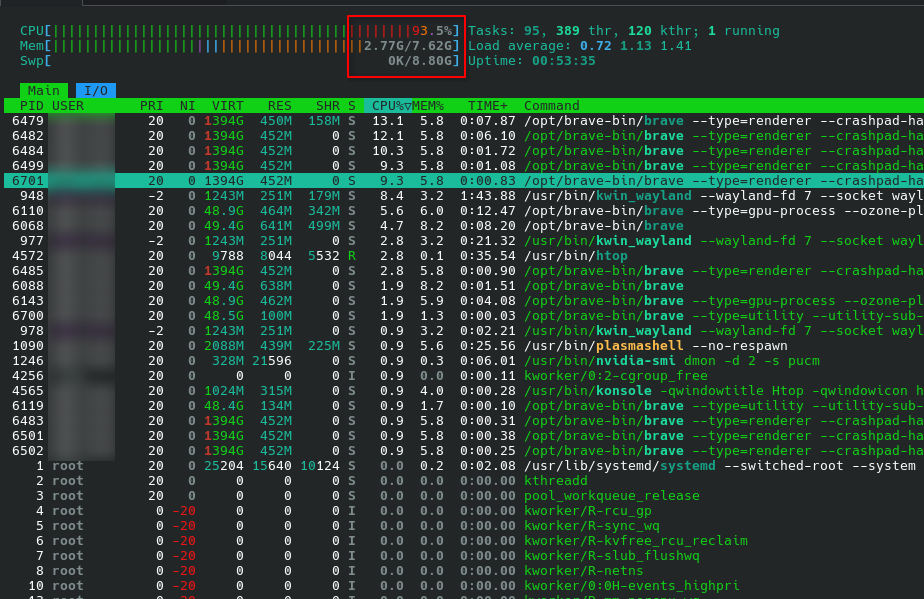
In a case like this I would have htop open in terminal, make sure it also shows kernel processes and processes of other users, sort by CPU usage, and then start using the system, whilst monitoring the htop-window.
Thanks both @SemLraug and @MyNameIsRichard, that’s what I did for a bounch of minutes. What I did has been opening YouTube, both from Brave and Firefox, and taking the first video available in the highest resolution for my monitor, and the problem presented again. Is it, somehow, possible that I have some problem with the GPU drivers, or something? I know that my GPU, during these tasks, doesn’t work above 2-3%, but since the CPU usage skyrockets when I enable 60fps…
Or, maybe, would it be possible that I somehow have something more “physical” wrong, like BIOS version or something? Could my CPU be damaged?
I don’t know that it’s your problem, but your machine is pretty anemic (memory wise), the OS/DE is gonna take about 4 GB, and the browser about 4 more with typical use.
Actually, with Steam, some apps and several browser tabs open I have less than 50% of used RAM. I am planning to take some more anytime soon, but I’m not as clunched as this.
I managed to install EOS with KDE Plasma on my old PC with 4GB DDR3, and make it work. I wouldn’t recommend it tho, but it was running smoothly with some apps (but it was nearly impossible to compile code, as an example). I can play most of my games with 8GB, but I’m planning on doubling the memory size just to be sure.
You can see the total used memory in my previous reply.
Update: disabling hardware acceleration didn’t solved the problem. I really feel like tasks are taking more CPU resources than they should, that’s why I suggested that the CPU could have some problems.
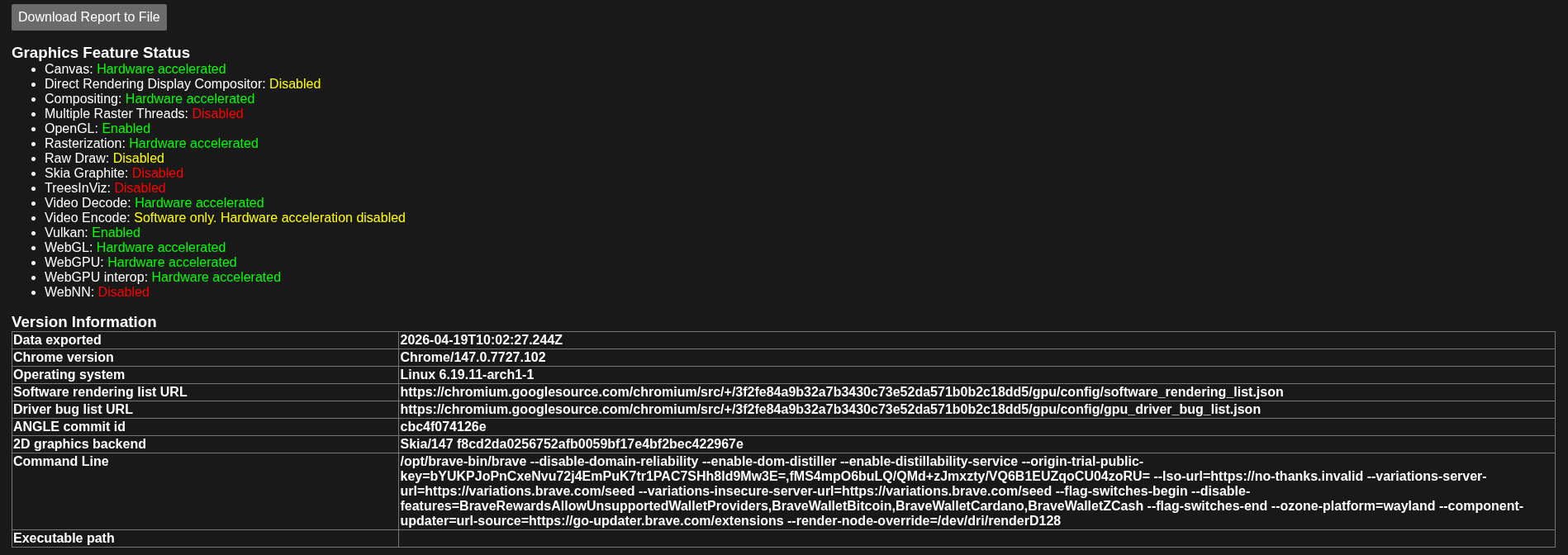
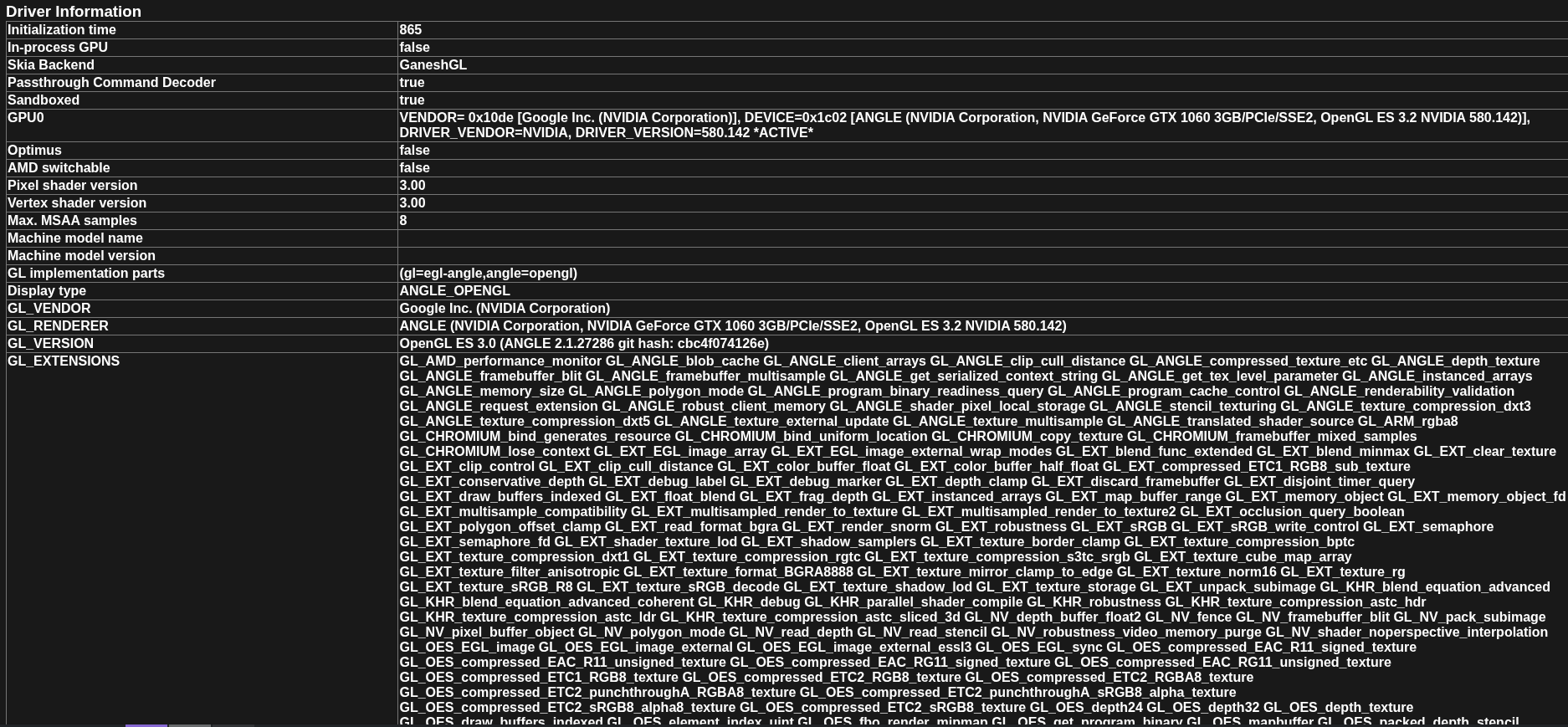
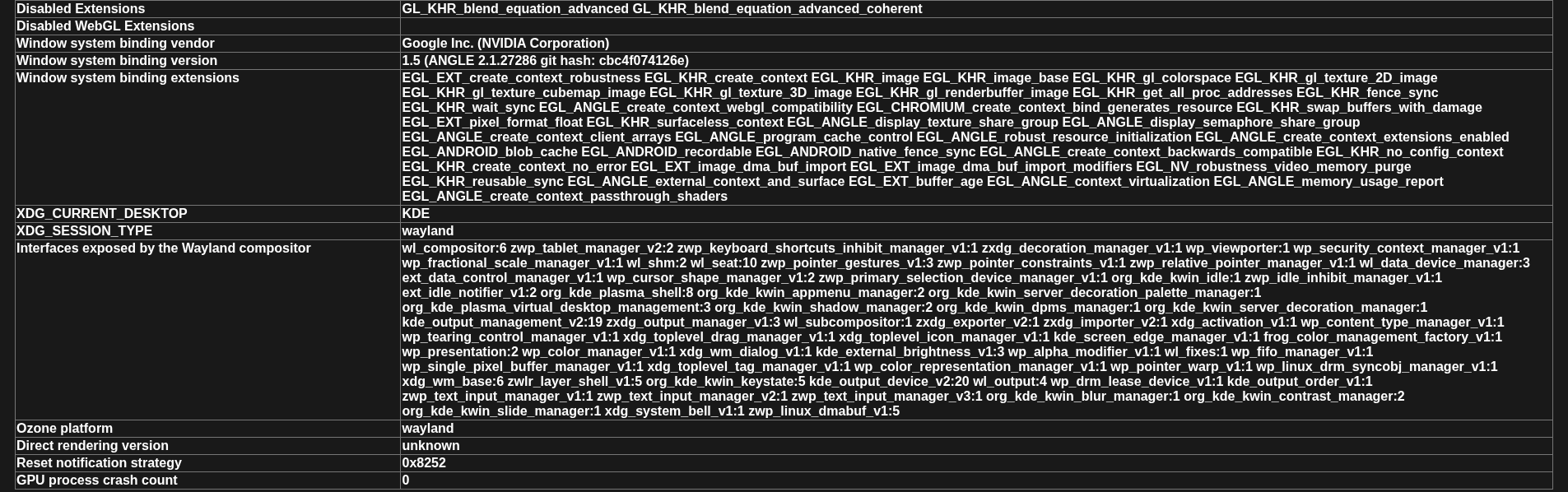
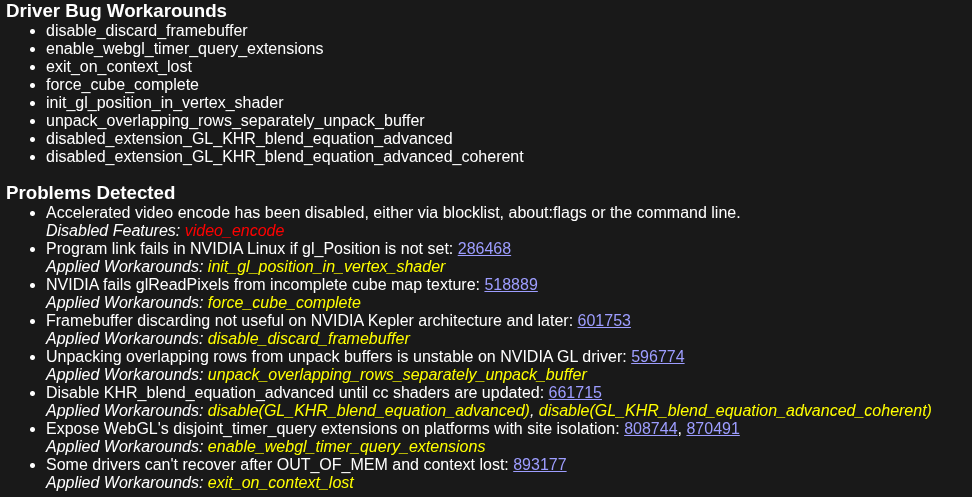
Update [2]: after an afternoon of investigations, I think I can confirm that the problem comes from the Hardware acceleration, but not only for Brave. As I said, I have an Nvidia GTX 1060 3GB, which is driven by nvidia-580xx drivers since it has Pascal architecture.
To be short about what I learned, my CPU is doing all the work for what concerns video decoding, and since I have an F-series Intel CPU, which does not have an integrated GPU, all this work is done by the part that should do a CPU-only task, causing the 100% CPU usage as soon as I do something with Brave, or other apps.
I’m thinking about replacing my CPU with one that has an integrated GPU processor, changing my GPU or, if nothing works, switching my OS, even if I still don’t know to what.
If anyone has any other suggestion, I’m taking it.
I realise now I neglected to request your CPU info in my earlier inxi command
inxi -Ccsxx --za
CPU’s are rarely the cause of issues, with perhaps the rare exception that was Intel’s 13th and 14th gen CPU’s.
The more likely issues are other components, impacting them. Cooling (or lack of) perhaps, or BIOS config, or motherboard damage, insufficient power (but typically presents as memory faults, not slowdowns).
And integrated GPU in an Intel series processor is going to be… well… stick with your GTX 1060 frankly
CPU:
  Info: single core model: Intel Core i5-9400F bits: 64 arch: Coffee Lake
    rev: A cache: L1: 64 KiB L2: 256 KiB L3: 9 MiB
  Speed (MHz): 1100 min/max: 800/4100 core: 1: 1100 bogomips: 5799
  Flags-basic: avx avx2 ht lm nx pae sse sse2 sse3 sse4_1 sse4_2 ssse3 vmx
Sensors:
  System Temperatures: cpu: 35.0 C pch: 44.0 C mobo: N/A gpu: nvidia
    temp: 31 C
  Fan Speeds (rpm): N/A gpu: nvidia fan: 36%
Edit: wait a second, why is it saying “single core model”?
[2] Maybe I wasn’t clear: I am not thinking of switching my dedicated GPU with an integrated GPU, but more about just chosing a CPU with an integrated one to be able to use video decoding with it. If I understood the problem, my GPU cannot do the video decoding, forcing the CPU to do all the graphics work with some applications.
Maybe, a valid alternative would be to switch to an AMD GPU, which has open source drivers and better supports its components on Linux.