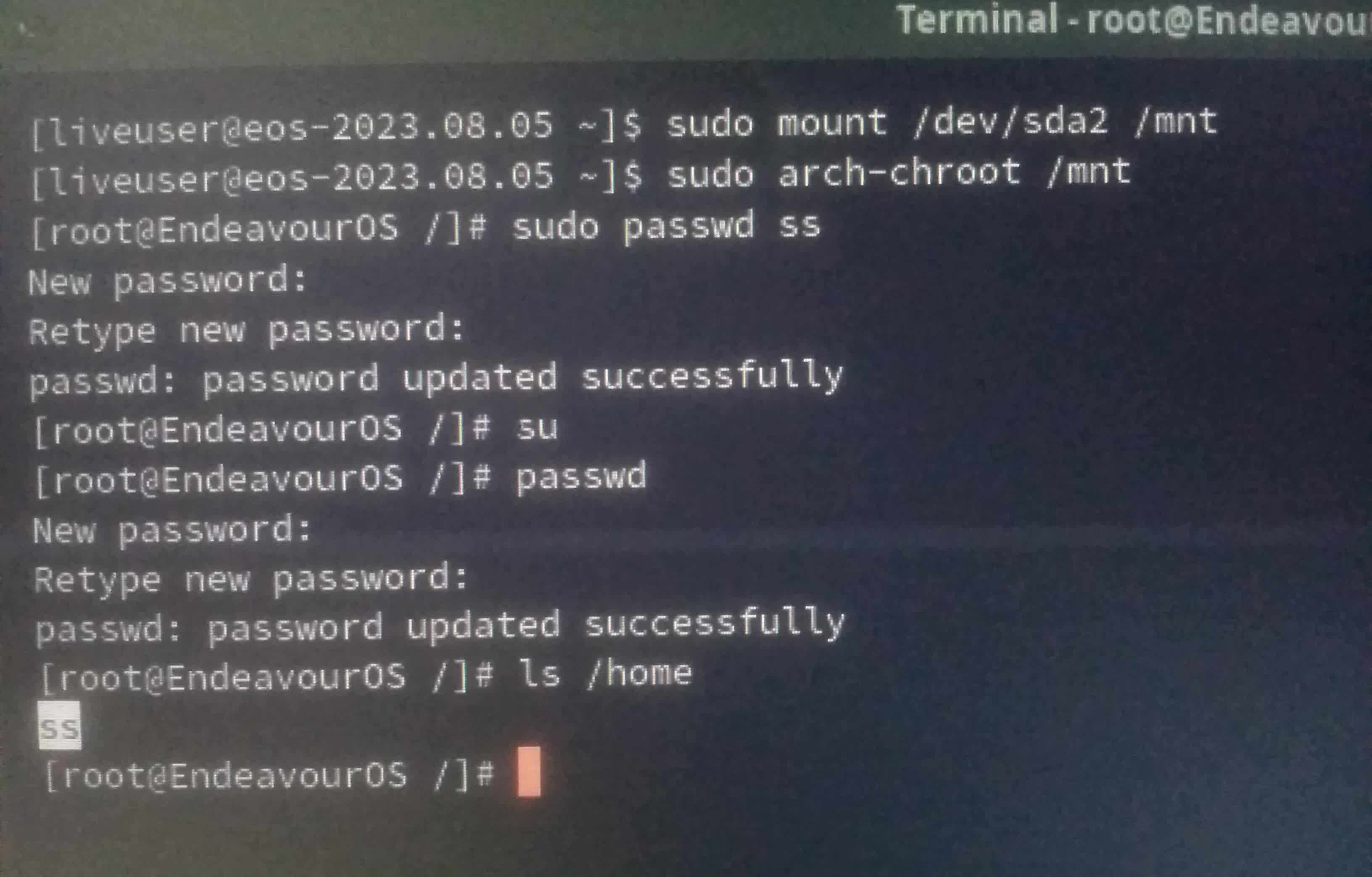
For some reason the login screen password not working today. Never changed password so I know I’m using the correct password…I’m on EOS KDE Plasma desktop. Tried to update packages from chroot but nothing helped.
Display manager issue?
Reboot ? Happened with me once as well , if not then you will have to change password from chroot, for your user , run sudo passwd username_here . For root, first su and then run just passwd to change root password as well.
Changed both user & root password which got successful from chroot. But when I tried to login the issue remains same 
Maybe you have pressed a key on your keyboard that changes the keys, like NumLock or CapsLock? Worth checking anyway.
Can you successfully log in from another TTY ?
It sounds like a keyboard layout issue, are you using by chance two different languages/keyboard layouts?
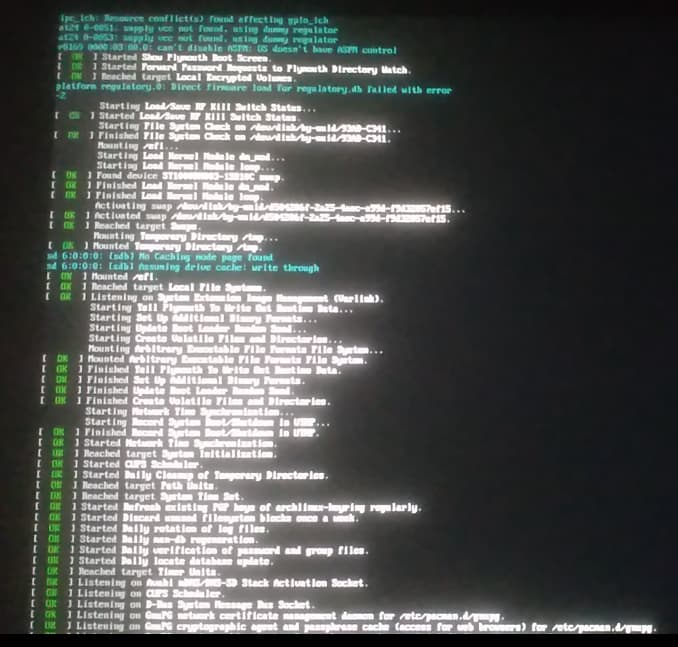
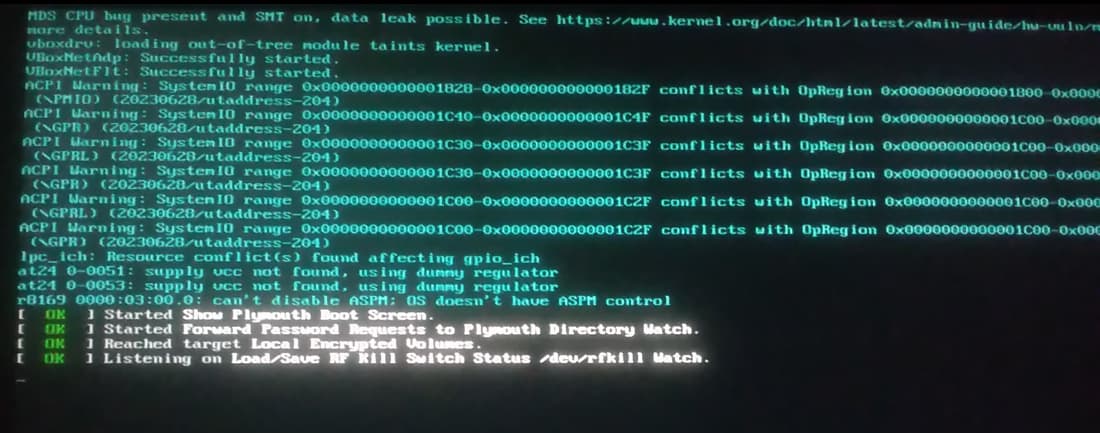
Yes IIRC English US and English India.
Added few regional languages though I’m not sure about it.
Perhaps this article will help you further https://wiki.archlinux.org/title/SDDM#SDDM_loads_only_US_keyboard_layout
Or you can choose this solution if it doesn’t work https://wiki.archlinux.org/title/SDDM#Virtual_keyboards
/etc/X11/xorg.conf.d/00-keyboard.conf
Originally it was
# Read and parsed by systemd-localed. It's probably wise not to edit this file
# manually too freely.
Section "InputClass"
        Identifier "system-keyboard"
        MatchIsKeyboard "on"
        Option "XkbLayout" "gb"
EndSection
Added us & other configuration as mentioned there, now its
# Read and parsed by systemd-localed. It's probably wise not to edit this file
# manually too freely.
Section "InputClass"
        Identifier "system-keyboard"
        MatchIsKeyboard "on"
        Option "XkbLayout" "us,gb"
        Option "XkbModel" "pc104"
        Option "XkbVariant" ",dvorak"
        Option "XkbOptions" "grp:win_space_toggle"
EndSection
/etc/sddm.conf.d/10-wayland.conf
Installed maliit-keyboard
create/edited the config file to
[Wayland]
CompositorCommand=kwin_wayland --drm --no-lockscreen --no-global-shortcuts --locale1 --inputmethod maliit-keyboard
On login screen it shows Keyboard Layout is English (US)…password typed didn’t work. No option when I click Virtual Keyboard option.
Both didn’t help, am I doing it wrong?
It could be due to some recent package update or partial broken update from my side? Blindly reinstalled linux, linux-lts.
It showed “fatal library error lookup self” when I search about that Google showed me this Multiple issues including booting problem, seemingly broken file and fatal library error - #3 by anonymous_12332 result on top.
Desperately I tried that
pacman -Syu $(pacman -Qnq) --overwrite “*”
Changed password again but not yet successful 
Removed the password with
passwd -d ss
It still asks for password, any idea what’s the real issue?
Tried but it says “Login incorrect” .
Can you create another user (for test), does that work?
Yes tried testuser with password but doesn’t work. Surprisingly Ctrl+Alt+F3 from tty3, root as user works for my given password. Does that hint something? Searching the forum for similar cases…
How exactly (which command) did you create the user?
Sorry forgot to create home directory in previous one.
Deleted previous one with
userdel -rf testuser
Created new one with
useradd -m test2
passwd test2
Now login works for test2. I don’t understand why doesn’t work for my main profile. Now I’ve two directories in Home ss & test2.
Does account ss exist in file /etc/passwd?
Also, do commands
ls -la /home
ls -la /home/ss
show typical folders and files?
while checking /etc/passwd, I noticed
ss:x:1000:1000:ss:/home/ss:/bin/zsh
test2:x:1001:1001::/home/test2:/usr/bin/bash
Now I remember I was testing zsh for a while now as default shell, I didn’t like it so I removed it. I guess I forgot to change default shell. So changed that line
ss:x:1000:1000:ss:/home/ss:/bin/bash
Now I can login  but some of the applications are missing e.g. Betterbird installed from AUR, Calibre (binary install)…maybe more applications. I guess because of this?
So yeah it was my fault all along… 
❯ ls -la /home
18874369 drwxr-xr-x - root  26 May 00:23 .
       2 drwxr-xr-x - root  25 May 23:56 ..
18874370 drwxr-xr-x - ss    26 May 09:32 ss
19012506 drwx------ - test2 26 May 09:24 test2
❯ ls -la /home/ss
18874370 drwxr-xr-x    - ss   26 May 09:32 .
18874369 drwxr-xr-x    - root 26 May 00:23 ..
18881581 drwxr-xr-x    - ss   26 Jun  2023 .android
18874398 drwxr-xr-x    - ss   26 May 09:43 .cache
18874373 drwxr-xr-x    - ss   26 May 09:38 .config
19012584 drwxr-xr-x    - ss   22 May 11:04 .dotfiles
19013476 drwxr-xr-x    - ss   21 May 12:36 .emacs.d
18885626 drwxr-xr-x    - ss   24 Jul  2023 .fastboot
18895576 drwxr-xr-x    - ss   16 Jul  2023 .gnome
18876277 drwxr-xr-x    - ss   24 May 13:30 .gnupg
18876016 drwxr-xr-x    - ss   25 Jun  2023 .hplip
18884284 drwxr-xr-x    - ss   30 Oct  2023 .icons
18875079 drwxr-xr-x    - ss    9 Apr 10:59 .librewolf
18874389 drwxr-xr-x    - ss   24 Jun  2023 .local
18875046 drwxr-xr-x    - ss   24 Jun  2023 .mozilla
19144505 drwxr-xr-x    - ss   26 Jul  2023 .npm
19024323 drwxr-xr-x    - ss   24 Apr 22:00 .persepolis
18874808 drwxr-xr-x    - ss    1 Jul  2023 .pki
19011499 drwxr-xr-x    - ss   21 Aug  2023 .pyglossary
18875992 drwxr-xr-x    - ss    4 Jul  2023 .sane
18882098 drwxr-xr-x    - ss   25 Jun  2023 .thunderbird
19143557 drwxr-xr-x    - ss   17 May 07:18 .vscode-oss
19144423 drwxr-xr-x    - ss   26 Jul  2023 .yarn
19010501 drwxr-xr-x    - ss   29 Apr 20:44 Applications
18876520 drwxr-xr-x    - ss   14 Mar 08:46 'Calibre Library'
18874379 drwxr-xr-x    - ss   22 May 01:49 Desktop
18874383 drwxr-xr-x    - ss   24 May 12:55 Documents
18874380 drwxr-xr-x    - ss   19 May 10:27 Downloads
18874384 drwxr-xr-x    - ss   24 May 12:45 Music
18874385 drwxr-xr-x    - ss   26 May 09:30 Pictures
18874382 drwxr-xr-x    - ss   24 Jun  2023 Public
18889041 drwxr-xr-x    - ss    1 Jul  2023 Sync
18883522 drwxr-xr-x    - ss    6 Apr 11:44 Syncthing
18874381 drwxr-xr-x    - ss   24 Jun  2023 Templates
18874386 drwxr-xr-x    - ss   15 Apr 18:24 Videos
18884092 drwxr-xr-x    - ss    7 Apr 00:44 'VirtualBox VMs'
18881094 .rwxr-xr-x 3.3k ss   28 Feb 18:15 .asc
18955932 .rwxr-xr-x 9.0k ss   24 May 13:37 .bash_history
18874378 .rwxr-xr-x   21 ss   21 May  2023 .bash_logout
18874372 .rwxr-xr-x   57 ss   21 May  2023 .bash_profile
18874596 .rwxr-xr-x 2.8k ss   23 May 14:26 .bashrc
18955926 .rwxr-xr-x  527 ss   20 May 21:47 .emacs
18955930 .rwxr-xr-x  527 ss   20 May 21:47 .emacs~
18875663 .rwxr-xr-x  110 ss   24 Jun  2023 .fonts.conf
18874423 .rw-r--r--  304 ss   26 May 09:32 .gtkrc-2.0
18954034 .rwxr-xr-x 4.1k ss   23 May 22:38 .shell_aliases
18875998 .rwxr-xr-x   50 ss   25 Jun  2023 .Xauthority
18904761 .rwxr-xr-x  116 ss   26 Jul  2023 .yarnrc
18875513 .rwxr-xr-x   83 ss   23 May 14:05 .zshrc
18947227 .rwxr-xr-x    0 ss   23 Apr 08:33 emergency.2024_04_23_08_33_11.0.svg
18894121 .rwxr-xr-x 2.2M ss    5 Sep  2023 sys
18875959 .rwxr-xr-x   69 ss    4 Aug  2023 wget-log
18891082 .rwxr-xr-x   69 ss    4 Aug  2023 wget-log.1
18875003 .rwxr-xr-x   69 ss    4 Aug  2023 wget-log.2
18888727 .rwxr-xr-x   69 ss    4 Aug  2023 wget-log.3
18891297 .rwxr-xr-x   69 ss    4 Aug  2023 wget-log.4
18891075 .rwxr-xr-x   69 ss    4 Aug  2023 wget-log.5
18888819 .rwxr-xr-x   69 ss    8 Sep  2023 wget-log.6
NOTE: my aliases ares set to .shell_aliases as a separate file, so that I can have shared aliases for zsh & bash.
alias ls='eza -ali --color=always --group-directories-first'
alias la='eza -a --color=always --group-directories-first'
copied from DT’s https://gitlab.com/dwt1/dotfiles/-/blob/master/.bashrc