you could add icon manually yes but this would need to know where exactly the app searches for it
could be here:
/usr/share/icons/Arc-X-D/panel/22/
::: :::
:::
or here (paper icons are there to complete arc-x)
/usr/share/icons/Paper/24x24/panel/
Hm i dont have that folder. I guess I’ll just leave it empty
oh yes you are using PLASMA and using breeze icons?
but lets see if developer have a hint on that…
Oh I’m using fluent dark icons
1 Like
so you will need to rebuild the package to get the changes… would be nice to get your feedback if it works so I can tell them.
If this is working on your system, with AMD+Nvidia we should think about adding this as a package to EndeavourOS Repository, as it is a bit inconvenient to manually build this manually…
There are optimus-manager-qt and optimus-manager-qt-git.
Which one would you prefer?
Also optimus-manager-git is required (if the latest is needed).
you are too fast for my weekend mood 
But if we have this at repo it will be much easier to install a working solution for optimus systems, as this is working for both one intel/nvidia and amd/nvidia…
I a not sure if git versions are needed here, as optimus-manager-qt do stable releases and the master branch is the git version… what is the latest development stage on their repo…
OK, we can talk about this later when you are in the working mood. 
i just ask the devel what he think would be the best way to do this, cooperation would be a good thing to keep it stable
I just recompiled it. The icon is there now
I tried to upload the pkg.tar.zst and apparently i dont have perms to upload anything but photos
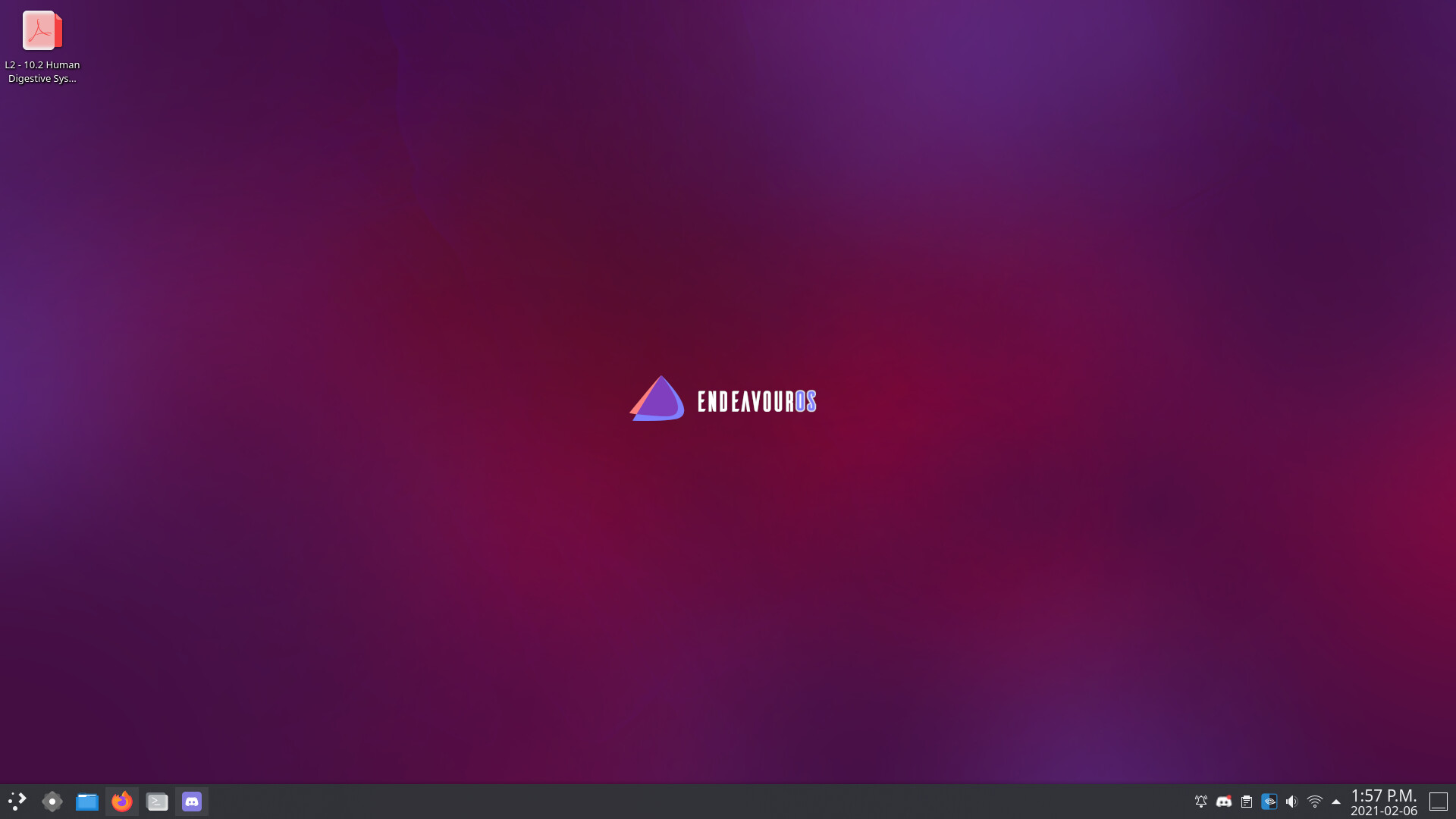
The icon is at the bottom right
great!
yes it would be bad allow that…
so currently still the case that optimus-manager-git is needed to support AMD-Nvidia systems…
ye I compiled optimus-manager-qt-git, and it prompted me to get optimus-manager-git as well a a dependency.
exactly optimus-manager-qt is working on top of it, and only the git version is supporting amd-nvidia systems…