I installed brave through yay -S brave-bin ; no error message during install , no matter
But when I launch it nothing happens , image is fixed and non menu works !
Any idea - system : Endeavour titan xfce
I installed brave through yay -S brave-bin ; no error message during install , no matter
But when I launch it nothing happens , image is fixed and non menu works !
Any idea - system : Endeavour titan xfce
What is the output when you try to launch it from the terminal with the command brave?
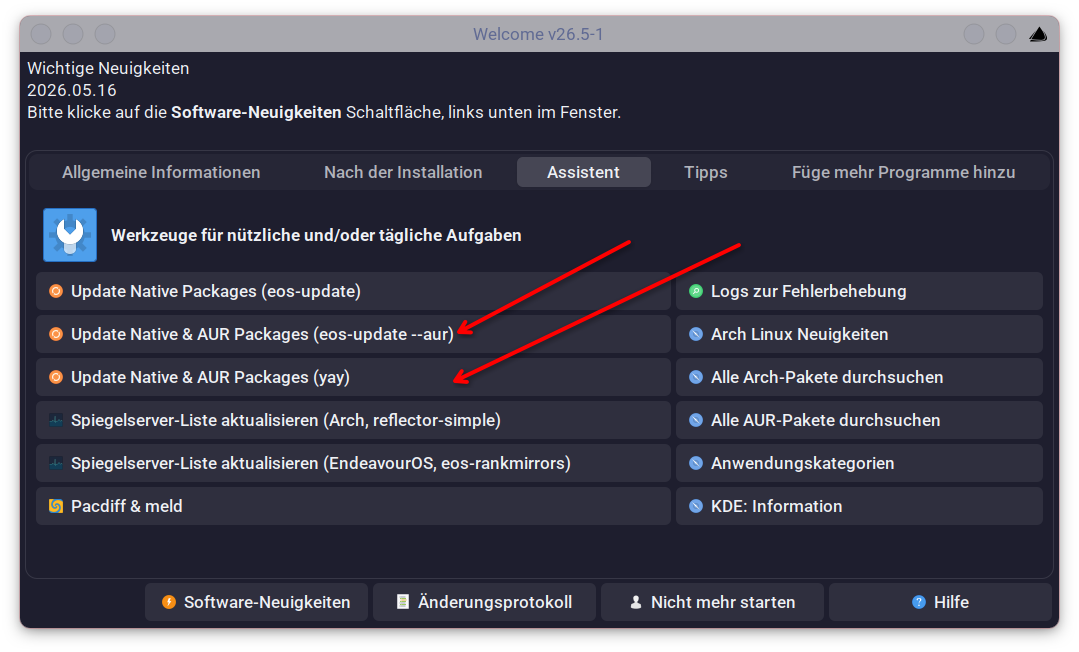
If you install something it is always better (important) to make sure your system is up to date, so in this case
yay -Syu brave-bin
yay -Syu brave-bin
Sorry for the typo it has “bin” corrected and thanks for pointing it out.
yay brave-origin-bin
with yay -Syu brave-bin it’s take hours and never complete ! brave-origin-bin opens a window to select a non free version but nothing works . probably a lot a app from AUR are not updated and then it’s a big issue ; I am totally disappointed by such long time for update…I prefer to stop …
Could it be you haven’t updated for a long time , because if I try it it installs in less then a minute.
╰─❯  yay -Q brave-origin-nightly
brave-origin-nightly-bin 1.93.45-1
No issues here. System up to date as brave is too
It would have been nice to see what this tells us.
If you still have brave on the system please run it from the command line and show us the output
Use
this really sounds like you havent updated in a long time.. maybe also have a mirror issue?
please update.. its important, else if you just install stuff you basically only have a partially updated system, which will lead to failure and a broken system.
Just REMOVE yay from EOS’ default installation!!
Let users explicitly and consciously install it themselves so they would know what is involved and from where when the just put yay something in their terminal.
That doesn’t solve the problem of users not updating regularly.
I know. But they would know why it is taking so long to update or install anything when they are doing it, not knowingly they are building a whole web browser and the like and they are sitting there with a terminal which seems never stop outputting incomprehensible stuff.
My point is that when they come to the decision that they need an AUR helper, then they would hopefully be more aware of how it works and what is involved.

What AUR apps is not updated?? My AUR apps update regularly and that includes Brave. While there may be a few that are “Feauture Complete” or abandoned and no longer get development most apps in the AUR are on the same Rolling Model as Arch.
Arch systems require Regular updates At minimal one who is new to the Arch eco system should update once a month. I recommend at least once a week just to get in the habit of regular updates.
Isn’t that the same as saying before installing and using EndeavourOS one should install Arch first? I agree people should know what it is they are using before using it however If someone isn’t willing to do the work to do regular updates I doubt they would be willing to do the work to install an aur helper. Most will just move to another Distro.
Short answer: No, not really.
Long answer: AUR is not even endorsed officially by Arch. One should reflect over why. Not saying that no one should be using it but I have seen here and there that people who are not really familiar with how pacman, official repos, packaging, dependencies and so on and so forth work, pull the trigger on yay so happily and joyfully as if they have never known any other “package manager” in their whole life. YAY!!
I use since 2 years EOS and update it regularly (one a week typical ) ; but for AUR no , and now I understand the update Syu is not at all working : it never end ! a lot of works during quite an hour and after black screen and then none aur app is updated after 1 hour !!!
It will depend on the application. A web browser built from source is going to take a famously long time.
It would be very unusual for a -bin version to take that long though, unless it was some very large download and the Internet connection was slow, or the packaging compress step struggles.