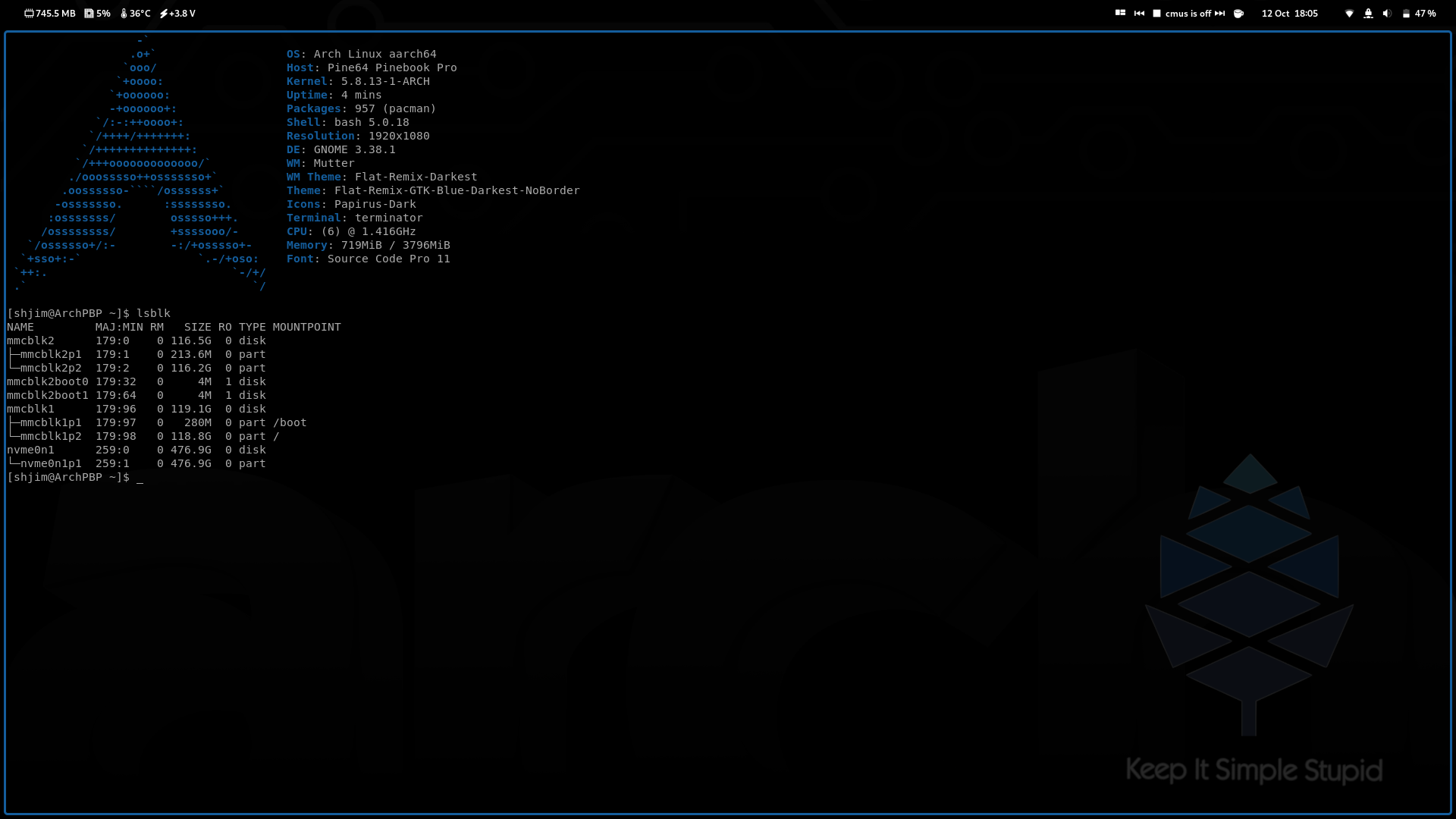
This guide might help, it’s built on the Readme and the FAQ linked on the 2nd post of this thread, and it has the merit of organizing by steps:
I was able to follow it through, but then it happens the same that happens with the Manjaro editions: it gets bricked, i can’t boot from eMMc or mini SD (have to remove the eMMc by hand to start it again).
My next step will be to install Arch (and hopefully Endeavour) on an SD. @anon75994754, since you’ve accomplished that, how can I boot from SD and then install to that same SD?
I will also try to install Debian and leave the u-boot debian partition untouched, since the problem seems to be that the uboot written the way described for arch doesn’t work on my pinebook pro (it does work on others, only I seem not to be able to run the manjaro editions of 2020).
@lxnauta
easy… you flash the Arch iso to sdcard and place in PBP sdcard slot… other sdcard in usb3 adapter which will be (sda) if you lsblk… then just normal arch install with changes in “read me” on pine website.
I use this
i miss read … i just say how i install Arch on sd card from sdcard
Of course, a Usb-c adapter! I didn’t think of that. Now I’ve tried it but unfortunately also couldn’t make it, after the install I reboot, have a green light but black screen (not as when I install to the eMMc). I think I may have a faulty eMMc, I’ll have to buy a different one to check soon.
i found if reboot without remove sdcard ( if arch installed on ) it won’t boot … i power off ,remove card and place card into slot on pinebook then power on.
also i got emmc working but crashed after 5 mins and not recover even booting into iso. now wait for usb emmc adapter and then the fun begin all over again
i have a few emmc"s atm i use 128G with minimal manjaro running i3 (it the best for Pinebook Pro ) at the mo … I can sort other emmc’s out now but easy with usb adapter and i hope it will boot from it ( we will see) i also have x2 Vanilla Arch installs running 5.8.13-1-ARCH on 128G sd cards… I have lots to do
Thanks for that suggestion. I did manage to get manjaro i3 running on the eMMc by backing up mbr partition table, copying with dd the first 16MiB from mrfixit’s image and restoring the mbr partition table. It’s pretty cool.
However, that didn’t work for Arch: with this method I get a green light, now, but the system won’t start. The same happens when I try to install Arch in an SD card. Perhaps I’m doing something wrong or perhaps it’s not ready for me yet
With no Arch I can’t even try to run EndeavourOS’s script and that’s the real pitty. Perhaps tomorrow I’ll think of something different to try out.
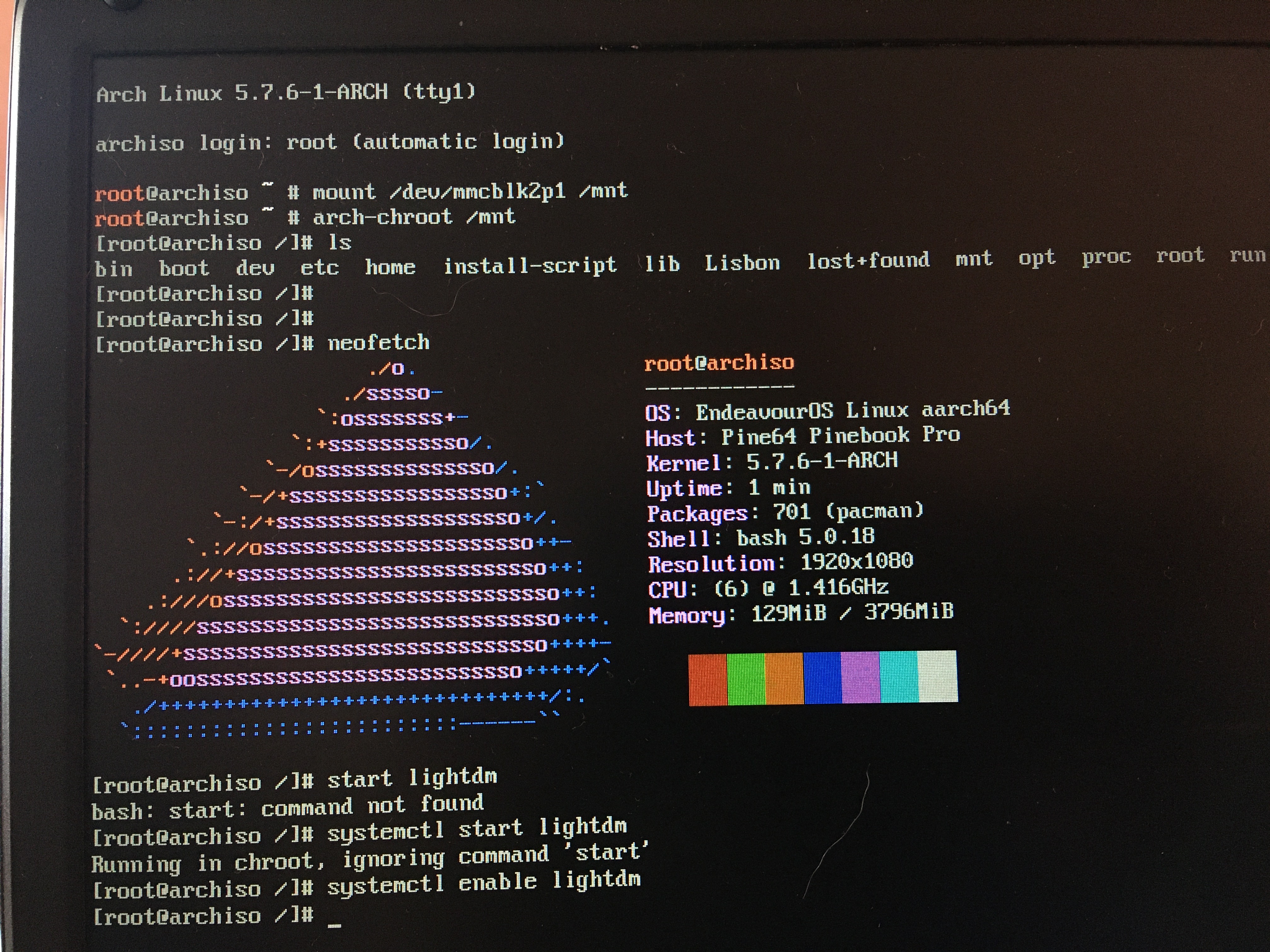
Since I can’t boot from the eMMc or the mini SD, I booted from the arch install img, then chrooted to the arch installation. From there I was able to install EndeavourOS Arm!
After a failure in installation complaining it couldn’t find dhcpcd.service, I did:
$ pacman -S dhcpcd
$ systemctl enable dhcpcd.service (this one probably didn’t do a thing)
And ran the install script again, this time successfully.
However, as shown in the image, I can’t start lightdm because I’m running in chroot.
Obviously, the command
pacman -S dhcpcd
installs the dhcp service.
The second command
systemctl enable dhcpcd.service
tells the OS to automatically start the dhcpcd service at boot up. Otherwise the user would have to manually start dhcp every time the OS is booted up.
@anon75994754 and @lxnauta This is some great work you two are doing and thank you for sharing.
I’ve double checked the UUID, it’s the same in /etc/fstab and /boot/extlinux/extlinux.conf and matches the UUID given by blkid.
Yep, only 1 partition with boot in it, I just followed the Arch install guides. Have you been installing with 2 partitions then? Both in eMMc and in the mini SD?
I’ll try with two partitions to rule that out. I must be doing something wrong if I can’t boot Arch from an SD card, because I could always boot Manjaro from SD, I just couldn’t from eMMc with their uboot (except version 19.12, that always worked).
I’m glad if I can help in some way, with the little knowledge that I have but also the will to try and learn.
I commented that the commands $ systemctl enable dhcpcd.service was probably unnecessary because it starts the service on boot but I didn’t reboot, I just run the install script again, so all that was missing was, probably, the service to be present, unless in same way it was automatically started upon installation, I don’t know if that happens.

 i miss read … i just say how i install Arch on sd card from sdcard


 lucky bluetooth work
  ( better sound anyway )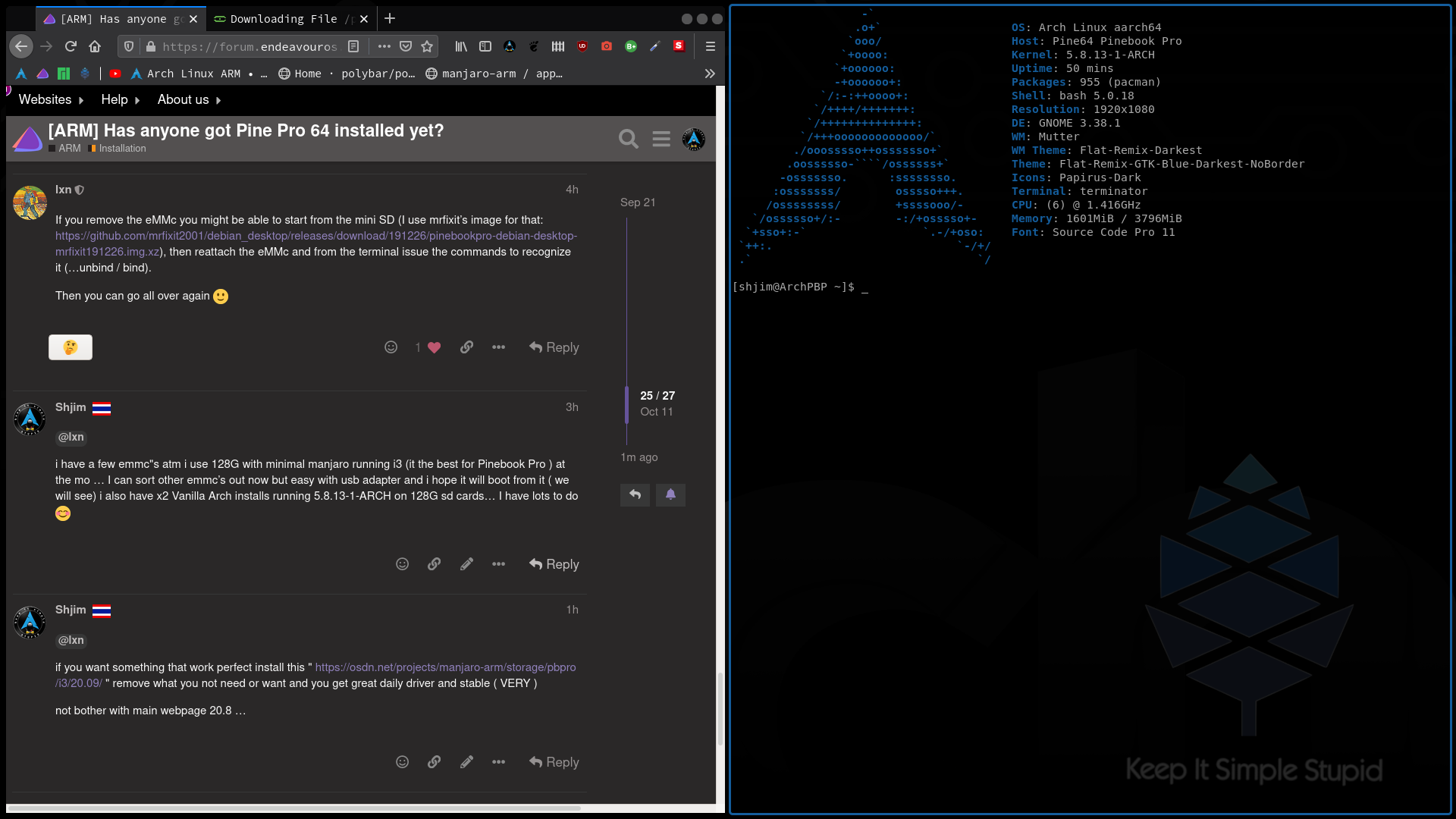

 So I guess you only made 1 partition.
 Follow the Arch wiki and add the parts of the pine arch install "