A small forum appearance and feature refresh

The forum has received some upstream and our custom changes to improve the user experience.

Add multiple images and quote them in replies

Add multiple images and quote them in replies

Our rich composer now automatically arranges images in a grid when they are uploaded and gives you controls for rearranging them. And when someone wants to talk about a particular image, they can now easily quote the image they want to discuss by opening it in the lightbox and clicking the quote button.

Foldable sidebar menu

The collapsible sidebar menu has replaced the dropdown menu. The menu can be hidden by clicking the hamburger menu beside our logo. This feature was already available on many other Discourse forums, and now we have implemented it here.

The Horizon theme has been added

The Horizon theme has been added to the theme selector. This theme uses the entire width of the screen, with a clear distinction from the menu and the categories/topic area.

EDIT: The theme and the theme colour can be selected within your profile settings and not in the side menu anymore.

23 Likes

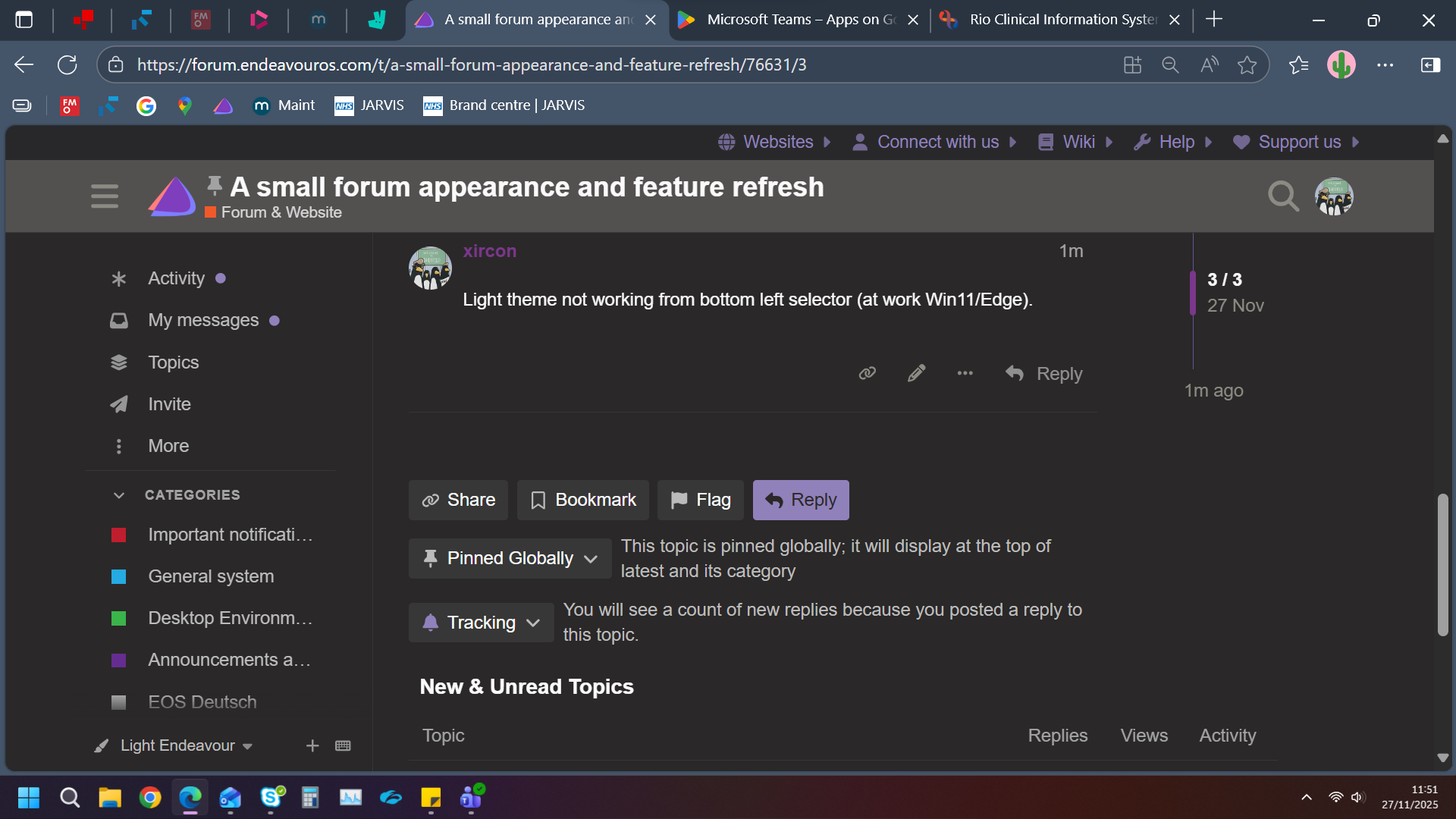
Light theme not working from bottom left selector (at work Win11/Edge).

Does it work for you now?

1 Like

Looks great. All three themes working here.

4 Likes

I like the new horizon theme. :victory_hand:
At first, I didn’t notice any change. I had to turn off DarkReader :wink:

3 Likes

I absolutely love the Horizon theme.

5 Likes

Same here. Love the horizon theme :slight_smile:

5 Likes

That is really different Bryan, but I think I like it (the Horizon Theme), very modern.

3 Likes

Thank you for the feedback! I also like the theme a lot. I hope I can fix the light theme for the Horizon theme soon. (I think I will, when I take the time for it. :wink: )

3 Likes

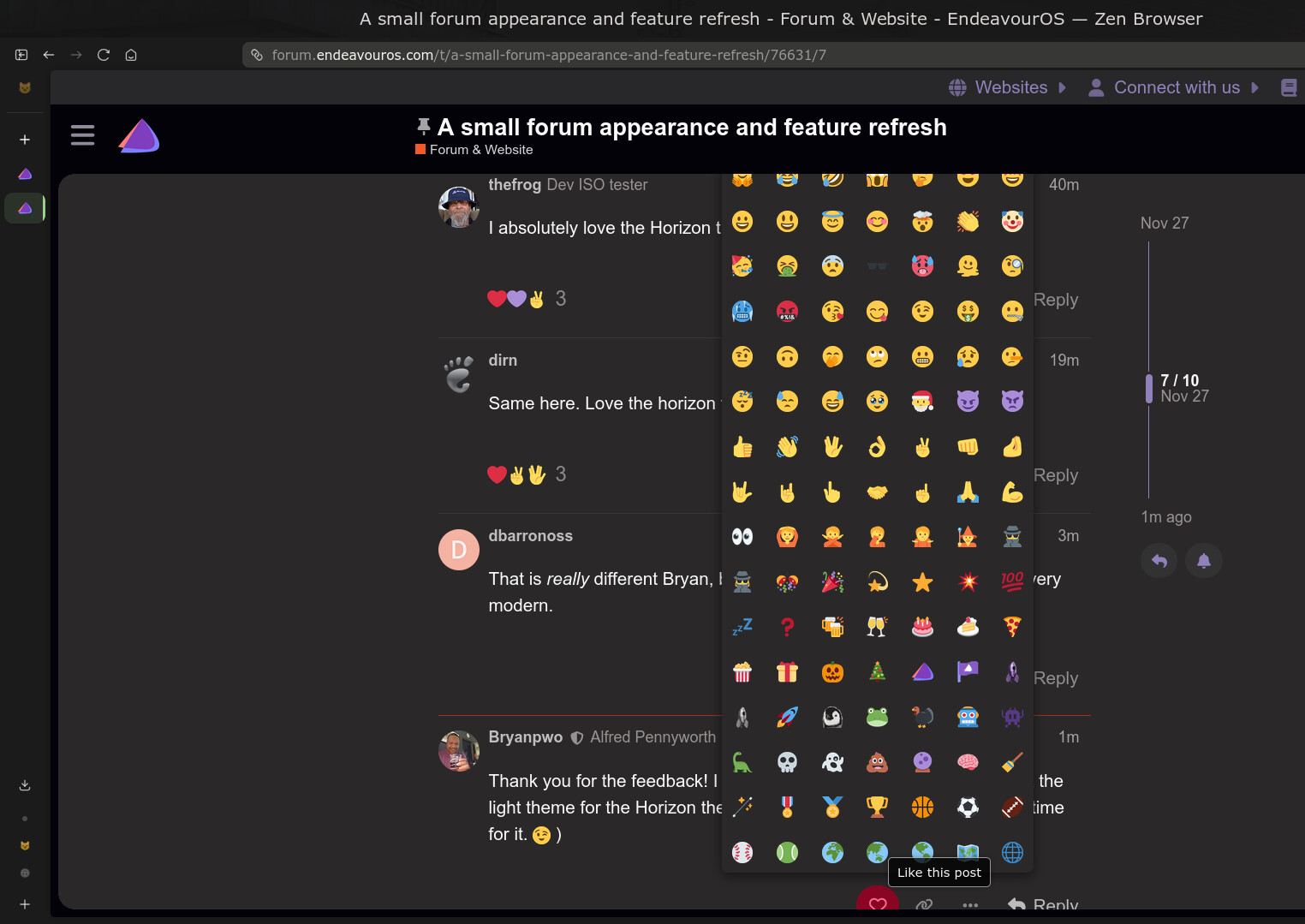
I does seem though that for me atleast under Horizon Theme the emoji selection box does not scroll It’s just the whole thing

I noticed that too, I have to dive deeper in that, but I think it is an upstream bug within the theme.

2 Likes

I wonder if it’s intelligent enough to not have issues on a smaller resolution? It easily fits on screen for me (but I’m quite high res)?

No, it isn’t. It shows the entire menu, while on the classic theme, the menu is smaller with a scroll feature.

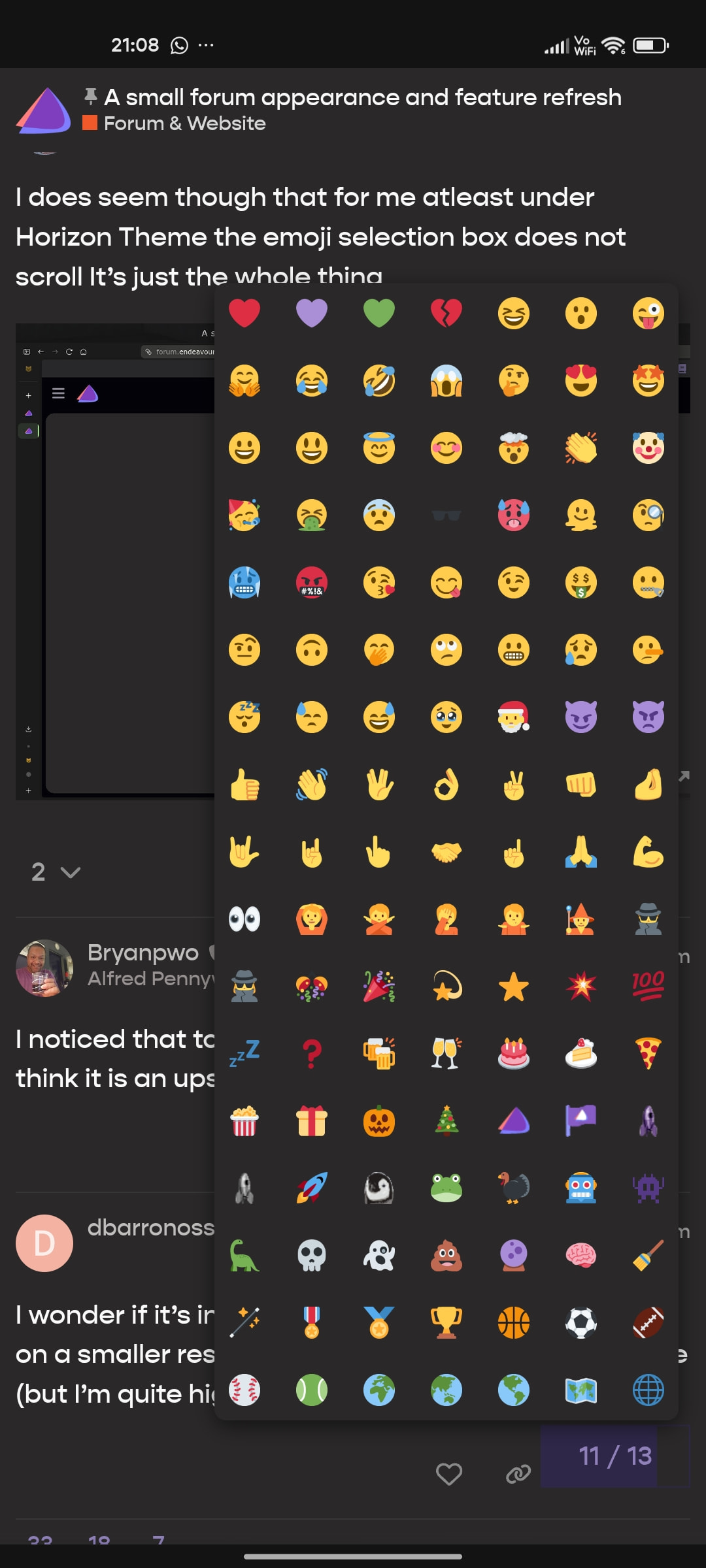
This is how it looks from mobile view

In all display versions, the issue is solely on the Horizon theme. The other two themes don’t have that issue.

1 Like

Trying out the Horizon theme just now. Thanks for all the work you do to implement improvements!

1 Like

Somehow, when I initially switched to the theme, it automatically put me in light mode. I had to switch back to dark mode manually.

I know, I was trying to enable dark and light mode on the forum itself, now the whole thing is a mess. Give me a second to fix it.

1 Like

Could someone check on a desktop browser if the themes are displayed correctly again? I only see the changes shown on a phone and not on my desktop settings. And yes, I have checked several browsers.:wink: