Furmark would be a viable stress test and if you keep an eye on the GPUs temperature it shouldn’t actually cause any harm. The max. Tjunction temperature is specified as max. 97 °C.
Unfortuneately the 7900 XTX is known to have temperature issues - and as you’ve got an pretty small case with your Intel NUC Extreme, I would definitely keep an eye on the temperatures during stress testing.
EDIT: Additionally, as your Intel NUC Extreme does have an 750 Watt PSU, technically that’s less than the recommended 800 Watt PSU requirements.
And that 800 Watt PSU requirement is based on a Ryzen 9 5900X with 105 Watt TDP, your Intel i7 13700K does have a slightly higher TDP of 125 Watt instead.
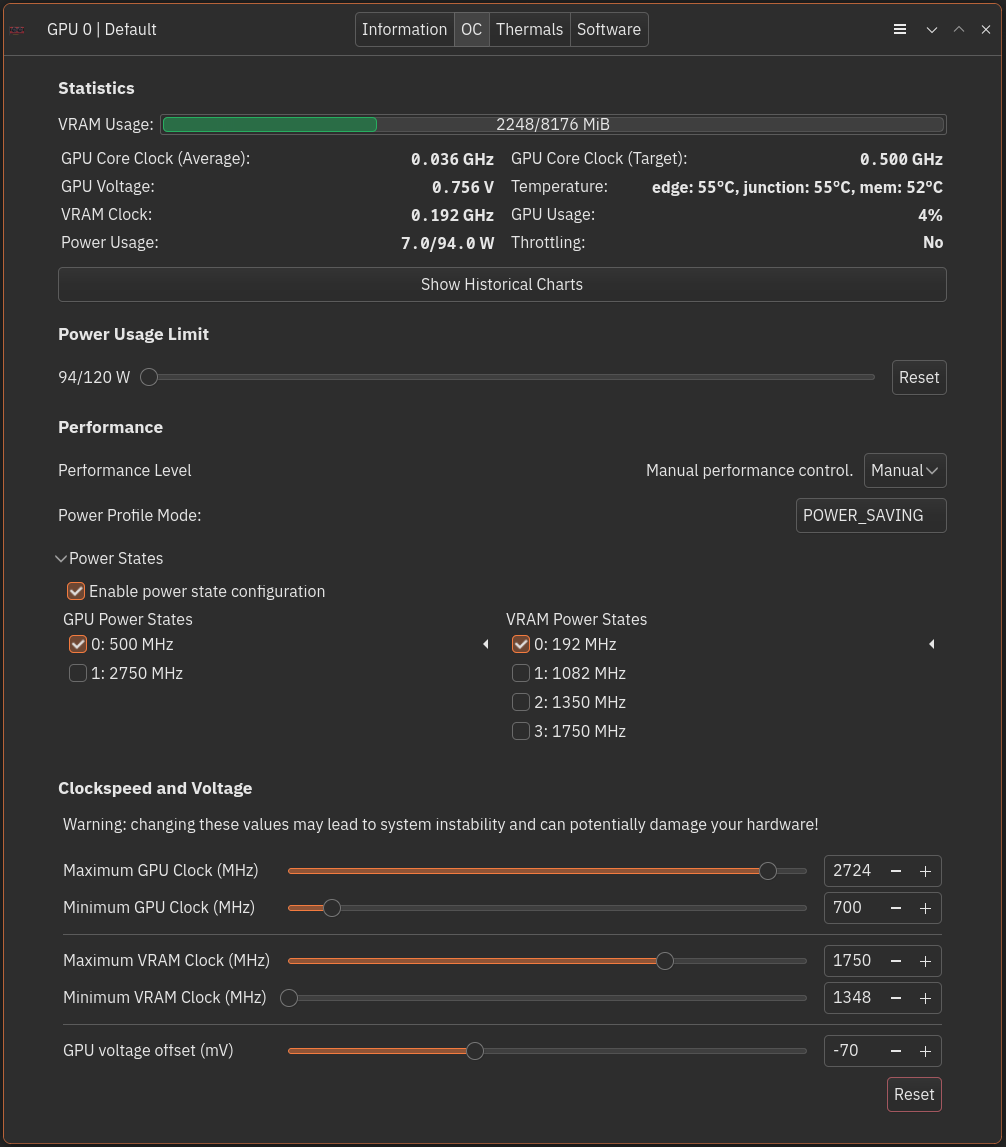
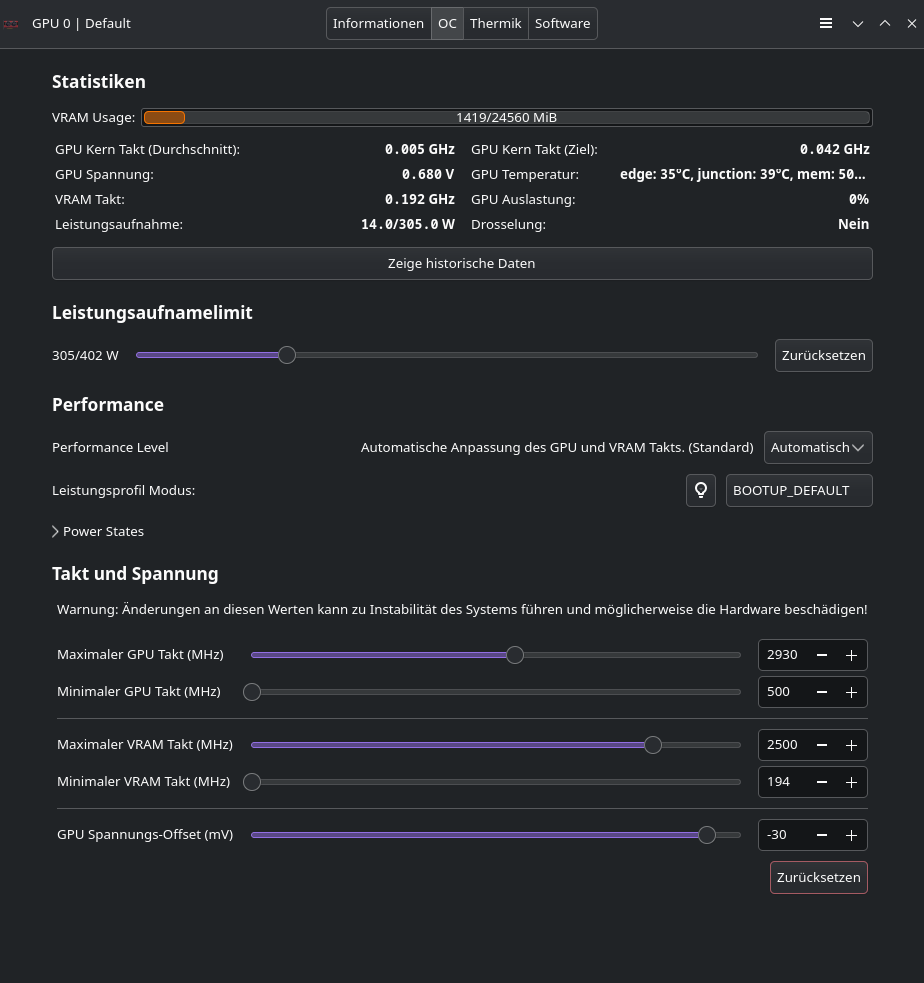
So, I tried furmark, could barely get the fans running but I got a green screen and froze my PC by manually setting an odd VRAM clock in lact, after that the frequency unlocked but only if I set them manually, with “Highest clocks” I only get 0.192 GHz.
FPS in SOTTR are still not as good as before, I clearly remember getting “GPU bound 0%” while I get 100% now, Sniper Elite 4 is running at double resolution without any problem but videos still stuttering.
It has three cables and I need to use all of them on the 7900. I mean, if I can get 60 fps on every game I can live with waiting for a future fix, but it’s kinda disappointing considered I’ve been reading everywere that AMD’s are the better supported cards.
As I said, I bought it for VR and that it’s still Windows domain, I’m at my parents’ so I won’t be able to test on the Quest until I get back home, let’s hope it runs good at least with that.
Despite eventual instabilities due to the PSU requirements not met, at least the VRAM isn’t limited to 192 MHz anymore.
Other than that, I would recommend to don’t touch the sliders at all and would prefer to set the
performance level to manual, power profile mode to 3D_Full_Screen and to enable power state configuration with only the highest GPU and VRAM power states being enabled, without editing the max/min clock speeds and GPU voltage offset sliders at all. Save these setting as a new profile (e.g. performance) instead of modifying the Default, for that profile I’ld suggest to set it to manual / power_saving, and only the lowest clock speeds for the VRAM (e.g. 192 Mhz) and GPU (e.g. 500 MHz) .
Automatic profile switching could be realized simply by linking the performance profile to ferals game mode, e.g. when a steam game is launched with the gamemoderun %command% launch option.
Additionally, you could lower the power usage limit to 250 or 225 Watt in the new performance profile and check if this helps to avoid too much power draw which may overwhelm your PSU.
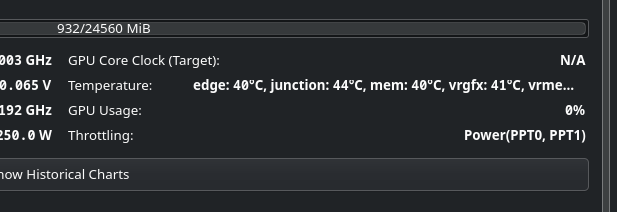
After 10 minutes of furmark, power never got above 150 w so I guess it won’t be a problem but I’ll keep that checked to make sure it doesn’t stress my PSU too much.
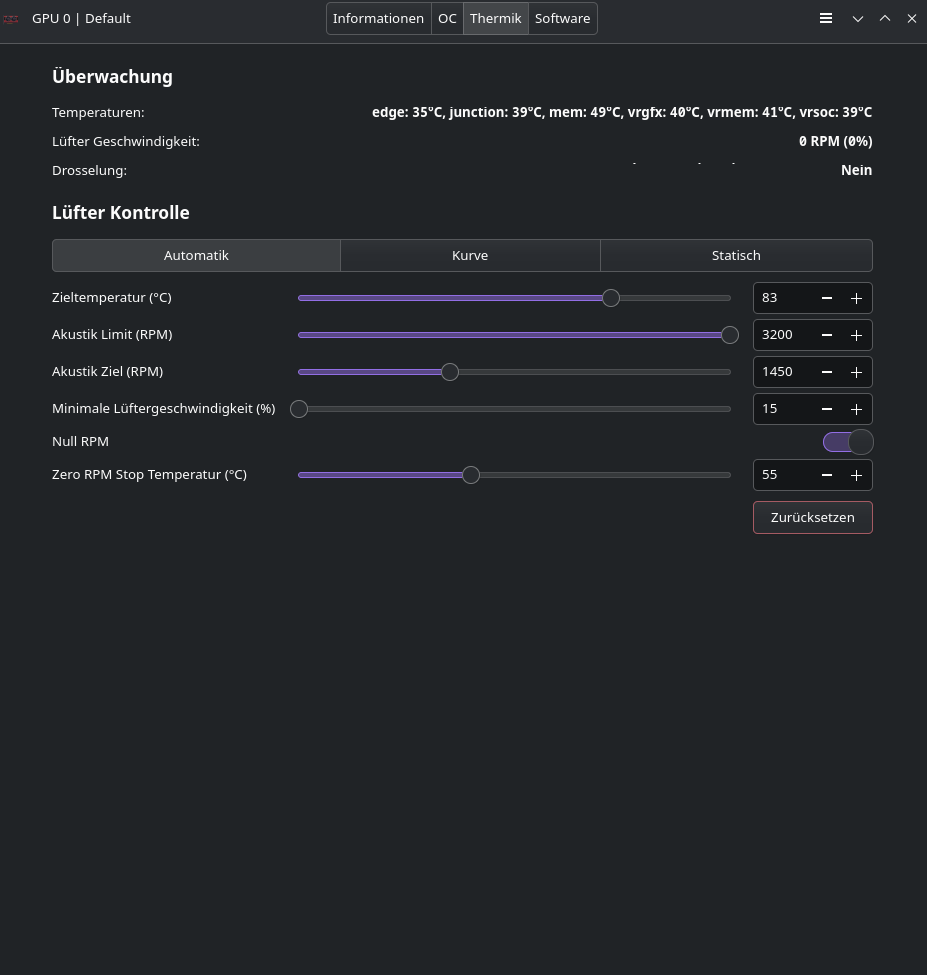
Just another question: lact default “Target temperature” is set to 85° C, isn’t that a bit high?
I can’t tell to which “target temperature” you’re referring to. At least I don’t see this within the OC tab.
Are you referring to the thermals tab and the fan control curve ?
As I mentioned earlier, the official max Tjunction temperature is 97°C for your card. Therefore, in performance mode the fans should run at 100% earlier than that.
Automatic mode might work well for the default in case you want to avoid fan noise. For specific fan curves suitable for the 7900 XTX, I guess you’ld find plenty of recommendations online. In principle, 100% fan speed at 85°C doesn’t seem to be inplausible.
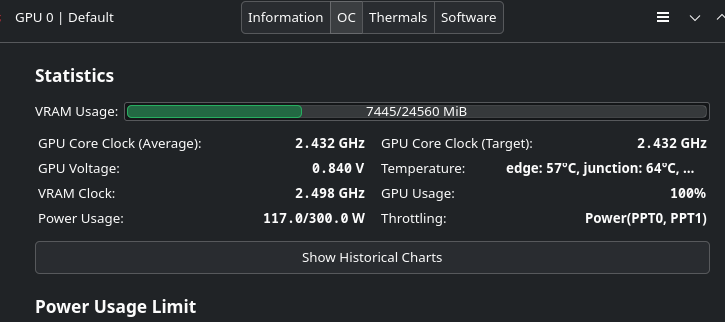
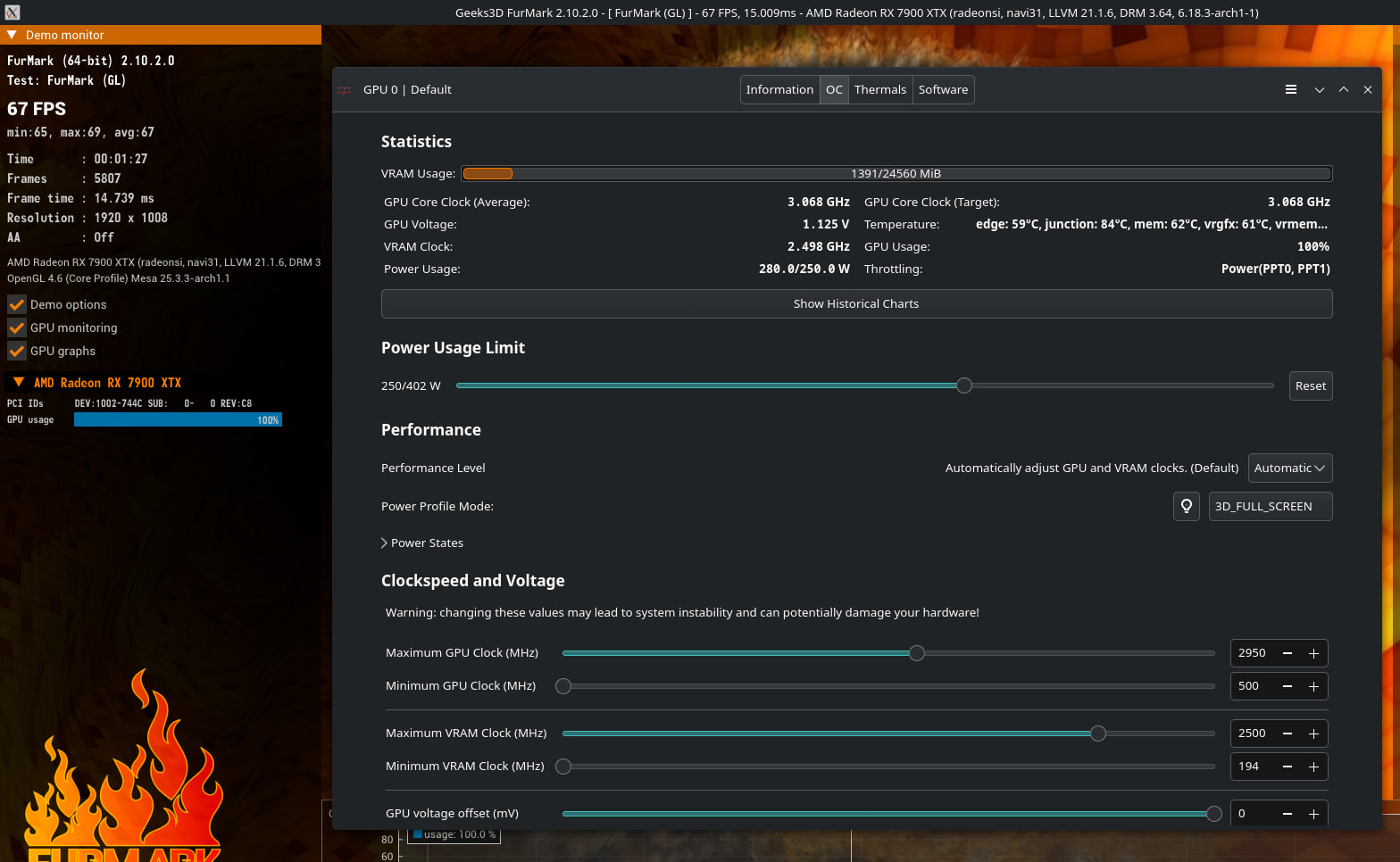
I’ld rather look into the aspect that your card went into thermal throttling at a Tjunction temperature of 64°C already. Which seems to be odd.
I kinda believe that to be related to the problems I’m having since it’s always like that at any temperature but I have no idea how to troubleshoot that.
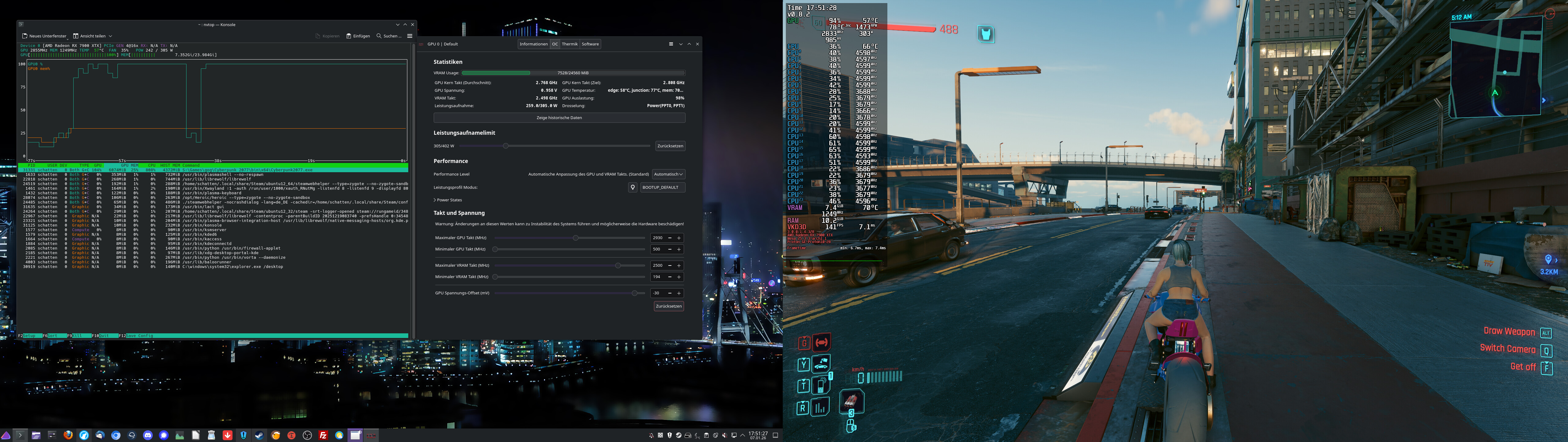
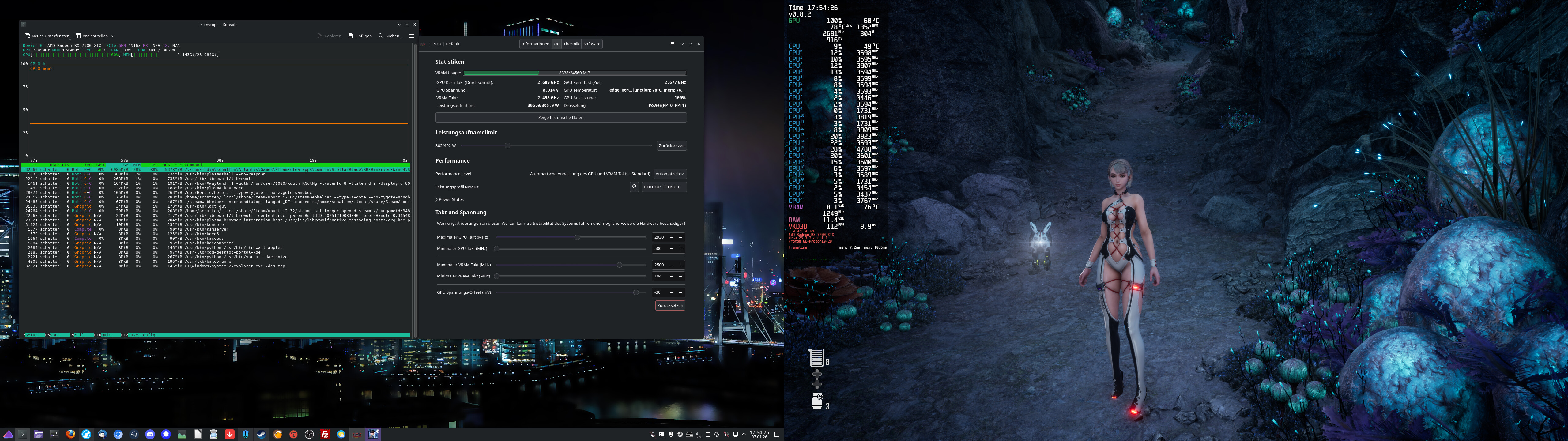
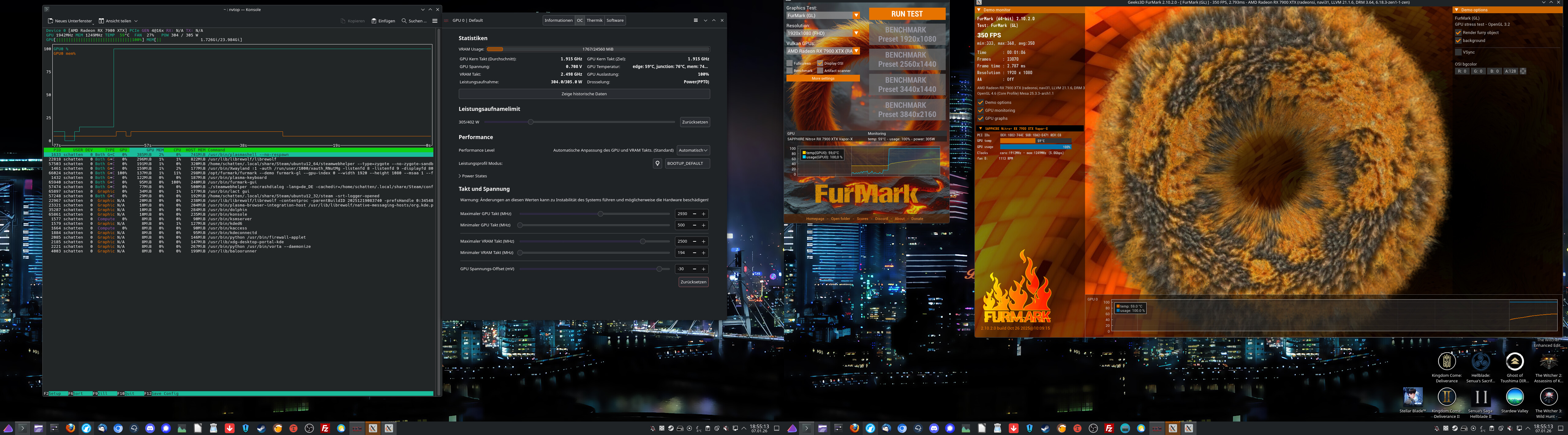
Hello! I also have a 7900 XTX (Sapphire Nitro+), but I haven’t had any problems with the VRAM not clocking up. I’ve provided you with two screenshots from Cyberpunk 2077 and Stellar Blade. I’ll also take a screenshot from LACT. Maybe you’ll find something that’s different.
My changes to the default settings for LACT are: -30mv offset for the GPU voltage and power consumption limit set to 305 watts. Nothing else has been changed.
Here is some more information about the system (output from the command inxi -Fxxc0z):
I also used the secondary and primary BIOS (with the BIOS switch) with EndeavourOS for the card, and the GPU core and VRAM clocked normally on both. At least with Sapphire, only the power limit and fan curve change.
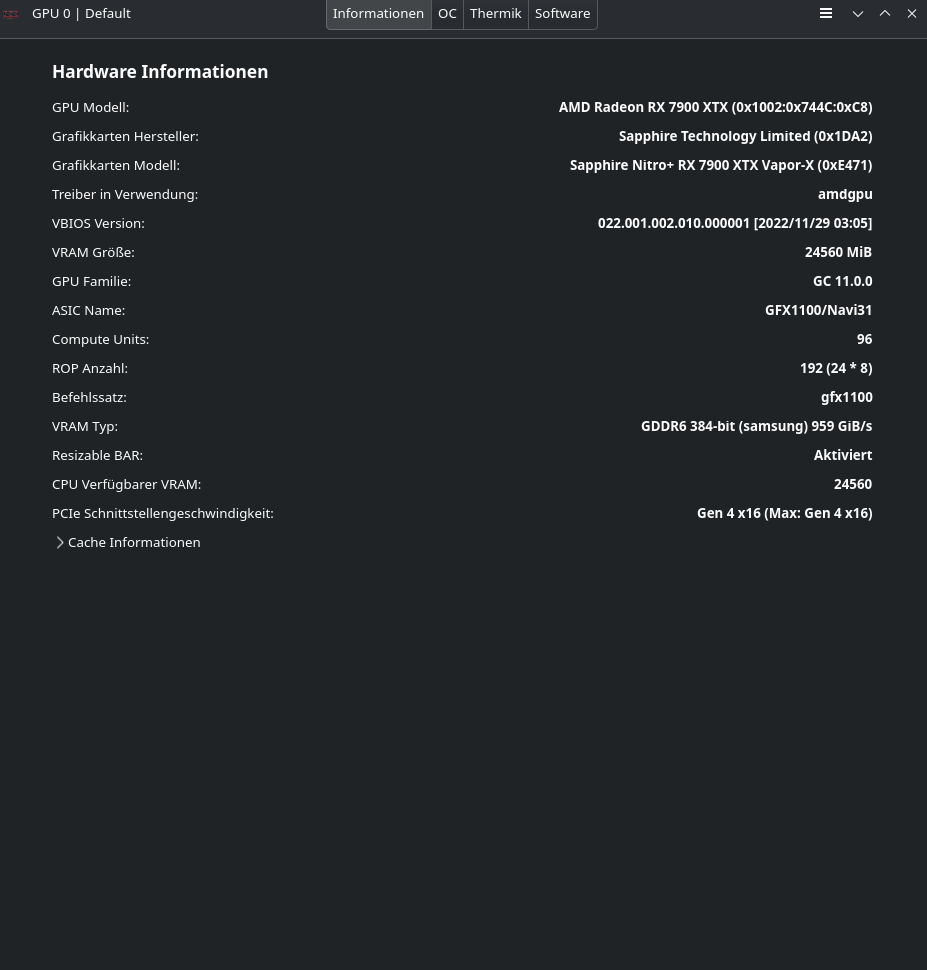
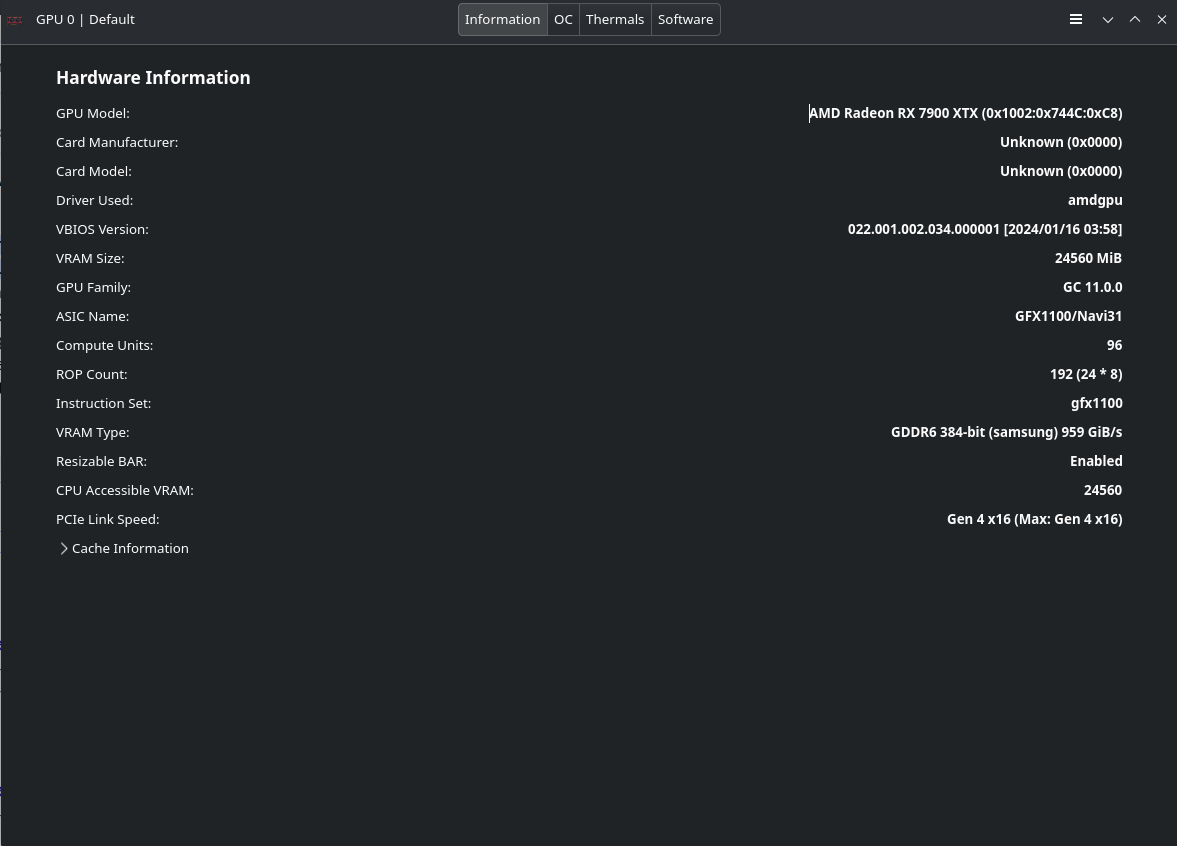
The most striking difference is that I don’t have Manufacturer and Model in the info page, could that be a sign of the card not being fully recognized? It’s a Sapphire Pulse.
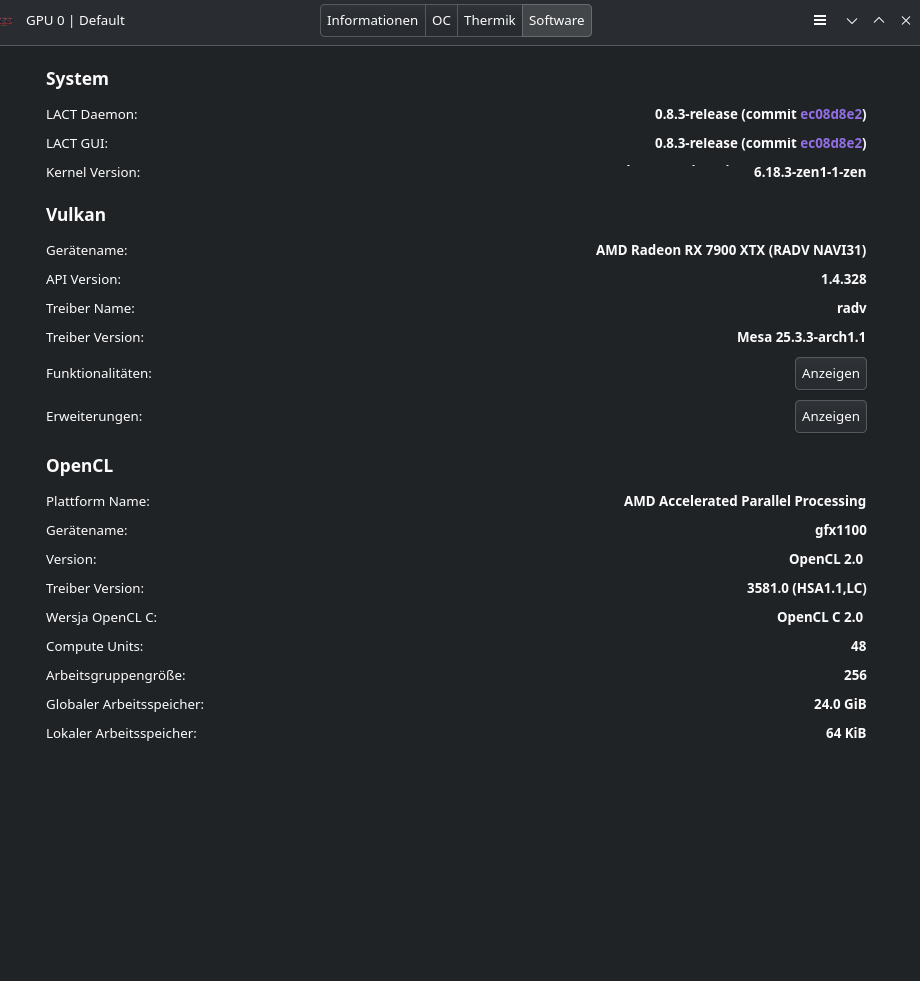
Also you have “DRM 3.64 6.18.3-zen1-1-zen” while mine is “DRM 3.64 6.18.3-arch1-1” in the OpenGL info but I have no idea what that is.
If you want, could you try a quick test with furmark2? I get about 50 FPS at 1920x1080 but I think it should be much higher.
I only use the “Zen” version of the kernel, but that shouldn’t make any difference. However, the fact that there is no manufacturer or card model listed sounds like what you wrote, that the card may not be recognized properly.