So i tried again today an lets say it was interesting.
again no errors whatsoever neither at the updating process nor the splashscreen everything seemed normal. The only difference this time i got to the login screen and thought I finally won the battle but nope. After typing the password screen turned completly dark (no backlight except keyboard light still on) and the laptop decided sleep mode (the power led blinked like in sleep mode) is way more interesting. Difference is he never woke up again and no response to any keypress whatsoever.
So its making progress but still needs a few days to maybe work out completly idk
Like when trying to mount the thing the 1st way it is decribed in the link it tells me: “cant find SQUASHFS superblock on nvme0n1” what is a SQUASHFS SUPERBLOCK? I didnt even know something like this exists until now?
So then I tried the other way (since it is BTRFS anyway), but the problem is I dont really understand the description of it in the wiki.. and it didnt work out the first time when doing it exactly like in the wiki and the other time when I used the path for the nvme didnt work either…
So yeah.. Im now at the point of, “I dont know what I am doing anymore.”
Also adding it like this bc some like pictures and others enjoy text more
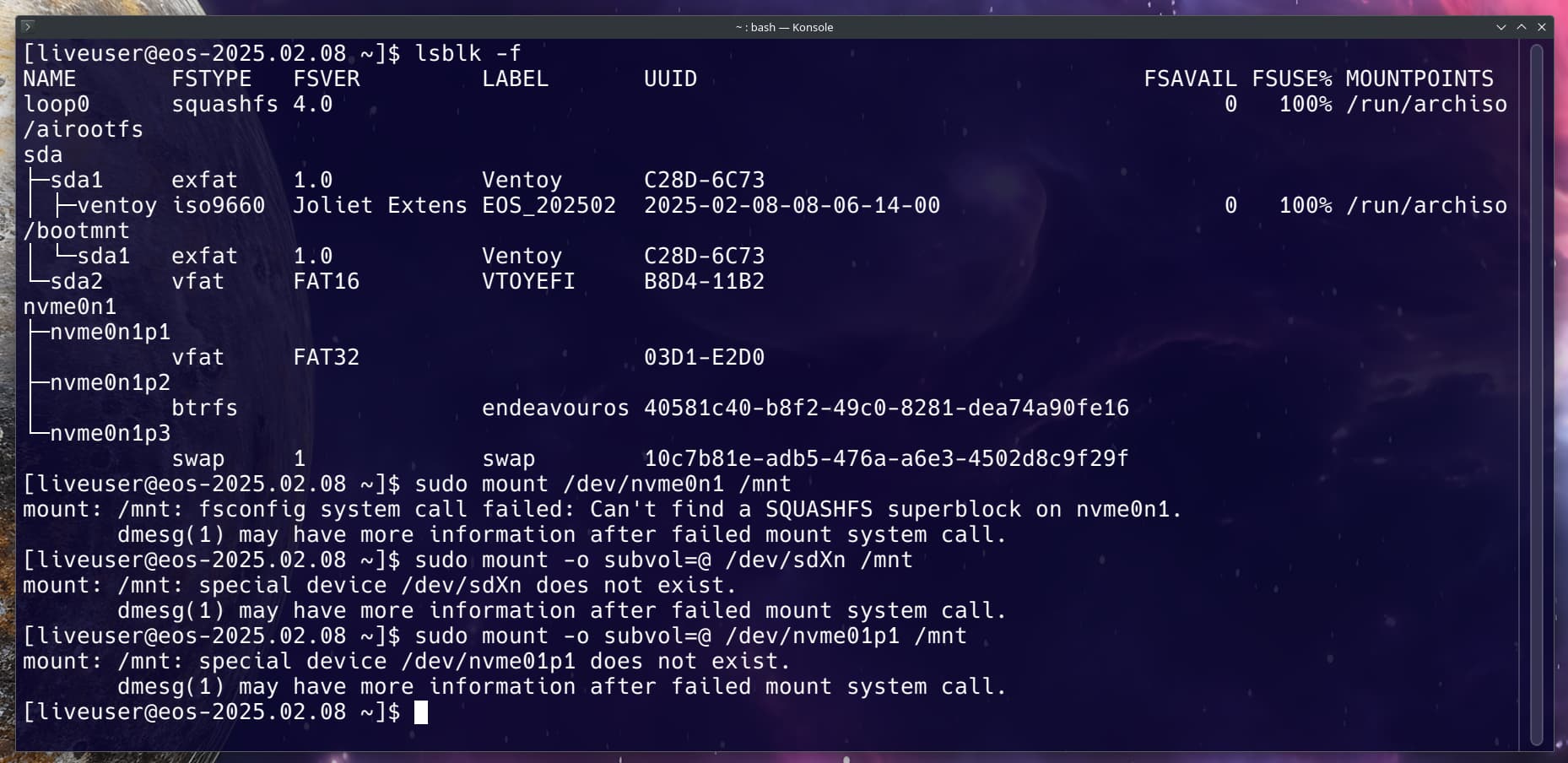
[liveuser@eos-2025.02.08 ~]$ lsblk -f
NAME       FSTYPE   FSVER         LABEL       UUID                                 FSAVAIL FSUSE% MOUNTPOINTS
loop0      squashfs 4.0                                                                  0   100% /run/archiso/airootfs
sda
├─sda1     exfat    1.0           Ventoy      C28D-6C73
│ ├─ventoy iso9660  Joliet Extens EOS_202502  2025-02-08-08-06-14-00                     0   100% /run/archiso/bootmnt
│ └─sda1   exfat    1.0           Ventoy      C28D-6C73
└─sda2     vfat     FAT16         VTOYEFI     B8D4-11B2
nvme0n1
├─nvme0n1p1
│          vfat     FAT32                     03D1-E2D0
├─nvme0n1p2
│          btrfs                  endeavouros 40581c40-b8f2-49c0-8281-dea74a90fe16
└─nvme0n1p3
           swap     1             swap        10c7b81e-adb5-476a-a6e3-4502d8c9f29f
[liveuser@eos-2025.02.08 ~]$ sudo mount /dev/nvme0n1 /mnt
mount: /mnt: fsconfig system call failed: Can't find a SQUASHFS superblock on nvme0n1.
       dmesg(1) may have more information after failed mount system call.
[liveuser@eos-2025.02.08 ~]$ sudo mount -o subvol=@ /dev/sdXn /mnt
mount: /mnt: special device /dev/sdXn does not exist.
       dmesg(1) may have more information after failed mount system call.
[liveuser@eos-2025.02.08 ~]$ sudo mount -o subvol=@ /dev/nvme01p1 /mnt
mount: /mnt: special device /dev/nvme01p1 does not exist.
       dmesg(1) may have more information after failed mount system call.
[liveuser@eos-2025.02.08 ~]$
Edit: Nvm I am stupid i forgot to add the p2 after the nvme0n1 that one is mounted now but for some reason i cant do it with the efi or ESP thing.
It seems the /mnt/etc/fstab thing isnt existing where i am supposed to find the mount point and neither /mnt/efi nor /mnt/boot/efi exists
[liveuser@eos-2025.02.08 ~]$ sudo mount /dev/nvme0n1p2 /mnt
[liveuser@eos-2025.02.08 ~]$ sudo cat /mnt/etc/fstab
cat: /mnt/etc/fstab: No such file or directory
[liveuser@eos-2025.02.08 ~]$ sudo mount /dev/nvme0n1p1 /mnt/efi
mount: /mnt/efi: mount point does not exist.
       dmesg(1) may have more information after failed mount system call.
[liveuser@eos-2025.02.08 ~]$ sudo mount /dev/nvme0n1p1 /mnt/boot/efi
mount: /mnt/boot/efi: mount point does not exist.
       dmesg(1) may have more information after failed mount system call.
[liveuser@eos-2025.02.08 ~]$
I don’t use BTRFS so I’m not sure the proper way to mount. Hopefully one of our Members that do will be around soon to chime in and help. As far as I know those should be correct for either Systemd or Grub. Which are you using?
so, update: i did the update, i am now, MODERN again.
problem, only x11 works. everything is small on the 13" 4k screen, the wonders of x11 scaling.
wayland still blackscreen/sleepmode issue (i think this is in that case still the original issue, but i now know that this is the actual issue) but hey, i can update, i guess…
also the external monitor doesnt show up on x11 at all, guess this would have to be done manually here… but that is i think only a small issue, the big one is “why did wayland die?”
@MyNameIsRichard@thefrog should i update the original description and title? since the issue seems to not be the update directly per se, more that wayland decides to just stop working with the update?
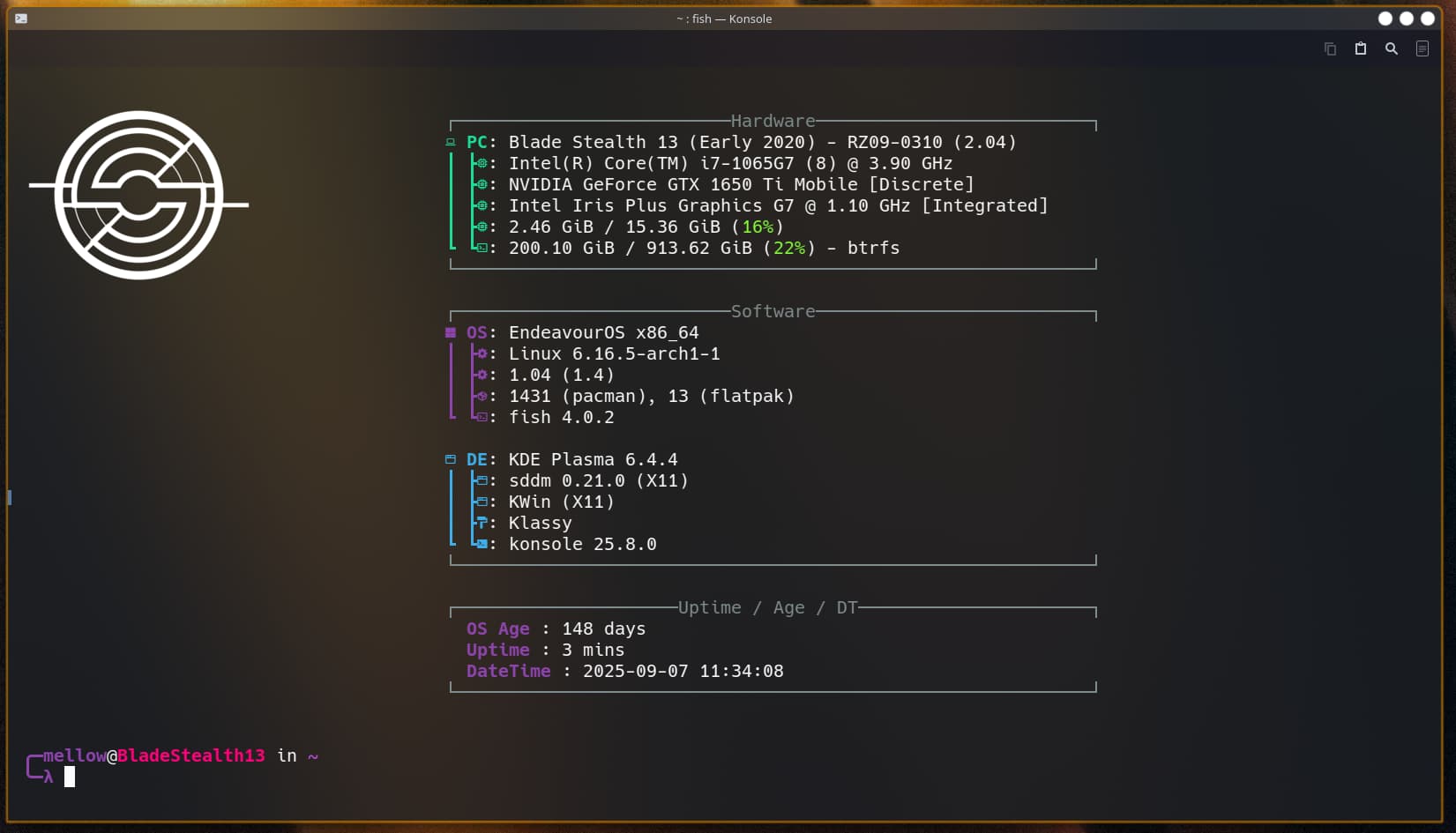
edit: add a better picture bc its barely readably and so small, I AM MODERN WHOO
Maybe also change the “sudoku”? I was quite perplexed reading “black screen” when I imagined a screen with numbers in square fields… [Well, or maybe some sync error.]
Well, performing the “blue screen of death - BSOD” didnt work because it isnt windows.
and performing self destruction or suicide sounds harsh so i used the fun one instead
xrandr -q
Screen 0: minimum 320 x 200, current 3840 x 2160, maximum 16384 x 16384
eDP-1 connected primary 3840x2160+0+0 (normal left inverted right x axis y axis) 293mm x 165mm
   3840x2160     60.00*+  59.98    59.97    40.00
   3200x1800     59.96    59.94
   2880x1620     59.96    59.97
   2560x1600     59.99    59.97
   2560x1440     59.99    59.99    59.96    59.95
   2048x1536     60.00
   1920x1440     60.00
   1856x1392     60.01
   1792x1344     60.01
   2048x1152     59.99    59.98    59.90    59.91
   1920x1200     59.88    59.95
   1920x1080     60.01    59.97    59.96    59.93
   1600x1200     60.00
   1680x1050     59.95    59.88
   1400x1050     59.98
   1600x900      59.99    59.94    59.95    59.82
   1280x1024     60.02
   1400x900      59.96    59.88
   1280x960      60.00
   1440x810      60.00    59.97
   1368x768      59.88    59.85
   1280x800      59.99    59.97    59.81    59.91
   1280x720      60.00    59.99    59.86    59.74
   1024x768      60.04    60.00
   960x720       60.00
   928x696       60.05
   896x672       60.01
   1024x576      59.95    59.96    59.90    59.82
   960x600       59.93    60.00
   960x540       59.96    59.99    59.63    59.82
   800x600       60.00    60.32    56.25
   840x525       60.01    59.88
   864x486       59.92    59.57
   700x525       59.98
   800x450       59.95    59.82
   640x512       60.02
   700x450       59.96    59.88
   640x480       60.00    59.94
   720x405       59.51    58.99
   684x384       59.88    59.85
   640x400       59.88    59.98
   640x360       59.86    59.83    59.84    59.32
   512x384       60.00
   512x288       60.00    59.92
   480x270       59.63    59.82
   400x300       60.32    56.34
   432x243       59.92    59.57
   320x240       60.05
   360x202       59.51    59.13
   320x180       59.84    59.32
DP-1 disconnected (normal left inverted right x axis y axis)
DP-2 disconnected (normal left inverted right x axis y axis)
DP-3 disconnected (normal left inverted right x axis y axis)
DP-4 disconnected (normal left inverted right x axis y axis)
DP-5 disconnected (normal left inverted right x axis y axis)
idk if this information helps, but the thing that i am using is a thunderbolt (usb-c) to hdmi adapter. that laptop only has that thunderbolt 3 so i am forced to us an adapter
also i know it worked in the past, but at some point it stopped working, no idea when tho
idk i just tried to unplug and reconnect the port and it made “connect-sound”… but constantly repeated it, went blackscreen and i just had to power him off because the fast repeating sound was kinda scary… so yeah he just crashed while i tried to connect it again? dont think thats normal
I wonder if it might be one of these crazy Thunderbolt security settings. In my Thinkpad T14 Gen 1 BIOS, for example, you can set Thunderbolt to be available in the pre-boot environment or not. But this only works if additional security stuff is enabled.
USB-type display connections can be tricky. Sorry I have no Thunderbolt (or USB) to HDMI cable available to give it a try.
Well pre update the external monitor worked on the login screen…
Right now it seems I can’t get it to work.. I get the feeling it wasn’t an update it was a downgrade for my laptop at least, cuz my pc doesn’t have any weird issues whatsoever
Edit: also overall it’s behaving completely weird…
Like when starting before the login screen loads I have for a few seconds this blackscreen whit that white _ on the top left corner. Nothing big but didn’t happen before. The performance is also way slower then pre update takes a while to just copy text but that might be x11? He’s also getting warmer than before updating. And for some reason he gets sometimes now stuck on reboot. Again with the weird _
… Idk all this didn’t happen in the morning before I tried the update again. He was snappy, not warm and worked and now it’s weird… Maybe I should have listened to the sign that that my laptop didn’t like this update?
At this point it seems its more hardware related. However its still possible to be a software issue. Since the monitor and cable seem to work on your other system with no issue it does seem more a hardware issue with the laptop.

 [Well, or maybe some sync error.]