Hi there,
I am a newly converted EOS user with two laptops running EOS.
One personal (0x0.st/KpIC.txt), with xfce/x11 as DE and one work laptop (https://0x0.st/Kpls.txt) with KDE Plasma/Wayland.
I am enjoying the hell out of the EOS-themed Plasma and am thinking about switching the personal laptop to that DE, too.
However, one small hickup on the Plasma machine is, that I cannot properly join zoom meetings via the webclient in firefox. Whenever I try, the preview, where you can check your camera/sound settings works fine, but as soon as I hit “join” it loads the regular meeting client but fails to display it properly. The screen is blank with the error message “Oops! Something went wrong. Please close all browsers and rejoin the meeting.”
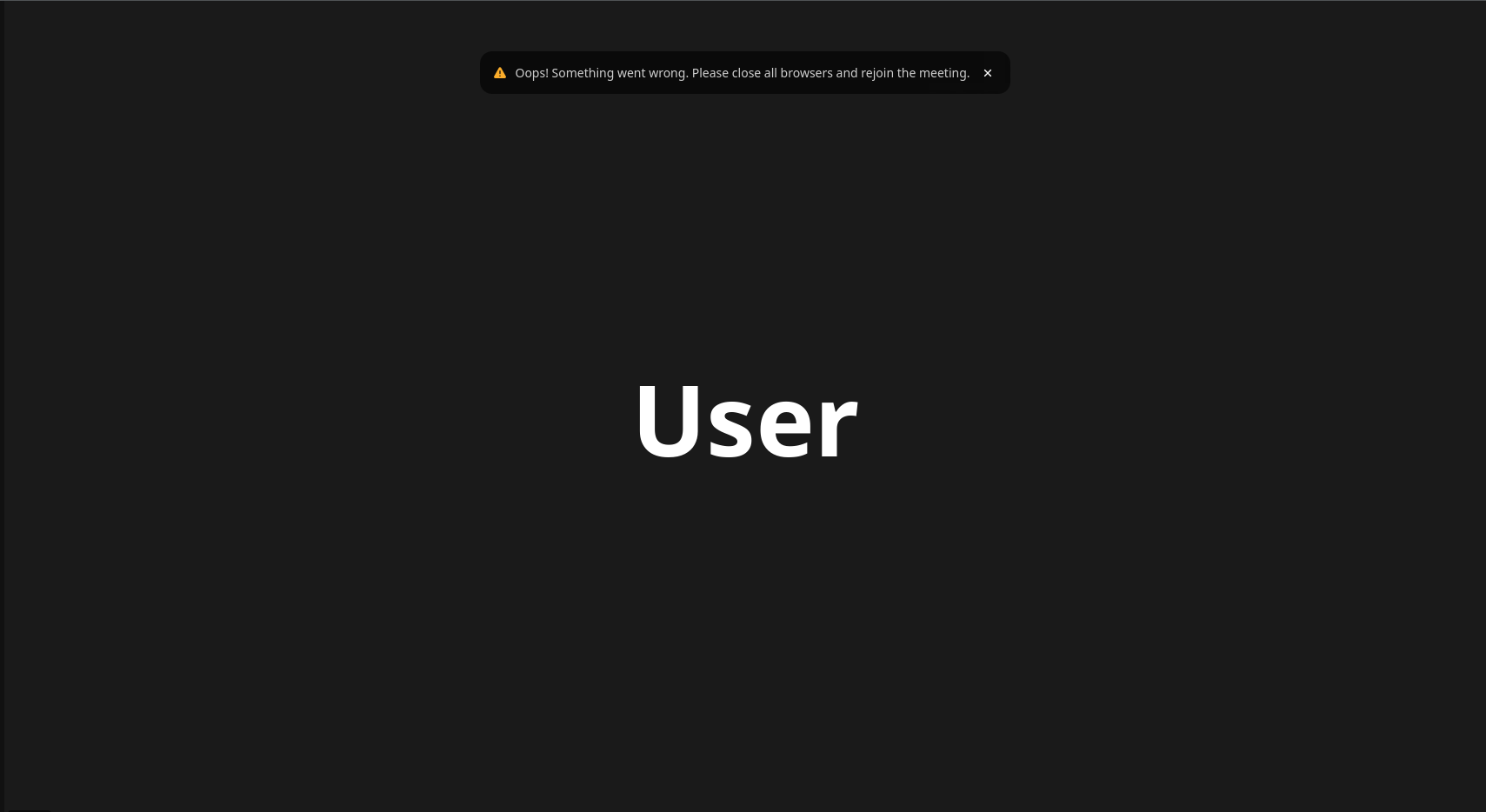
Following this advice does not solve this problem. Even though I cannot see the other members of the meeting and cannot see any shared screens, I can still hear the sound. I cannot see my own video even when it is turned on. The other attendees can see and hear me in this state which might potentially be awkward.
I have no idea what might be causing this problem.
On the xfce machine this does not occur.
Both are running the same firefox version 145.0.
Workaround: I installed chromium and tried to join the meeting → success! No problem at all, everything as expected.
In the end having a chromium and firefox is a small price to pay to fix this, but I would still like to find out why it does not work on firefox (I prefer it to chromium). If anyone has any inkling as to what might be the cause, let me know.
Other than that, I thought I might put this post out there in case other people encounter the same problem.
 everything as before