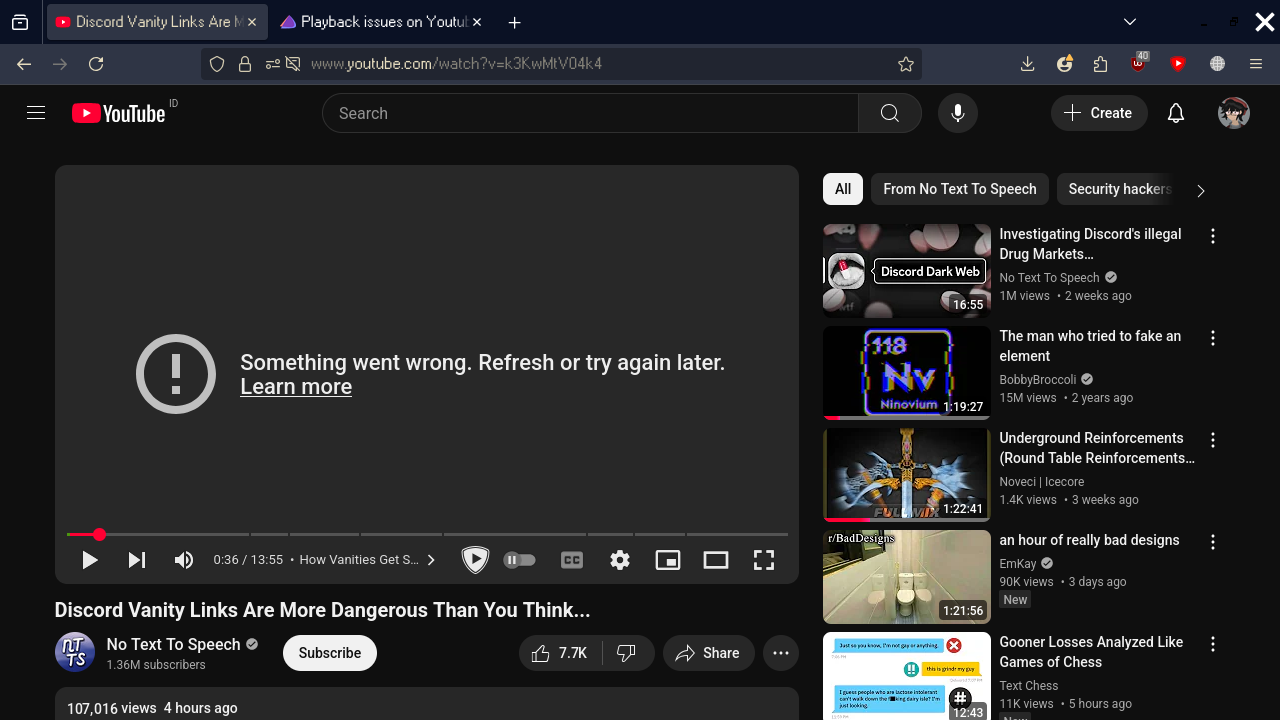
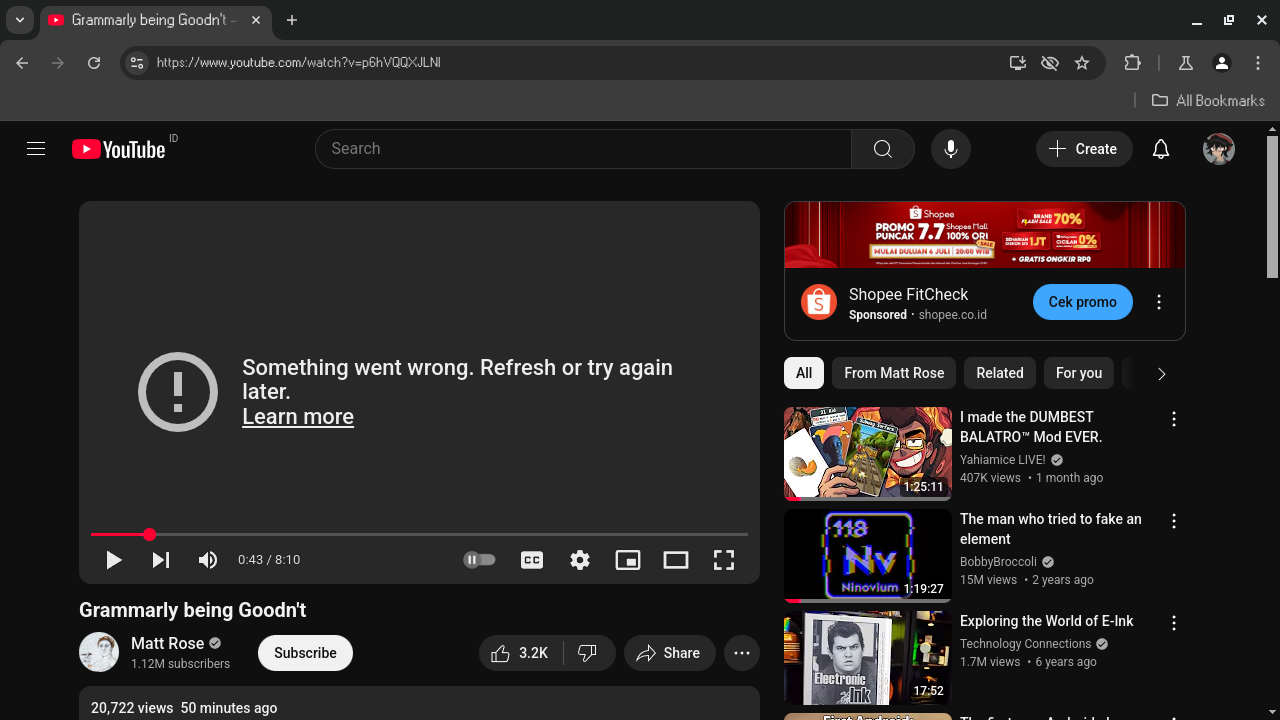
YouTube has been not working for me in the past few months, and the only way I have been able to watch content from YouTube is through mpv.
I’ve tried:
Reinstalling pipewire-pulse
Removing the wireplumber folder in ~/.local/state/
Playing using a different browser (Ungoogled Chromium)
Replacing wireplumber with pipewire-media-session
Disabling my adblocker
And YouTube still refuses to function.. well.. it does play the video normally for around 30-40 seconds before it suddenly stops and show an error: “Something went wrong. Refresh and try again later.”
YouTube used to work flawlessly before this, being able to play videos non-stop in the background, but nowadays I have not been able to play videos without having to open up a terminal and using mpv.
I came and created this account just so I could post this problem that is affecting me with YouTube, since other solutions i found on this forum and other forums did not work for me.
I have to admit, though, I am quite new with Arch (I transitioned from Windows 10), but I am able to do half of the basic commands on the terminal. (I distro-hopped from Ubuntu and Garuda Linux.)
I am willing to tinker around and learn a command that I could keep on the back of my head, so I would appreciate being educated.
Much thanks.
I use uBlock, SponsorBlock and YouTube Non-Stop on Firefox.
If those extensions don’t seem to be a problem and you want to see all of my extensions, I’ll be happy to list them off for you.
Those shouldn’t be the issue. As those are working here just fine. Try disabling the non-stop extension.
Other than that, any vpn services or proxies being used ?
I pretty much want to know how it functions with nothing but ublock on.
I’ve used sponsorblock in the past, so I dont think its the culprit though.
Anyhoo.
If we are unsure about the settings of ublock then I can post a saved settings file ..
If you go to uBO settings there is a button at the bottom for “Back up to file” - press that.
(This backs up your current settings)
Then below that is a button for “Restore from file” - we can press that to apply a saved settings file.
Here is one that should work well enough for yt;
( I tried to minimize it somewhat but it still includes a number of cosmetic rules to make yt homepage more to my liking .. these can be removed. )
I should probably mention that while there are some additions there .. there are also some large lists that are usually included that I have disabled .. this is because they are covered by other things like my /etc/hosts file and on my system FF does source that. While unlikely to be related to YT, this may be different from your situation so you may wish to re-enable some of those lists. Just a heads up.
Alright, I’ll be on that.
I’ll disable all my extensions not relating to YouTube (just in case that an extension is probably the issue which I don’t think it is)
Just as a note, if your current session was actually created while using the VPN, the session won’t be automatically renewed when the VPN is deactivated. Thus, I’ld recommend to disconnect from the VPN, log-out from youtube & clear the browser cache and the cookies. Then log-in to youtube with a fresh session while being disconnected from the vpn.
I had similar issues when using proxies in combination with my VPN. Therefore youtube exists in a dedicated container which isn’t proxied by default.
I came back with some discoveries.
I turned off all extensions except for uBlock, and videos seem to run just fine.
Curious, I decided to enable one of the extensions back to see which is causing the problem.
Apparently, User-Agent Switcher and Manager is triggering the error.
I assume since this might be a problem regarding the user-agent that maybe YouTube does not like the user-agent being tinkered with since playing a video on Ungoogled-Chromium still errors out.
For now, my issue is solved, but I am still playing around with extensions to see if anything else makes YouTube error out.
I’ll report if anything interesting happens.
A very sincere thank you to @cscs and @1093i3511 for the assistance.