As always… Thanks a lot! 
You’re welcome 
Excellent work for the community @dirn, awesome 
I’ve already copied everything to /usr/share/icons. But unfortunately, I don’t need a single one of your new icons this time.
Just wait, I’ll come back to that later 
Sure do 
can you add icon for fceux (nes emulator) and duckstation (psx emulator)?
btw, how can I update icon set that I have already installed? do I need to reinstall that icon set again?
System Settings → Icons → Get New.
Change the drop down from All to Updatable and click update on the icons shown
thanks
Sure, will add that into the upcoming release
Edit:
@terradestroyer , duckstation exists.
Could you share the icon filenames specified in the .desktop file for both icons?
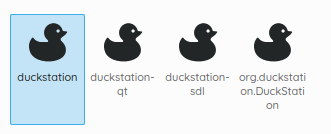
Thanks @MyNameIsRichard
How did I not know that?! 

To be honest, I just found out about it quite recently as well
fceux
[Desktop Entry]
Type=Application
Version=1.0
Name=Fceux
GenericName=NES/Famicom emulator
NoDisplay=false
Comment=Emulate NES ROMs
Exec=/usr/bin/fceux %f
Icon=/usr/share/pixmaps/fceux1.png
Terminal=false
MimeType=application/x-nes-rom
Categories=Game;Emulator;
Encoding=UTF-8
Actions=Fullscreen;DefaultConfig;
[Desktop Action Fullscreen]
Name=Open in Fullscreen
Exec=fceux -f 1
OnlyShowIn=Unity
[Desktop Action DefaultConfig]
Name=Start With the Default Configuration
Exec=fceux --no-config 1
OnlyShowIn=Unity
oh right, it actually displayed correctly in the start menu. The funny thing is, whenever I run that, on task panel, it displays monochrome icon first, then changes to that minecraft duck icon  .
.
I’ll do some tinkering in my system.
I have a request for Waypaper
[Desktop Entry]
Encoding=UTF-8
Type=Application
Exec=waypaper
Name=Waypaper
Icon=waypaper
Terminal=false
GenericName=Waypaper wallpaper setter
Categories=Utility;GTK;DesktopSettings;
Keywords=wallpapers;
Comment=Change wallpaper on Wayland and X11
Thanx
Sure! Will add that
Latest update is out!
    - added
        - apps/com.mastermindzh.tidal-hifi
        - apps/fceux
        - apps/fceux1
        - apps/solaar
        - apps/waypaper
    - updated
        - apps/dolphin
        - folder icons
What happens to Pling? Nothing to see there anymore.
When I open Pling, it redirects me to OpenDesktop. I’m not sure what’s happening. Try this URL.
https://www.opendesktop.org/p/2303161/
Edit:
Looks like Pling got merged into OpenDesktop.
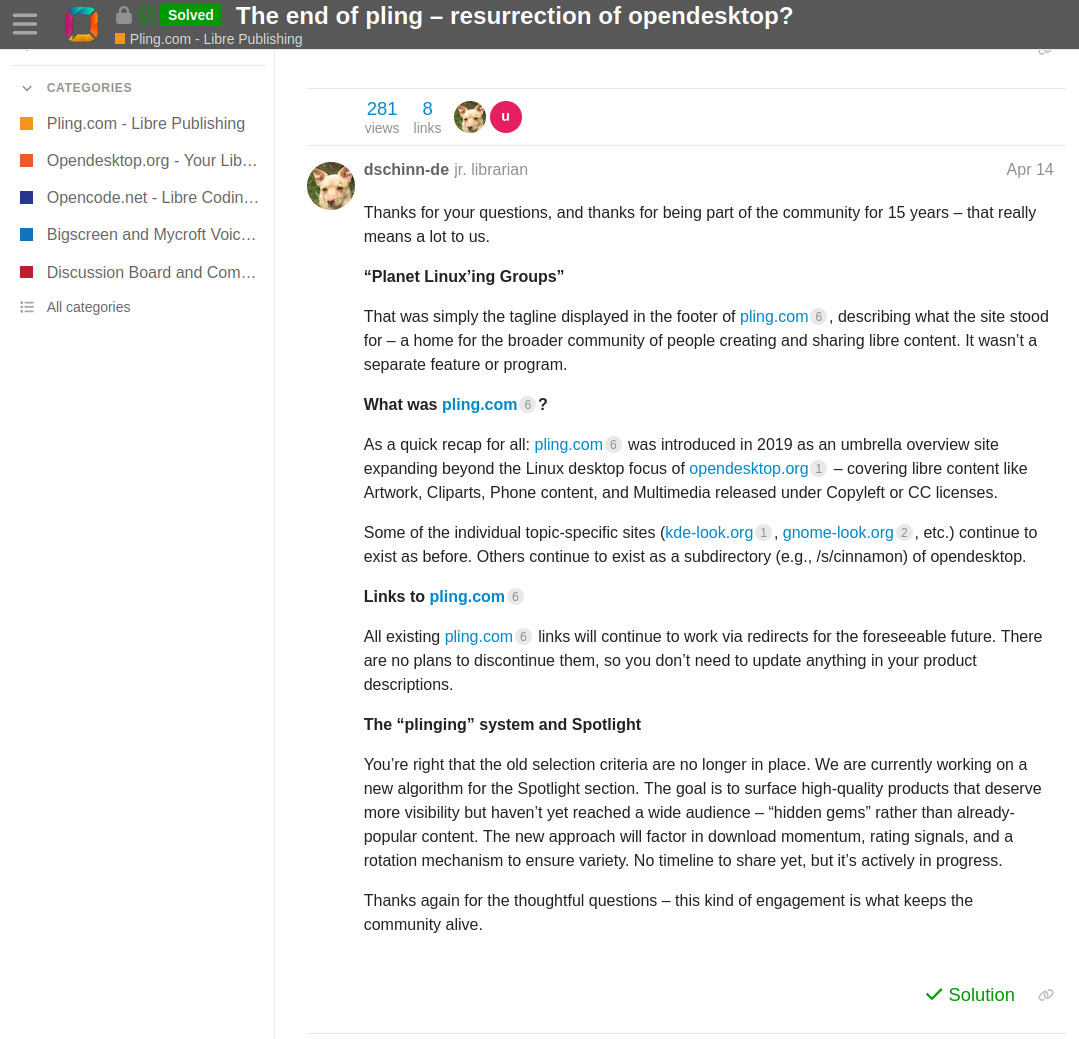
Yeah I know it’s going to redirect to opendesktop. Thought you know more about 
Ah thanks, the end of pling. Problem solved. Magically
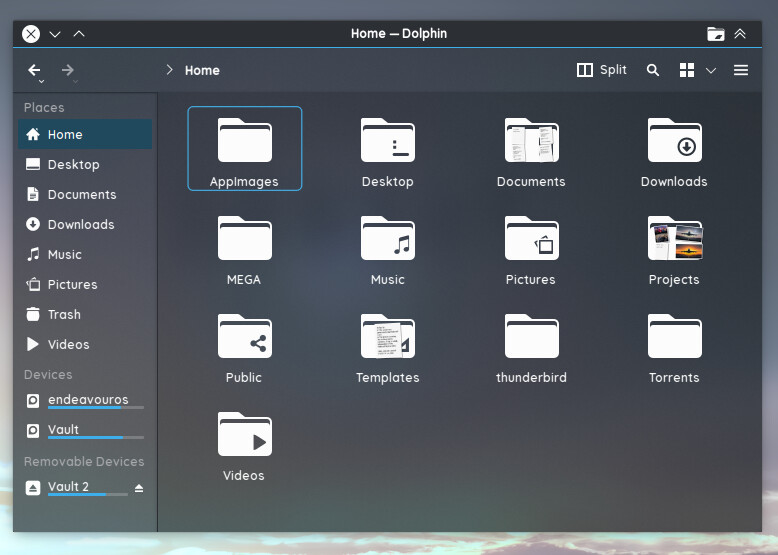
Same here. Awesome, isn’t it?