Your wish is my command - red alert 2 
Edit:
@DenalB, Nextcloud is already available in YAMIS. I assume you’re referring to the Plasma monochrome version.
Your wish is my command - red alert 2
Edit:
@DenalB, Nextcloud is already available in YAMIS. I assume you’re referring to the Plasma monochrome version.
The only reason I have Discover installed is to keep my themes and icons up to date
I usually just git pull for updates, if you use Dolphin and have enabled the Git extension you can even do it with a right click.
Thank you so much, @DenalB! While working on your request, I noticed that the system tray icons aren’t adaptive (symbolic) in Monochrome Icons Using the Plasma Theme Color Scheme. It’s been a while since I’ve used this icon set on a light theme 
I’ve pushed a hotfix that includes your Nextcloud icon (v1.4.1.hotfix). Please download the latest update!
so… OpenRGB tray icon is still default (I made my panel huge to show it)
if it uses an icon with name OpenRGBGreyscale it has to be somehow bundled with OpenRGB itself, as FSearch over my entire system doesn’t find anything with this name except the one in YAMIS
Even FSearch for name openrgb doesn’t find anything that looks like the greyscale icon (I checked all image files it gave me)
If it’s bundled within the binary, there’s probably not much we can do.
However, if another icon set resolves the issue, then it might be worth investigating further.
Edit:
I’m really sorry, but I’m unable to help further.
thanks anyway
by the way, my Plasma uses Breeze theme, and OpenRGB only supports Fusion and Windows, so I compiled OpenRGB from source for it to support Breeze, and while doing so also changed the systray icon 
attempt at fixing Steam icons next
After compiled It uses OpenRGBGreyscale? Interesting.
After compiled it uses what I put in replacement of OpenRGBGreyscale, which in my case is YAMIS icon
Yes. I’m using Plasma monochrome icons.
You’re welcome!
I added new icons to my repo, can they be included in the next update?
Also, my Steam games with a YAMIS icon now use this icon in the taskbar, but it was painful
For some simple replace of game.ico did it, for others I had to edit the .exe
Sure, I’ll add it into the upcoming release. Please provide the icon filename set in the .desktop file.
halvar@halvar-ms7e56 ~> cat /usr/share/applications/LittleNavmap.desktop
[Desktop Entry]
Type=Application
Exec=/opt/littlenavmap-bin/littlenavmap
Path=/opt/littlenavmap-bin/
Name=Little Navmap
GenericName=Flight Planner
Icon=littlenavmap
Terminal=false
Categories=Application;Game;
halvar@halvar-ms7e56 ~> cat /usr/share/applications/LittleNavconnect.desktop
[Desktop Entry]
Type=Application
Exec="/opt/littlenavmap-bin/Little Navconnect/littlenavconnect"
Path="/opt/littlenavmap-bin/Little Navconnect/"
Name=Little Navconnect
GenericName=Flight Planner Connector
Icon=littlenavconnect
Terminal=false
Categories=Application;Game;
These are my custom icon path, as by default the app uses icons in its own directory, but changing that in the .desktop did the trick
Alternatively, we can use Panel Colorizer → System Tray Icons Replacer.
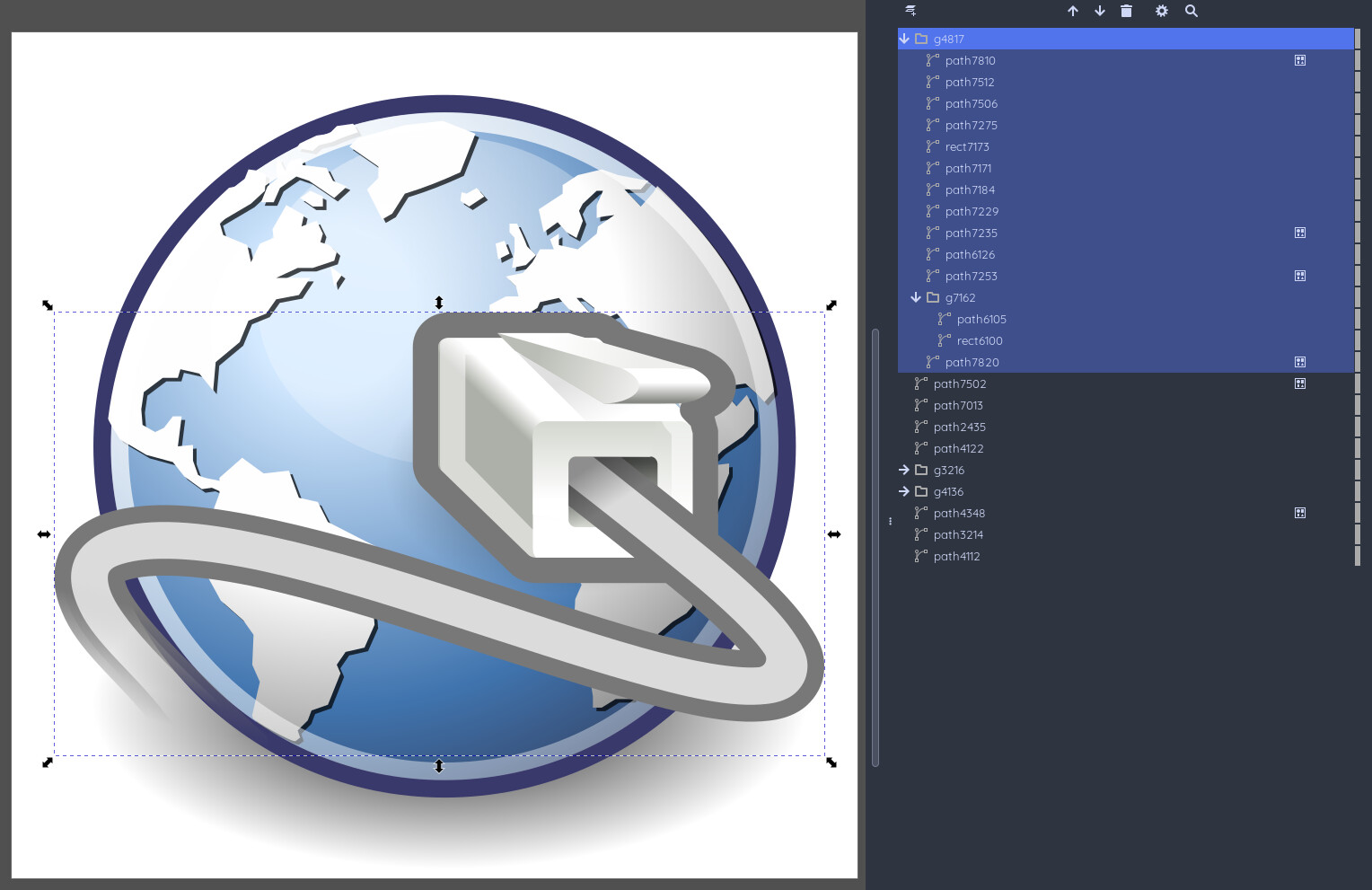
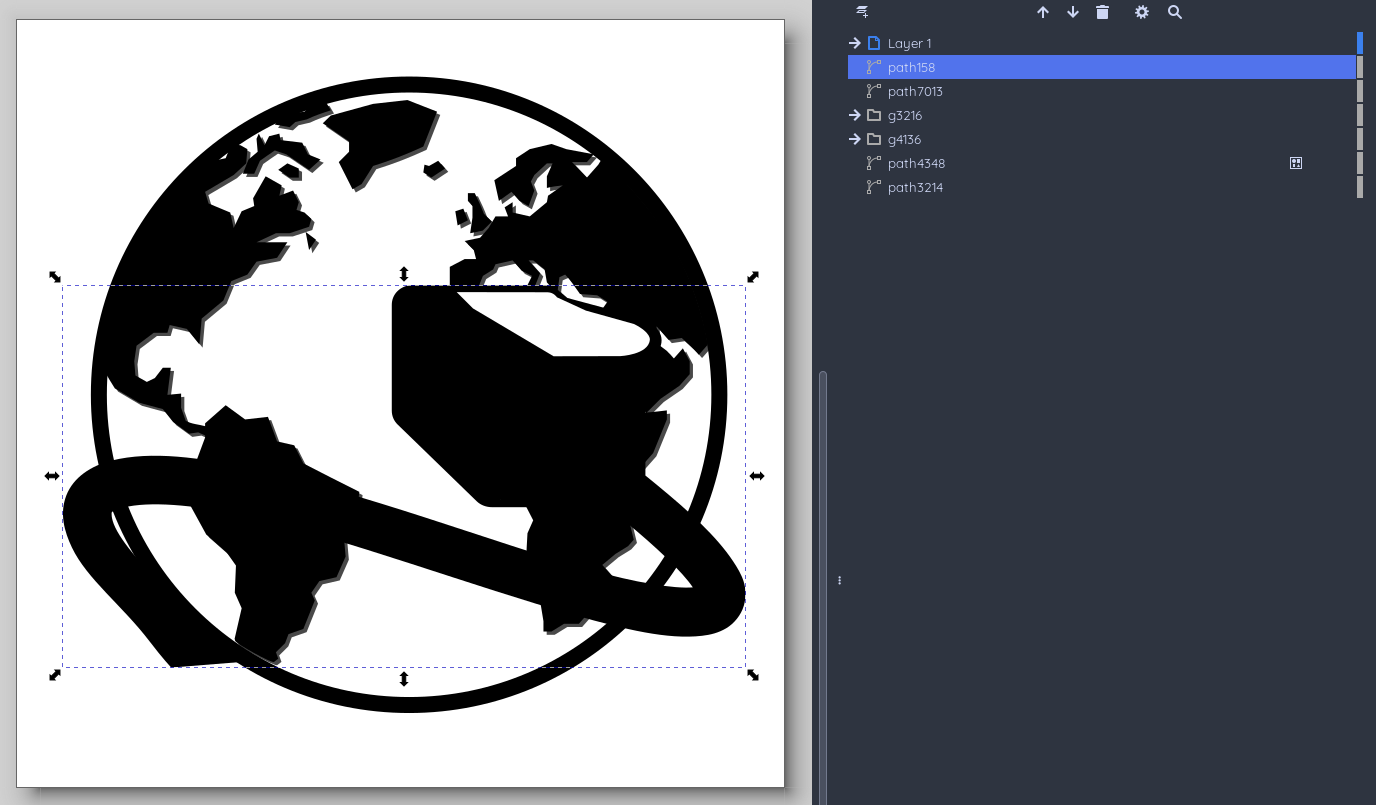
@BoredCat , for the littlenavconnect icon, I simplified the network cable design. The original version had 14 layered objects, which made it quite difficult to work with.
Original icon
In your shared version, it’s difficult to distinguish the network cable.
a lot better now
Latest update is out!
    - added
        - apps/littlenavconnect
        - apps/littlenavmap
        - status/easyeffects-tray
    - updated
        - apps/heroic

Latest update is out!
    - added
        - apps/blackmagicraw-player
        - apps/blackmagicraw-speedtest
        - apps/boxflat
        - apps/cockos-reaper
        - apps/com.opera.opera-gx
        - apps/distributor-logo-garudalinux
        - apps/garuda-linux
        - apps/garuda
        - apps/garuda-tool-alt
        - apps/garuda-tool
        - apps/garuda-welcome
        - apps/io.github.lawstorant.boxflat
        - apps/netbeans
        - apps/opera-gx-alt
        - apps/opera-gx
        - apps/org.apache.netbeans
        - apps/org.es_de.frontend
        - apps/reaper
        - apps/sunshine
        - apps/winboat
    - updated
        - apps/code-oss
        - apps/k3b-alt
        - apps/k3b