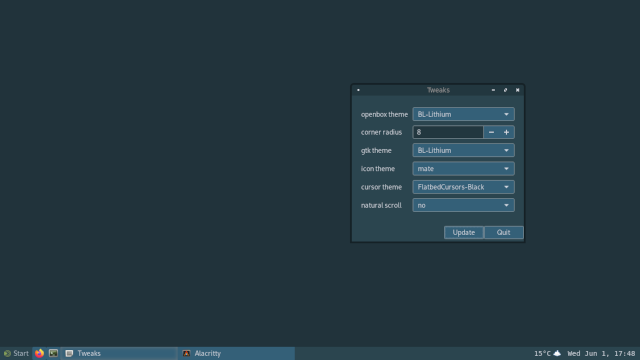
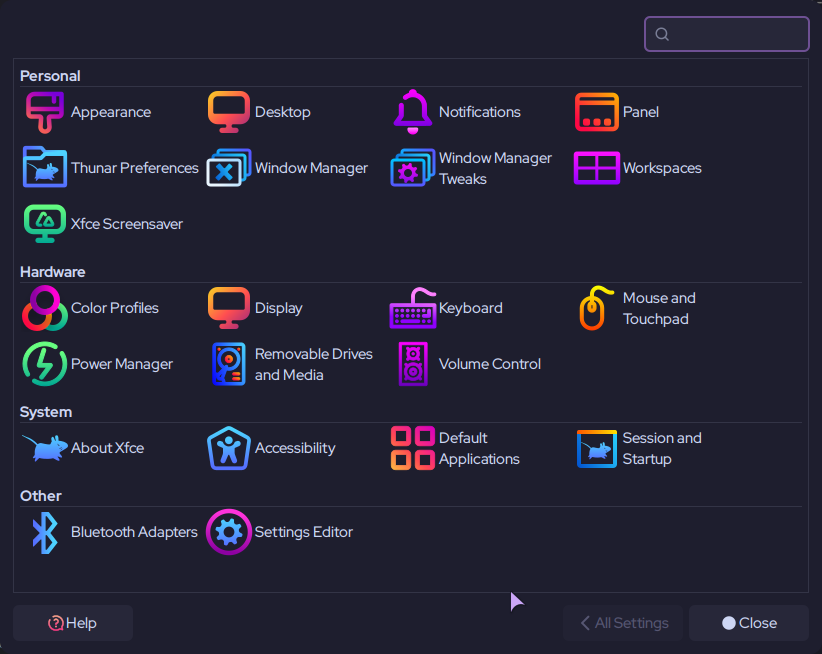
I haven’t used XFCE for about eight years. I remember it getting the job done, simple, plain, boring, dependable. On a whim I did a quick install of the core components and switched session from Plasma.
Was.. it always this good? For want of another word, it just feels snappy and fast in comparison to Plasma. Maybe it’s the lack of animations, or the lack of semantic search and all the Akonadi cruft. File operations are solid on Thunar. I’ve never quite had that feeling of trust on Dolphin with anything involving anything more than a few dozen files. Occasionally Plasma’s bitten me when it comes to extended file copy ops. And file search.. instant?! What madness is this!?
But more than any of this, - it’s probably still all the things I forgot it was ; simple, plain, boring, dependable, and pretty much exactly what I need. Do I need new features every few months? Nope. Is Plasma an excellent DE? Yep! Am I getting old? Yep.. Call it the cognitive overhead of change, and constant change..
I love that there’s a choice, the flexibility and freedom to say, yep, this fits, for me as I am now. After almost a decade, this is probably where I’ll stay, it’s horribly good! It’s probably always been horribly good, and I honestly can’t even remember why I jumped..
It is probably mostly this. Plasma gets snappier if you disable the animations.
Yuck. I avoid that stuff. It isn’t really part of plasma, it is for kontact and/or kmail.
This is what really matters IMO. Pick a DE that feels right to you and works for your personal workflow and stick to it. I think too many people bounce around every time they have a problem. Every DE will have some challenges at some point. Find one you like and work through the issues instead of constantly searching for greener grass. Well…unless you find the search for greener grass to be the fun part.
I used Xubunu for years, a decade even. That’s when I got to appreciate XFCE’s dependability. Really enjoyed it.
Am now living on the edge with KDE Plasma on a rolling release, but should that fail me, I’d certainly go back to XFCE. In my experience it’s snappy, fast, boringly stable.
Good call. I think that’s a huge bit, - it feels busy in a way it doesn’t need to be. Definitely something I’ll check back on and see whether cutting them out makes a genuine difference.
That will speed up your system, I don’t need things like wobbly windows and that kind of stuff.
Also think that XFCE is the second best after plasma, because you can also customize a lot of things.
laughs Surely it can’t be that obvious, but yes it is, - shifting animations to be instant, - yep, that makes a massive difference..! Good call! I didn’t even think of this..
My issue with DEs is that I although I have a few different PCs for different tasks I keep on insisting that they all run the same DE for “simplicities” sake but I end up not using the right tool for the job.
I’m not going to go fully XFCE again because other DEs do feel more complete OOTB and XFCE is not great at streaming video online from my experience, the mouse cursor seems to flicker a lot (this migh be due to the steps I’ve taken to reduce tearing which is another big issue with XFCE).
Will XFCE keep up enough to be usable for another decade. I hope so. I’m still using Amiga Workbench 2 and Win98SE though so there’s always a place in my humble abode for old software.
Xfce is component-based, and they have decided to stick to this for their eventual Wayland session, in that you will be able to use other compositors for screen rendering, like labwc, Hyprland, etc. This means every quirk you just mentioned is likely going to cease to exist in Xfce “soon”.
That said, I’d use Openbox over Xfce any day, and after I learned that labwc is based on the functionality of Openbox, I can already guess where I’ll land in the future when Wayland is full stable and feature-complete everywhere.
That is, KDE + labwc sessions. Maybe Sway/Hyprland too, since I use i3 sometimes.
My time with XFCE is always the same as my time with Mate—couple weeks at best. I have tried a few times in my Linux life because I liked simple. Seems all settings are dispersed in 4-5 places as I remember it. The absence of centralized control always vexed me and felt like a time-waster.
For “simple and boring and gets the job done” I go to Budgie and Cinnamon. All settings in those DEs are 2-3 places–budgie exactly two places.
I did like XFCE’s simplicity apart from that but didn’t think the integrated/curated apps (file manger. terminal etc etc) were agreeing with me.
I wonder if that’s what it’s about at the end of the day for all DE’s: terminal, file manager, archiver, text editor. menu etc all agreeable to the user? It seems it is for me.
It’s good you noted XFCE’s path to Wayland. Josh has his path set with Budgie. Cinnamon I have no idea. I think its partial right now. MATE has no plans at all to leave X11 AFAIK. Enjoy XFCE and rock. My desktop tastes are simple, too.
Right now, I just need gamma control to support being visually impaired.
Brightness ≠ gamma.
Brightness scales output intensity. Gamma reshapes mid-tones, reduces eye strain without crushing blacks, it’s what I need to work effectively for long periods.
Wayland’s security model treats gamma as “display state”, not “user preference”, which is why this got locked down so hard and it’s not been surfaced for end users. I guess that’s sensible in theory but it’s actively hostile in practice.
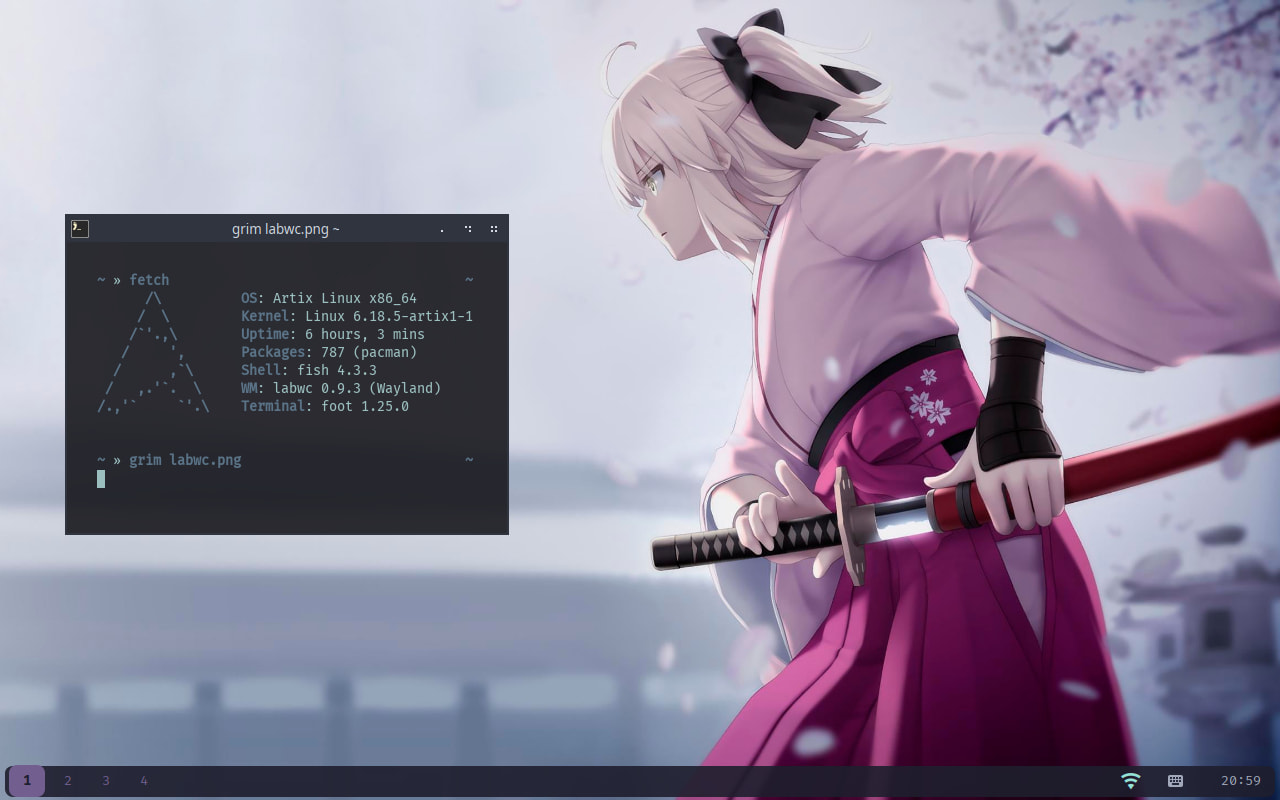
The screen shots I’ve seen of LabWC having just looked seem like my kind of thing. Modern compatibility but with a more basic look. Edit: so it’s just the compositor? How would you end up with a screen that looks like this on their home page? I thought it was MATE at first but the icon is different.
labwc is kinda similar to Hyprland in that many devs use it as a starting point for a new WC (or an entire distro in Hyrpland’s case).
The panel you see there could be MATE’s panel since Xfce’s panel works in labwc as well. So, really think of it as Openbox on Wayland, because it can even use Openbox’s rc.xml file. Some X11-specific configs will not work, but many things will work as expected, which is probably why they recommend you create a file from scratch.
A recommendation I’ve ignored. I will probably pay my distro’s maintainer to make a customized version of labwc once it’s fully stable and feature-complete.
As for LXQt: It’s not for me the same way Fluxbox is not for me. But only because the Arch distro I use (Archcraft) ships Openbox, and I am now used to its config. Yes, they’re similar to Openbox, but I don’t feel like learning how to navigate them.
I imagine LXQt and LXDE will be able to use many Wayland compositors in the future, though, similar to Xfce.
EDIT: Forgot to mention an improvement that labwc has that Openbox doesn’t — snapping windows by dragging them with your mouse. Good for when you already have a hand on your mouse.
I might actually do it myself and provide it on my Codeberg. Wayland makes DE customization approachable for non-devs like myself. Just mix and match components based on need or preference.
XFCE is a good DE. It’s modularly designed, simple to configure and use and light on resources. It works very well on both X11 and XLibre. However, XFCE on Wayland still needs a lot of work. I’d consider it in alpha phrase. Not recommended as a daily driver.
Labwc is Openbox on Wayland. It’s very responsive and faily stable. One of my fav. Wayland compositors.
It’s one of mine, too.
I do have one issue with it, though. At the moment, gaming in labwc is stuttery and has artifacts. I tested this with Control in Hyprland, Openbox, and KDE. Only labwc had the problem.
Then again, I was using my old Openbox rc/xml in labwc. It shouldn’t make a difference, but maybe it does? Will test it in a minute. I hope Xfce makes compatibility with labwc one of their top priorities/recommendations.
Yeah I have no intention to switch to Wayland, - as long as it doesn’t expose proper gamma control. It’s apparently been in the pipeline for a few years now, but with low vision I don’t have the luxury of just waiting on something that is a functional requirement.
Still, XFCE should hopefully maintain X11 for a while yet, the only issue is that applications aren’t prioritising X11 issues, Obsidian being one of them. So we’re kind of stuck between a rock and a hard place.
I’m an Xfce long time user and I keep it, using picom as compositor and gtk3-classic (no CSD), since I can’t find anything close in the Wayland world.
Once we can use multiple workspaces under Wayland, I’ll switch, with Wayfire instead of Labwc, I guess.
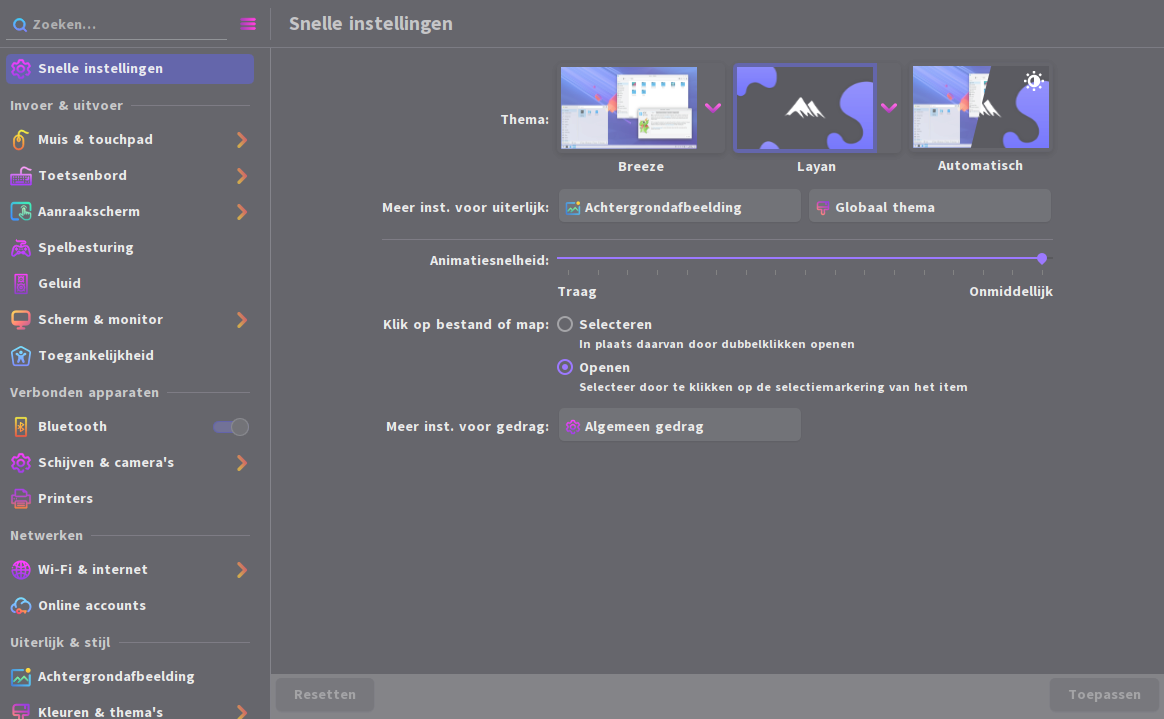
It’s all in ~/.config/xfce4 and ~/.config/Thunar, and graphically, it looks like this :
I used XFCE on my first Arch install years ago and I think I messed also with Xubuntu. This thread actually made me interested giving it a proper try at some point.
Is it true that you have to tweak compositor to get games (like those from Steam) working correctly or have I understood this completely wrong?


 .
.