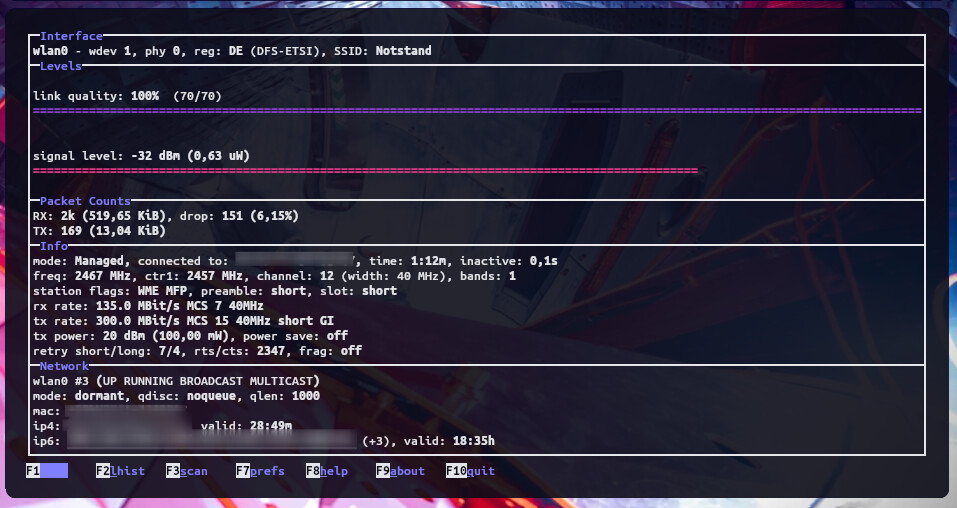
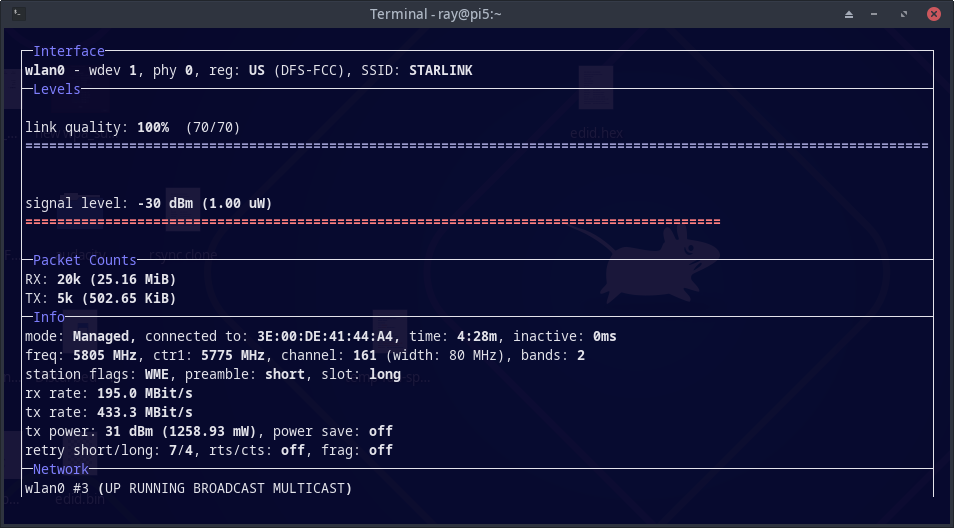
Why are there 2 wpa_supplicant packages in the repo with 2 different versions. The lower version endeavouros/wpa_supplicant 2:2.10-8 [installed] gets installed by default.
[ray@pi5 ~]$ pacman -Ss wpa_supplicant endeavouros/wpa_supplicant 2:2.10-8 [installed] A utility providing key negotiation for WPA wireless networks core/wpa_supplicant 2:2.11-5 [installed: 2:2.10-8] A utility providing key negotiation for WPA wireless networks
I was getting wifi irritating disconnect/reconnects with my wifi on my new pi5. I installed the arch-arm wpa_supplicant newer version and so far no disconnects.
When wpa_supplicant 2:2.10-8 was upgraded to wpa_supplicant 2:2.11-5, the Pinebook Pro WiFi did not work anymore. So the easiest fix was to offer 2:2.10-8 in the EnOS ARM repository. At that time, RPi 4b, RPi 5, and Odroid N2 all worked just fine with ver. 2:2-10-8.
If new RPi 5 devices have a problem with wpa_supplicant 2:2.10-8 I will have to revisit this.
First I will see if Pinebook Pro still fails on 2:2.11-5 I am guessing it is still broke.
I may also have to revisit using IWD (iNet Wireless Daemon) instead of wpa_supplicant.
The last time I tried this, it did not go well.
I am still getting some disconnects on my pi5 but not as bad. I had to get rid of the metal case and also had this in /etc/modprobe.d/ according to error I was receiving in dmesg I found in the pi forums:
options brcmfmac feature_disable=0x200000
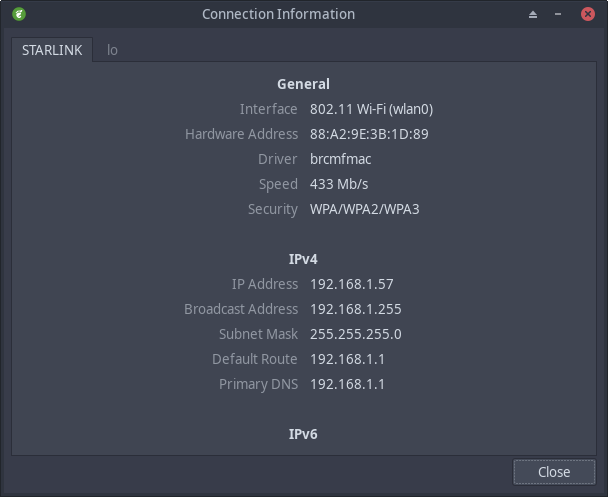
I never had this issue on the pi4 and does not matter what kernel I am using. I am also seeing my connection speed all over the map every time I check it. 433 Mb/s down to 20 Mb/s.
I have downloaded the source files and it is currently compiling for aarch64.
I saw something about regressions, so maybe this will work for Pinebook Pro laptop?
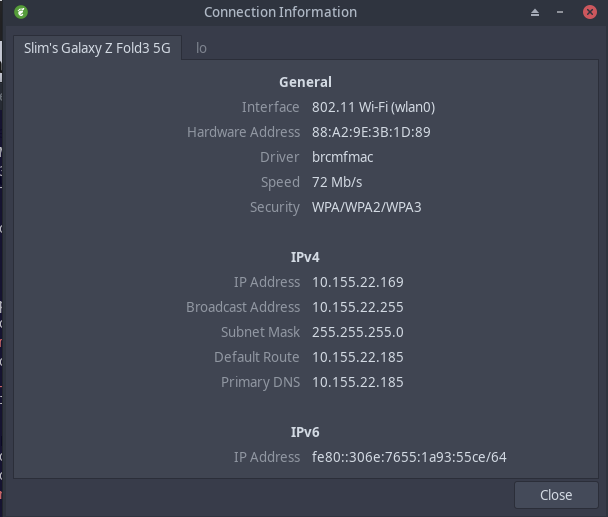
Still get disconnects with iwd. Trying mobile hotspot connected to my phone which is connected to Starlink to see if there are any disconnects. Bypassing direct connection to Starlink router.
I have a 3 Gig symmetrical fiber with a WiFi 7 mesh extender. Except for the bathrooms, I have at least one Ethernet jack in every room in the house. So I am hesitant to go WiFi only, but I will bear with it for testing. Although WiFi only is fairly quick for WiFi.