Today I installed EnOS with dual boot of windows 10, but after installation I booted to windows instead of grub. How to fix it?
They’re both on the same drive
Hello and welcome,
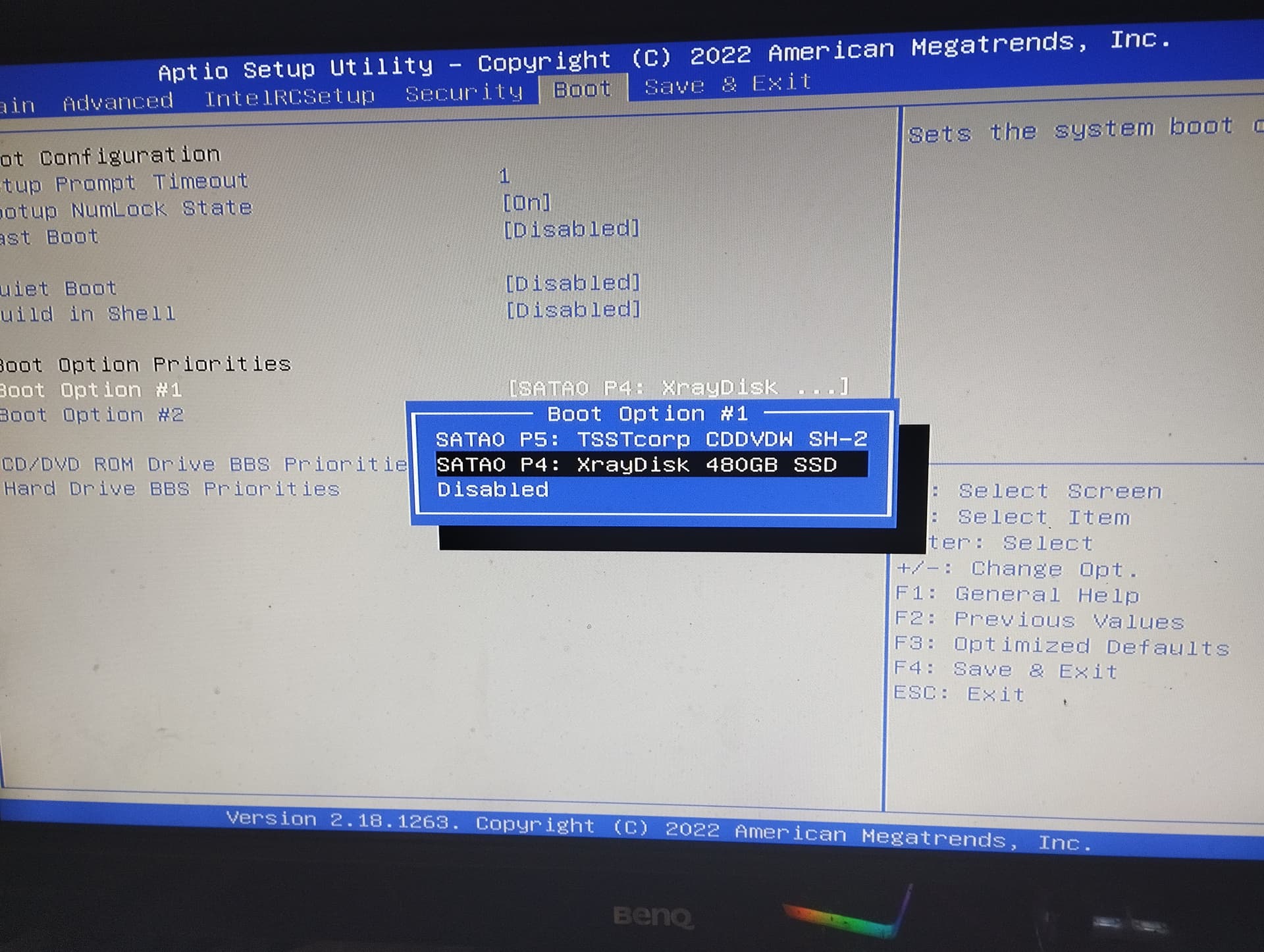
Change the boot order from BIOS so that grub is first.
Welcome to the forum 

Have you looked if there is something under Hard drive BBS Priorities ?

Then post the output of efibootmgr -v.
where I need to type this?
I would highly recommend against this. Its not a matter of If Microsoft will kill your boot but when.
can you boot into the live usb and arch-chroot into the eos system?
I would start with the command line of the DE you choose to install.
I tried to arch-chroot but it says that there aren’t any chroot directory or sth like this
I didn’t choose any 'cause I want to install Hyprland
But people have been using partitioned disks for aeons.
What you probably meant was ESP - which is also a partition rather than disk.. and a shared one of which also wont mean your boot files magically disappear. There are some examples out there of some win or firmware update either removing or reordering boot entries. But that isnt exactly destroying boot, can be fixed by a single command, and I fail to understand how such an event would be generally mitigated by a separate EFI System Partition or even a whole separate disk for that matter.
doesn’t hyperland have kitty? are you able to get to just a tty? can you post the install log of of the installation.
I’m not here to argue with you so just focus on helping the op.
thank yo
I can’t boot into installed EnOS bruh
Boot the live environment and chroot into it.
1 Like
wait a sec
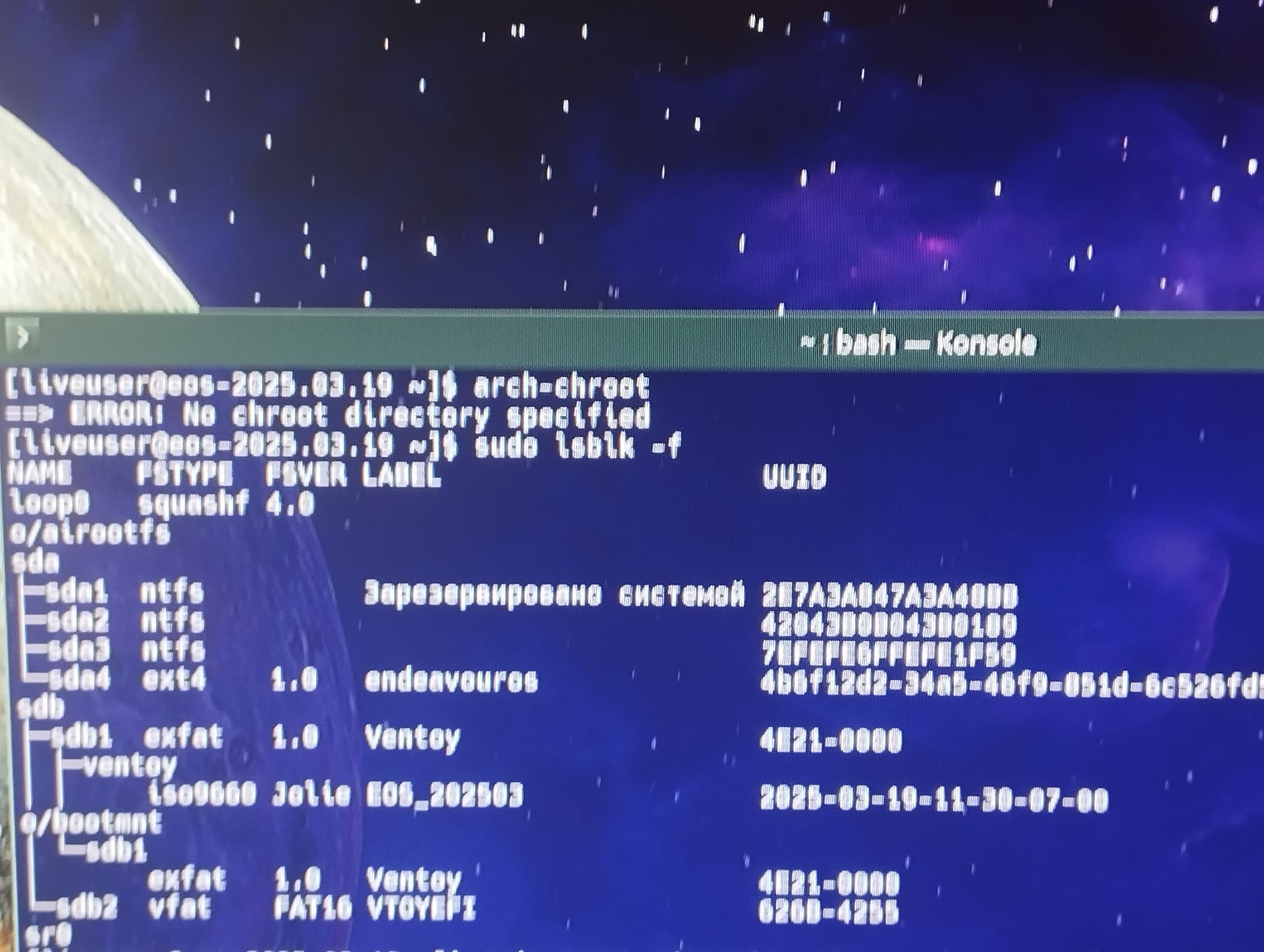
And your positive you installed Grub? Systemd-boot is the default. I also know with the new ISO we have increased the /efi partition to 2gb.
however since you are at a command line see if your able to get a copy of the install log and post it.
cat /var/log/endeavour-install.log | eos-sendlog
put the URL here so we can read the log.

crap your in the live environment you will need to navigate to the actual disk you installed EndeavourOS on to send the log. IN this case it may be easier to just load up the graphical and navigate to the install disk and open a terminal then just cat ./endeavour-install.log | eos-sendlog