WiFi freezes system after update

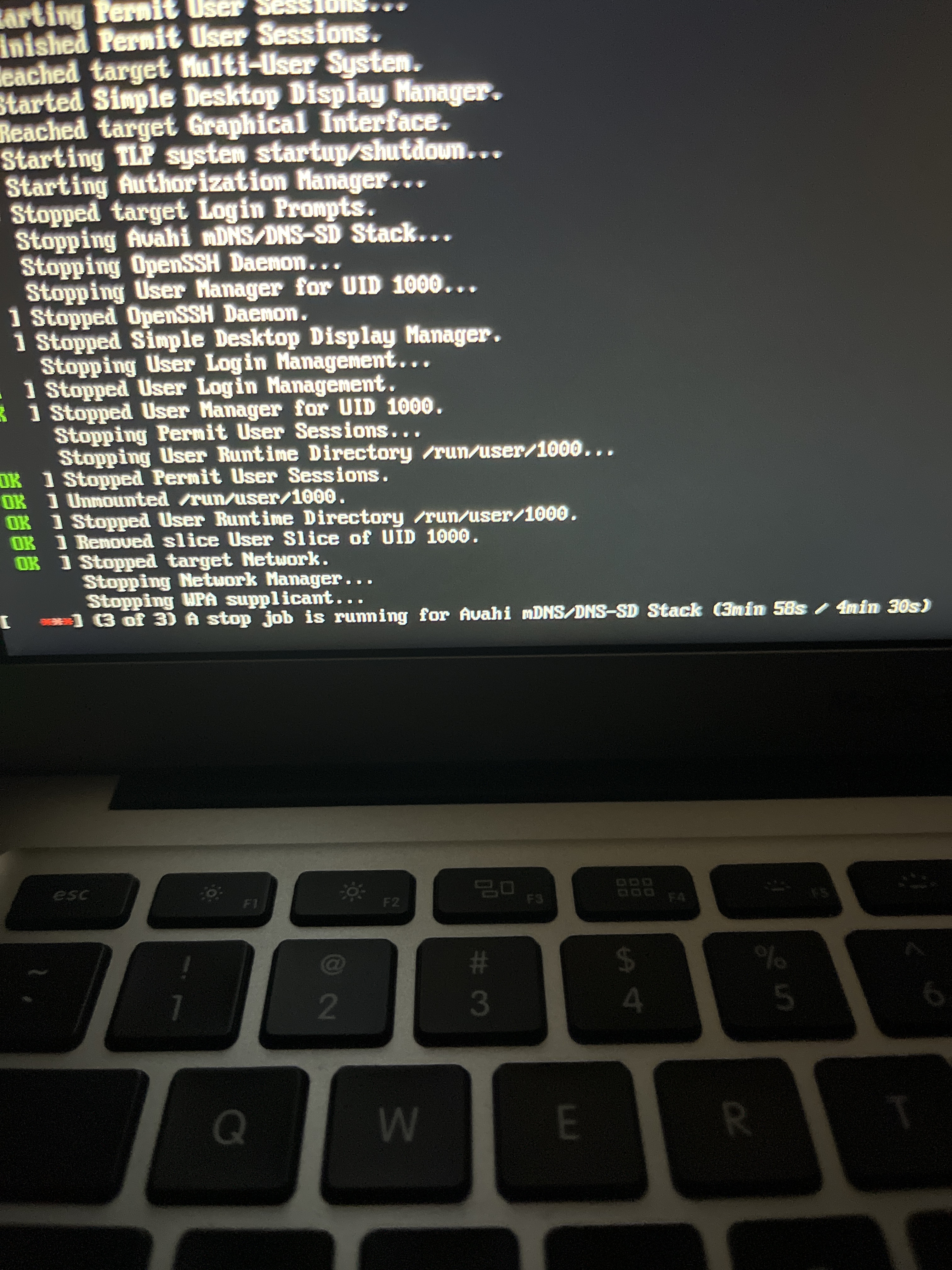
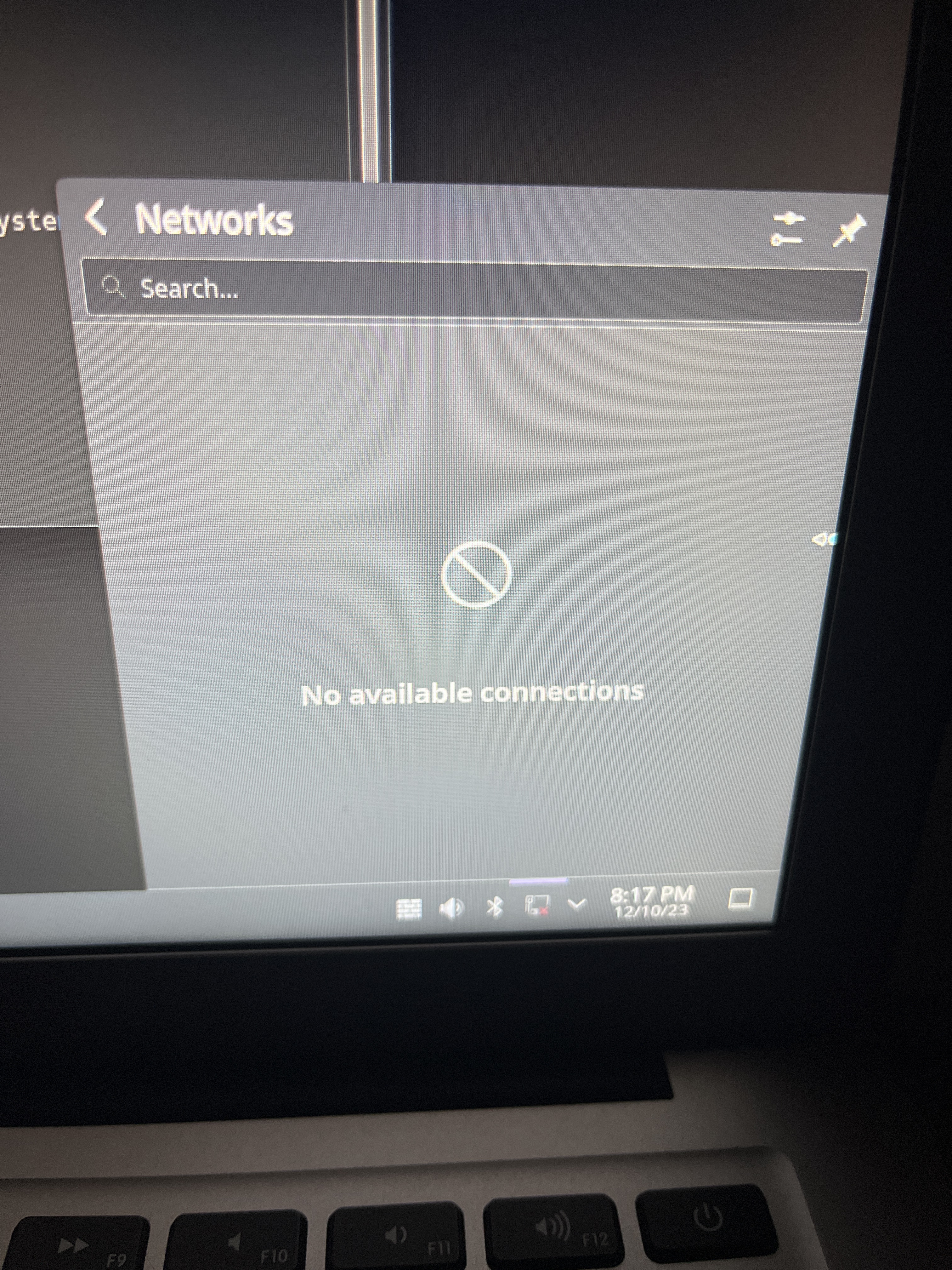
Hey guys I’m having a bit of an issue with my recent update, after installing my update using the built in utility the system prompted me to restart so I did and it was hanging trying to stop 3 services (all are related to WiFi), after it finally rebooted wifi does not connect and says authorization supplicant failed and when I try to reconnect it hangs my entire system and I have to force reboot and even after doing that the issue still persists. What can I do? Do I have to reinstall my system?

Edit the first image in this post describes the reboot issue in case anyone needs a visual reference: Shutdown stalls after system update - #6 by sammiev

Have you tried this :

Hi, @Vex and welcome to the forums. I have the same issue and the solution is really easy:

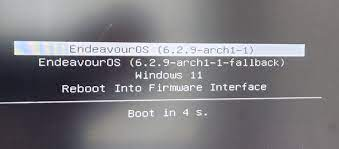
  • Boot using the fallback initramfs option
  • Open a terminal and downgrade kernel with the next command
sudo downgrade linux linux-headers

Select a previous version by typing its corresponding number, do not choose 6.6.5, confirm the downgrade and everything will be fine again.

How do I boot into that?

At boot, you just need tho select the fallback option.


This is what I see (grub)

imagen
I think this is for systemd boot

Sounds simple enough, on shutdown I’m getting that long wait for services to shutdown again, is it safe to hard shutdown in this state?

Yes, same happened to me.

Yes. Most likely they won’t go on its own

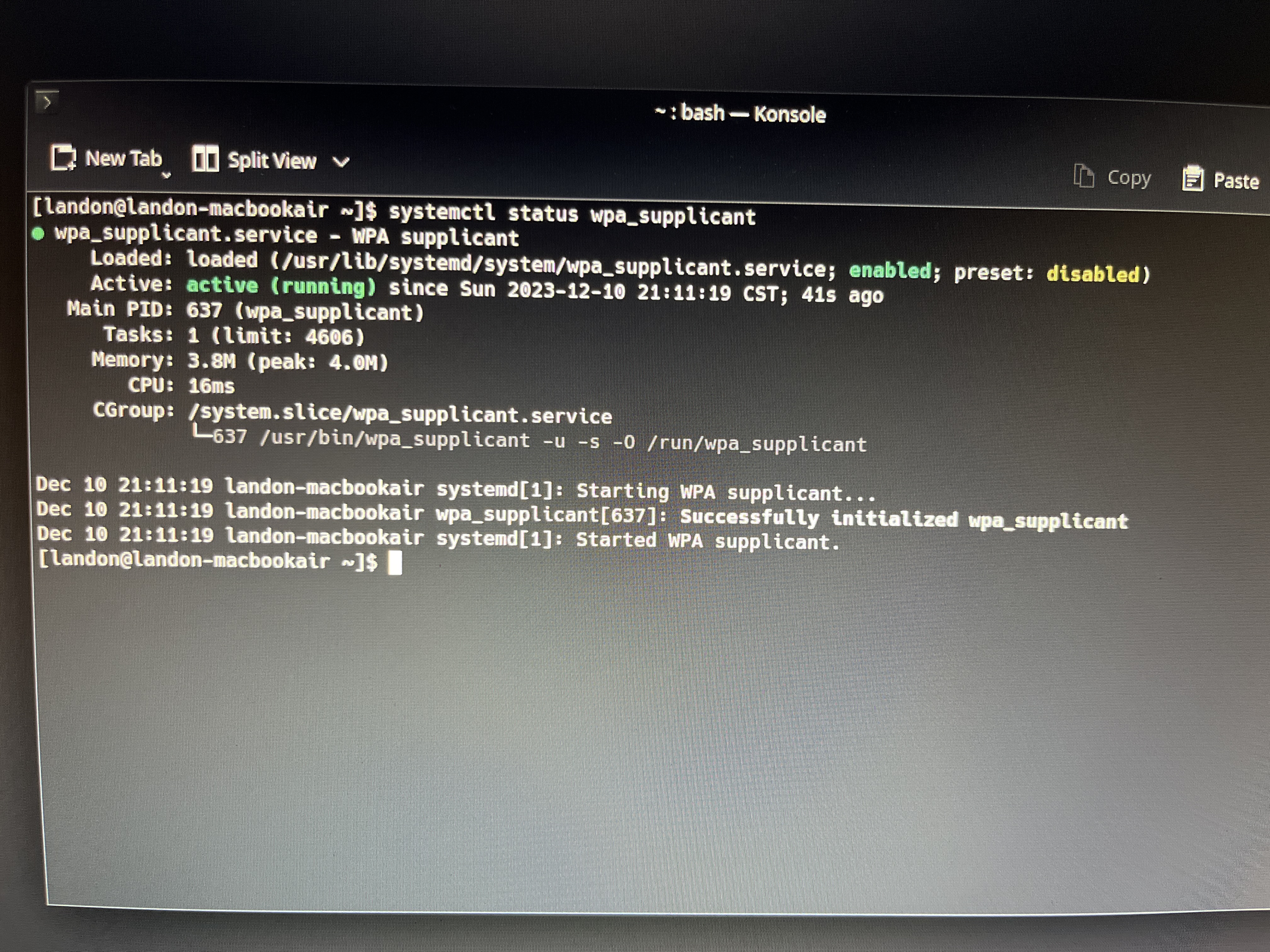
Well everything went well except for this…

This seemed disabled so I enabled it but the issue still persists with it being disabled

(Note this is after downgrading successfully, the solution works to get network manager working)

I’m having this issue as well its very odd. When its happening anytime i run a sudo command it just hangs and cant even ^C out. Also seeing wpa_supplicant and like network manager fail to stop when issuing reboot.

I dont know if its related but it seems to break when I launch discord

downgraded to 6.6.4 so far its working

I am having the same problem. I can’t even run sudo it just hangs like you mentioned. How do I downgrade when unable to run sudo? I am still a noob, so any help is appreciated.

supposedly 6.6.6 has resolved the issue so you might have to hard restart your device until youre able to get an internet connection (it should eventually get a connection briefly) and then just run the upgrade sudo pacman -Syu as normal