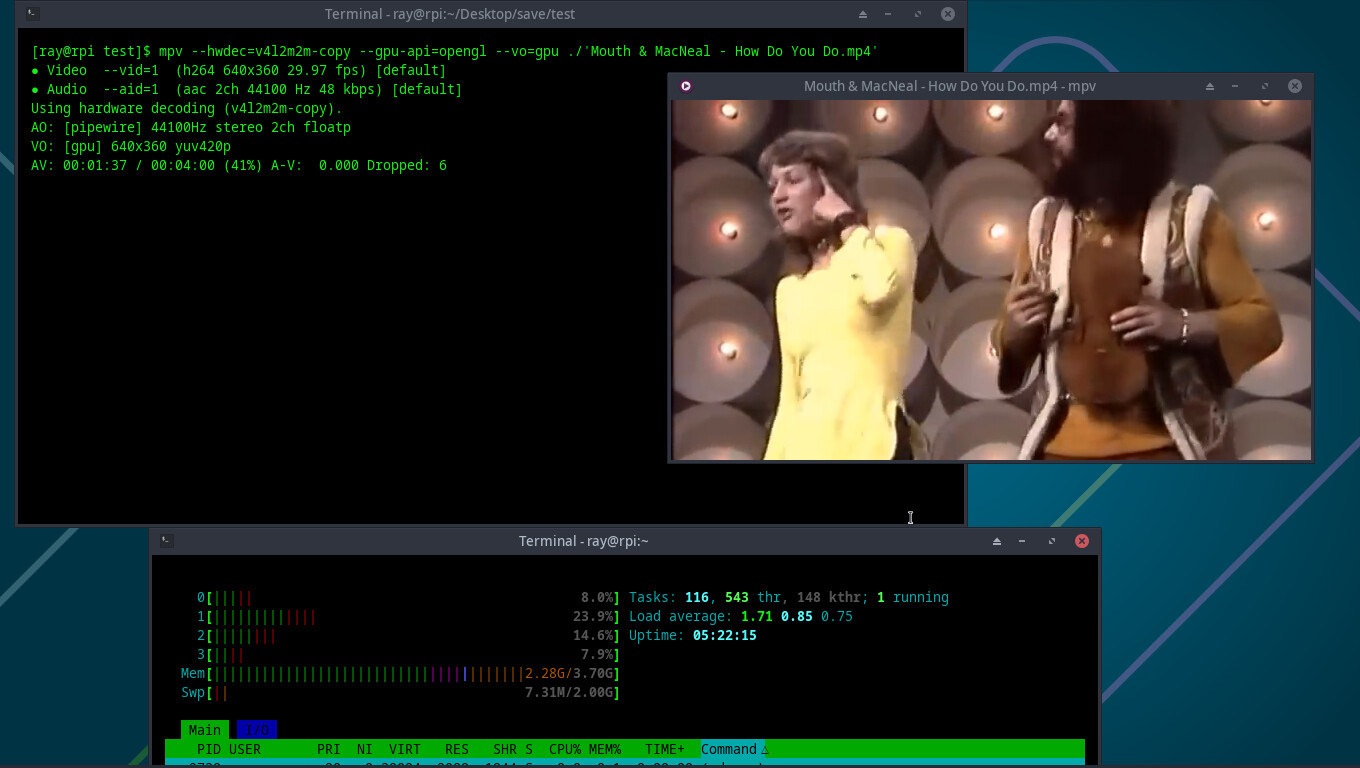
The crash looks to be a wayland issue since no issue with xfce. The h264_v4l2m2m it is looking for is what it uses for HW decoding on the pi4 and lower devices.
This is on my pi4 with mpv HW decoding the command line will be different for wayland. I do not use wayland so do not know what it should be.
The packages vlc-rpi and ffmpeg-rpi are specifically patched to look for that old hardware block (h264_v4l2m2m). Since that hardware doesn’t exist on your Pi 5, they are searching for a device that isn’t there, leading to the “Could not find a valid device” error.
This is what the AI is telling me. So maybe these packages in the ALARM repo are older RPI-4 packages and are not compatible with RPI5. However, they allowed me to utilize hw acceleration for x265 which was not possible with the standard vlc or mpv packages.
I have installed the default VLC and FFMPEG4.4 packages (removed the RPI ones) and i still can not view the video inside Okular. However, VLC can play the video fine now. I also switched to X11 by the way (much faster). So i guess Gemini was right about those packages being RPI4 specific. There must be a way to bring hw acceleration for x265 to EndeavourOS on a Pi5 but i don’t know how (other than building your own vlc or ffmpeg?)