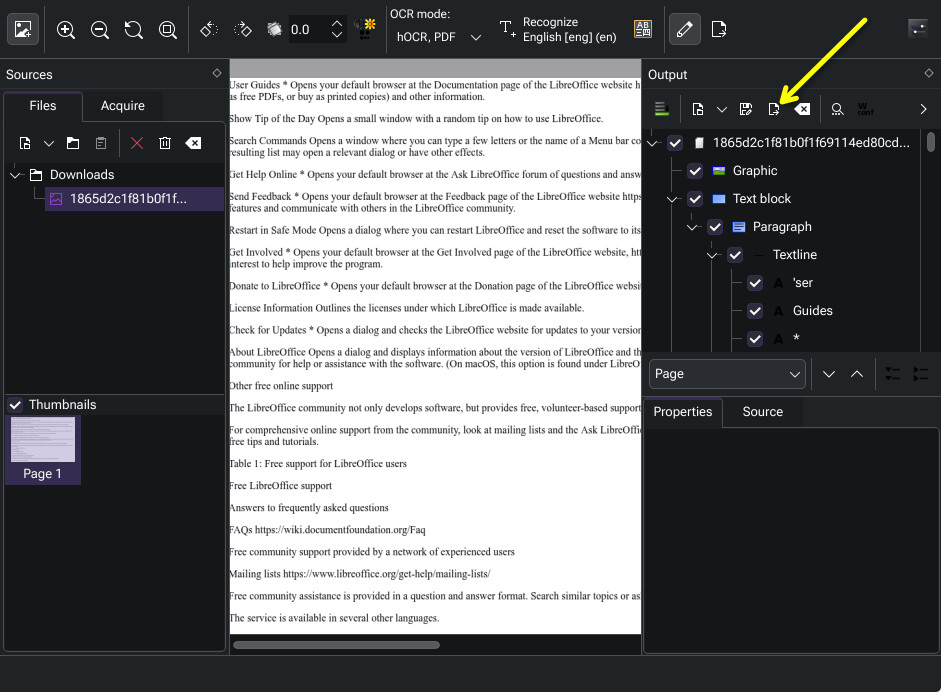
For a book, you can export it as an ODT, for editing in LibreOffice.
The export button is here:
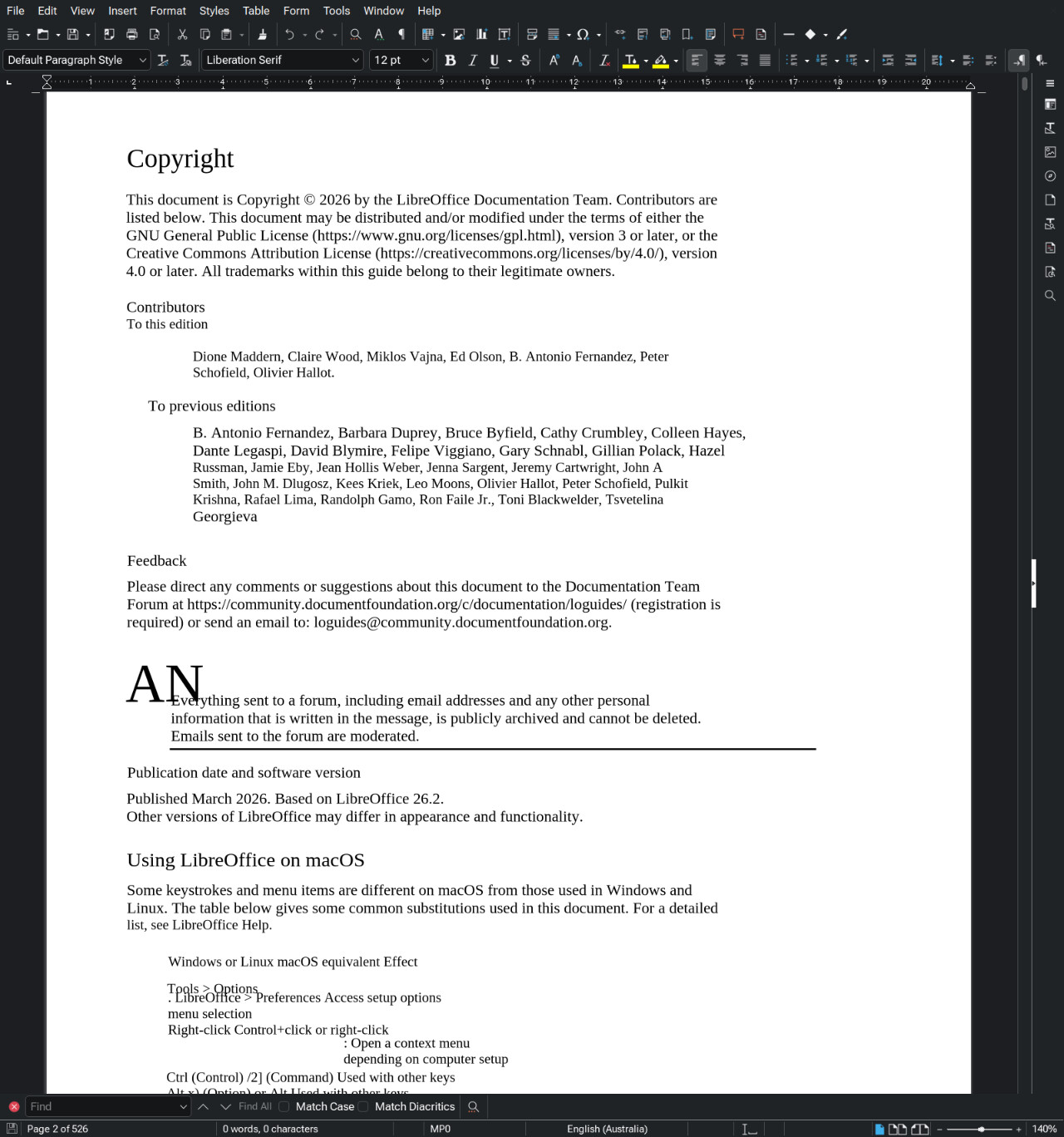
I converted, but this big files don`t opens in LO 
(It just loads pc and logo displays tried to open)
Hmm… Perhaps just convert it to TXT file then, and copy the text into a new LibreOffice Write document?
For converting I also need to open it. I cannot open it in LO and WPS. Maybe it just out of my RAM.
I’m sorry @HogRemains, I neglected to say hi, and welcome you to the community! 


@wodsfortdragon , did you have a look at @HogRemains suggestion? If I’m not mistaken, it is not AI driven, but rather using pre-trained machine learning models much like Tesseract does.
I asked in Libreoffice group others to try open it in their pc.
Link is https://cloud.disroot.org/s/53eaxFHrtLtcieJ
Didn`t try, but I just want to test this utility(gimagereader with tesseract). If it will be not good to me, I try others.
@Bink Maybe you try, please?
I just tried @wodsfortdragon. I can confirm it opens, but it did take a few moments, it’s a big file 
My system is a Ryzen 9 5900X with 64GB of RAM.
@wodsfortdragon, are you using the LibreOffice document just as a test for the OCR?
Without pictures? Original file: https://nextcloud.documentfoundation.org/s/CiFSWbeiy3ed2mW .
Yes)
I want to have fully copied file,even with pictures and other details
Cool, I have Intel Core I3-1005G1 with 8GB of RAM
That one is a PDF, so you could open it in LibreOffice Draw and retain all those things and have access to the text. OCR isn’t necesarry.
But would I be correct in understanding, this is just a test file and the actual content you’re working with is not a PDF?
Yes, it will be photo of paper book. So what use if I just want do photos of pages, upload to pc, do OCR, export/copy images to PDF file, fix 20 mistakes(not 100) and receive 600 pages book?
in this text it is not copied my images
I think I’d have to agree with @HogRemains with respect to your options. Getting a formatted 600 page document with text and images from OCR, is not at all trivial.
How use it?
First you’ll have to have a Google account, and a project started in Google Cloud Console. Once you have it, you can follow along with this youtube tutorial. The best part for you will be outsourcing the RAM-intensive tasks to the cloud server, 8gb of RAM is not much headroom for ML tasking.
Tested on 467 scanned pages, offline, on a student laptop, low-power CPU from 2019/20.
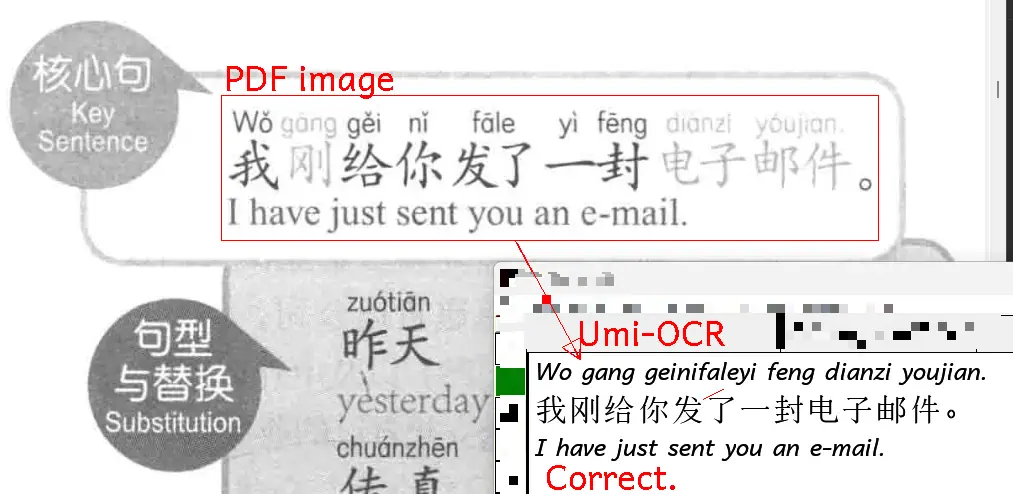
The extractor fails to recognize the accents on the letters, which is a minor but noticable error.
https://github.com/hiroi-sora/Umi-OCR („hiroi-sora/Umi-OCR“, hiroi-sora 2026 @ 4. Juli 2026)