That is correct. It all depends on the licence applicable. There are licences for code to be viewed, but not sold/modified for example etc… I haven’t looked at it, but it’s not that uncommon or rare.
2 Likes
this is what i understood with my modest english. but also what i found out from the kuketz forum ( it’s a german tech and security blogger)
1 Like
i use firefox as my main browser, ungoogled chromium sometimes, i gave firedragon a try to see if i could get global menu working on plasma but it doesnt seem to, i installed it from chaotic aur

Isn’t the Firefox Multi-acccount Containers supposed to work with that you create a separate container for each category of web-browsing you do of your choosing, it’s kind of unworkable creating a separate container for every website you visit?
I mean, I do it, so it isn’t unworkable for me.
What do you mean by unworkable in this context?
1 Like
I find it unworkable having to create a new container for every website you have visit. Say a person about 50-100 regular websites they visit and then has to manually create a new website for every random website that you get to from clicking through a link on another website. That’s the part I find unworkable or is there a way to automatically create a new container for each new website you visit? I currently have several categories, ie: personal, banking, shopping, internet, etc.
That is what the “Temporary containers” extension you quoted in your reply does.
2 Likes
So you automatically open all your websites in a temporary container and then create a container in multi-container for each if it is a website you visit on a regular basis?
It is decently configurable. I am not sure if it is possible to use it to do what you describe exactly though.
What it does for me is it creates a new container every time I navigate to something different(This is part is configurable). These containers are then destroyed after I close the tabs associated with that container.
It also works with permanent containers. So I have a handful of sites I keep permanent containers for.
1 Like
I do it like that, separate it on workflow-based containers, and invasive-based containers (google,microsoft etc).
Rest of them opens in temp containers, unless i need to switch container, thx to @dalto for that tip 
4 Likes
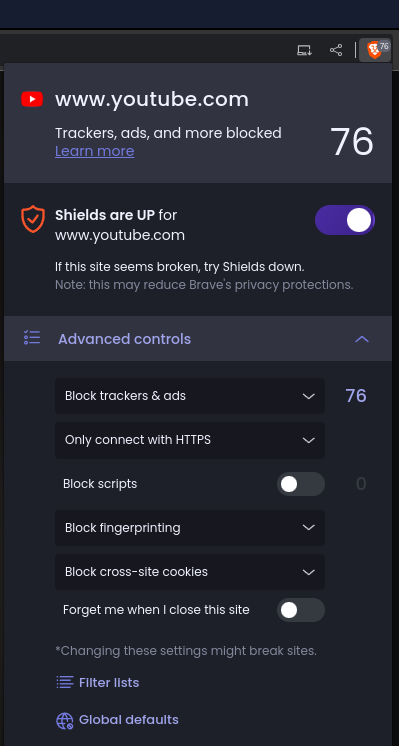
Yeah that’s basically how I do it, using that temporary container add-on will be a new addition. However isn’t it easier to fingerprint you because the more add-ons you have installed the more unique your browser fingerprint will be? I have found that with Brave you can better results when scanning with coveryourtracks compared to when you scan Firefox.
I should add that I am also using arkenfox which is worth checking out if you aren’t already using it.
1 Like
I’ll check it, how is that different from Librewolf? This?
just fyi:
1 Like
Arkenfox isn’t a browser. You add it to Firefox.
You could, alternatively use Librewolf but I prefer to use Firefox as it get patches faster.
2 Likes
I prefer to use Firefox because of Firefox sync to sync my bookmarks and multi-container setup across multiple devices easlily.
Does Librewolf not support these features?
Librewolf supports addons but it doesn’t have Firefox sync enabled by default. You can enable it though but I just prefer to use the normal Firefox and last time I tried enabling Firefox sync on Librewolf it wiped my containers on my other active Firefox account.
1 Like
What do you guys think of dFPI (dynamic first-party isolation)? I’m just learning about it for the first time. The Librewolf FAQ seems to imply it can replace containerized browsing.
Why isn’t First Party Isolate enabled by default?#
FPI is not enabled by default as we use dFPI, and the two do not work well together. dFPI is a newer implementation and it causes less breakage, plus it is included by default when using Tracking Protection in strict mode.
Please also notice that dFPI makes containers and containers extensions redudant, unless you want to protect your privacy when visiting the same website multiple times, during the same browsing sessions.