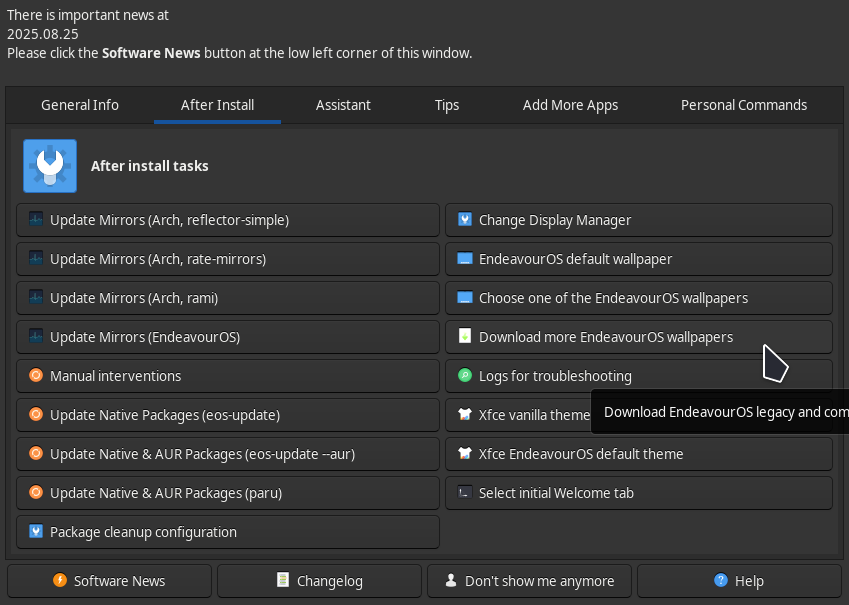
I just finished installing EndavourOS and want more vibrant themes like the default desktop theme, in the “Desktop and Wallpaper” section, I’m only able to find one theme i.e this one.
Are there more community made themes?, Would love to know more.!
Welcome to the forum 

There are a lot of topics concerning themes etc.
So just click on this forum search result and take your pick.
Thank you so much.
Are you looking for EndeavourOS themed themes, or all themes? And which desktop are you using?
Welcome to the forum @mikeofsport
Are you talking about THEMES or WALLPAPER? Every time you mention “theme”, you show a wallpaper. Just a bit confused.
Sorry for the confusing language..
Both would be greatly appreciated.!
Hello.
OK. Well, you have several places to find wallpaper in this thread.
You can look here to find various KDE Plasma theme components…
OR
If you are using Plasma, you can get wallpaper, themes, window decorations, plasmoids, and more at https://store.kde.org/browse/
If your using Plasma you can also open system settings click on global theme and click on get new.
Forgot about that. Good advice for a beginner or someone not familiar with KDE Plasma. Though there are only a couple dozen from which to choose. And lots are KDE 5.
Yes this is a good solution, however the themes are limited, I believe there aren’t much to begin with.
I find with get new things, the search, seemingly at random, returns no results. I find the store a better place to look for something and then I try to use get new stuff to install it. When it doesn’t work, I download it and extract it into the proper directories.
I did not know community themes can be installed by placing them in proper directories, I don’t know how to do that 
Thanks, I will now need to find how to apply them, maybe from the themes & wallpapers settings itself?
Thank you!!
You’re welcome.