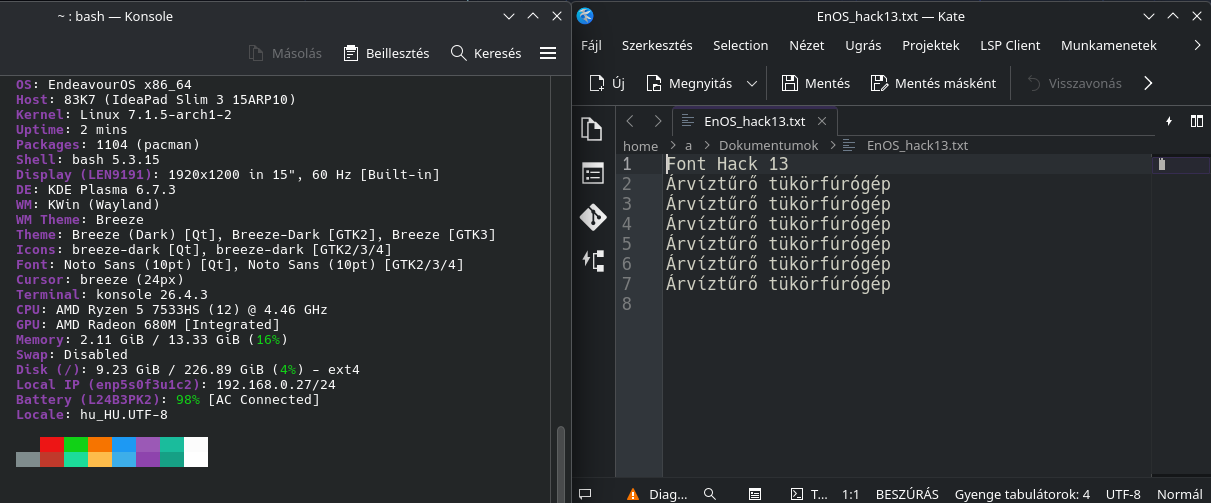
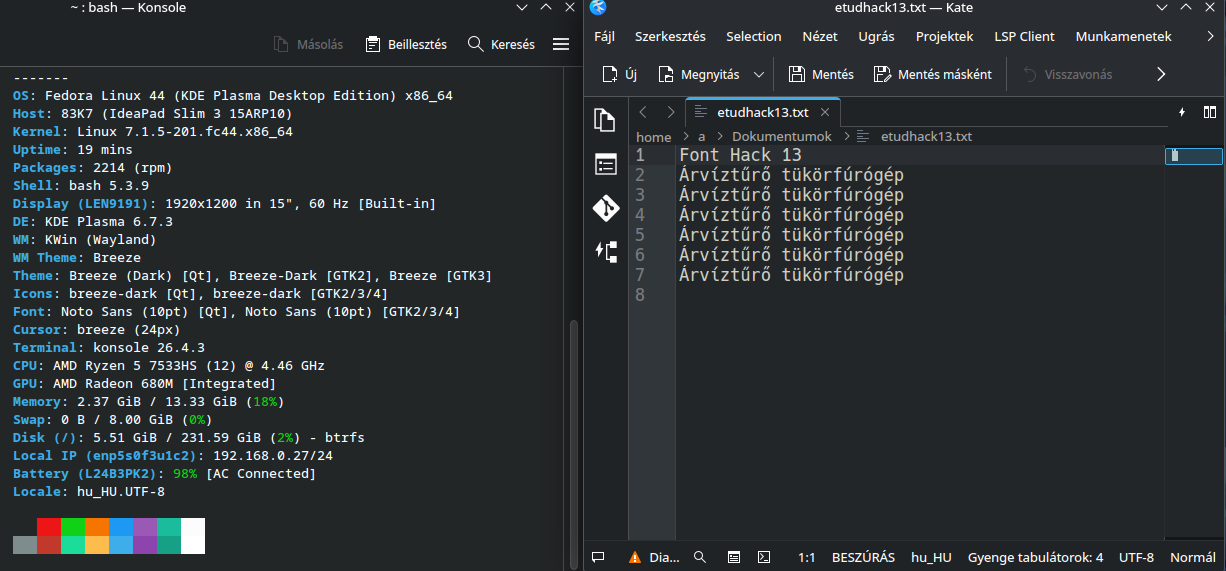
Few months ago I was installing a second distro on my test drive and noticed how blurry text in general seemed to be. of course I only tested KDE on fedora(bazzite) kubuntu and MX Linux(debian) all KDE, all different version of KDE of course but still… it didn’t make sense to me.
My monitor is an ISP 2560x1440p 27’ screen. on Endeavor text from desktop to kate editor displays great. on other distros it was hell on my eyes. I tried all the fixes you can think from the settings in KDE to my own monitor to suggestions from searching.
I tried to use the same fonts I use on Endeavor, from Ubuntu Nerd Font 12 to Worksans just try to keep the testing consistent.
What is it about EndeavorOS that the fonts look not blurry and don’t strain my eyes?
In Fedora I wrote into /etc/environment
FREETYPE_PROPERTIES="cff:no-stem-darkening=0 autofitter:no-stem-darkening=0"
I do not see the difference, though.
A sidenote: To prevent loosing some drivers during update (I read here here how to avoid it) nano /etc/dracut.conf.d/usb-boot.conf force_drivers+=" uas usb_storage xhci_hcd xhci_pci "
and then update
Yeah I also set that same environment var freetype and tested I saw no change. I also copied over endeavor font congif settings, couldn’t hurt, but no improvment.
What does work was settings KDE scale resolution to 120% to 150% which makes everything obviously huge yet less blurry but at the cost of losing the whole point of a 1440p monitor. My guess is that option is suitable for notebook and laptops with smaller screens.
If on EOS you use Xorg kde session, and on other wyland, this can be the main difference.
On X kde just sets proper DPI and apps render stuff properly.
On wayland in renders everithing in 96 DPI in smol resolution and then shakaling it to your big resolution in some crappy maner.