There is a HelixNotes-bin package too in AUR. According to the description in AUR this seems to be a deb version. Not sure what does that mean. But it seems that the .deb file is downloaded from gitlab and then installed manually.
It means that the binaries and other files are extracted from the deb package and built into an Arch package.
firefox-pure, especially when you are using wayland
One thing about this -bin package that must be stated:
If you don’t trust the AppImage because it’s a binary package, the -bin is no better. Also, the AppImage on the AUR is maintained by the actual developer of HelixNotes, whereas the -bin is not. If you can’t trust the developer, the only real option you have is to inspect the code yourself, then build it from source.
PS: Though I comment on this a lot now, I am not the developer lol. I am just enthusiastic about finally getting something I’ve wanted for years. 
But I’m not naive either, which is why I use firejail on Linux and NetGuard on Android.
This isn’t really true. The reason to avoid an appimage is that it has all the dependencies bundles into it.
Developers are notorious for packaging outdated and sometimes insecure libraries into these types of packages. This isn’t malicious, it is just a combination of laziness and/or lack of knowledge on the developers part. On the other hand, the deb package only contains the application itself.
To be clear, I have not looked at this specific appimage and I am no way accusing this developer of anything. Just noting what is common in many appimages.
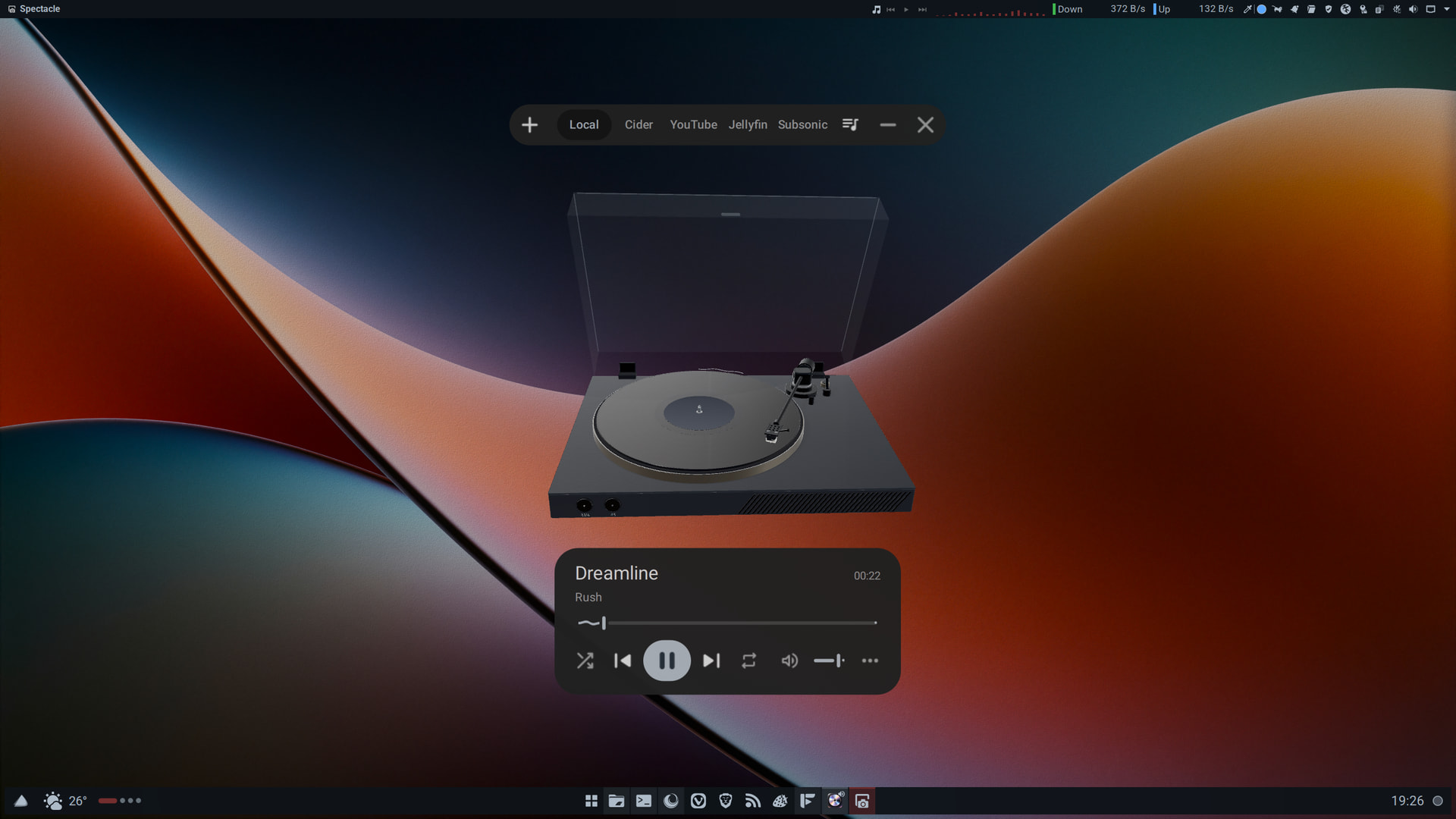
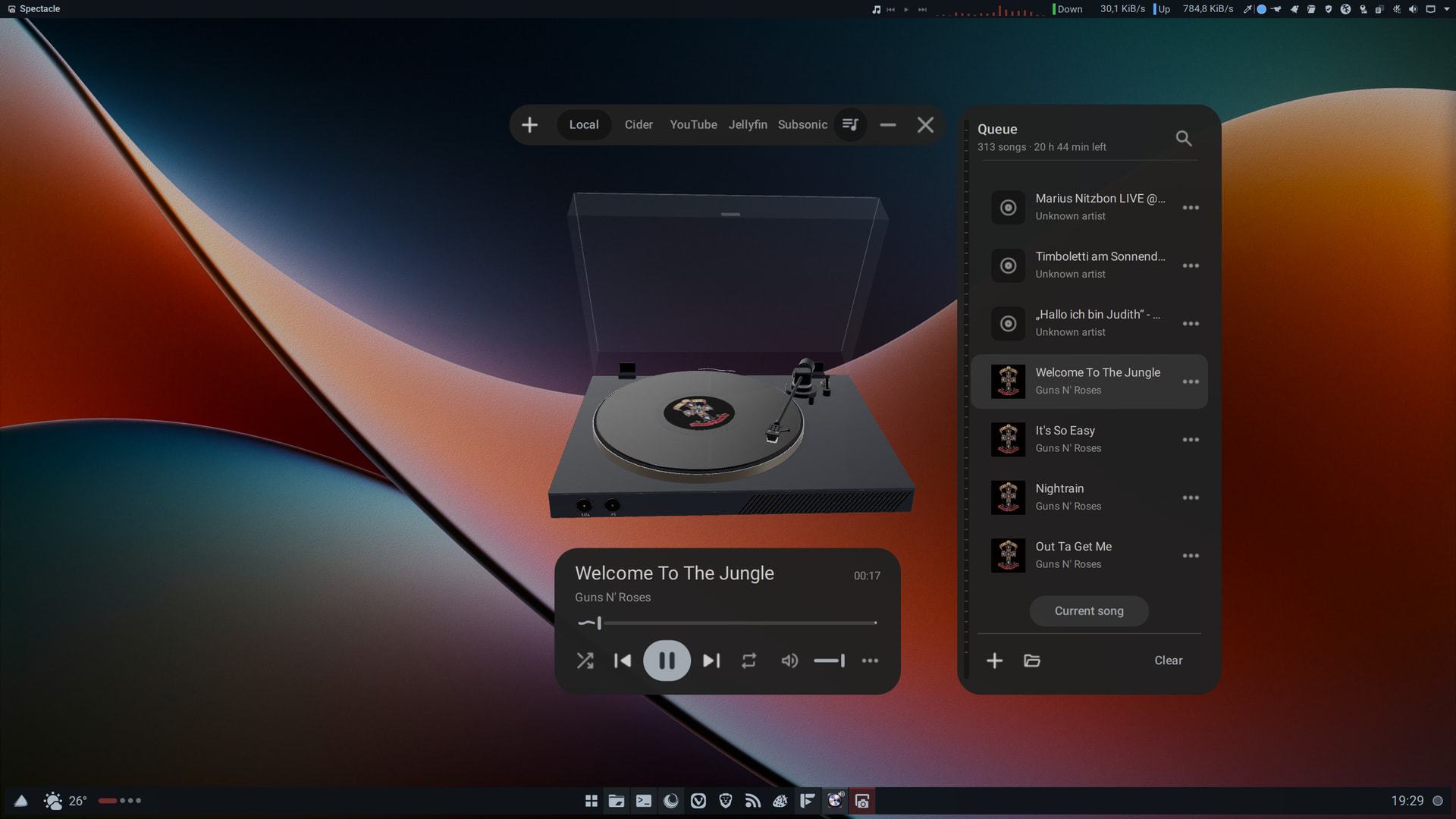
You’re right about that.
I guess the issue is if @Archie1 doesn’t want to use an AppImage because of a lack of trust in them (which is what I was assuming). Or if it is due to something else, like the security vulnerability you mentioned or previous issues with getting AppImages to actually launch, which doesn’t seem to be an issue anymore.
That said, AppImages are sometimes better than other packages, like Kdenlive and Krita, for instance. But these are exceptions, of course.
Is it easy to install it with the info from the dev’s github, ie?
sudo pacman -S --needed base-devel git cmake ninja python qt6-base qt6-declarative qt6-multimedia qt6-svg qt6-wayland taglib qt6-quick3d
I have installed it with
git clone https://github.com/yappologistic/Spun.git
cd Spun
./scripts/build.sh -DBUILD_TESTING=OFF
./scripts/install-launcher.sh
according to website
After trying Waywallen for some days now I really like how good it works in comparison to kde-wallpaper-engine-plugin and such.
It needs some extra steps before it works. But after setting it up you can enjoy wallpapers from waywallen and from your custom directories and also animated wallpapers from steam/wallpaper engine/. Haven’t had any compatibility problems with wallpapers from wallpaper engine I had with the plugin before.
I play with databases, a lot, weird hobby I know:
Think I have tried most of this apps competition, all use electron and some use very old versions, which are a pain. This is a tauri app so smaller and more compact, so time to uninstall:
- dBeaver
- Dbgate (preference previously, but really old electron)
- Beekeeper Studio
- Valentina
Though I will keep heidisql as a backup.
Vortix
Terminal UI for WireGuard and OpenVPN with multi-tunnel control, real-time telemetry, and leak guarding.
I just tested it with Windscribe and my wireguard conf.
sudo pacman -S vortix
Tolaria - Open-Source Markdown Editor Alternative to Obsidian, Joplin, HelixNotes
Website: https://tolaria.md
I actually found this one months ago, but ignored it because it has no Android support. It’s pretty much the same as HelixNotes mentioned above, but with a little more polish (and features).
It also doesn’t use Electron, and instead uses Tauri and React.
It even shares the same issue with HelixNotes when using Firejail - it won’t launch unless you unpack the AppImage, set permissions correctly, then repack it.
Apart from the added polish, the other main benefit is that is already has built-in search and replace, which is one of my feature requests for HelixNotes.
BUT, HelixNotes is available on Android, uses GitLab instead of GitHub, and has customisable themes other UI features, so… 
I just love that there are now proper open-source alternatives to Obsidian without having to change my whole workflow to match a specific app. I am now looking forward to seeing which one, if any, gets to feature parity for the Obsidian features that I (used to) use. 
That is cool, shame no android, but memory usage:
- **Joplin:** about **1,524 MiB** (1.49 GiB)
- **Tolaria:** about **253 MiB**
So 16% ish of Joplin.
Even if I’ve mentioned linecast fairly recently, the developer behind it is pretty active as it seems likes and has added several new features. Such as a year mode for the weather which is accessible via v shortcut in linecast weather or could be directly invoked via linecast weather --year directly.
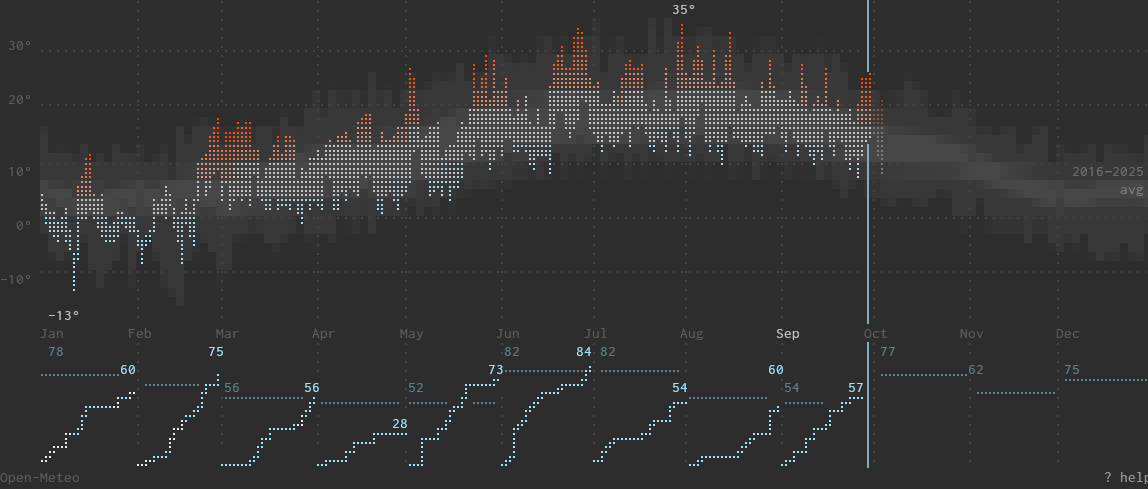
That graph compares the daily temperatures to the last 10 years averages. And the percipitation as well ( horizontal light blue line as the past average in comparison to the current month.
Inspired by this weather chart, according to the changelog.
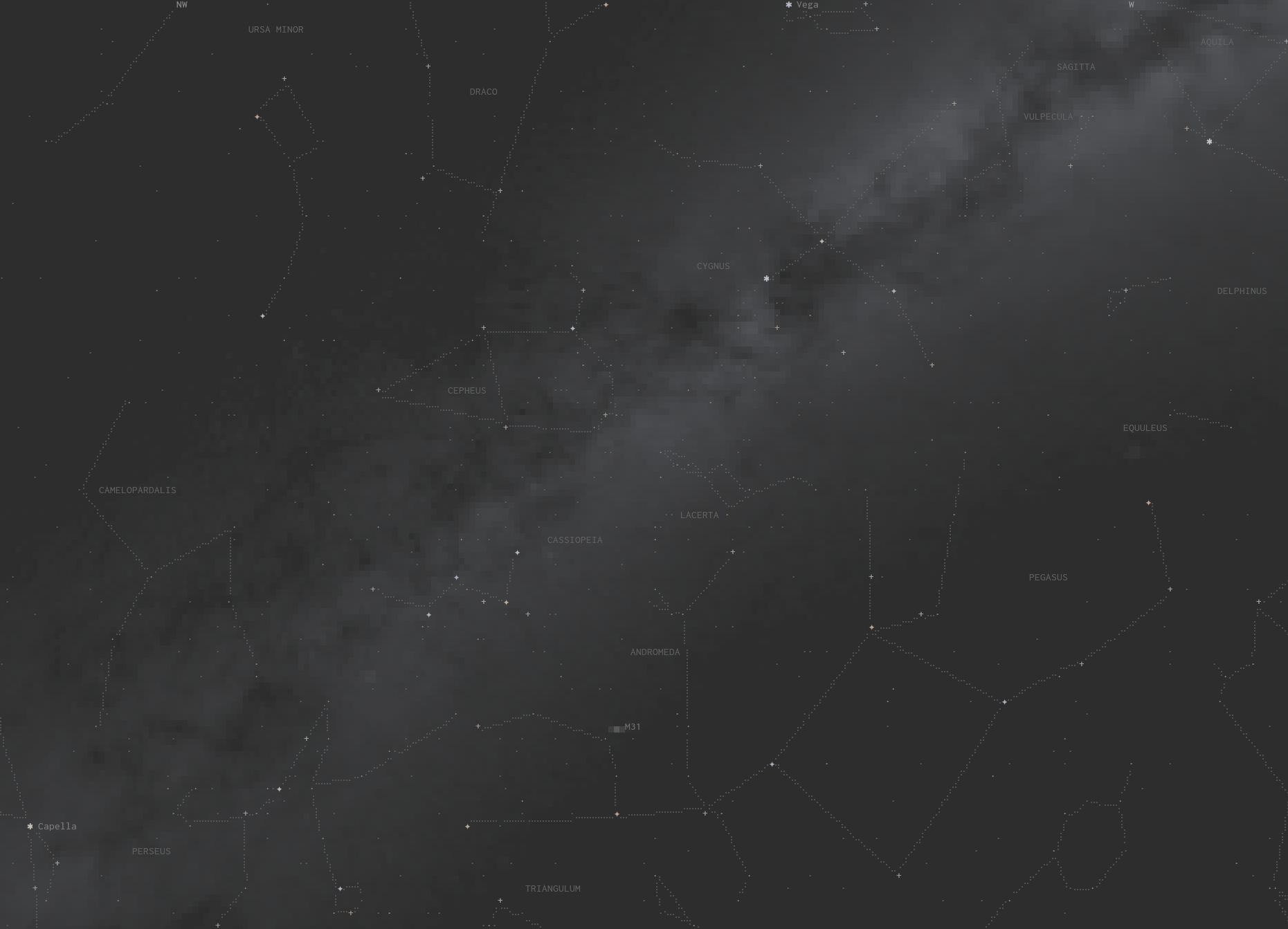
Also, if another mode introduced a bit earlier is linecast sky
Actually forgot to edit my post. I went to the GitHub and searched for “android”, found that it is being worked on. They use a site called “canny” to vote for feature requests.
I would use Joplin even with that memory usage if it didn’t anonymise file names.
To test tolaria, I exported my joplin notes, seemed to work cleanly.
Oh, I know Joplin can do this.
It can even let you right-click a note, then open it in an external editor.
Awesome feature.
But, can I open my vault with Kate or another editor and find the files I need easily without first exporting from Joplin? - No.
This is quite literally the only reason I don’t use it.
I dislike Electron, but not that much.
I have to export my notes first, which means I’m duplicating all of those notes just to edit them in whatever random editor I need/feel like using. Then, I have to probably delete my vault and re-import my notes into Joplin, just in case I forgot which notes I edited outside Joplin to make sure I don’t miss any edits I made.
This is why Joplin is something I love, but also hate. 
It can do all the nice things Obsidian can do, but Kate can do nice things neither of them can do, so I need something that doesn’t make it difficult to alternate.
so whats it called?
Tolaria, HelixNotes and others use GTK as their UI toolkit.
Tolaria creates and uses a node server process in the background, apparently like Obsidian does.
Additional Tolaria uses ReactJS. Which happens to be a Meta/Facebook spin off.