A friend recommended it, and after installing it I was impressed by how easy it makes it to see what applications and processes are communicating with the Internet on your system.
Vermouth. Someone requested the icon for it.
Description
A game and app launcher for Linux - native, Windows, and retro.
KDE-first, lightweight, no frills.
Anyone here ever given this a shot?
Picosnitch, very nice, thanks for that! 
Can it actually block them, like a firewall, or just monitor them?
I normally use Portmaster, but picosnitch more lightweight.
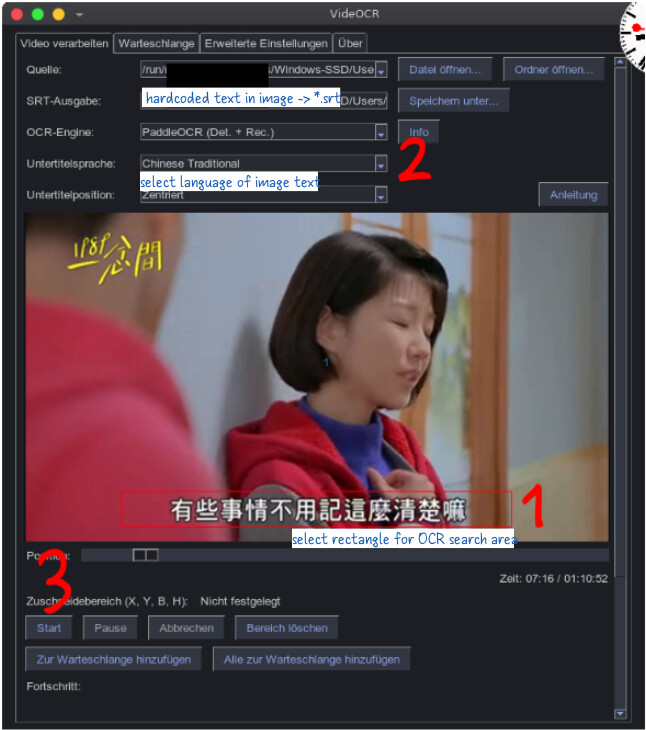
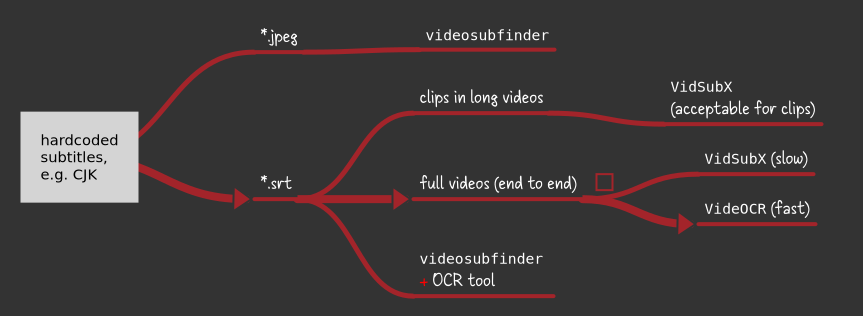
https://github.com/voun7/VidSubX (「voun7/VidSubX [300MB]」, N 2026 @ 2026年6月5日)
https://github.com/timminator/VideOCR (「timminator/VideOCR [480 MB]」, timminator 2026 @ 2026年6月5日)
EDIT: This is for extracting text from videos, regardless of language, for example, extracting the running score, penalty etc. during a sports event, its main use case is the hardcoded in-image subtitle extraction.
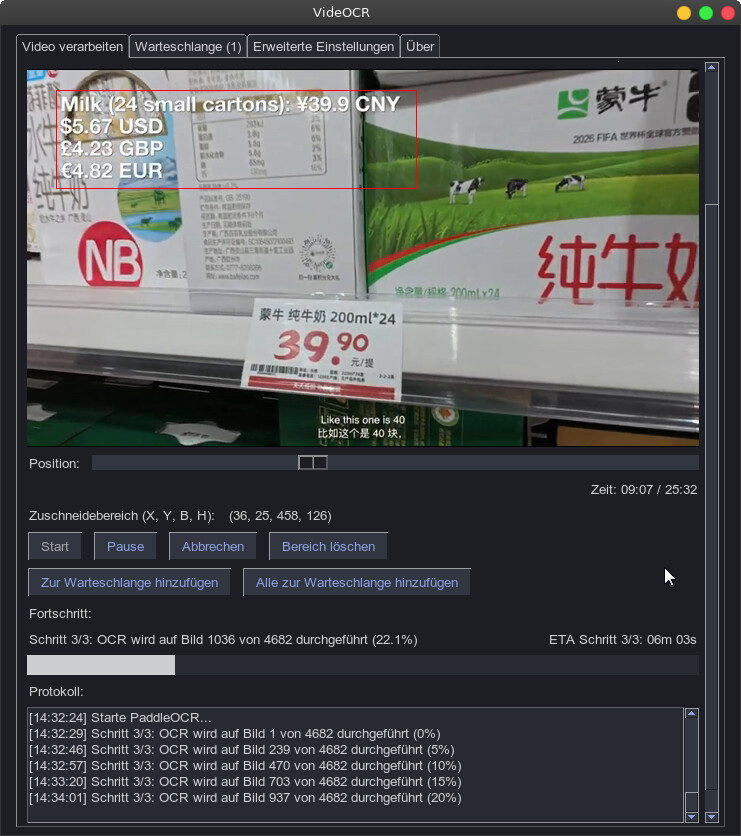
EDIT 2: Here, I extract price information from a video.
No, it can’t block connections. It’s just real-time monitoring.
I used Portmaster in the past but I always had issues with DNS using it. I prefer to use Opensnitch.
Same here.
Though today I realized that it will need a bit of love from the package maintainer as it has been flagged out-of-date since 2025-12-15 
I’m using the Arch Package:
extra/opensnitch 1.7.2-4
I know that I’m not on the most current version.
I had some issues with the AUR package when I moved from LMDE to EndeavourOS a few years ago.
Looks like the biggest change in 1.8.0 is the update to qt6.
someone shared the OG littlesnitch here in the forum though cannot find it. but i do have the link save: Littlesnitch for Linux
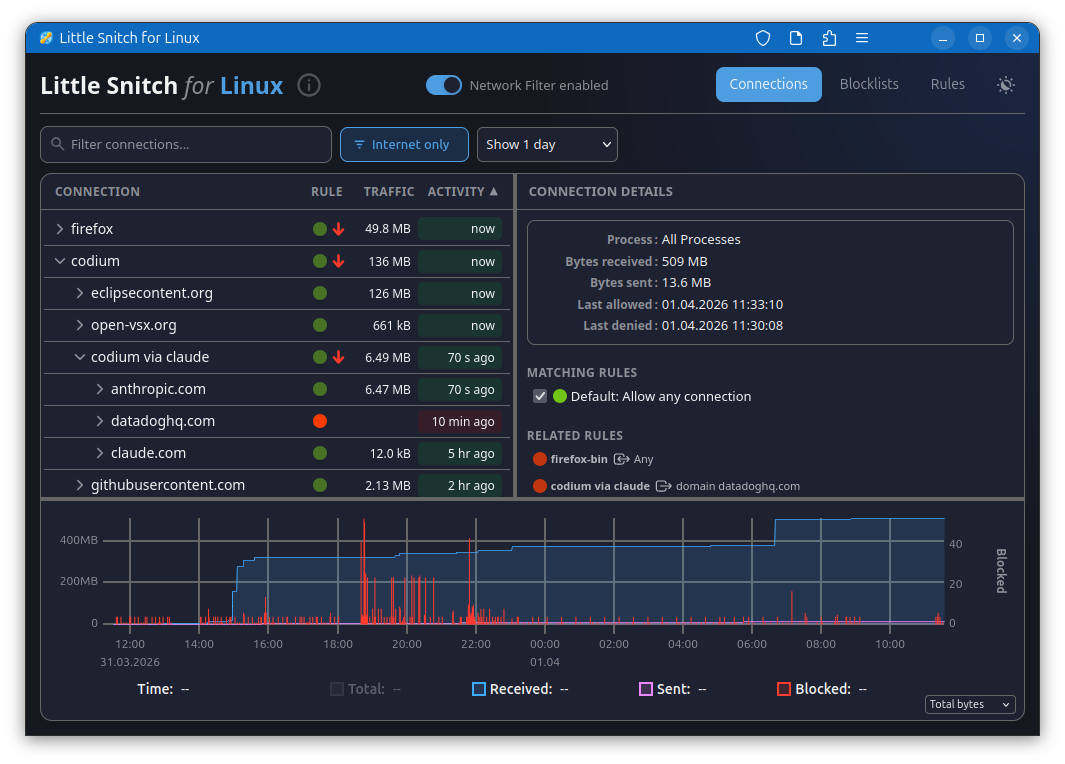
credit to him
although to be honest i like opensnitch more cause i hate browser thing to access.
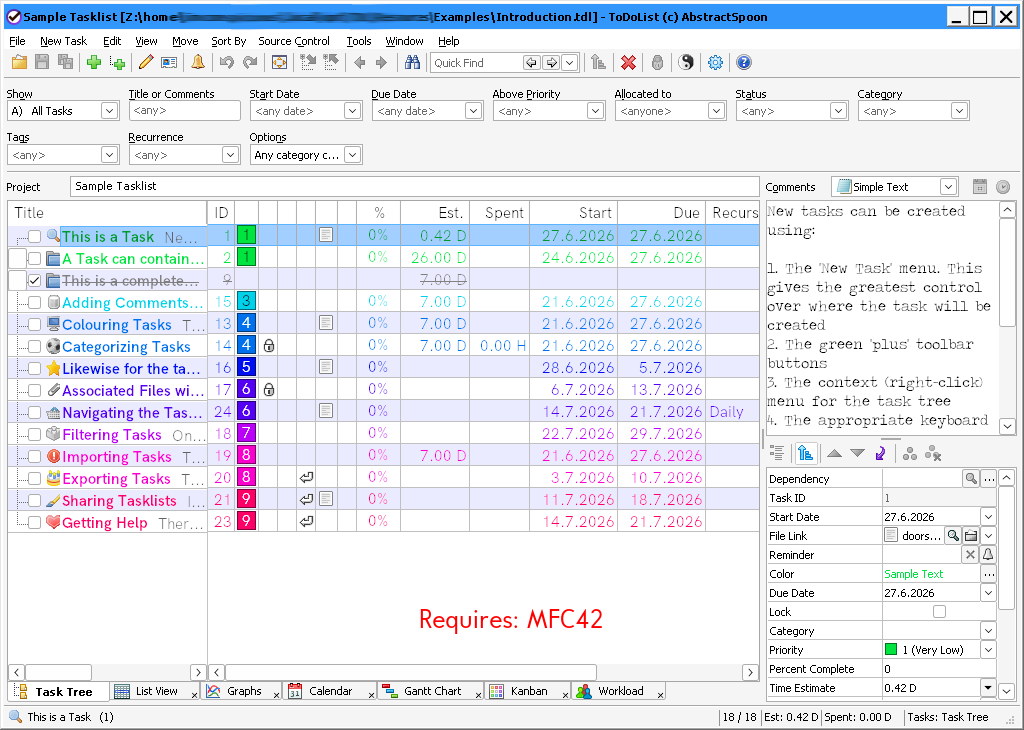
ToDoList is a task-tree outliner (for wine w/ mfc42.dll), the developer reacts to tickets about Linux.
From a Facebook group, I found this app, made by someone I know.
It’s an advanced offline diagnostic tool that analyzes the software installed on your Linux machine (various distros) and generates a highly visual, interactive map of dependencies.
I’d say it’s very convenient, having the situation at hand, so at a glance, in my opinion.
Interesting tool
This is a magnificent Weather widget. Tons of settings and looks really beautiful
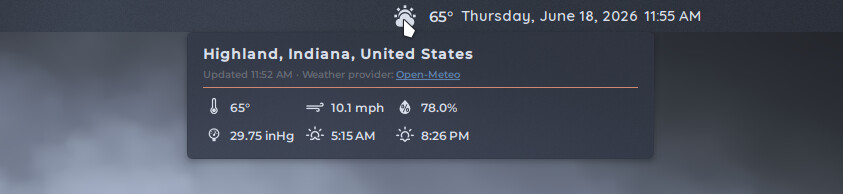
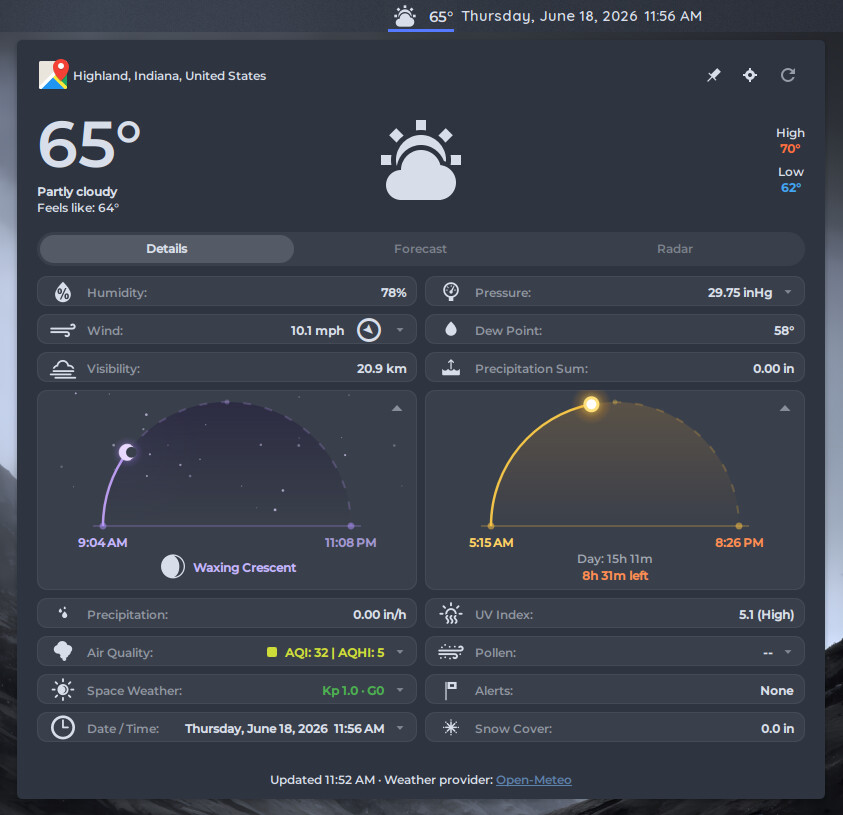
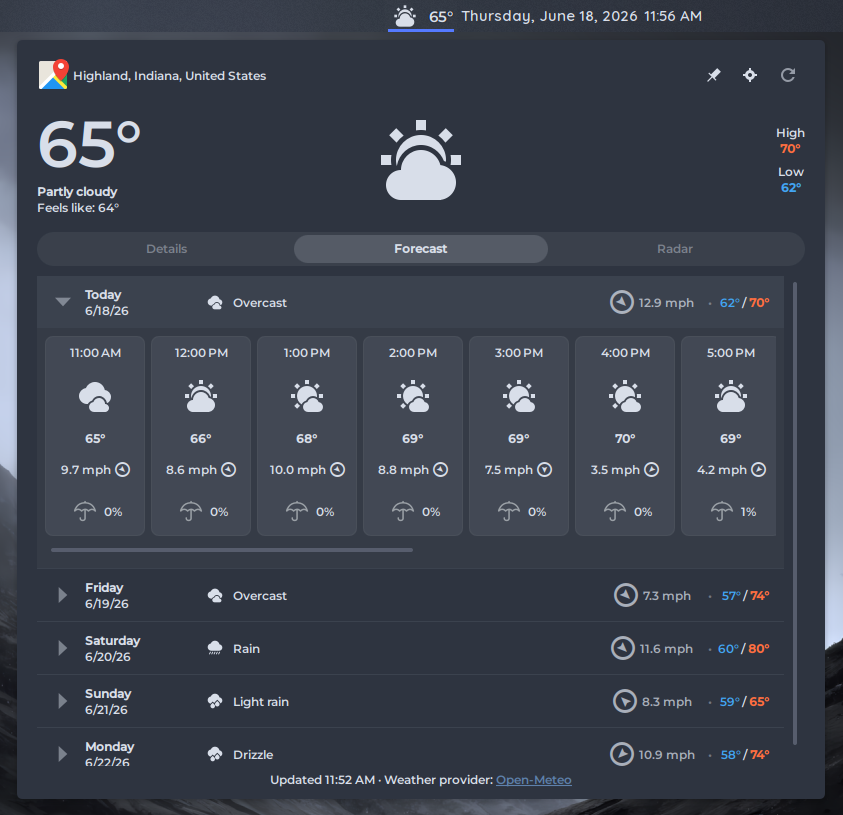
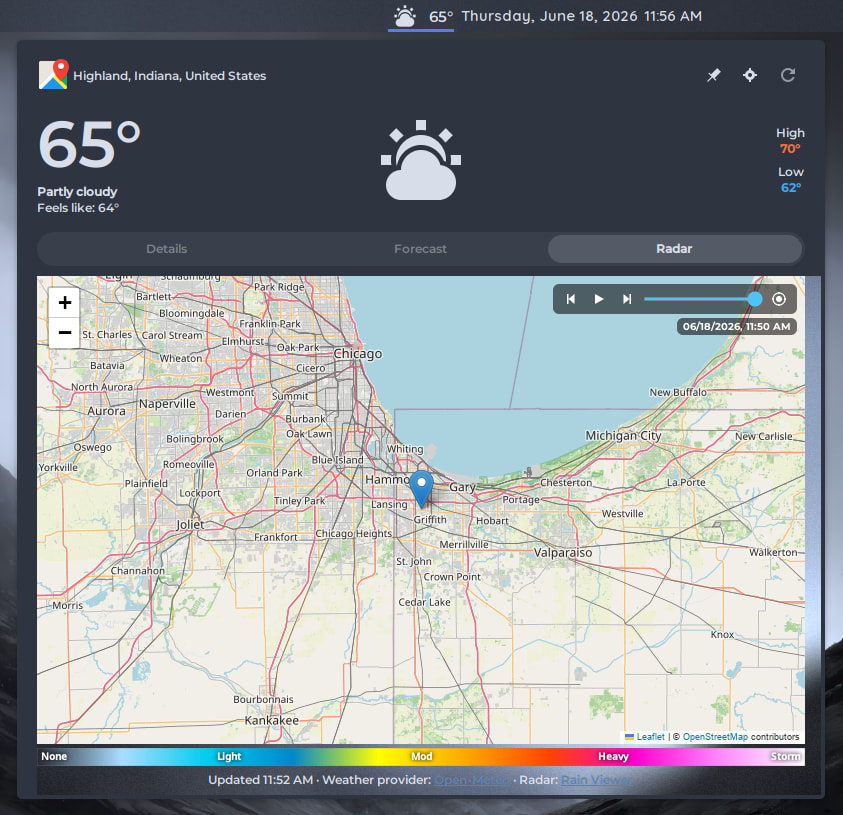
Indeed. However, each time I do an update to plasma it disappears, it would get disabled.
I think I need to add a widget to restart the plasma shell too, or make an alias
I need to see how the widget behaves on my plasma. I just saw it today and added it
It is an excellent, it is inspired by MSN weather site.
How and where did you install this plasmoid file from the creator? Can’t figure this out. I like to install it. is it done via the Widgets side-bar app in plasma?
Rich;)
Excellent weather coverage . . . . plasma dev’s need to look into a comprehensive weather app that gives you everything ( i.e. location, conditions, wind, precip, humidity, cloud coverage, air pollution via sensor measurements, and radar overlay).
Rich 