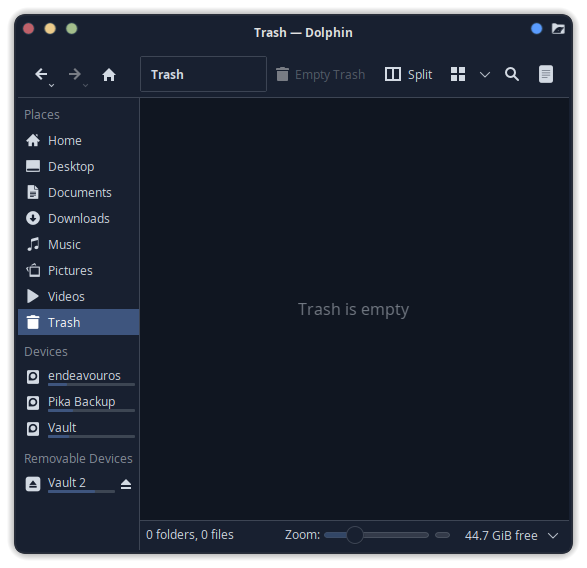
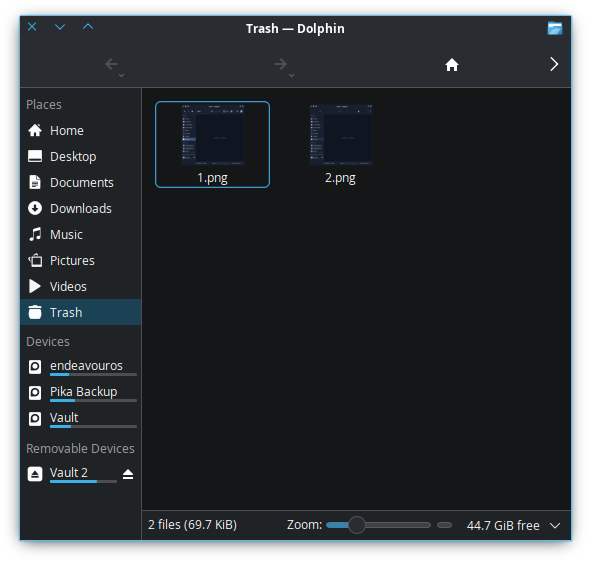
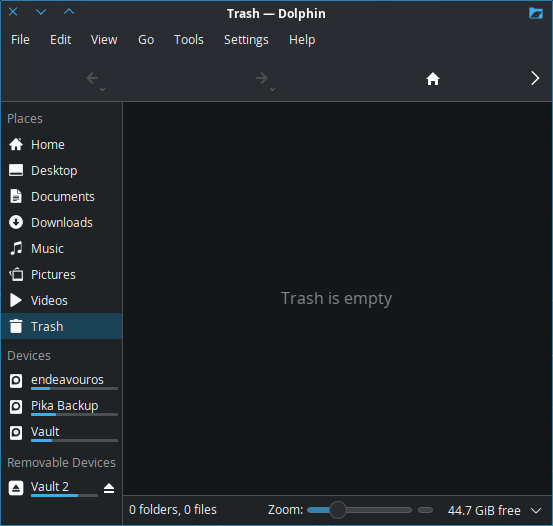
And odd one here…
Opening trash can from widget:
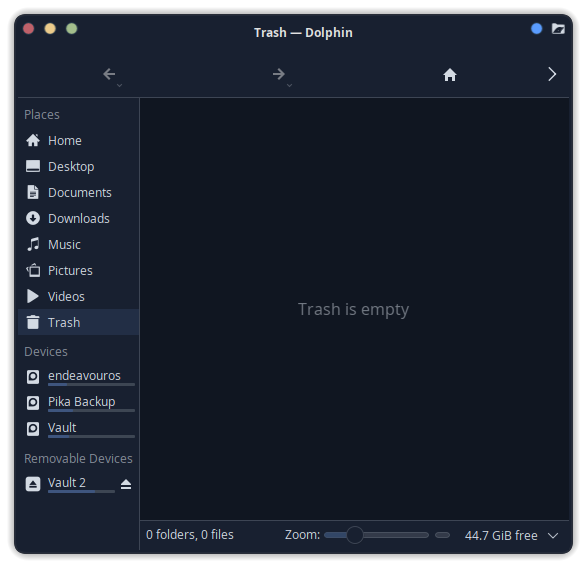
Opening from within Dolphin (clicking “trash”)
Yeah I’m not seeing that same behaviour at all. Have you modified any of the settings at all for limits or quotas? I don’t know why your menus would be missing at the top though..
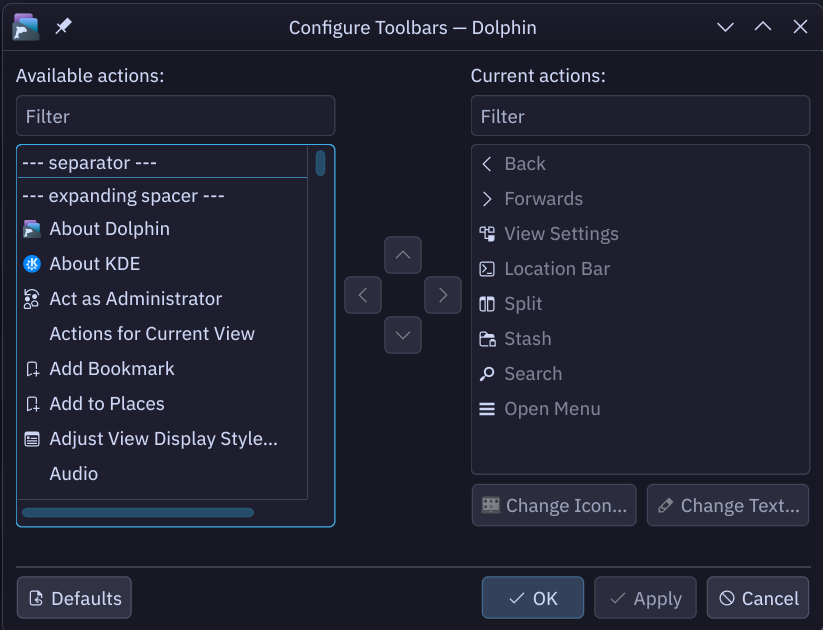
Edit : I vaguely remember a thread where people’s Dolphin menubars were markedly different and no one could figure out why. Not sure if this is related, but it popped up in my head for some reason. I don’t have the same toolbar layout as you.
This just started about 2 updates ago. I haven’t modified ant settings regarding trash. And there really are no settings fort the widget itself.
have you tried switching themes?
I hadn’t thought to do that yet. I’ll give that a shot in my next theme-tweaking session.
Just a thought, try pressing Ctrl+M on that window and see what happens or if the display changes. As the illustrious @thefrog stated indirectly, it might potentially be a theming or icon issue.
try a different icon set
Tried all the icon sets I have installed. Same issue. 
did you change it log out or reboot?
I only ask because sometimes things don’t seem to change for me until I do a reboot.
Rebooted
I’m unable to reproduce the issue.
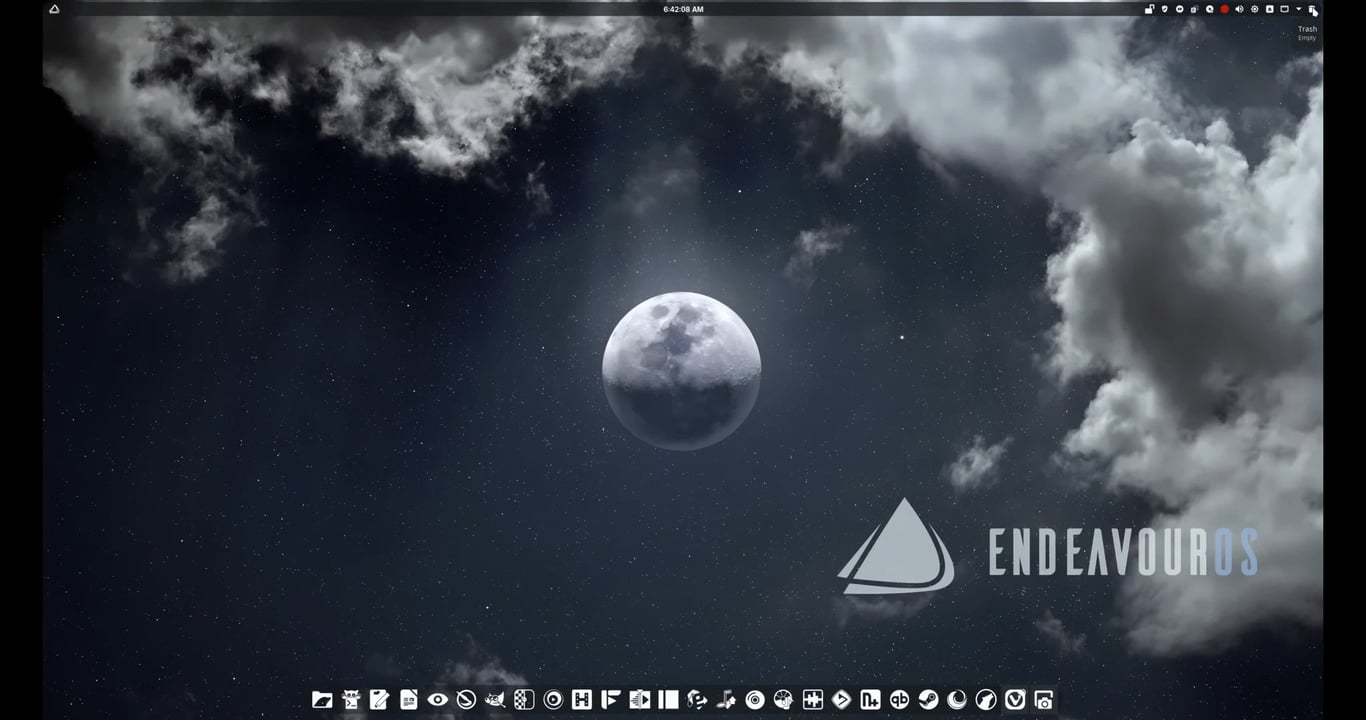
It changes the defaults to Dolphin, but has no effect on what happens after clicking trash widget.
This is absolutely bizarre… Does changing the icon size from the default settings on the toolbar do anything?
Here’s mine. Opened from trash widget. Tested on both kvantum and breeze app style.
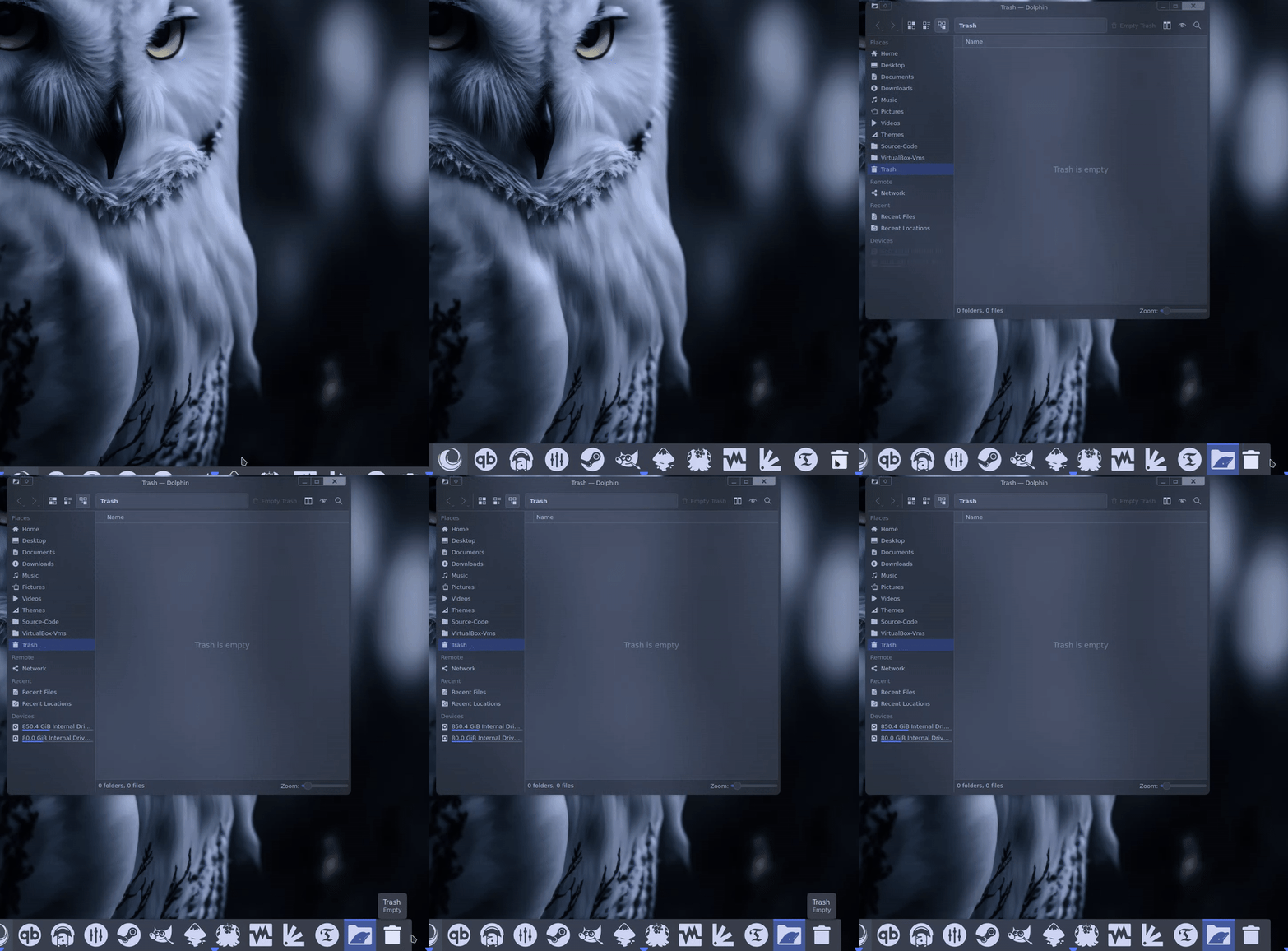
Not sure if this will help. What is your dolphin version @UncleSpellbinder ? In theory since you always update your system, it should be up to date with v25.12.0.

Nope.