Waydroid is available in the archlinux extra repository.
Waydroid allows you to run an Android session in a container.
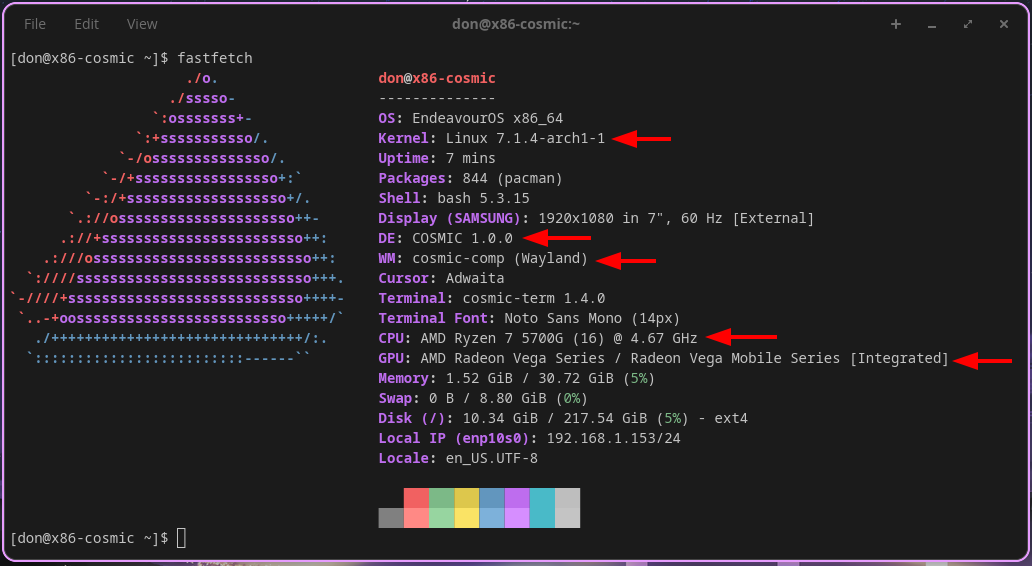
Waydroid must be run in a Wayland session. I chose Cosmic as DE as it is Wayland only, and rust oriented. I would image it works well on KDE Plasma? If anyone tries a DE other than Cosmic and it works, let us know.
In a terminal window:
sudo pacman -Syu waydroid
sudo waydroid init
sudo systemctl enable --now waydroid-container.service
sudo firewall-cmd --zone=public --permanent --add-port=67/udp
sudo firewall-cmd --zone=public --permanent --add-port=53/udp
sudo firewall-cmd --zone=public --permanent --add-forward
sudo firewall-cmd --zone=public --permanent --add-interface=waydroid0
reboot
after reboot
$ waydroid session start & (wait for "Android with user0 is ready")
press enter to get your cursor back
$ waydroid show-full-ui
you are now in Android
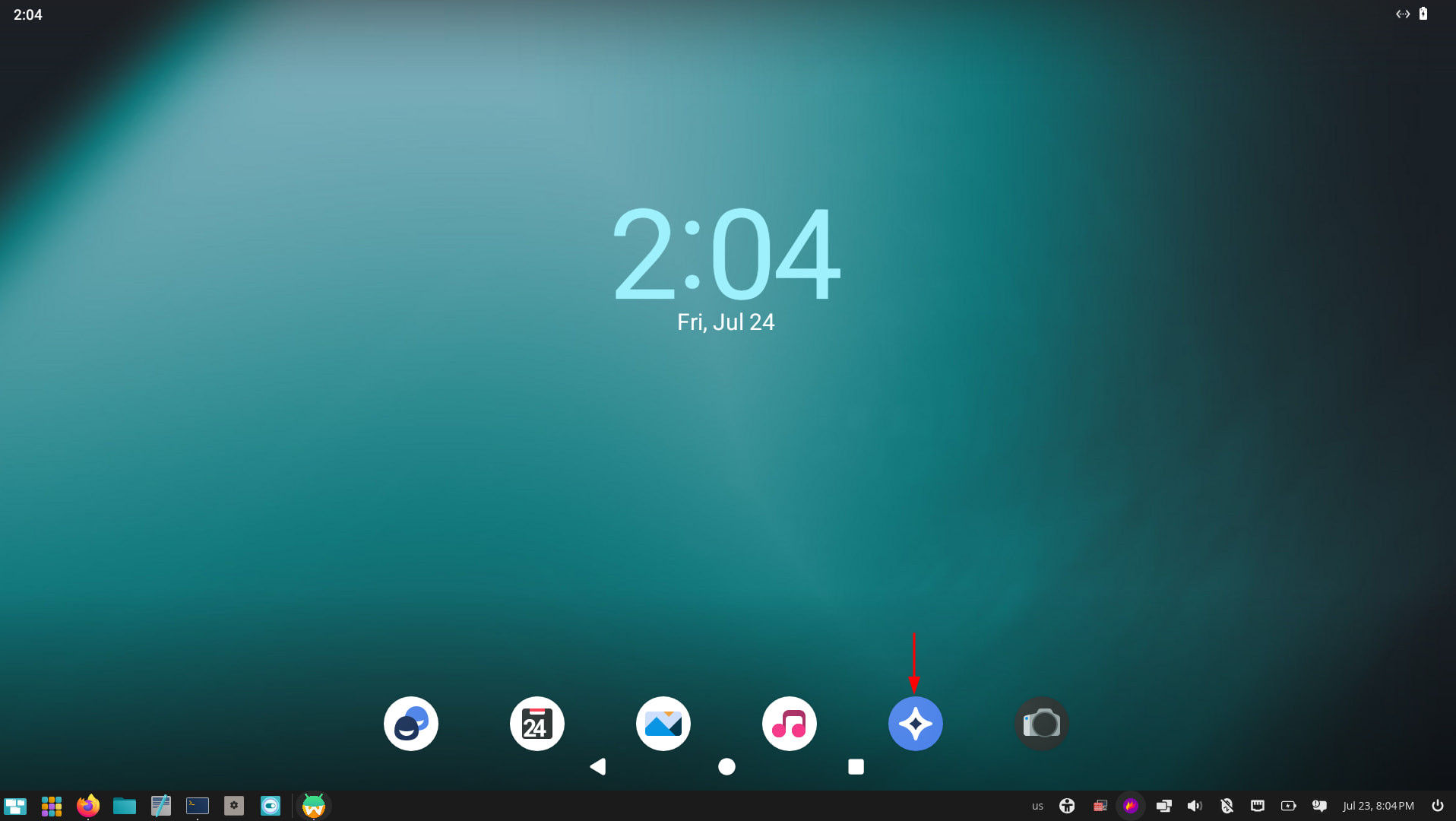
To test if the internet is available, click on the browser icon indicated by the arrow.
Some more Waydroid commands to use in a Linux terminal
Launch a shell:
# waydroid shell
Install an application:
$ waydroid app install $path_to_apk
Get the application list:
$ waydroid app list
Run an application (Note, $package_name referes to the `packageName` attribute as shown by the list command and not to the literal name of the package as shown in the `Name` attribute):
$ waydroid app launch $package_name
Pudge